Start with how the planner will be used
A dated planner assigns each page or box to a specific day, week, or month. An undated planner leaves some or all of those labels blank for the user to fill in. Neither approach is automatically more useful. The better choice depends on whether the planner needs to show the passage of time at a glance or accommodate a schedule that starts, stops, or changes.
A dated monthly calendar can make deadlines and recurring commitments easier to locate because every date already has a fixed position. It also removes the small task of writing dates before planning. An undated weekly page, by contrast, can be used for the next week that matters, even after a long break. That flexibility is especially helpful when someone prints pages as needed rather than assembling a full-year planner.
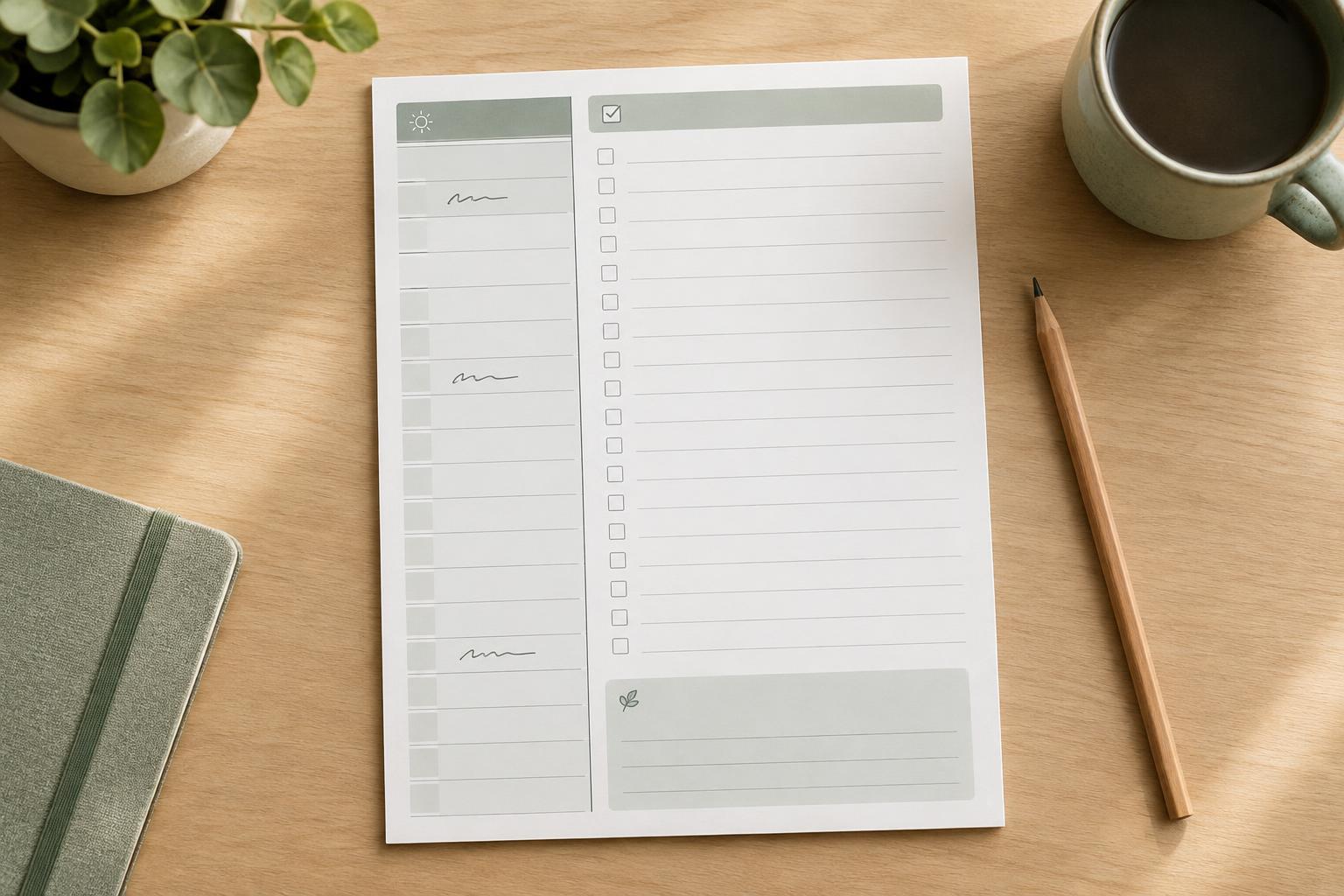
Before designing, decide what a completed page should answer. Is it primarily a calendar, a task list tied to a week, or a record of routines? That purpose should determine how prominent the dates are and how much space remains for writing.
How dates shape the page
Dates are part of the layout, not just text placed into a finished template. A dated monthly grid must accommodate months that begin on different weekdays and have different numbers of days. If every calendar uses the same grid height, some months will have empty boxes; if the height changes, the writing area and surrounding elements may shift. Either solution can work, but consistency should be intentional.
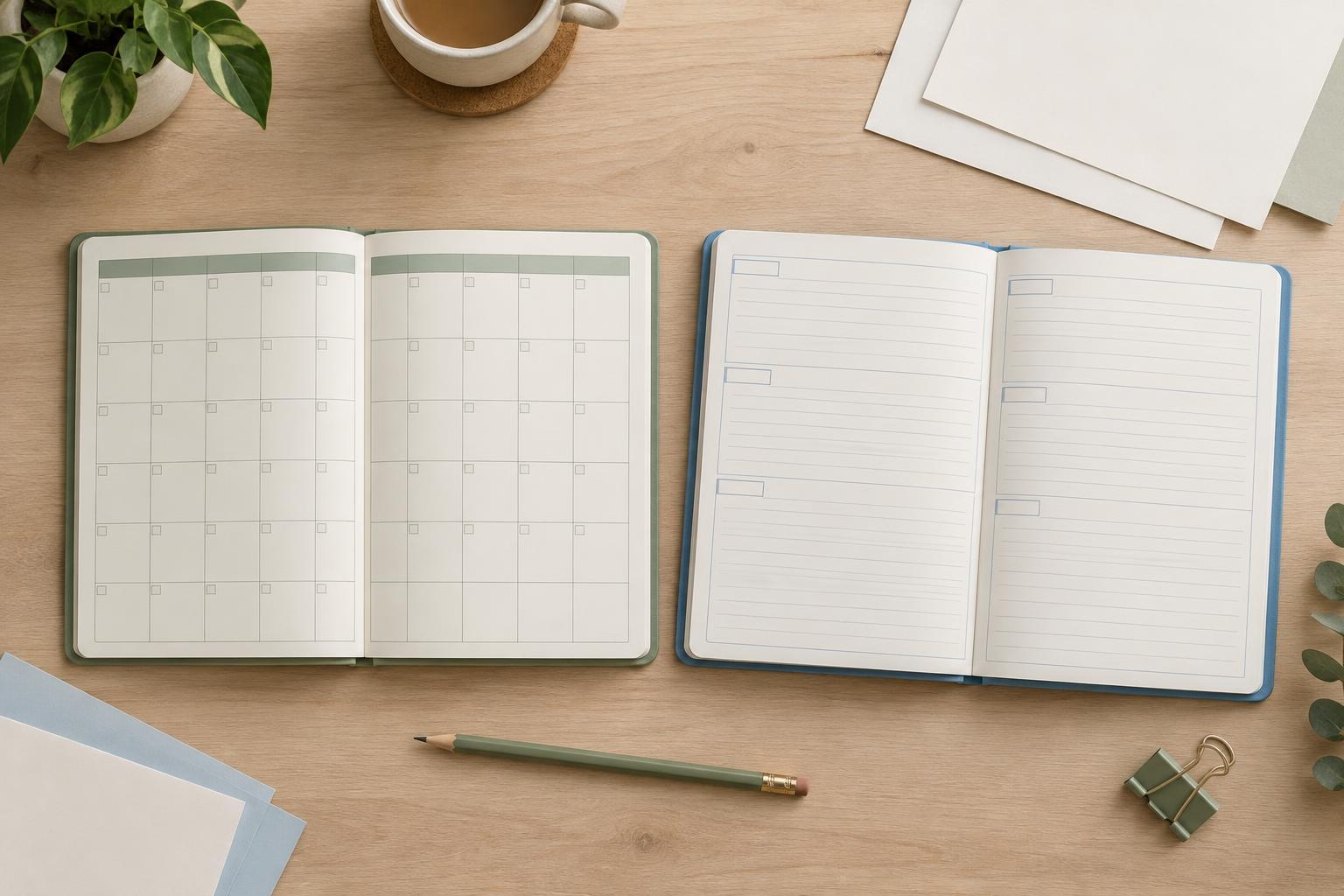
For a reusable undated monthly grid, leave room for the user to enter the month, year, and day numbers. Keep the number area small enough that it does not compete with appointments, but large enough to write in comfortably. A six-row grid can accommodate any month without changing the page structure, although months that need fewer rows will have unused space. A five-row grid may offer larger boxes, but it will not suit every month in every year.
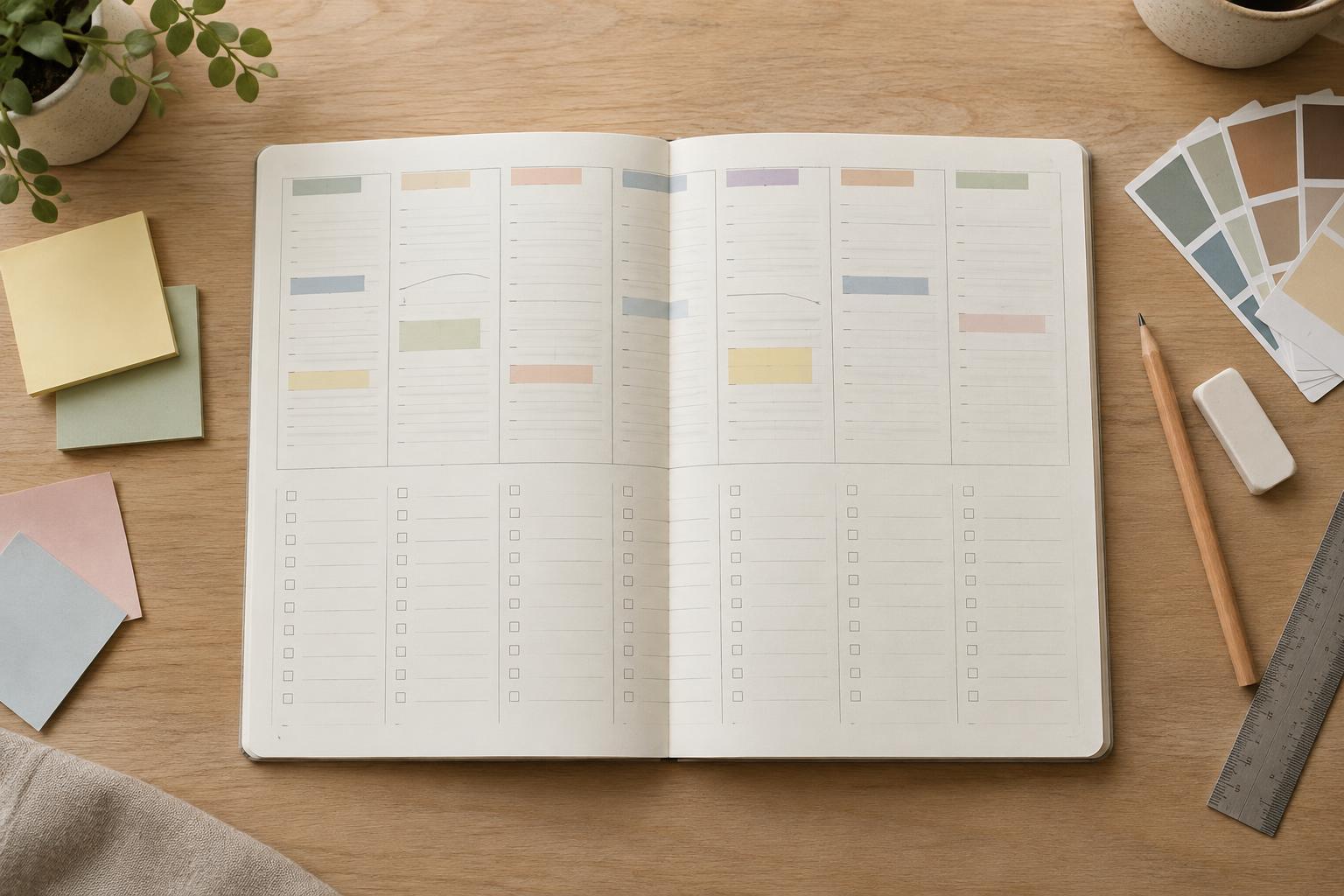
Weekly layouts offer more freedom. A dated version can print the date beside each weekday, while an undated version can provide a short blank line in the same position. If the planner is meant for printing, test that line and its labels at actual size. Space that looks generous on a screen may feel cramped once someone writes on paper.
Balance guidance with writing space
Dated pages provide structure before the first mark is made. Month names, week ranges, and day numbers can guide the eye through a planner, especially when they follow a consistent typographic hierarchy. Use a clear distinction between the page title, weekday labels, dates, and user-entered content. Heavy type and saturated color are best reserved for elements that need quick recognition; quieter labels leave more visual room for notes.
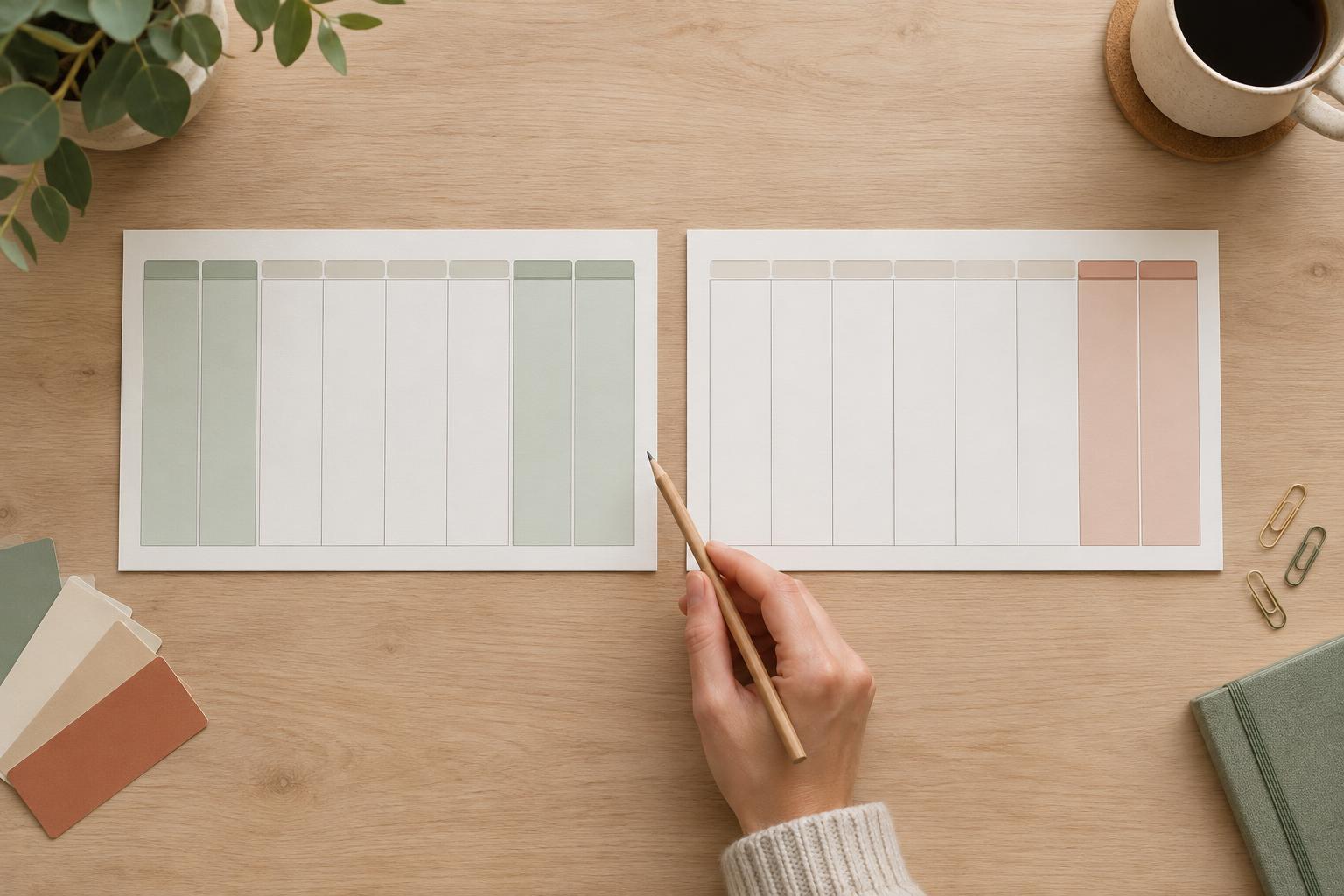
Undated pages need prompts that explain what to fill in without making the layout look unfinished. A field labeled “Week of” is often clearer than an isolated blank line. On a monthly page, separate spaces for month and year reduce ambiguity. Consider whether weekday headings should be printed or left blank: printed headings save effort, while blank headings allow a user to choose where the week begins.
Both formats benefit from a realistic writing test. Print one page, fill it out with an ordinary pen, and check whether dates, tasks, and longer notes fit without crowding. If they do not, simplifying decorative elements may help more than shrinking the text.
Plan for printing and customization
A dated planner takes more preparation when it covers many weeks or months. Each page needs the correct dates, and a change to the page design may have to be repeated across the set. An undated master page is easier to duplicate without calendar corrections, though the user takes on the work of labeling it. This is a practical trade-off rather than a reason to avoid dated pages.
For either format, keep recurring elements in consistent positions: margins, headings, writing lines, and page numbers if used. If you are customizing a template, make a copy of the original before changing it. Check the first and last pages as well as a typical middle page; a layout that works for one month may not reveal problems caused by a longer month or an extra calendar row.
When printing, leave comfortable margins and avoid placing essential text at the paper’s edge. A simple black-and-white test can show whether pale lines disappear or large color areas use more ink than you intended. If the planner will be used digitally instead, inspect it at the size and zoom level at which someone will actually write or type.
Choose a format that suits its lifespan
Choose dated pages when the planner is built around a specific calendar period and quick reference matters more than reusing unused pages. Choose undated pages when people may start at different times, print selectively, or return after gaps. A mixed format can also be effective: dated monthly calendars for an overview, paired with undated weekly planning pages that are added only when needed.
Whichever route you take, design for the work that happens after the page is made. Dates should be easy to find, blank fields should be easy to fill, and the page should still have enough open space to be useful. A planner is most reusable when its structure supports a routine without demanding that every week look the same.