
PresentationsA presentation can leave room for questions without trying to answer every possible one on screen. Learn how to identify likely questions, prepare useful backup slides, and navigate them without losing the thread of your talk.
Read article · 3 min↗

PresentationsA slide that looks clear on a laptop may be difficult to read when projected. Learn how to adjust text, contrast, charts and layout for an audience seated across a room.
Read article · 4 min↗

PresentationsA chart can be accurate and still confuse an audience. Learn how to spot misleading axes, unreadable labels, unsuitable chart types and visual clutter before they reach your slides.
Read article · 4 min↗
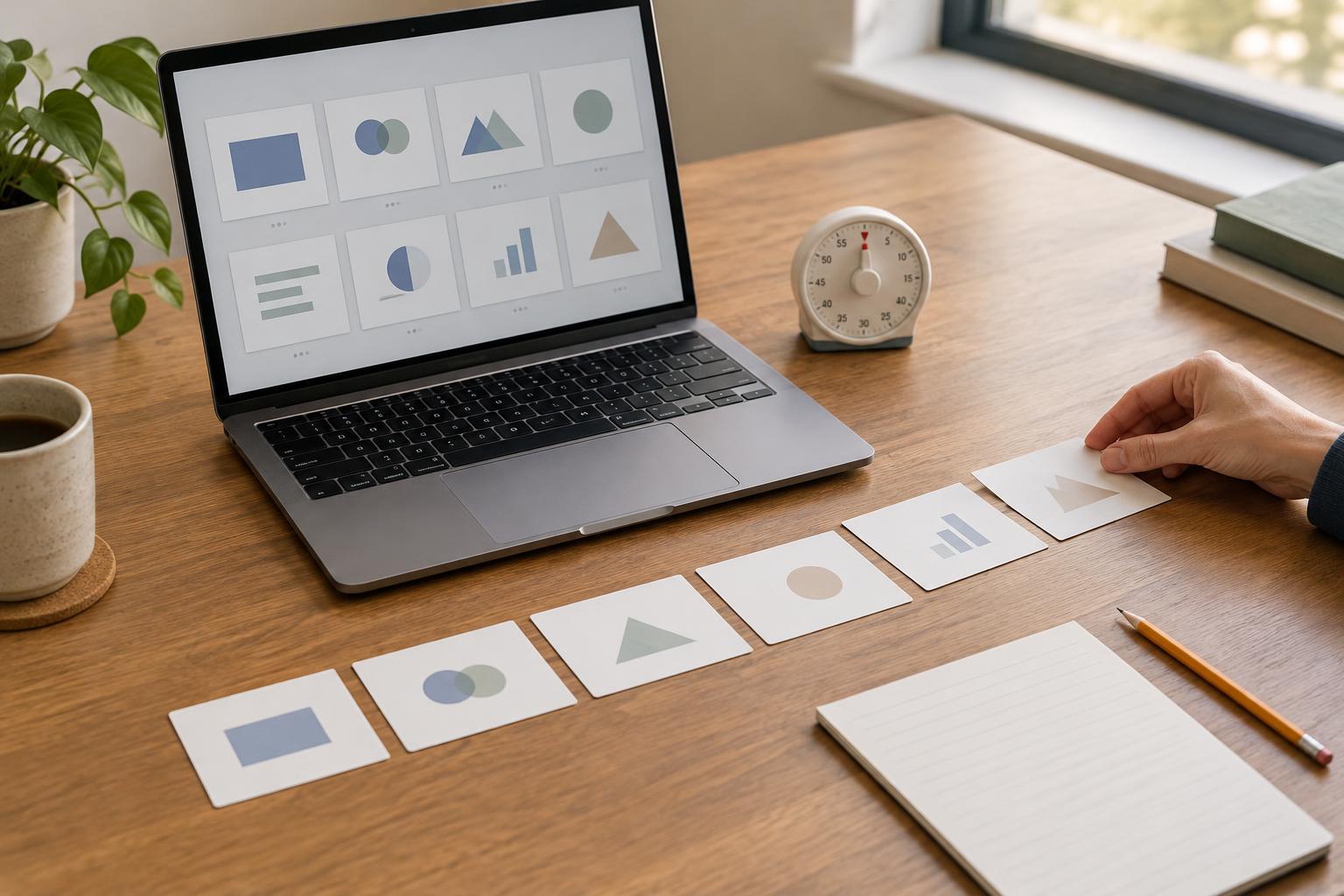
PresentationsA useful slide count starts with the time available and the ideas your audience needs to understand, not a fixed slides-per-minute rule. Learn how to build a time budget, match slides to speaking tasks, and rehearse a talk that can adapt if the clock runs short.
Read article · 4 min↗

PresentationsA deck that supports a speaker has a different job from one that must explain itself. Learn how to adjust structure, slide titles, text, visuals, and navigation so each version works for its audience.
Read article · 4 min↗

PresentationsSpeaker notes work best as cues for what to say, not a script to read aloud. Learn how to turn your slide outline into clear prompts, smooth transitions and useful reminders that help you stay connected with your audience.
Read article · 4 min↗

PresentationsSlide animation is most useful when it guides attention, reveals a sequence, or makes a change easier to follow. Learn how to decide what to animate, what to leave still, and how to test whether each effect helps your audience.
Read article · 3 min↗
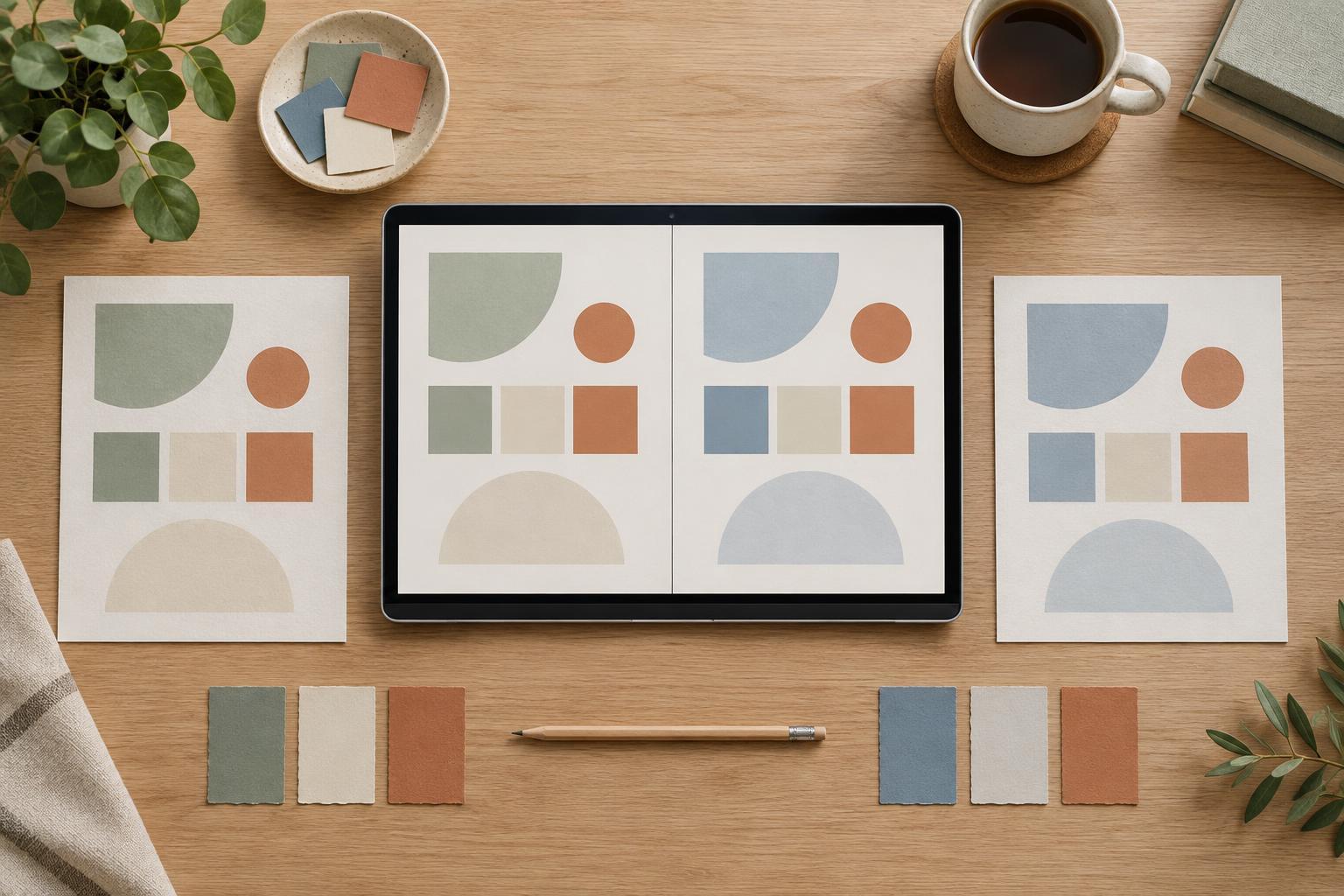
PresentationsA side-by-side slide can make a choice easier to understand—or quietly favor one option through wording and layout. Learn how to select useful criteria, give each option equal visual treatment, and make trade-offs clear.
Read article · 4 min↗
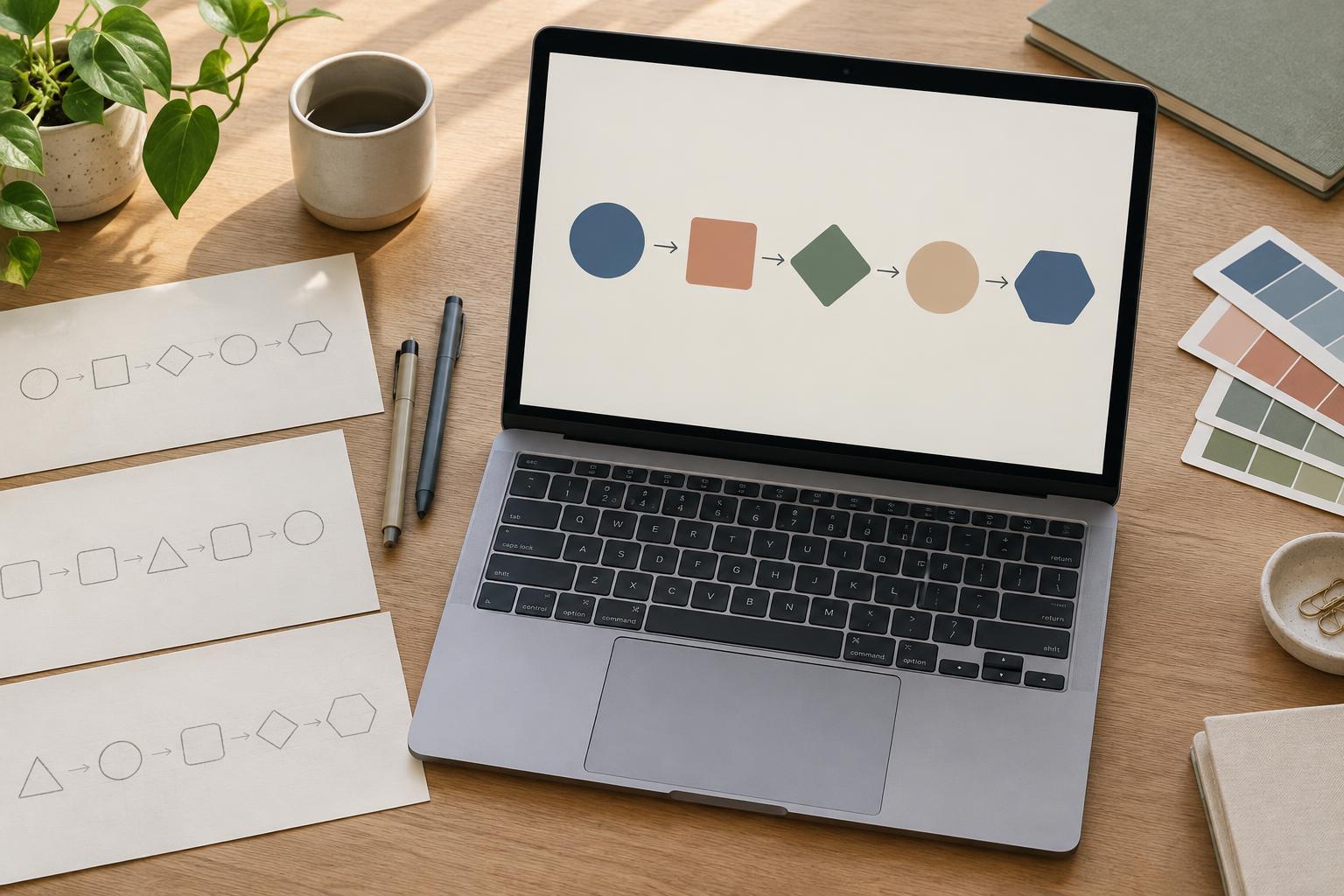
PresentationsA useful process diagram shows more than a sequence of boxes. Learn how to identify the main steps, choose a layout that matches the process, and use labels, spacing and color to help an audience follow the path.
Read article · 4 min↗

PresentationsA useful chart annotation does more than label a number. Learn how to choose one takeaway, direct attention to the right data, and keep the chart honest and readable on a presentation slide.
Read article · 4 min↗

PresentationsA table helps people look up precise values; a chart helps them see a pattern. Learn how to choose between them, simplify each one for a slide, and use both when your audience needs context and detail.
Read article · 4 min↗
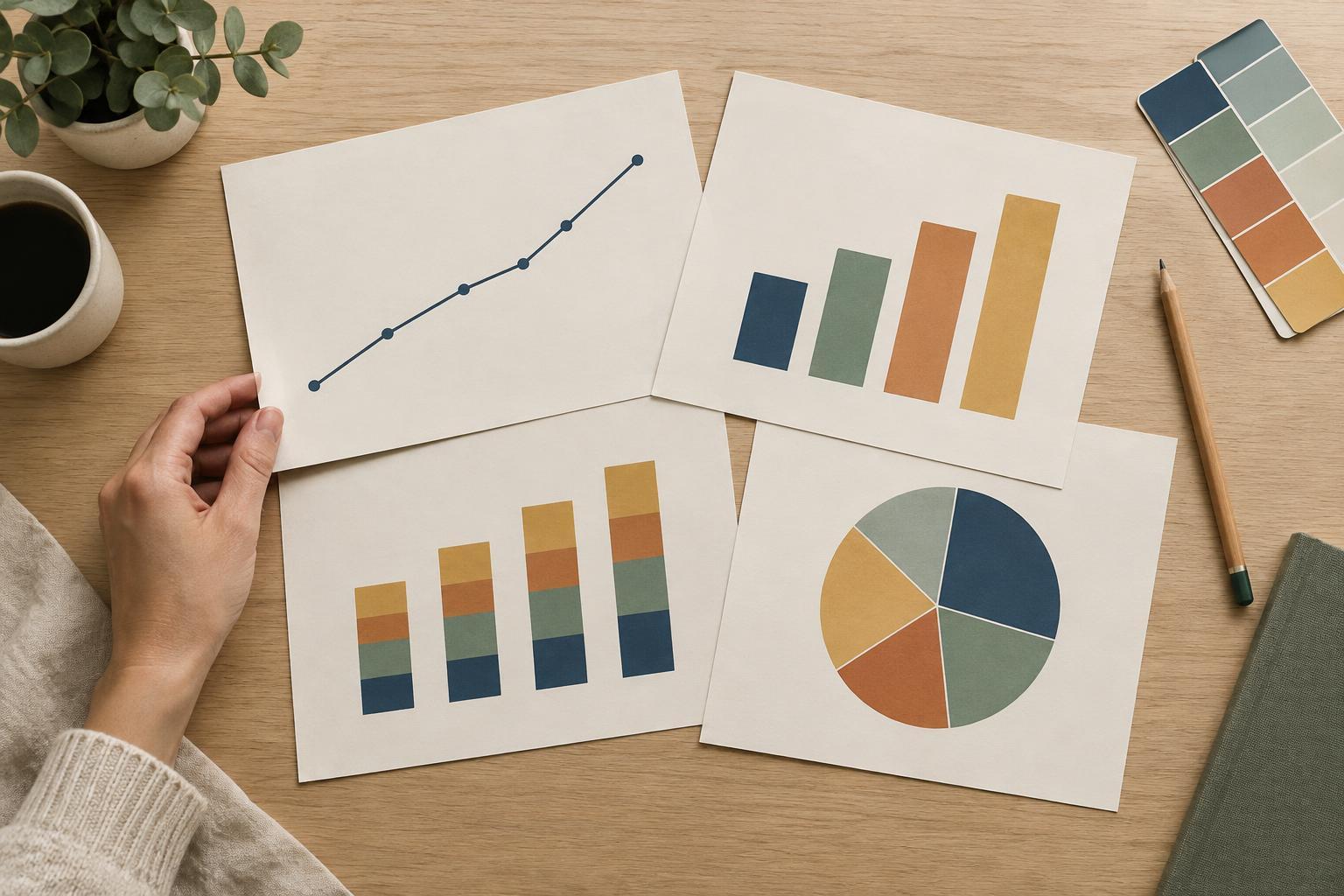
PresentationsA clear presentation chart starts with the question your audience needs to answer. Learn when to use line, bar, stacked bar, and pie charts, plus simple ways to make each one easier to read on a slide.
Read article · 4 min↗

PresentationsA presentation template is easier to customize when you treat its placeholders as clues rather than constraints. Learn how to choose the right layouts, fit your message to the available space, replace images cleanly, and keep slides consistent without rebuilding everything.
Read article · 4 min↗
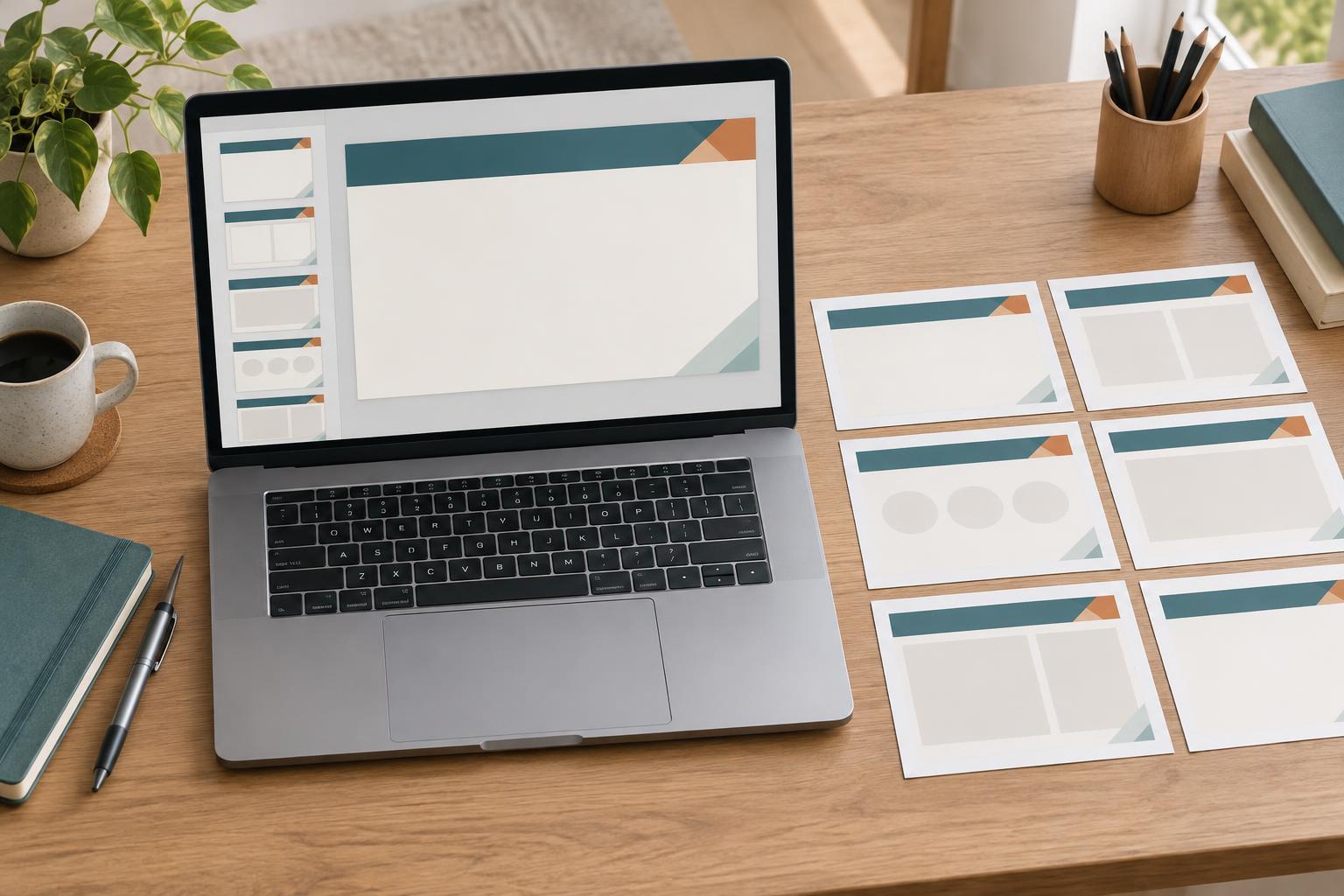
PresentationsA slide master lets you set shared design elements once instead of rebuilding them on every slide. Learn what belongs on the master, when to use different layouts, and how to check that your changes work throughout a presentation.
Read article · 4 min↗
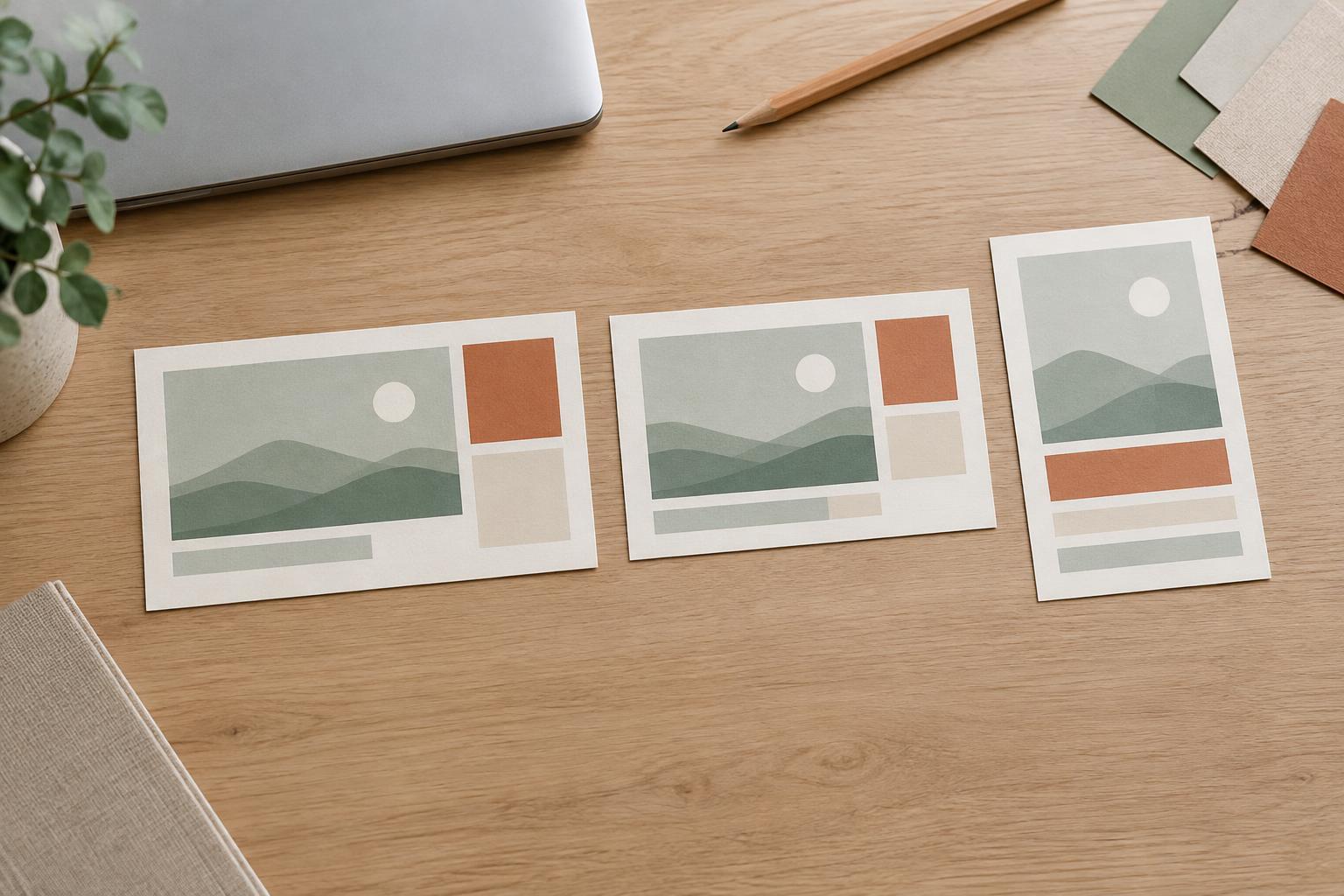
PresentationsSlide size affects more than the shape of a presentation. Learn when widescreen, standard, or portrait layouts work best, and how to adapt a deck without losing clarity.
Read article · 3 min↗

PresentationsA strong final slide helps an audience remember what matters and understand what to do next. Learn when to use a summary, when to make a specific request, and how to design a closing slide that supports your message.
Read article · 4 min↗

PresentationsA presentation works best when slides and speech have different jobs. Learn how to choose what your audience needs to see, what is better said aloud, and how to handle details they may want to revisit.
Read article · 4 min↗
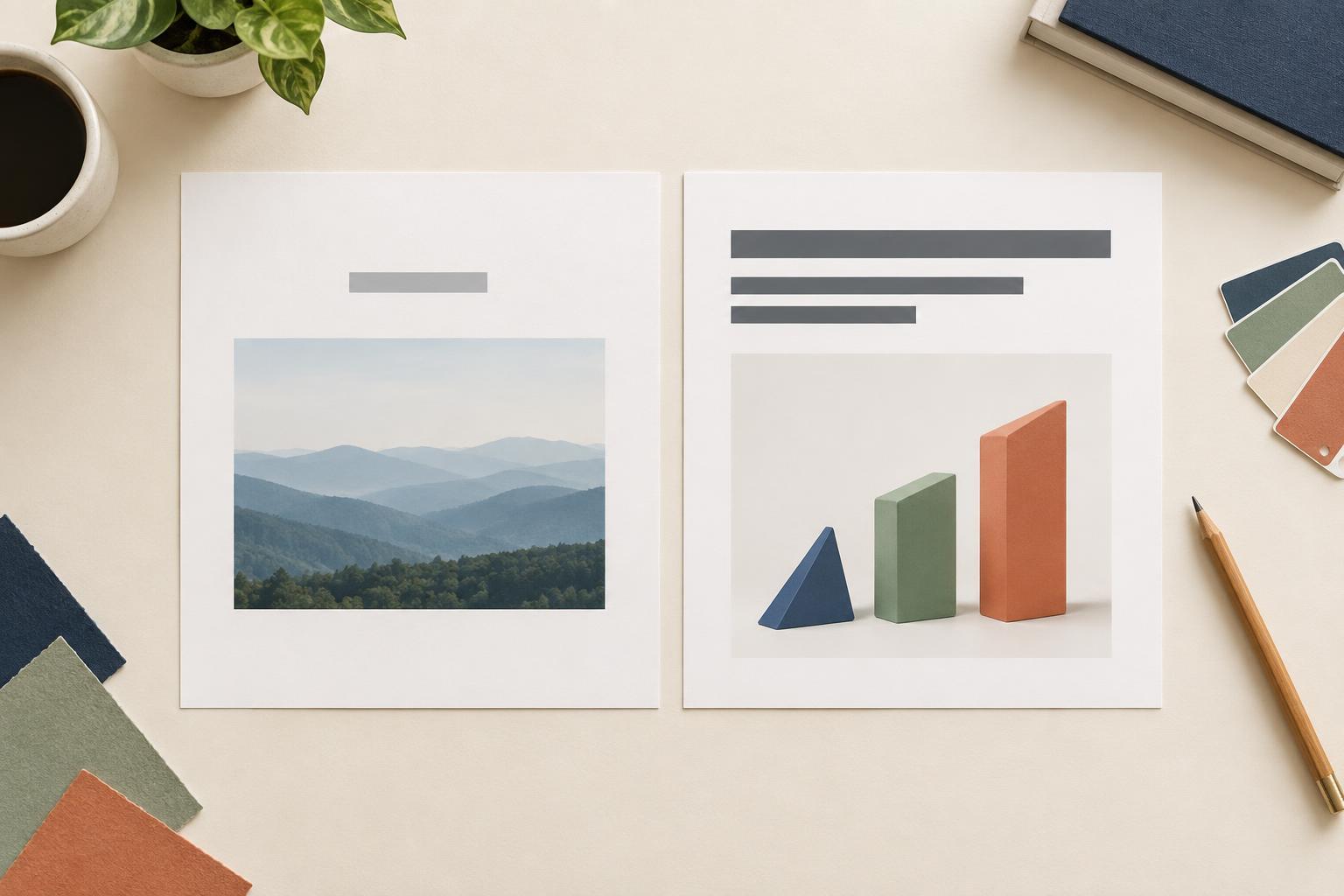
PresentationsA topic label names what a slide is about. A takeaway title tells the audience what to learn from it. See when each approach works, how to write clearer slide titles, and how to keep titles and visuals working together.
Read article · 4 min↗
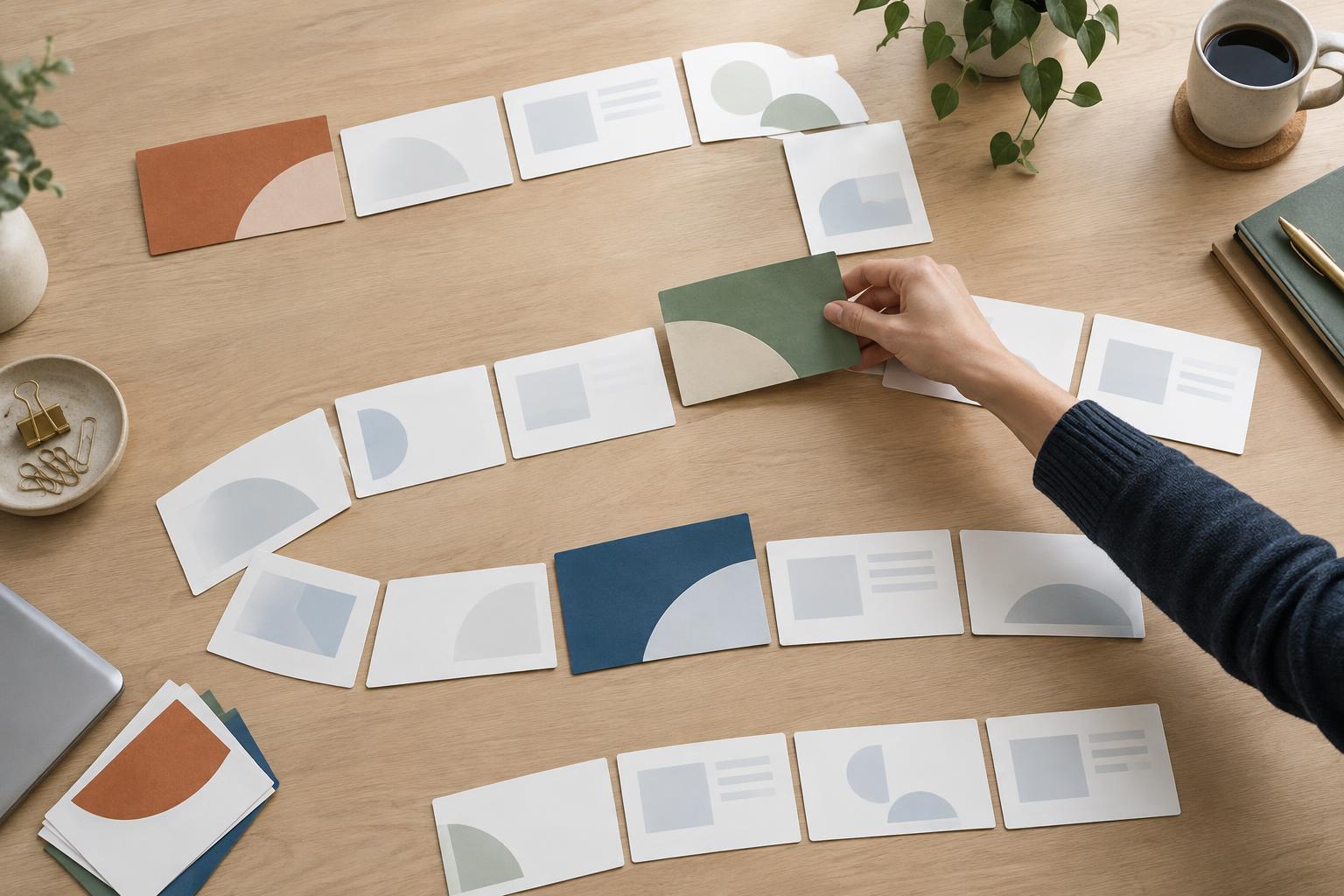
PresentationsSection divider slides give a long presentation a visible structure. Learn where to place them, what to include, and how to design a consistent system that helps people follow your story without slowing it down.
Read article · 4 min↗
PresentationsAn agenda slide can help an audience follow a complex presentation, but it can also slow down a short, simple one. Learn when to use one, what information belongs on it, and how to make it a useful guide rather than a list of generic headings.
Read article · 4 min↗

PresentationsA useful opening slide does more than display a title. Learn how to make the topic, audience benefit and direction of your talk clear without crowding the screen.
Read article · 4 min↗
PresentationsA presentation feels easier to follow when each slide answers a question raised by the one before it. Learn how to shape a clear story arc, from defining the problem and showing why it matters to presenting a solution and closing with a useful conclusion.
Read article · 4 min↗