Give your slides and notes different jobs
A slide is for the audience to look at; speaker notes are for you to think with. If both contain the same full sentences, you may end up reading the screen instead of explaining the idea. Keep the slide focused on a visual, a short claim or a few essential details. Use the notes to capture the context that makes those details meaningful.
Before writing notes, decide what the audience should understand after each slide. Put that outcome at the top of your draft notes in everyday language, such as “Show why the first option is easier to maintain.” This gives you a direction without locking you into exact wording. It also helps you spot slides that have no clear purpose.
Write prompts, not paragraphs to recite
Natural delivery is easier when your notes remind you of ideas rather than dictate every sentence. Try a compact pattern for each slide: main point, supporting detail, example and transition. For a slide comparing two layouts, the notes might say: “Main point: spacing improves scanning. Point to the crowded version. Explain how grouping helps readers find the next step. Transition: typography reinforces that grouping.”
Use words you would actually say. A formal sentence that looks polished on the page may sound stiff when spoken. You can still write out a precise definition or a phrase that needs careful wording, but separate it from your ordinary prompts so you know which parts deserve accuracy and which can vary. If you often lose your place, make the first few words of each prompt distinct and easy to recognize at a glance.
Build bridges between slides
Many presentations feel choppy not because the slides are wrong, but because the speaker moves between them without explaining the connection. Add a short transition to your notes before each change of subject. It can look back, look ahead or pose a question: “Now that we have a clear hierarchy, how do we apply it across every slide?” A transition gives the audience a reason to follow you into the next idea.
Also mark moments when you need to slow down. If a chart, diagram or screenshot takes time to interpret, write a cue such as “Pause; let them find the highlighted column.” If you plan to reveal items one at a time, note the sequence and what you want to say before advancing. These small reminders are often more useful during delivery than another paragraph of background information.
Make notes easy to scan while speaking
Your notes should work under the conditions in which you will use them. During a presentation, you may have only a second to glance down. Put the central message first, keep cues short and leave space between different actions. Consistent labels, such as “Example,” “Ask” and “Next,” can help you find your place without reading every line. Avoid burying an important reminder halfway through a dense block of text.
Include practical details only where they are needed: how to pronounce an unfamiliar name, when to switch to a demonstration, or which part of a visual to point out. If a fact must be stated exactly, check it before presenting and make it easy to locate. Don’t rely on notes to rescue a crowded slide; simplify the slide and keep the spoken explanation focused on its main takeaway.
Rehearse with the notes, then trim them
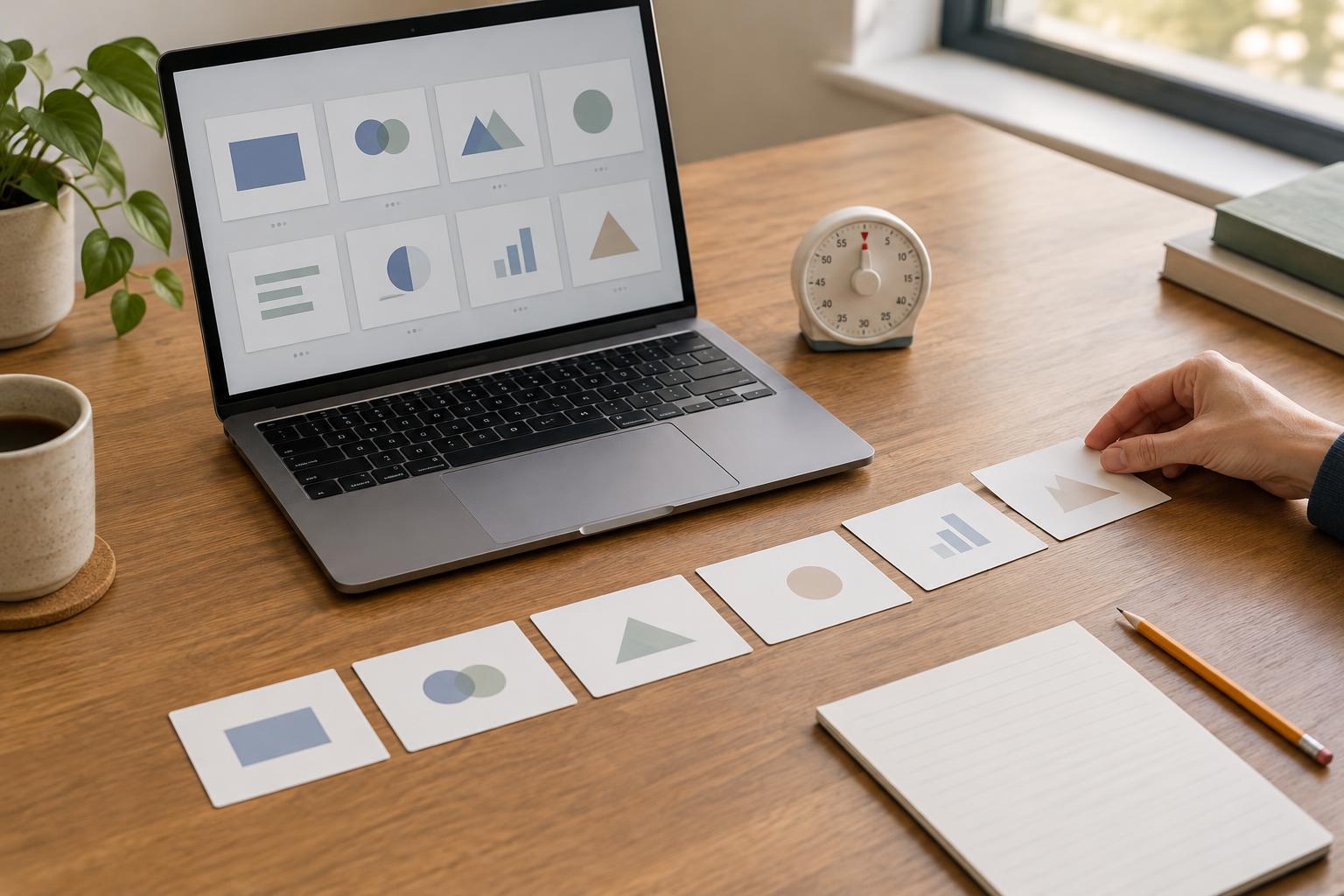
Read through the deck out loud using your notes as cues. Notice where you explain an idea comfortably and where you keep returning to the page. The sections you can explain without reading may need only a few keywords. Where you hesitate, ask whether the problem is missing context, an awkward slide order or a note that is too vague. Revise the underlying structure rather than automatically adding more text.
Practice the opening and closing especially carefully: these are moments when a clear path can help you settle in and leave the audience with a useful takeaway. You do not need to memorize every sentence. Aim to know what each slide contributes, how it connects to the next and which details must be accurate. The best speaker notes are not a second presentation hidden beneath the slides; they are a light guide that lets you speak to the people in front of you.