Start with where the slides will be viewed
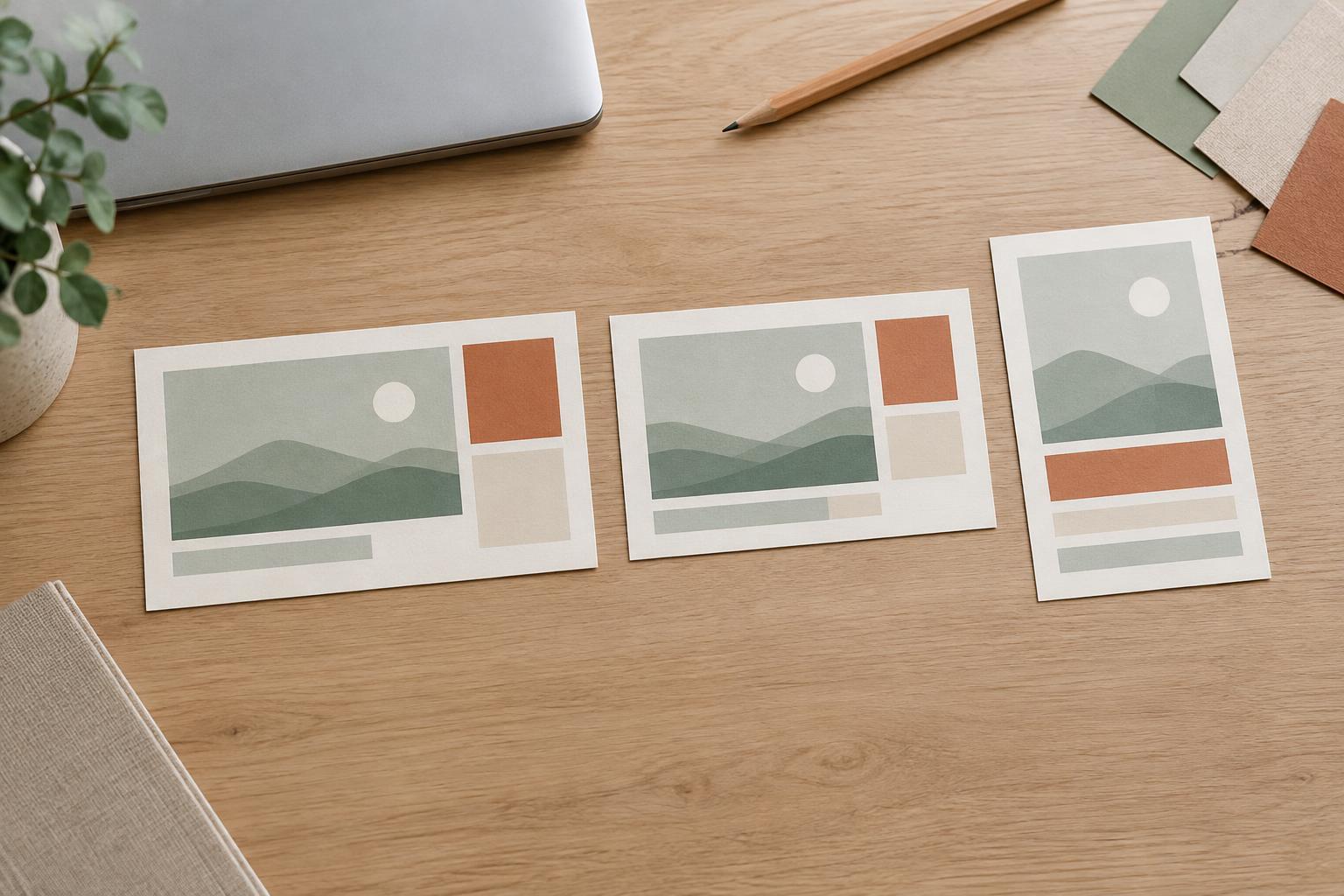
A slide format is the shape of your canvas, usually described by its aspect ratio: the relationship between width and height. Widescreen slides are commonly 16:9, standard slides are commonly 4:3, and portrait slides are taller than they are wide. No format is best for every presentation. The right choice depends on the display, the content, and whether your audience will watch the deck or read it on their own.
Before designing, ask how the finished slides will be used. Will you present on a meeting-room screen, share your screen during a call, send a PDF for reading, or display individual slides on phones? If someone else controls the projector or publishing platform, ask what dimensions they expect. Choosing the canvas early saves time: changing it after a deck is complete may shift text, crop images, or leave awkward empty space.
Choose widescreen for most screen-based presentations
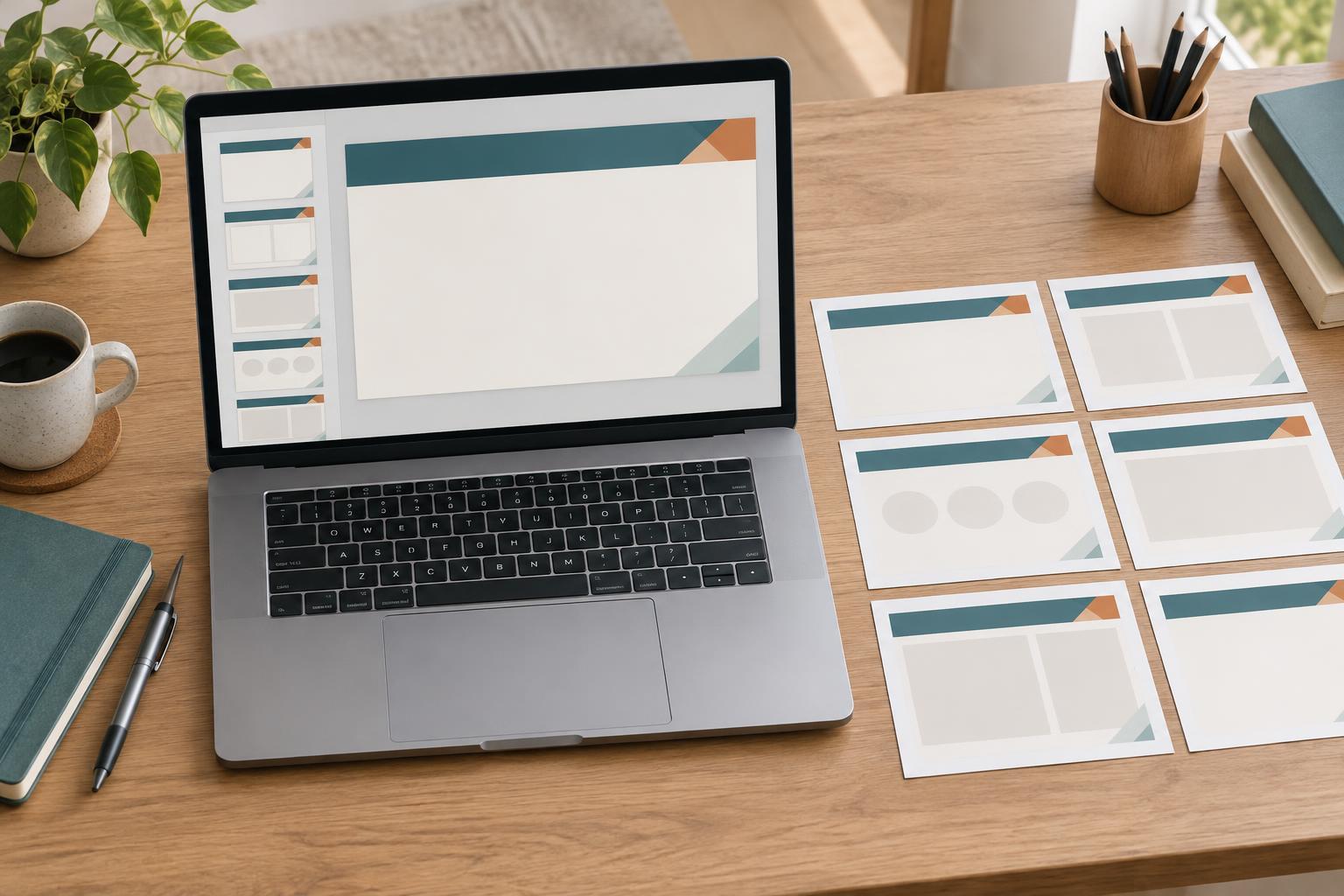
Widescreen gives you a broad horizontal area that suits side-by-side comparisons, timelines, product screenshots, and a speaker presenting beside visual evidence. It often fits modern laptop displays and meeting screens comfortably. If you are building a deck for a live talk or a typical video call and have no format requirement, widescreen is a sensible starting point.
The extra width is useful only when it supports a clear reading order. It can tempt you to place too many columns on one slide, leaving labels too small to read from a distance. Try dividing the space into a main message and one supporting visual, or use two balanced areas for a genuine comparison. Keep important content away from the edges, where display settings or screen-sharing controls might interfere with it.
Use standard when the display or material calls for it
Standard 4:3 slides offer a more compact canvas. They can be appropriate when a venue requests that ratio, when you must work within an established 4:3 deck, or when your content benefits from a squarer frame. A single chart, diagram, or image with a roughly square composition may feel less stretched across a standard slide than across a widescreen one.
Do not choose standard solely because an older template uses it. If the deck will appear on a widescreen display, the presentation may have blank space at the sides, depending on the display setup. That is not necessarily a problem, but it is worth checking. When updating an existing deck, weigh the effort of rebuilding it against the benefit of changing formats; a consistent, readable 4:3 presentation can work better than a rushed conversion.
Choose portrait for reading and vertical viewing
Portrait slides make sense when the audience will scroll through the material rather than watch it projected across a room. They can suit a mobile-first explainer, a short visual guide, or a presentation exported as a document for individual reading. Portrait also works well for tall diagrams and step-by-step sequences that naturally flow downward.
Plan portrait layouts for the intended viewing method. A narrow mobile screen needs short headings, generous spacing, and visuals that remain legible at a small size. A portrait page intended for printing may need different margins and text sizes. Portrait is usually a poor default for a conventional live presentation: projected onto a wide screen, it may leave substantial unused space on either side.
Test the format before building the full deck
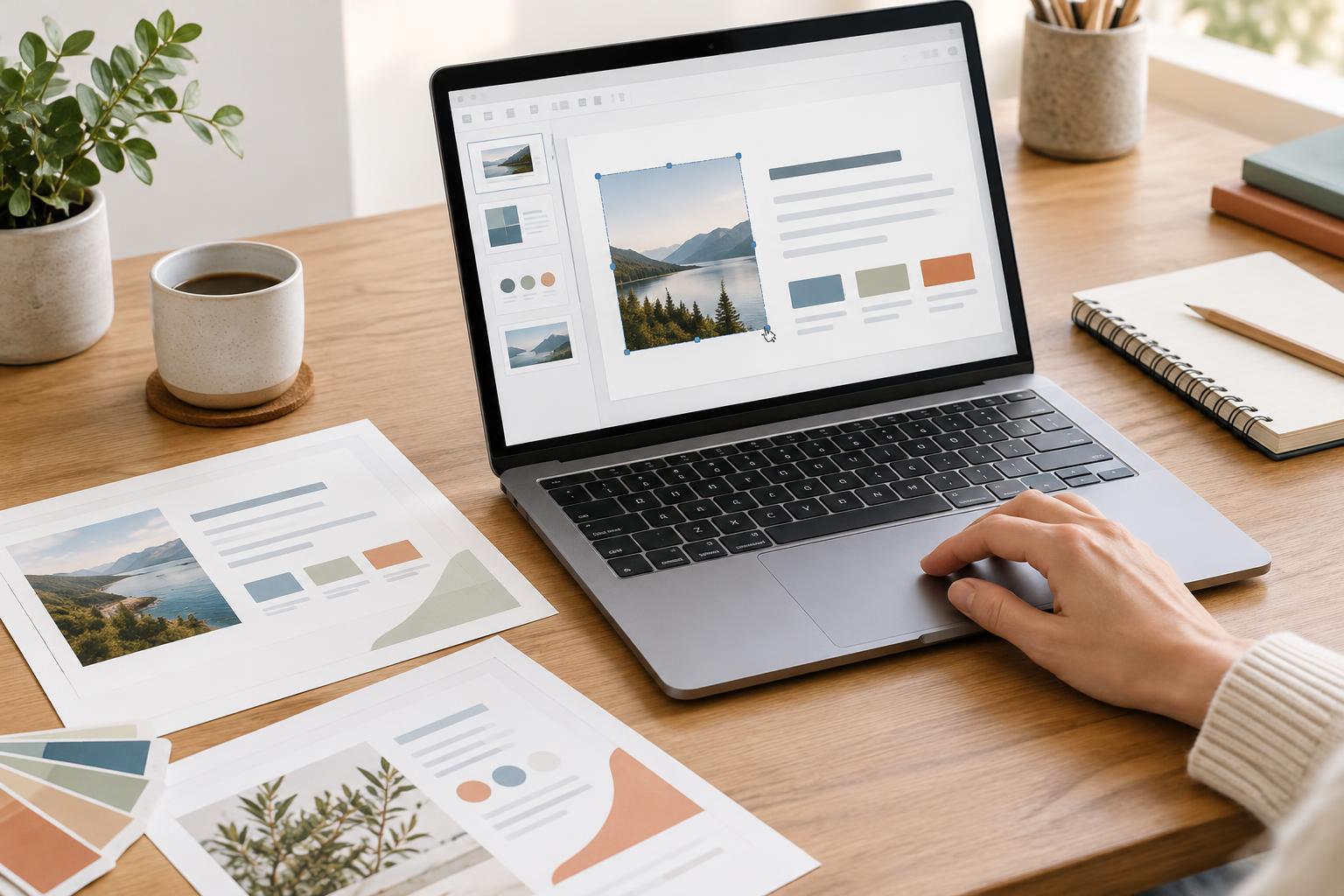
Make three sample slides before committing: a title slide, a text-heavy slide, and a slide with your most demanding visual. View them at the approximate size your audience will use. Can you read the smallest labels? Does a screenshot need excessive cropping? Is there enough room for the visual and its explanation? These quick tests reveal more than judging an empty canvas.
If you need multiple formats, treat each as a layout variation rather than simply resizing the finished deck. Widescreen content may need to stack vertically in portrait; a portrait sequence may need to split across several projected slides. Keep the core message and visual style consistent, but adjust line breaks, image crops, and spacing for each canvas. A format should make your ideas easier to follow, not force every idea into the same shape.