Give every animation a job
Animation can make a presentation easier to follow, but movement alone does not make an idea clearer. A useful animation answers a specific question: Where should the audience look now? What happens next? What changed? If you cannot name the job an effect is doing, the slide may be stronger without it.
Think of animation as part of the explanation rather than a finishing touch. On a slide with three steps, revealing each step as you discuss it can keep the audience focused on the current point. On a slide with one short statement, an elaborate entrance may only delay the message. The difference is whether the movement supports the way someone needs to read or understand the content.
Reveal information at the pace of the story
Progressive reveals work well when showing everything at once would invite the audience to read ahead. For example, a slide explaining a design workflow might introduce the draft layout, then the typography choices, then the final review. Each reveal marks a stage you can discuss before moving on. Keep earlier information visible when people need it to understand the next stage.
Avoid turning every bullet into its own animated event by default. If the points form a short list that viewers can grasp together, revealing them one at a time may feel slow and controlling. Group related items and ask whether the audience benefits from seeing the whole relationship. A comparison, for instance, often works best when both sides remain visible long enough to examine.
Use motion to show change, not just arrival
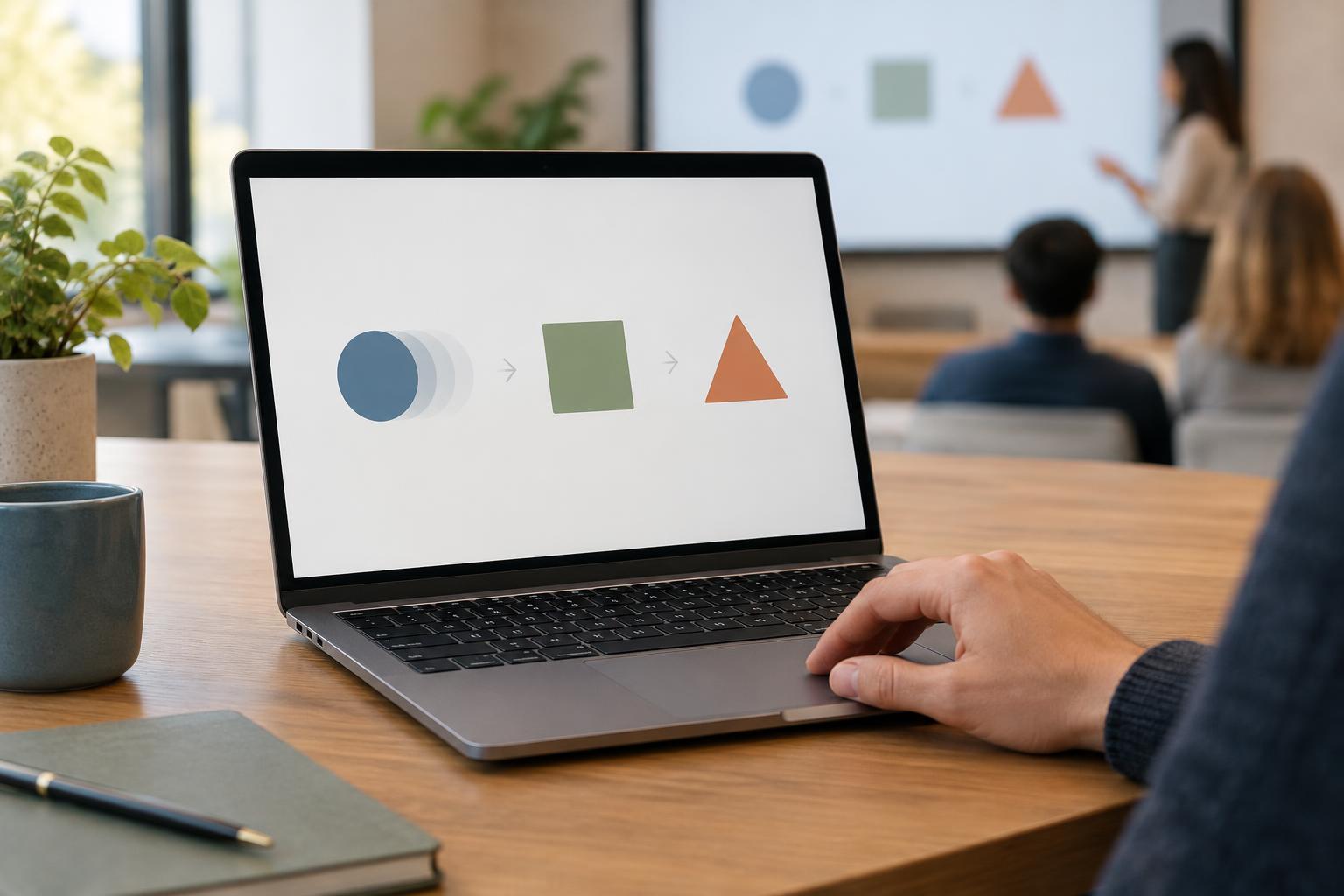
Animation is especially helpful when a static before-and-after view would make viewers work to spot the difference. You might highlight one section of a mockup, then show how moving a heading changes the visual hierarchy. Or you might build a simple process diagram in the order the steps occur. In each case, motion connects two states that matter to the explanation.
Make that connection easy to track. Use consistent placement for elements that represent the same thing, and limit simultaneous movement when the audience must compare details. If a chart changes, identify the value or pattern you want people to notice rather than animating every label and shape independently. A restrained highlight or a carefully timed reveal can do more than a complex transition.
Recognize the signs of distracting animation
An effect is likely distracting when it competes with the presenter’s words, makes text harder to read, or draws attention to an unimportant element. Long entrances, bouncing objects, and frequent changes in direction can make viewers wait for the slide to settle. Repeating an effect across many slides can also become noticeable in its own right, even if it seemed appealing at first.
Consider the conditions in which the deck will be used. A presenter may pause for discussion, skip a section, or return to an earlier slide. A deck might also be shared as a static file. If a complicated animation sequence makes those actions awkward, simplify it. Important information should not depend on a fleeting effect to be understood.
Build a simple test into your workflow
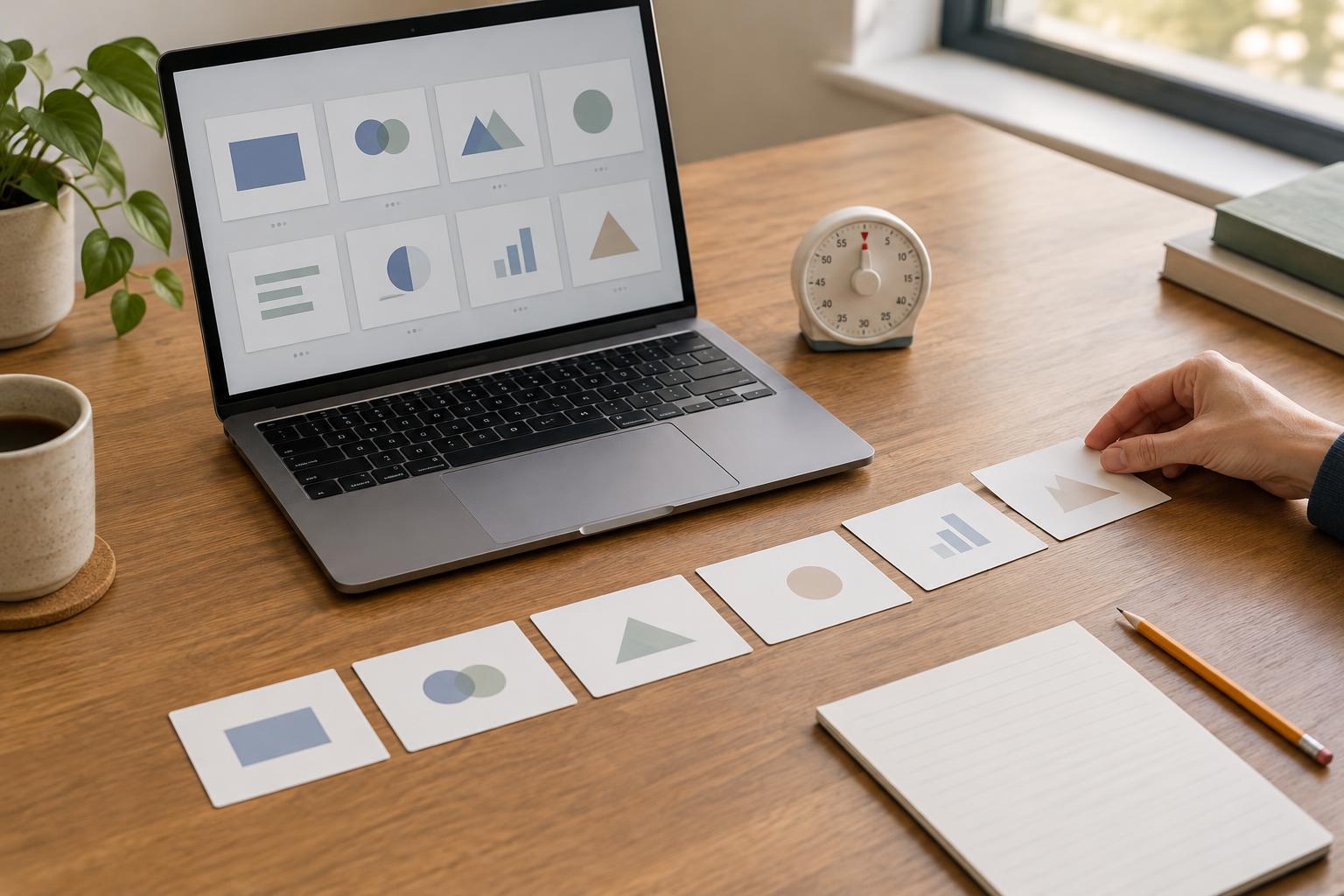
Start with a complete, readable slide before adding movement. Then add only the reveals or transitions needed to explain the idea in order. Keep similar effects consistent: if one type of reveal means “next step,” use it for that purpose throughout the deck. This gives the audience a predictable rhythm without asking them to learn a new visual cue on every slide.
Finally, run the presentation from start to finish at speaking pace. At each animation, ask: Did this help explain a sequence, direct attention, or show a meaningful change? Did it interrupt a sentence or leave the audience waiting? Check the slide without motion as well. When the content remains clear in a static view and the animation adds useful guidance during delivery, you have found a good balance.