Design for the audience’s viewing distance
A presentation slide has to work at a distance. On your own screen, you can lean in to read a label or inspect a diagram. Audience members cannot. Before polishing a deck, consider where people will sit, how large the display may appear from those seats and whether the room is likely to be bright. You may not know the exact setup, but designing for less-than-ideal viewing conditions makes the slides more dependable.
Give each slide one main job. If the audience needs to understand a conclusion, make that conclusion easy to find before adding supporting detail. A short, specific title can orient viewers while they listen. Leave enough empty space around important elements so neighboring text and graphics do not compete for attention. If a slide needs several minutes of close inspection to make sense, it may be better as two slides or as a document people can read afterward.
Make text easy to scan, not merely large
Increase text size until the main message is comfortable to read at the size the audience will actually see. There is no single font size that works for every room and display, so test the slide rather than relying only on a number in your editing software. Use a clear typeface with distinct letter shapes, and keep body text at a size that does not require viewers to squint.
Reduce the amount of text before trying to fit it into a small box. Replace a full paragraph with a concise statement and a few supporting phrases, then explain the detail aloud. Give line breaks and spacing a purpose: short blocks are easier to locate than a dense wall of copy. Keep wording consistent where items have the same role, such as steps in a process or labels in a comparison. Avoid putting essential information in tiny footers that only people near the screen can read.
Use contrast that survives projection
Colors can look different on a projector or large display than they do on a laptop. Pale text on a light background, or dark text on a dark photograph, may lose definition. Choose a strong difference between text and its immediate background. When text must sit over an image, place it on a solid panel or a calm part of the image rather than a detailed area with shifting colors.
Do not rely on color alone to explain a difference. A chart with two similar-colored series may be hard to interpret from across the room, even if it looks attractive up close. Add direct labels, distinct line styles or clear positioning when those choices help identify what viewers are seeing. Keep decorative colors restrained so the color that signals an important point still stands out. Check the full slide, not just individual elements: a bright accent loses impact when everything else is equally vivid.
Simplify charts and diagrams for a quick look
A projected chart should help viewers see a pattern while you talk. Remove visual details that do not serve that purpose, such as unnecessary gridlines, repeated labels or overly precise numbers. If one bar, point or segment matters most, identify it directly and explain why it matters. Make chart labels large enough to read without forcing the audience to decode a legend at the edge of the slide.
Apply the same test to diagrams. Use fewer boxes and shorter labels where possible, and make the reading order obvious through placement and clear connections. If a process has many branches, reveal it across separate slides rather than shrinking the entire structure to fit. A detailed reference version can serve a different purpose; the live slide only needs to support what the audience is meant to understand at that moment.
Test the deck as a viewer would
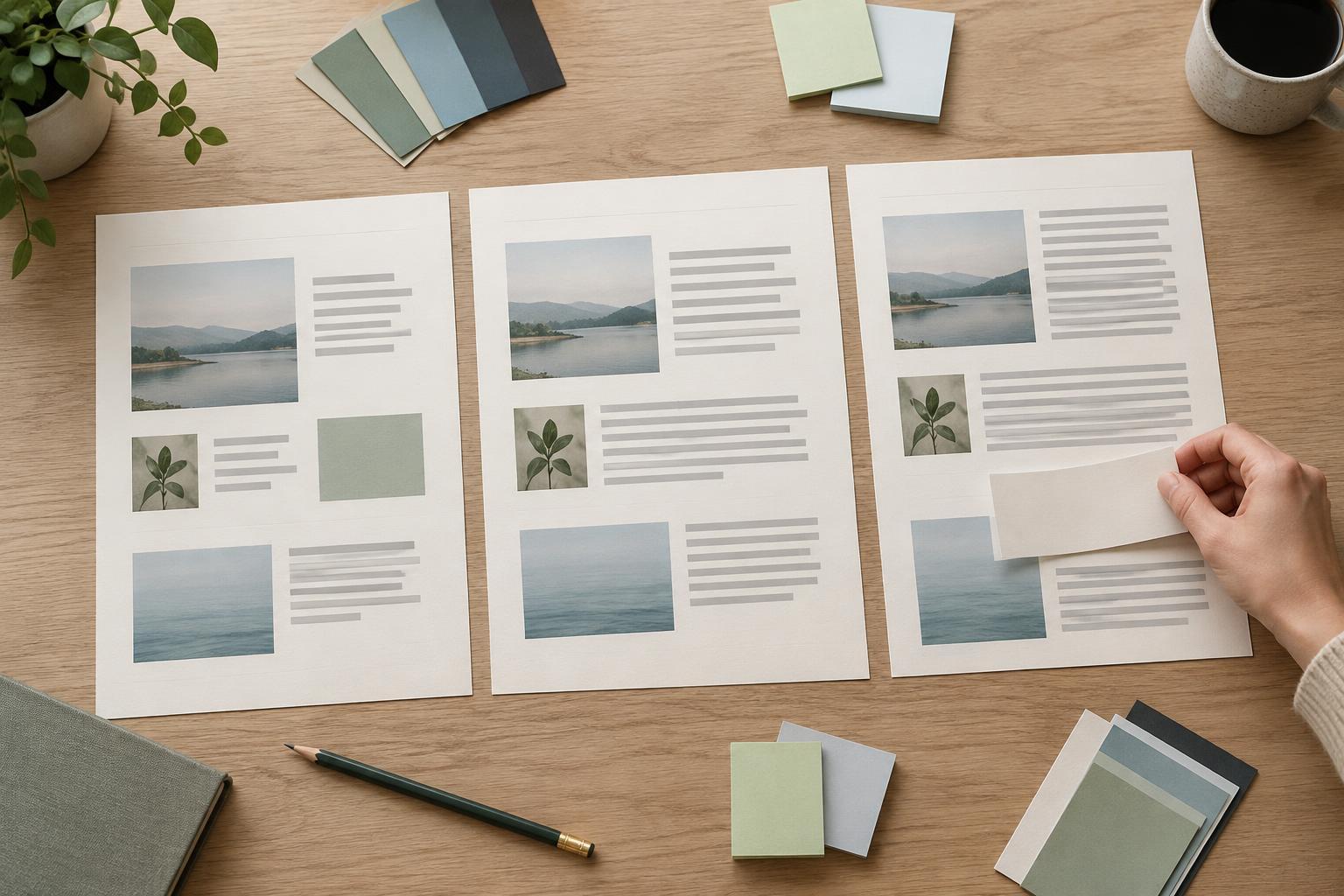
Before presenting, view the slides at presentation size and step away from your screen. If possible, test them on the display you will use and look from the back of the room. Check whether titles, chart labels and key differences are readable without already knowing what they say. A small preview in the editor is useful for spotting layout patterns, but it cannot replace a distance check.
Pay particular attention to slides copied from templates or other documents. Their placeholders may accommodate more text than a room audience can comfortably read. Revise those slides based on what viewers need to grasp, not on how much content fits. If you cannot test in the actual room, use a conservative approach: fewer words, stronger contrast and simpler visuals. The goal is not to make every detail visible from every seat; it is to make the presentation’s essential message easy to follow.