Decide whether the audience needs a map
An agenda slide is useful when the route through a presentation may not be obvious. Consider one for a session with several distinct parts, a workshop that alternates between explanation and activities, or a meeting in which people need to know when discussion and decisions will happen. It can also help when the audience will join for a long session and needs a sense of progress.
Skip the agenda if it only announces what the next few slides already make clear. In a brief update built around one question, an extra slide labeled “Introduction, Findings, Conclusion” may delay the point without helping anyone navigate. A clear title and a short spoken preview might do the job better. The test is simple: will knowing the structure help people listen, participate, or plan their attention?
Write for the audience, not the slide deck
An agenda should describe the experience ahead, not inventory every slide. Aim for a few meaningful stages in a logical order. For a proposal presentation, those stages might be “The problem we need to solve,” “Two possible approaches,” “Trade-offs,” and “Decision and next steps.” These labels tell listeners what each part is for. By contrast, “Background,” “Analysis,” and “Summary” reveal little about why the sections matter.
Include the practical details people need to participate. If questions are welcome throughout, say so; if there will be a dedicated discussion at the end, show that instead. For an interactive session, mark activities and breaks where relevant. Add timings only if they are useful and reasonably dependable. A rigid minute-by-minute schedule can create needless confusion if discussion runs longer than expected.
Keep the level of detail consistent. Mixing a broad heading such as “Project overview” with a tiny task such as “Review the third chart” makes the route harder to scan. Group related material under audience-facing labels, and save the finer detail for the slides where it belongs.
Choose a structure that matches the session
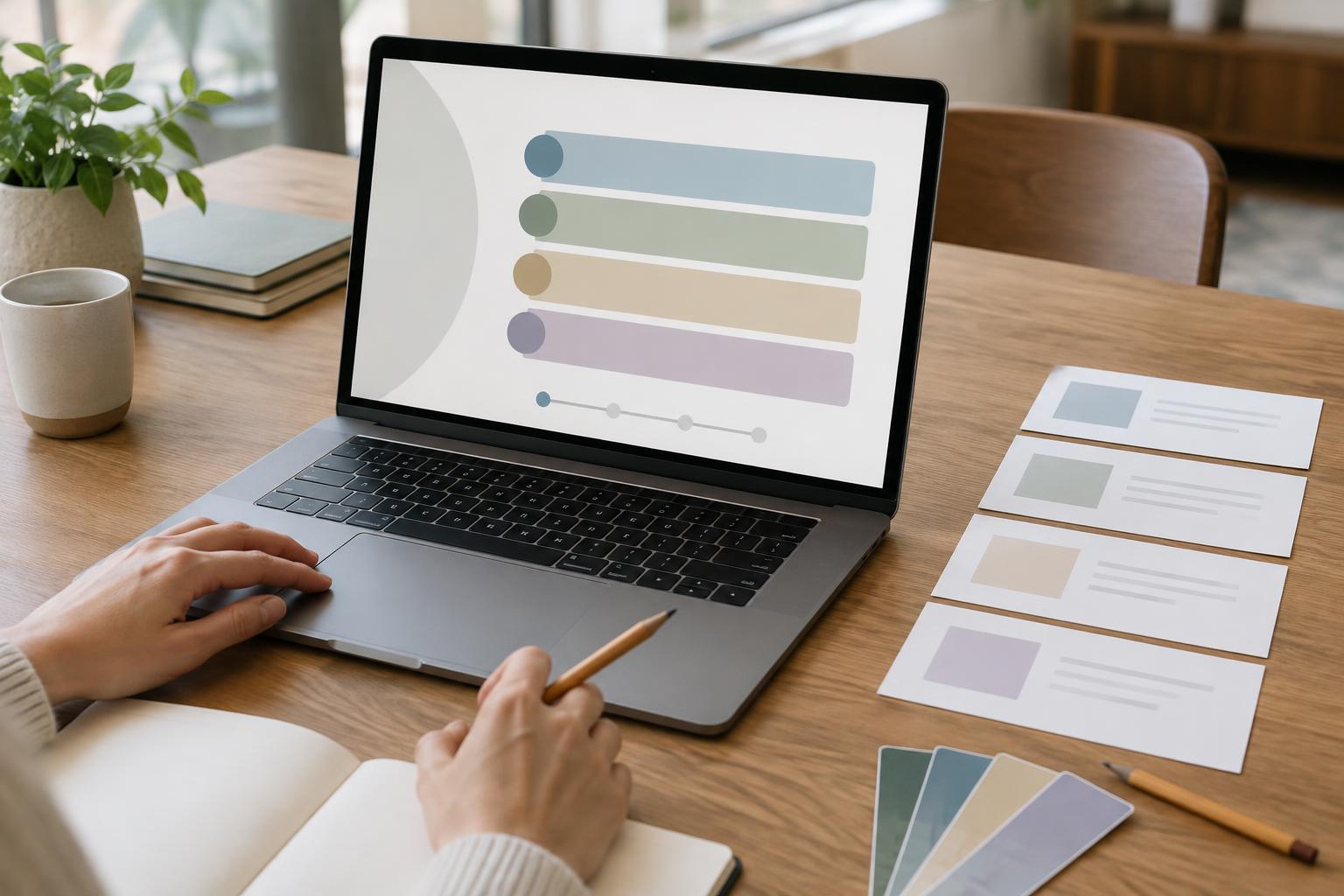
A simple numbered list works well when the talk has a clear beginning-to-end sequence. A horizontal path can emphasize progression, while two columns can separate “What we’ll cover” from “What we need from you.” For a workshop, an agenda might distinguish short teaching segments from hands-on work. Choose the format that makes the sequence easiest to understand, not the one that looks most decorative.
Imagine a team presentation about updating a shared content process. Its agenda could read: “1. Where work gets stuck; 2. A proposed workflow; 3. Try it on one example; 4. Feedback and owners.” This gives the audience both the subject and the expected action. If the meeting must end with a decision, the final item could instead be “Choose a pilot approach.” The agenda then sets an honest expectation before the detail begins.
An agenda does not need to reveal every conclusion. It should make the route clear without turning into a second opening speech. If a heading needs two lines of explanation to make sense, rewrite it or introduce that detail when you reach the section.
Design for a quick glance
People should be able to understand an agenda while listening to the presenter. Use short labels, readable type, and enough spacing to keep the items distinct. Give the slide one obvious reading order. Numbers can help with a sequence; simple section names may be enough when the order is less important. Use color or weight to establish hierarchy, but do not depend on color alone to explain what comes next.
Avoid shrinking text to fit a long outline. If the slide feels crowded, remove subtopics rather than reducing legibility. Match its typography and visual style to the rest of the deck so it feels like part of the presentation. A small timing note or participation cue can be helpful, but competing icons, illustrations, and decorative lines may make the actual agenda harder to find.
Use the agenda after the opening slide
The agenda is most useful when it becomes a reference point rather than a one-time formality. At major transitions, briefly name the section you are entering and connect it to what came before: “We’ve looked at where the delays happen; now let’s test the proposed workflow.” In a longer deck, a restrained section divider or progress marker can reinforce that shift without repeating the entire agenda.
Before presenting, compare the agenda with the finished deck. Check that its order still matches the slides, that promised activities actually have space, and that the ending delivers the discussion or decision you announced. A good agenda makes a modest promise about the presentation’s shape. Keeping that promise is what makes the slide useful.