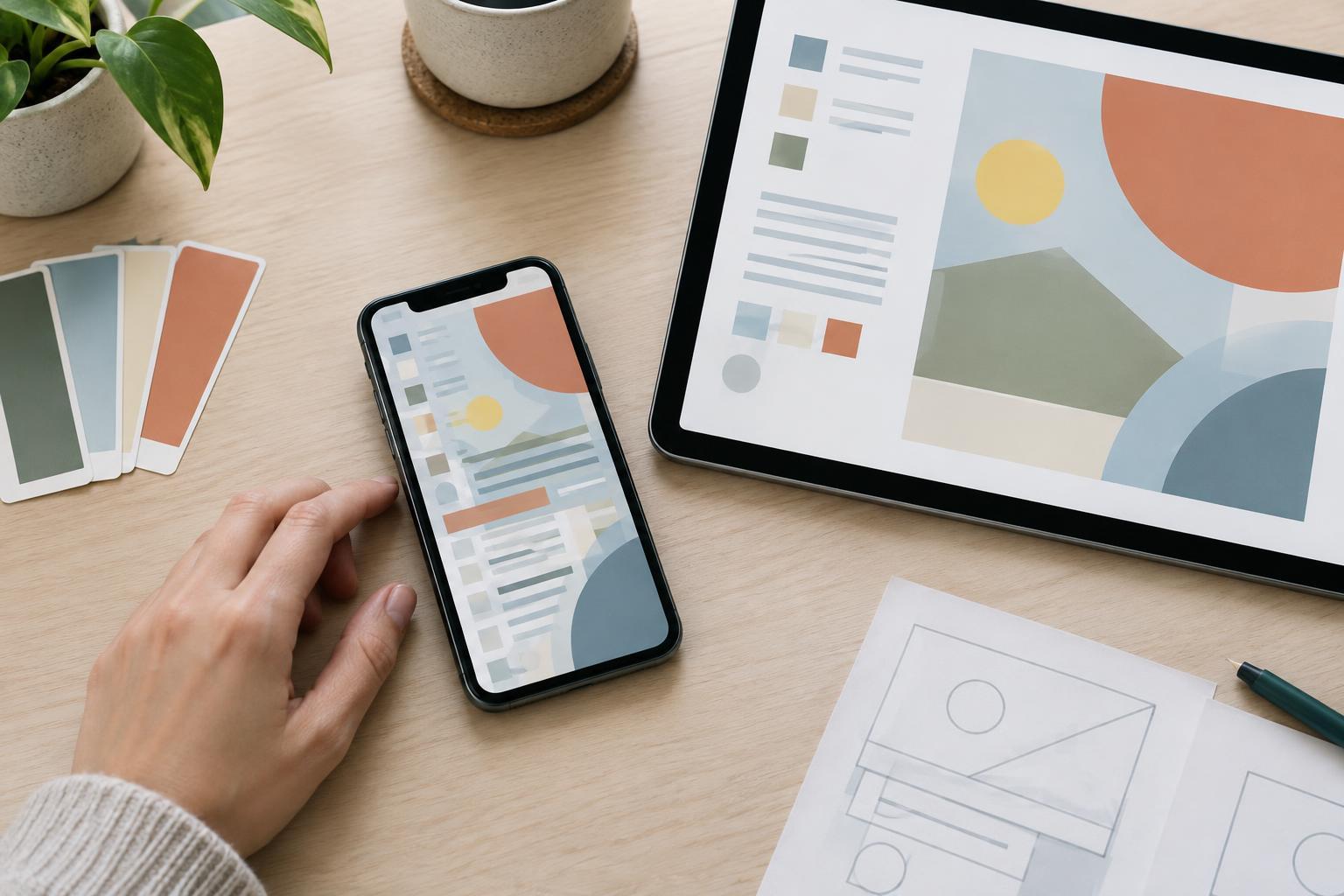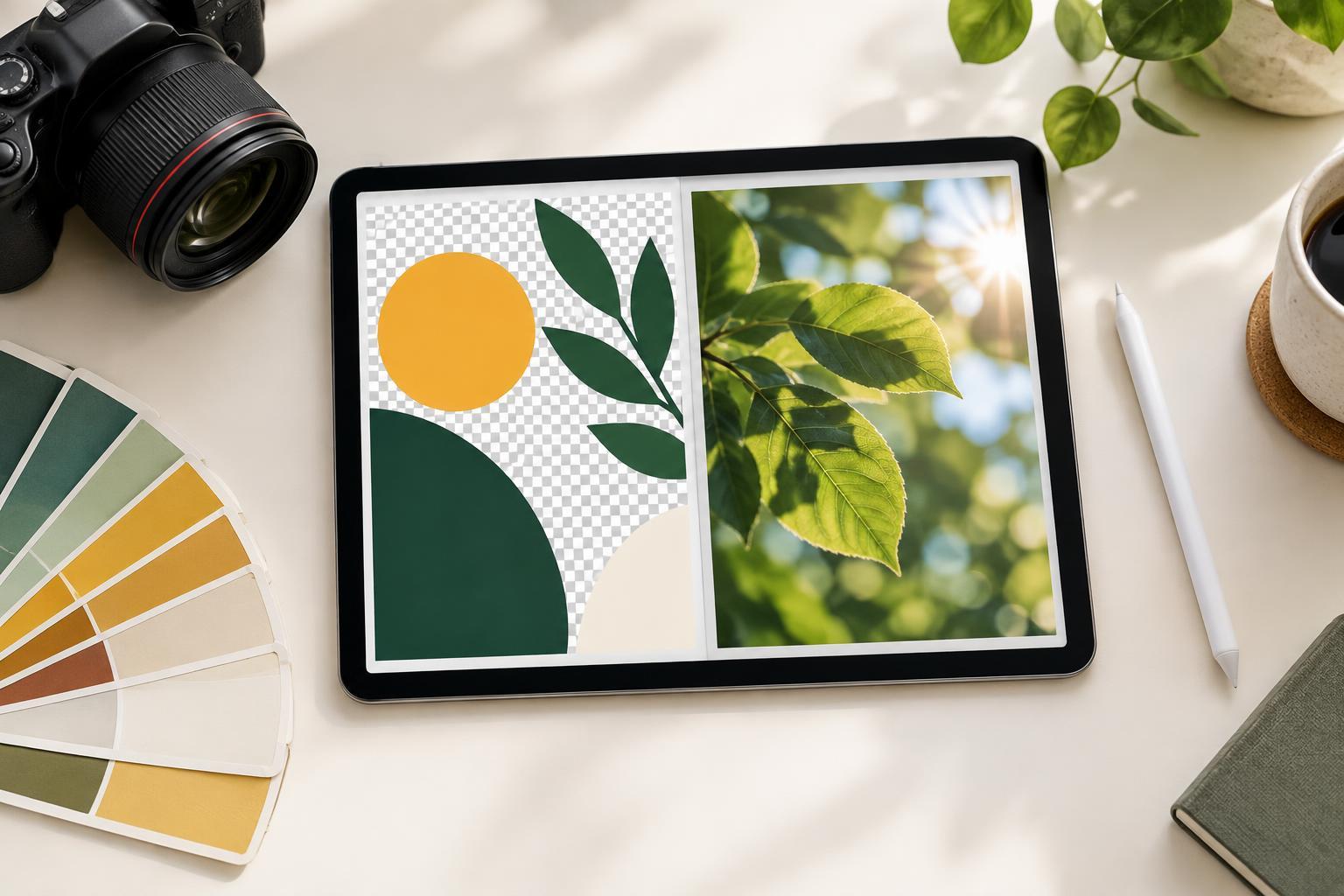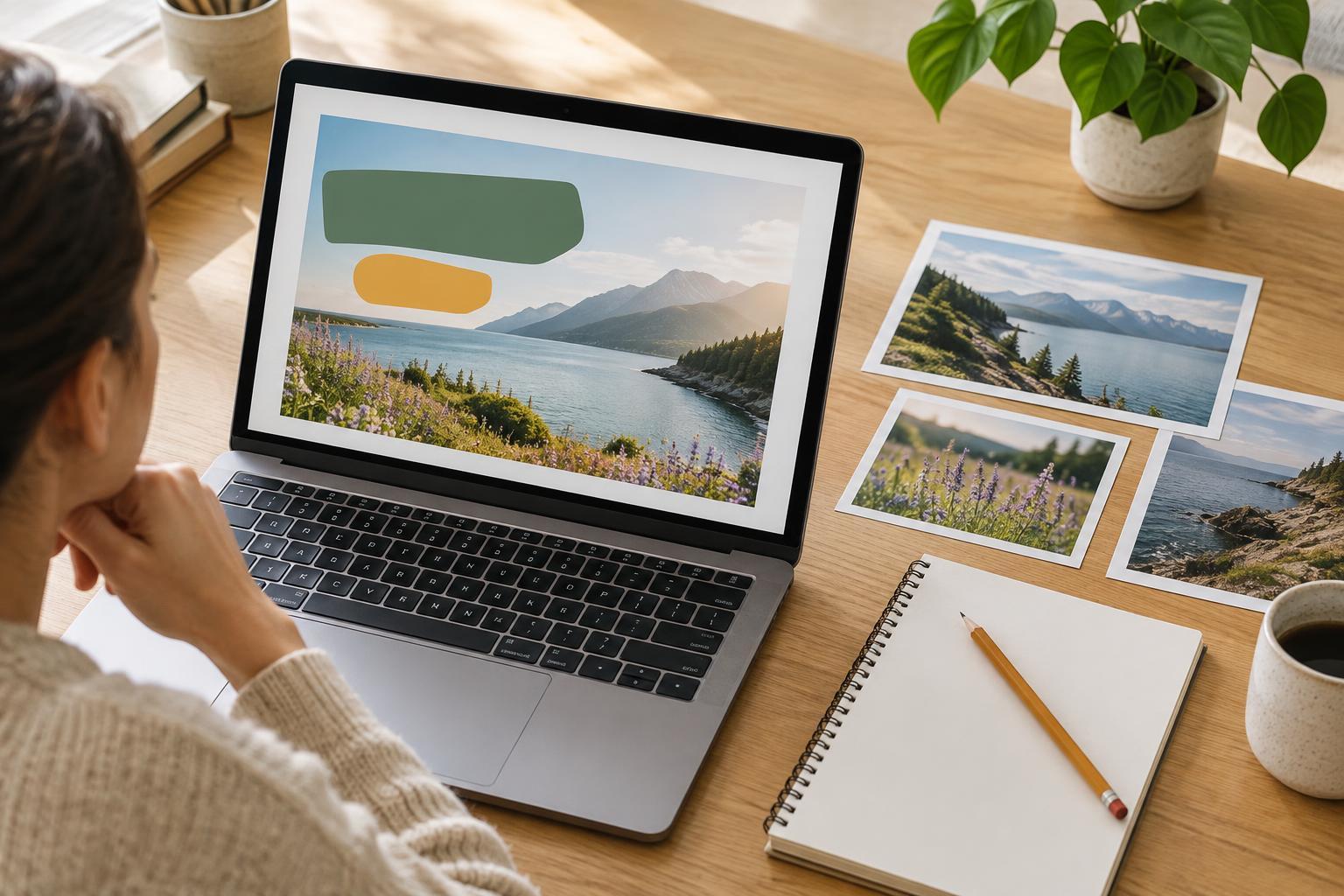
Start with the viewing experience
A feed post and a story graphic may promote the same idea, but they occupy different spaces on a screen. Feed posts appear among other content and are often viewed as part of a scrolling grid or list. Stories typically fill a taller, more immersive frame, with interface elements near the edges. Platform dimensions and controls can change, so check the requirements of the place you plan to publish rather than designing from memory.
The practical difference is how you guide attention. A feed post benefits from a clear focal point that still makes sense at a small size. A story has room to lead the eye from top to bottom, but that extra height does not mean it needs more content. For both formats, decide what someone should notice first and what they should understand next. Then build the layout around that order.
Rebuild the hierarchy instead of stretching the canvas
Suppose you are announcing a short workshop. Your feed post might place “Plan a clearer presentation” prominently in the center, with the workshop details below and a small studio name at the bottom. When adapting it for a story, resist stretching the background and moving every element farther apart. Instead, use the vertical space deliberately: a brief label near the top, the main promise in the central area, and the essential details beneath it.
Choose one primary message for each graphic. If the date, topic, audience, and call to action all compete at the same size, neither version will be easy to scan. Group related details, vary type size with a clear purpose, and leave space around the most important line. A story can reveal more of an image or use a stronger top-to-bottom sequence; a feed post may need a tighter composition that reads as one unit.
Adjust text and spacing for the frame
Text that looks comfortable on a desktop canvas can become hard to read on a phone. In a feed post, check the design at roughly the size it will occupy while scrolling. In a story, check it at full phone-screen size, but remember that viewers may move on quickly. Short headings, distinct text blocks, and strong contrast generally help more than squeezing in another sentence. If the message needs a paragraph to make sense, put that explanation in the accompanying copy or a separate graphic.
Keep critical text and logos away from the outer edges in both formats. Stories especially need breathing room near areas where an app may place a profile name, navigation controls, captions, or reply tools. The exact placement varies, so treat the edges as flexible margins rather than a guaranteed content area. Use alignment to make the open space feel intentional: a left-aligned text column, for example, can stay consistent while the image occupies the other side.
Crop imagery to support the message
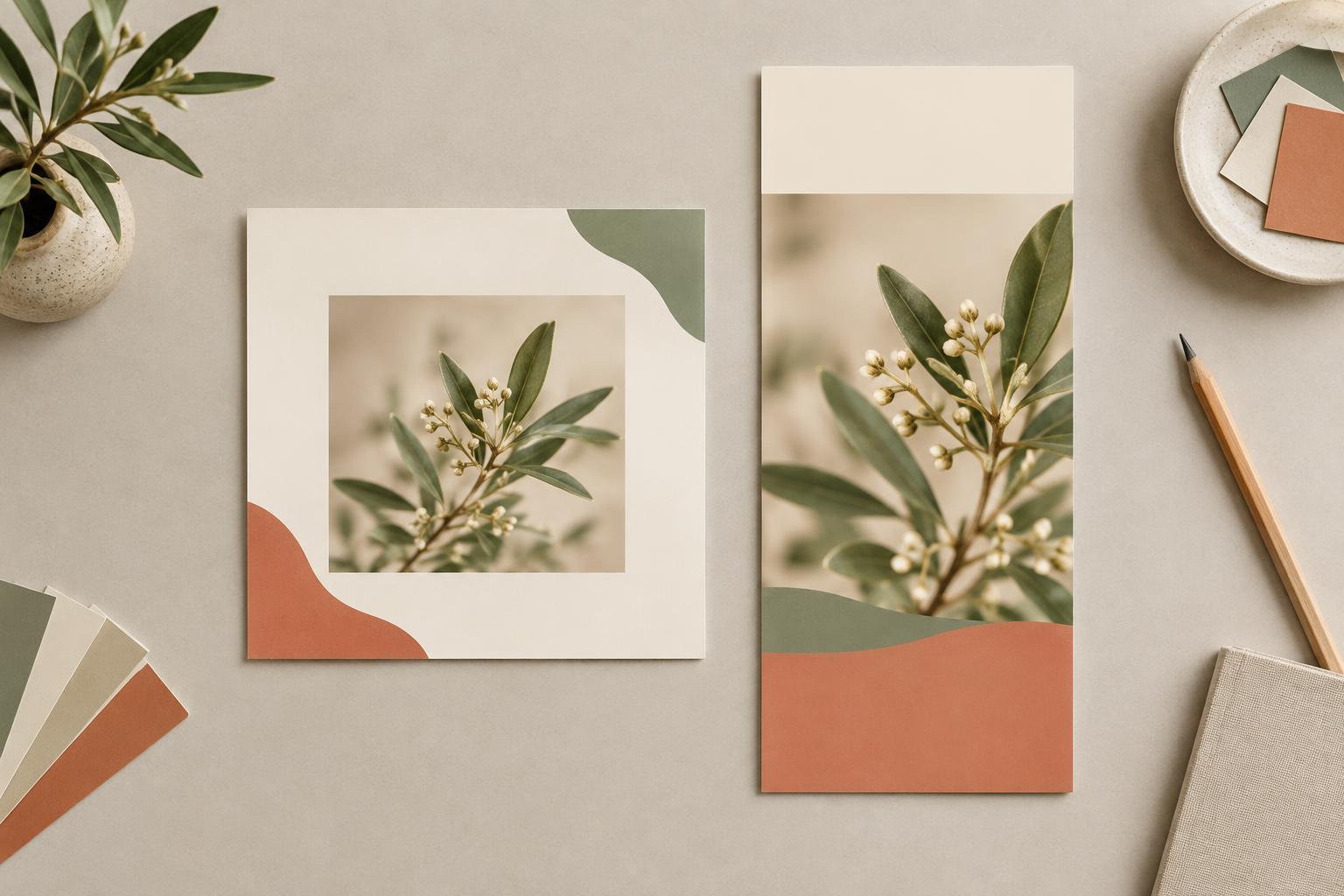
Using the same photo in both versions does not require using the same crop. A feed post might show a desk, notebook, and hands together to establish context. In a story, a taller crop could bring the notebook closer and leave a calm area above it for the headline. If a crop removes the subject or leaves text over a busy background, choose another image, reposition the subject, or add a restrained color panel behind the words.
Decorative shapes should also earn their place. A border that neatly frames a feed post may crowd a story once the interface sits over it. A large illustration that balances a square composition may feel isolated in a tall one. Keep recognizable colors, type choices, and visual motifs across the pair, but allow their size and placement to change. Consistency comes from a shared design system, not identical coordinates.
Use a two-format review workflow
Design the first version around the message, then create the second as its own layout. Before adjusting details, mark the headline, supporting information, image focal point, and any action you want the viewer to take. Arrange those parts for the new frame, then refine font sizes and spacing. This is usually more reliable than resizing the finished graphic and fixing whatever no longer fits.
Finally, preview both versions on a phone. Look for a headline that reads at a glance, details that remain legible, comfortable space around important elements, and a crop that still communicates the subject. If a story feels empty, strengthen the focal point rather than adding filler. If a feed post feels crowded, remove or relocate secondary information. The goal is not to make two matching rectangles; it is to make one message clear in two different viewing experiences.