Give every name a useful job
A good file name answers three questions at a glance: Which project is this? What is inside? Where is it in the workflow? That matters when a folder contains an editable presentation, several PDF exports, and a social graphic made from the same content. Names such as “new deck” or “final final” make you open files to find out what they are.
Start with a pattern you can repeat: project-content-version-status. For example, “spring-workshop-slides-v03-draft.pptx” identifies the project, the item, and its stage. The exact words matter less than using the same order each time. Put the most useful search term first, especially if you manage several projects in one folder.
Choose words that stay clear across file types
Keep project labels short but distinctive. “Workshop” may be too broad if you create a workshop every month; “spring-workshop” is easier to recognize. Describe the content with words a teammate would use in a search, such as “speaker-slides,” “weekly-planner,” or “square-post.” Avoid private shorthand unless everyone who uses the folder understands it.
Use one separator consistently. Hyphens are easy to read and work well across common tools, but underscores are also fine. Avoid switching between spaces, hyphens, and underscores within a project. Keep names reasonably short, and avoid characters that may cause trouble when files move between systems, such as slashes, colons, or question marks.
Include a format detail only when it distinguishes otherwise similar files. For instance, “weekly-planner-a4-v02-draft.pdf” and “weekly-planner-letter-v02-draft.pdf” tell you which page size to print. A presentation export might need “screen” or “handout” if both PDFs live in the same folder. There is no need to pack every design setting into the name.
Make versions and approval status mean different things
A version number records a change; a status describes whether the file is ready to use. Keeping those ideas separate prevents a revised draft from looking approved. Use numbers with leading zeros, such as v01, v02, and v03, so files sort neatly by name. Save a new version when you may need to return to an earlier direction, not for every tiny adjustment.
Reserve “final” for an approved deliverable. While a file is under review, call it “draft” or “review.” If an approved file needs a later correction, make a new version and approve that version before labeling it final. For example, “spring-workshop-slides-v04-final.pdf” can replace “spring-workshop-slides-v03-final.pdf” as the current deliverable, while both remain traceable in an archive. This is clearer than adding another “final” to the end of the name.
Dates can help when a project has scheduled releases or recurring editions. Use a year-month-day order, such as 2025-06-12, so names sort chronologically. Add a date only when it tells you something a version number does not; otherwise, it creates another detail to maintain.
Separate working files from shareable exports
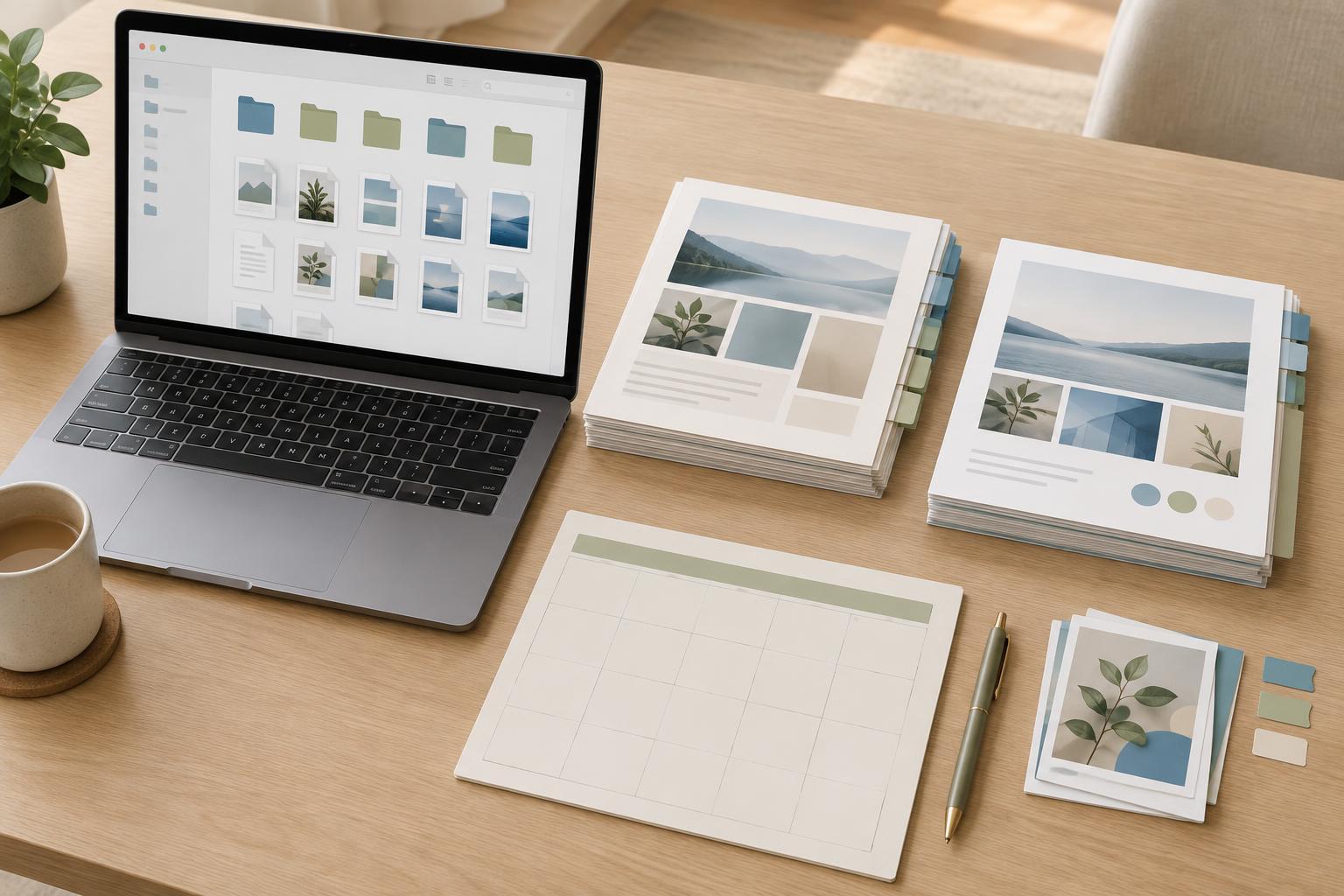
Names work best alongside a small, predictable folder structure. A project folder might contain “working,” “review,” and “final” folders. Keep editable files in working, place files awaiting feedback in review, and move approved exports to final. If that feels excessive for a one-page graphic, use just working and final. The goal is to make the right file obvious, not to create more sorting work.
Match the name of an export to its source where practical. If your editable file is “weekly-planner-v02-final.indd,” its PDF can be “weekly-planner-v02-final.pdf.” When an export has a distinct purpose, add a short label: “weekly-planner-v02-final-print.pdf” versus “weekly-planner-v02-final-screen.pdf.” Before sharing, check both the file name and the file itself. A confident-sounding name cannot confirm that the latest edits were exported.
Write the rules down, then keep them small
A naming system is useful only if you will follow it. Put a one-line pattern in your project notes, along with the approved status words and any recurring labels for sizes or channels. When working with others, agree on who changes a file to “final” and where superseded files go. This avoids two people producing different files with the same approved-looking name.
Test the system by imagining a search six months from now. Could you find the editable source for a planner, the PDF that was sent for review, and the approved print export without opening five files? If not, adjust the words or folder structure. The best rule is the simplest one that lets you identify a file confidently.