Start with the writing experience
A planner is both a printed design and a surface you use repeatedly. Crisp lines and appealing colors matter, but so does what happens when you write a quick note, erase a changed appointment or turn to the other side of the page. Paper choice affects how easily ink moves across the sheet, how visible your writing is from behind and how bulky the finished planner feels.
Before choosing paper, think about how you will use the planner. Will you write mostly in pencil or ballpoint pen? Do you like gel pens, highlighters or markers? Will you print on both sides? A paper that works well for one set of tools may be frustrating with another, so the best choice is one that suits your habits rather than the heaviest sheet available.
Understand what paper weight changes
Paper weight is commonly listed in grams per square meter, or gsm. A higher gsm generally means a heavier sheet, but it does not tell you everything about thickness, stiffness or opacity. Two papers with the same listed weight can feel different because of how they are made and finished. If a package uses pounds instead, check which paper category its rating refers to before comparing it with another package; pound ratings are not always directly comparable.
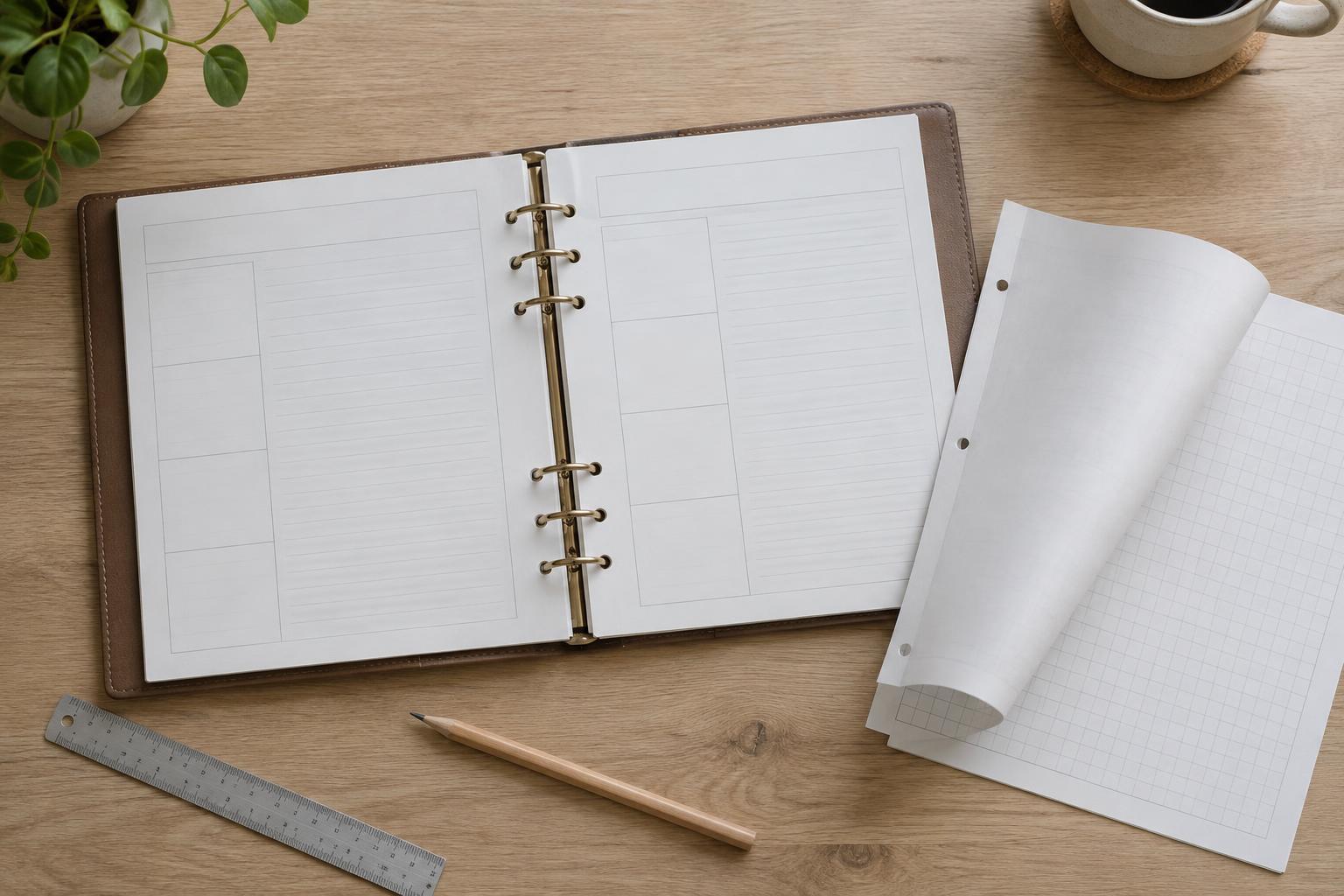
Lighter paper can keep a large planner slim and easier to flip through. Its trade-off is that printed lines or handwritten notes may be more visible from the reverse side. That visibility is called show-through. Bleed-through is different: it occurs when ink passes into or through the paper. A heavier sheet may reduce these problems, but weight alone is no guarantee, especially with a wet pen or saturated marker.
Heavier paper can give pages a firmer feel and may better tolerate frequent handling. It also adds bulk and can make a thick planner harder to bind or fold. If you use a home printer, check its supported paper range and feed path before committing to a full stack. A sample page is more useful than a weight label when judging both handling and writing.
Compare smooth, textured and coated finishes
Finish describes the paper’s surface. Smooth, uncoated paper often gives handwriting a consistent path and is a practical starting point for everyday planners. Rougher paper creates more friction: pencil marks may feel pleasantly controlled, while a fine pen tip may catch on the texture. Texture can also soften the appearance of very thin printed rules or small type.
Coated papers are designed to change how ink sits on the surface, often producing a different printed appearance from uncoated stock. They are not automatically better for a planner. Some glossy or slick finishes can make certain pens feel slippery or take longer to dry, increasing the chance of smudging when you close the book. Matte finishes vary too; a matte label does not guarantee that every pen will behave well.
The relationship between finish and ink is not always obvious by touch. Inkjet printer ink, laser toner and handwriting ink interact with paper differently. Try the printing method and writing tools you actually plan to use. If the planner includes areas for coloring or highlighting, test those as well as ordinary notes.
Watch for feathering, ghosting and slow drying
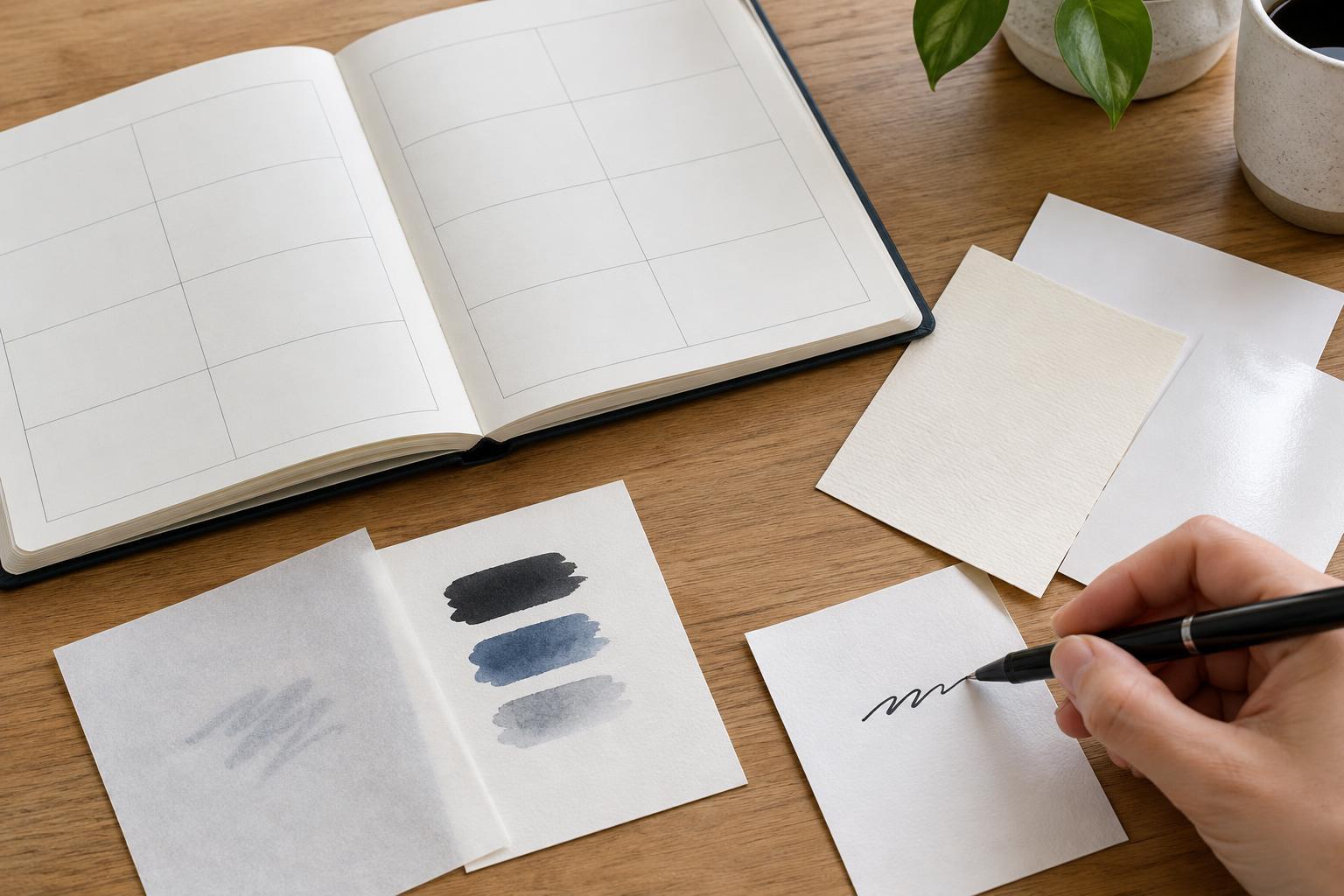
A useful writing test checks several separate issues. Feathering makes a written line look fuzzy as ink spreads along paper fibers. Show-through, sometimes called ghosting, makes marks visible from the other side without necessarily damaging it. Bleed-through leaves ink visible on the reverse or reaches the sheet beneath. Smudging happens when ink has not dried before a hand or facing page touches it.
Write a few typical entries rather than a single word. Draw a small box, make a dense note, highlight a printed label and erase a pencil mark if you expect to use pencil. Wait about as long as you normally would before turning the page. Then inspect the front, back and sheet underneath in good light. A flaw that is harmless in a margin might be distracting in a narrow writing column, so judge the test in the context of your layout.
Run a small print test before choosing
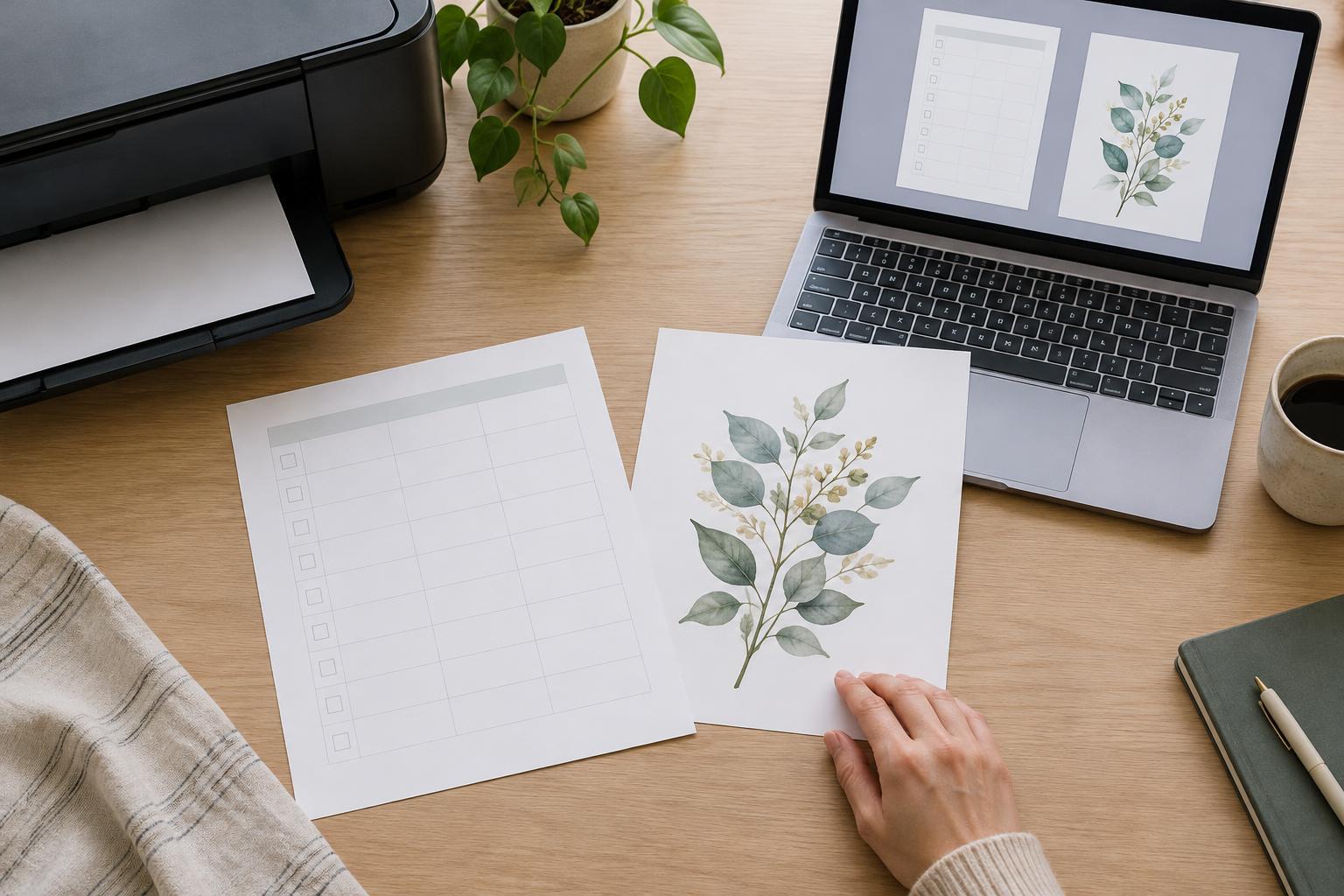
Print one representative planner spread on each candidate paper. Include your palest rules, smallest labels and any dark or colored areas. If the final planner will be double-sided, test duplex printing or print both sides manually. Check that the page feeds reliably, the printing remains legible and marks on one side do not interfere with writing on the other.
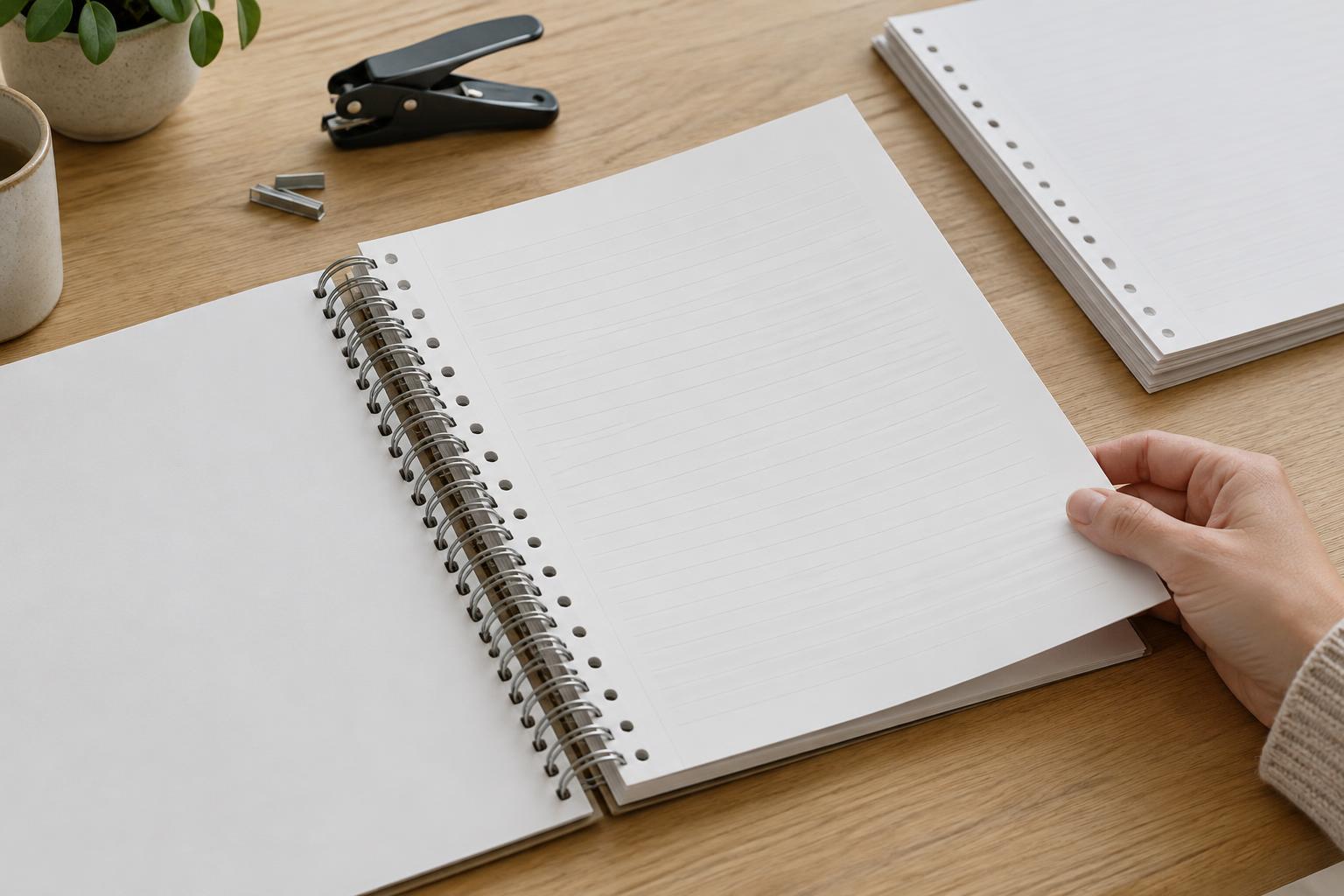
Finally, stack a few test sheets and imagine the complete planner. Consider page-turning, hole punching or binding, and whether your preferred pen still feels comfortable after several entries. You may find that a modest uncoated paper meets your needs better than a thicker or more decorative option. The goal is not a perfect specification on the package; it is a page you will be happy to write on every day.