Start with a design system, not a finished rectangle
Resizing a social graphic is rarely as simple as stretching its canvas. A headline that fits neatly across a square may look lost in a tall story, while an image cropped for a portrait post may lose its subject in a square. The easier approach is to treat the original design as a small system of reusable parts: message, image, colors, type styles, and any supporting details.
Before making variations, identify the one thing someone should notice first. It might be a short announcement, a useful tip, or a product image. Then list the elements that must appear in every version and those that can move or disappear. A decorative shape may help balance the square but be unnecessary in the story. Keeping the core message separate from decoration gives you room to adapt.
Build a clear square version
A square layout is a useful starting point because it encourages a compact composition. A 1:1 canvas gives the headline, image, and supporting text similar room to compete, so establish a deliberate order. For example, place a short headline at the top, the image or illustration in the center, and a small label at the bottom. Give the main element enough surrounding space to remain recognizable at a small viewing size.
Check whether each piece of text earns its place. If the design needs a long explanation to make sense, move that detail into the accompanying post text rather than shrinking the type. Keep important words away from the outer edge, and make sure the headline is readable against its background. This square becomes a reference for the other versions, not a rigid template they must copy.
Use the extra height in a portrait post
For a portrait variation, a 4:5 canvas is one common option, though the sizes accepted by publishing tools can change. Do not simply center the square design with empty bands above and below it. Reconsider the composition from top to bottom: an opening headline, a larger image area, and a concise supporting line can create a natural reading path.
The added height may let you enlarge an image or separate elements that felt crowded in the square. It does not mean you need to add more copy. If the image has a person or another clear subject, recrop it for the taller frame and check that the subject still has breathing room. Keep type styles and colors consistent with the square, but adjust line breaks and spacing so the portrait version feels intentionally arranged.
Make the story a distinct vertical composition
A story-style layout is often built on a 9:16 canvas. Its narrow shape can make a square headline wrap awkwardly, so rewrite line breaks before reducing the font size. Consider placing the main message in the upper or middle portion, with a simple supporting detail below. If you include a prompt such as a question, make it specific and brief.
Leave comfortable space near the top and bottom because app controls or captions may cover parts of a story when it is viewed. The exact areas vary by platform and feature, so preview the design in its intended setting when possible. For imagery, choose a crop that supports the vertical shape; if the original photo cannot fill it without losing the subject, use a solid-color background or a contained image instead of forcing the crop.
Check the set as a family before exporting
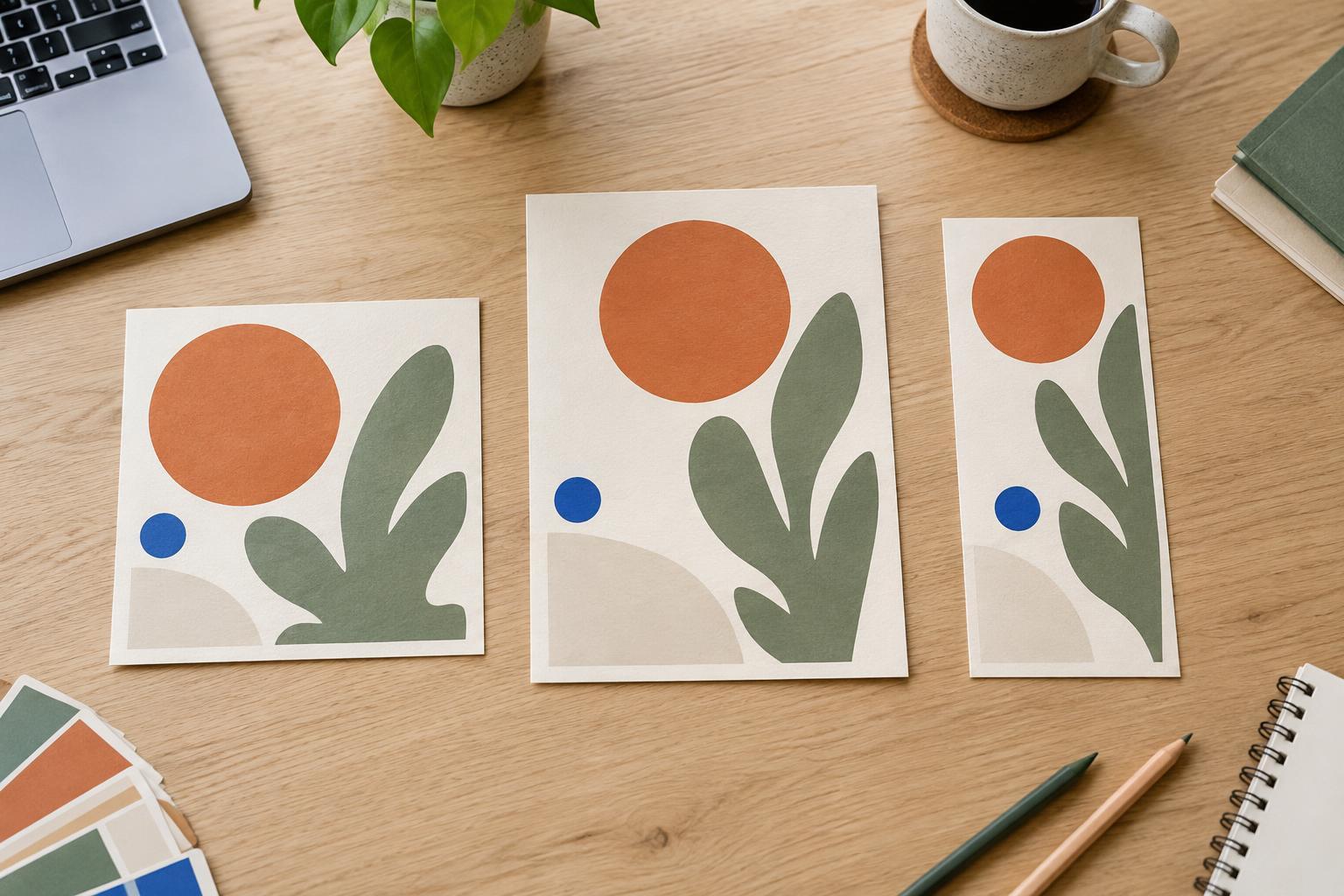
Place all three versions side by side and ask two questions: do they communicate the same message, and does each one work on its own? Consistency comes from repeating recognizable choices, such as typefaces, colors, image treatment, and tone. It does not require identical element positions. A headline can sit at the top of one format and beside an image in another without breaking the connection.
Finally, inspect each design at a small size. Look for crowded edges, weak contrast, awkward line breaks, and text that became too small during adaptation. Check that important image details survive every crop. Then export each canvas at the dimensions needed for its intended destination and give the files names that distinguish square, portrait, and story. That simple workflow makes the next round of edits easier without turning one flexible idea into three unrelated designs.