Separate the finished project from your working files
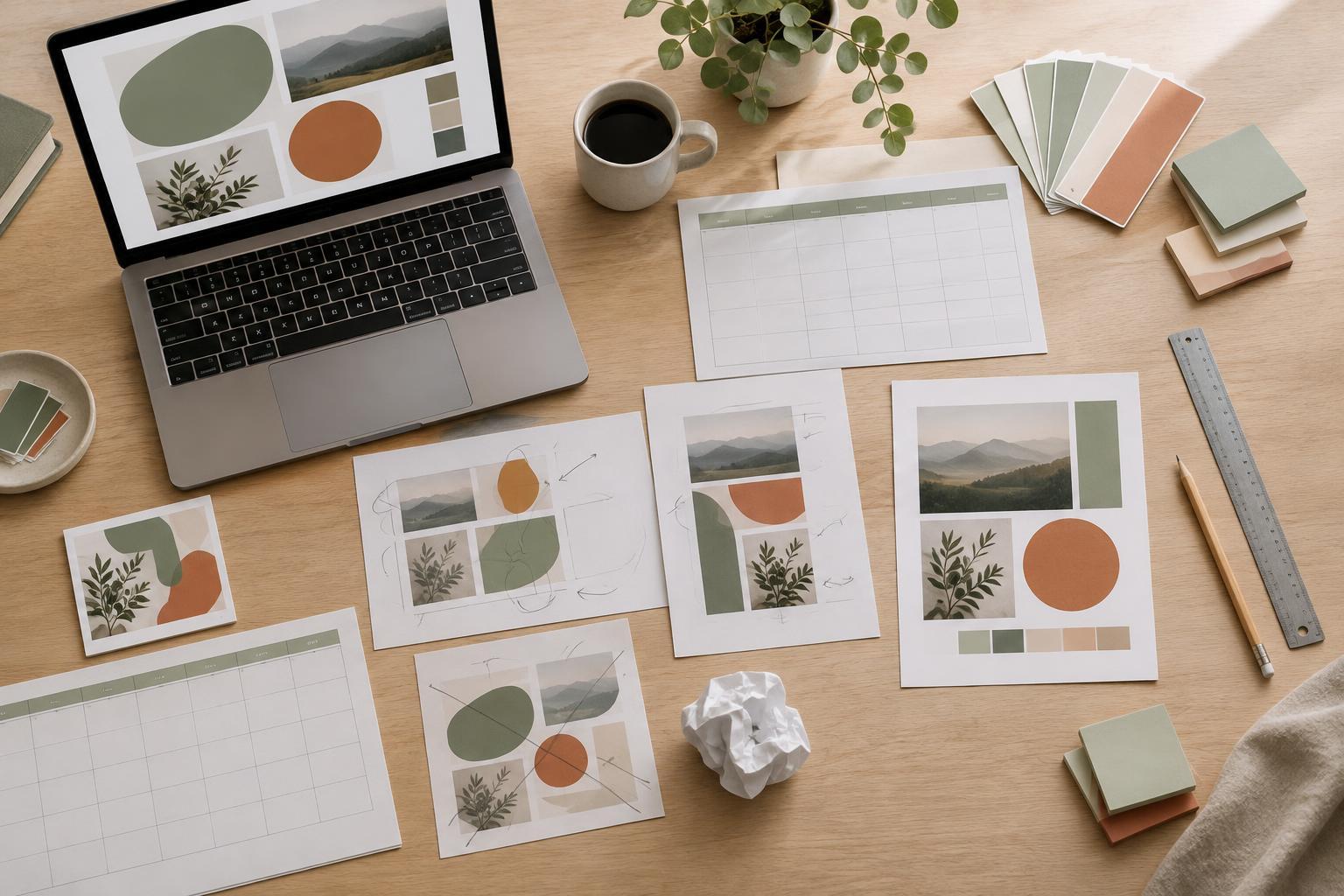
A project is ready to archive when the final version has been delivered, published or approved. That does not mean every file in its working folder has equal value. A presentation might contain the final PDF, an editable slide deck, draft exports, reference images and several abandoned versions. Putting all of them into one undifferentiated archive makes it hard to identify what was actually used.
Start by making a project folder with clear places for final outputs and editable source files. Keep the delivered or published files exactly as they were, even if you later improve the source. If you need to retain drafts, place them in a separate folder rather than beside the final files. Remove obvious duplicates and temporary exports, but check carefully before deleting anything that contains work you cannot recreate.
Give the archive enough context to be useful later
A folder name should tell you what the project was without requiring you to open it. A consistent pattern such as “Project name – format – final” can distinguish a printable planner from a similarly named presentation. Within the folder, use descriptive filenames such as “Weekly planner – print PDF” and “Weekly planner – editable source” instead of “final2” or “latest.” Consistency matters more than finding a perfect naming system.
Add a short plain-text note if the project has details you are likely to forget. Record which file is the final version, its intended size or format, the software needed to edit it and any important export choices. You can also note which fonts, images or other materials require a license check before reuse. This note is especially helpful when a project must be revised months later or handed to someone else.
Move reusable pieces into a separate library
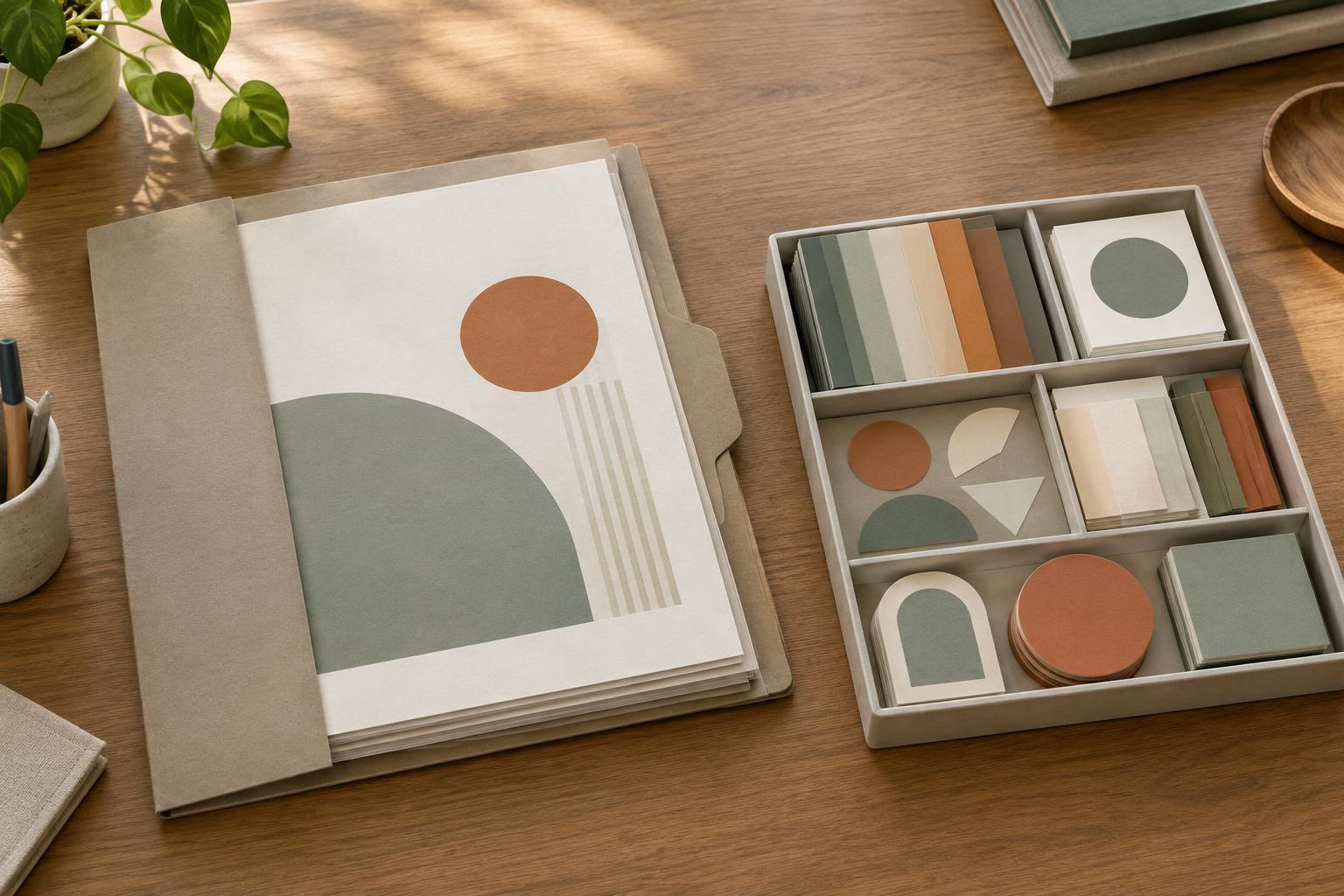
An archive answers “What did we make?” A reusable library answers “What can I start from?” Keep those purposes separate. Copy genuinely useful items into a small library organized by their role: slide layouts, planner page structures, text styles, color palettes or graphic elements. Leave the original project files intact so they remain a reliable record of the finished work.
Choose reusable pieces deliberately rather than copying every page or layer. A clean title-slide layout may be worth saving; a slide filled with project-specific figures may not be. Before adding an item to the library, remove private details, old branding and content that belongs only to the original project. Give the item a name that describes how to use it, such as “Three-column comparison slide,” rather than the project it came from.
Make reuse safe and easy
A useful template should be easy to adapt without accidentally changing its master copy. Keep a clearly labeled original in the library and make a copy when starting a new project. For complex files, include a brief note about which text, colors and images are intended to be replaced. If a layout depends on a particular font or page size, record that too; otherwise, a future edit may produce unexpected spacing changes.
Do not assume that everything in an old design can be reused in a new one. Photos, illustrations, fonts, client content and purchased elements may have different permissions from the layout you created. If you are unsure about an element, leave it out of the reusable version or flag it for review. A library of simple, well-labeled components is often more practical than a larger collection full of uncertain assets.
Build a small closing routine
Archiving works best as the last step of each project, not as an occasional cleanup marathon. Confirm the final output opens correctly, save the editable source, sort retained drafts, write any necessary context note and copy selected components into the reusable library. Then move the project folder out of your active workspace. This keeps current work visible without sacrificing older files.
Review the library from time to time as your design habits change. Retire duplicate layouts, rename items that are difficult to find and update templates that repeatedly need the same adjustment. Keep older finished projects in the archive even when their styles no longer represent your current work. They preserve the history of what was made, while the library stays focused on what is useful to make next.