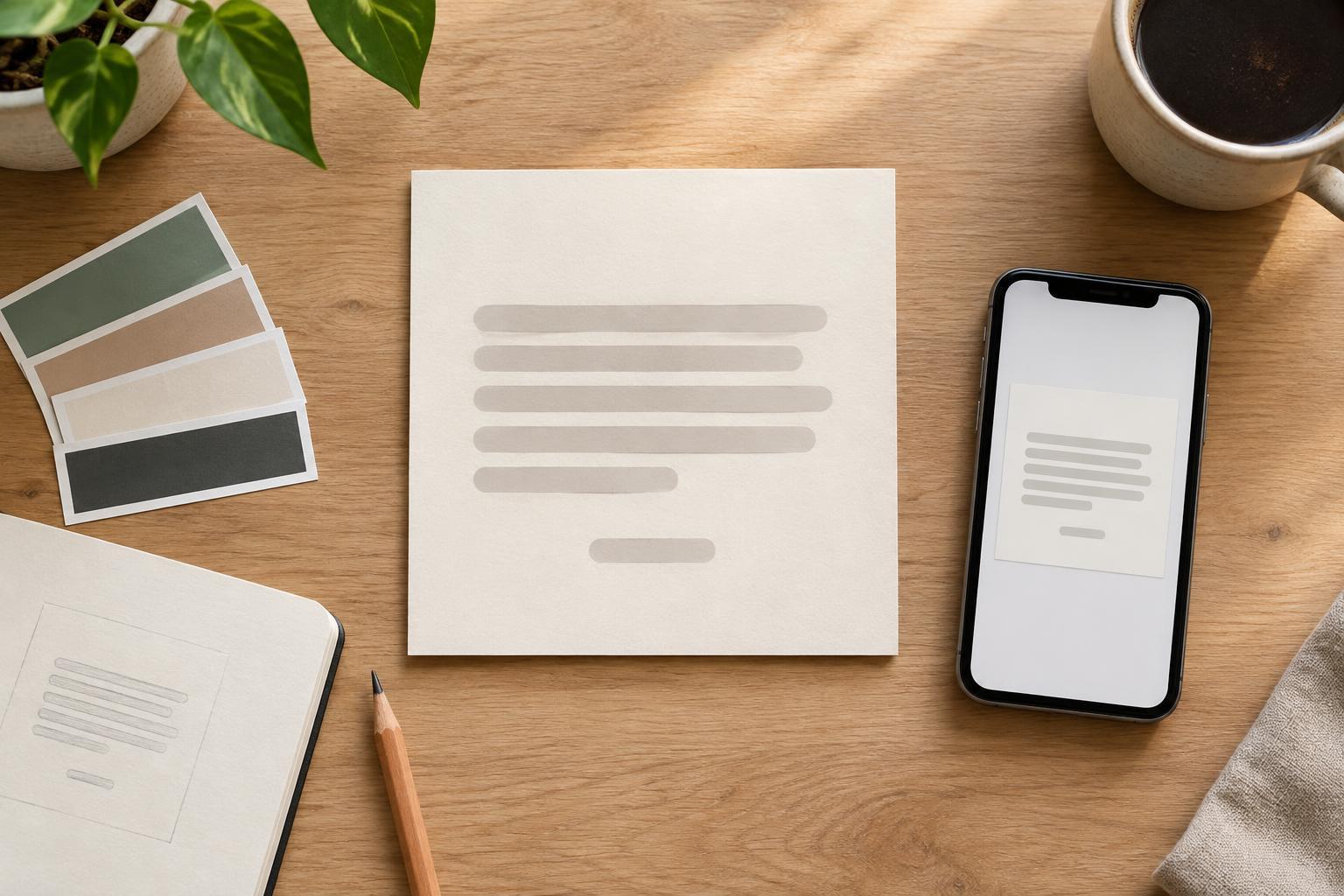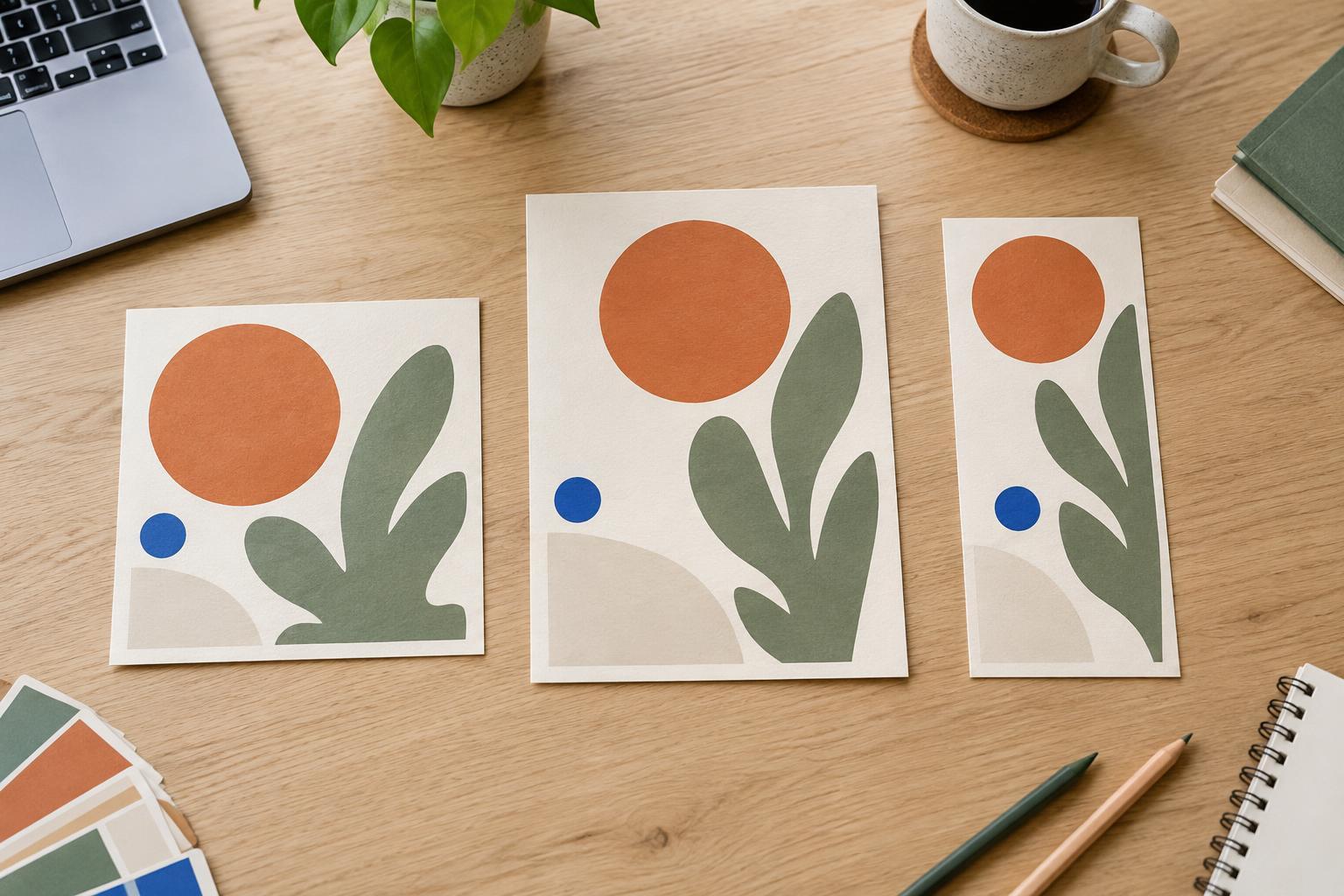
Decide what the graphic needs to say first
A call to action, or CTA, works best when viewers understand what it relates to. Before arranging text, write the main message and the desired next step as two separate sentences. For a workshop graphic, the message might be “Make your slides easier to read.” The next step might be “See the workshop details.” If both sentences compete for the headline position, the graphic may feel like two advertisements at once.
Give the message the role of explaining the value or idea. Give the CTA the role of telling someone what to do next. Then remove words that repeat information already visible elsewhere. A graphic about three planner setup tips, for example, does not need a CTA that says “Discover these three planner setup tips now.” “Read the tips” may be enough, provided the destination is clear from the accompanying post or context.
Build a clear visual hierarchy
Start with the main message as the most prominent text. Its size, weight or position should make it the first thing a viewer notices. Supporting details, such as a short description or date, can sit below it at a quieter level. Place the CTA where the eye can reach it after reading the message, rather than making it compete for attention at the top.
Prominence does not have to mean making everything large. If the headline is bold and the CTA is inside a colored shape, the two can remain distinct without having equal visual weight. A useful check is to glance at the graphic for a moment, then look away. If you remember the button text but not what the graphic was about, reduce the CTA’s emphasis or strengthen the headline. If you remember the message but cannot find the next step, make the CTA easier to locate.
Use spacing and color to connect the two
Space helps show how the message and CTA relate. Keep supporting text near the headline it explains, then leave a noticeable gap before the CTA. That gap signals a move from information to action. It also gives a button-shaped CTA or short action line room to stand out without requiring a second oversized font.
Choose contrast for readability before decoration. A CTA can use an accent color already present in the graphic, while the headline stays in the primary text color. If the background includes a photograph or busy pattern, a simple solid area behind the text may make both easier to read. Avoid relying on color alone to separate the CTA: wording, placement and shape should help identify its purpose.
Write an action that matches the promise
The CTA should describe a realistic next step. “View the checklist,” “See the examples” and “Save this for later” each suggest a different action. Choose the one that fits what people can actually do from the post. If a platform does not make the graphic itself clickable, avoid designing a button that appears to promise an interaction it cannot provide. The caption or surrounding interface can carry any details needed to complete the action.
Keep the CTA short, but not so vague that it loses meaning. “Learn more” may be adequate when the topic and destination are obvious; “See the layout examples” is clearer when they are not. Check that the action follows naturally from the headline. If the headline offers one practical tip but the CTA suddenly asks for a major commitment, the graphic may feel disjointed.
Review the design at its likely viewing size
A layout that looks balanced while zoomed in can feel crowded when displayed small. Preview the graphic at a size close to how someone might encounter it in a feed. Read it in order without zooming: message, any essential detail, then CTA. If that sequence takes effort, try shortening the text before shrinking the type. Also check that the CTA remains legible and is not pressed against an edge where a crop could obscure it.
Finally, compare the graphic with its caption. The image can carry the central idea and a concise action, while the caption provides context or instructions. They should reinforce rather than duplicate each other word for word. The goal is not to make the CTA as loud as possible. It is to make the next step easy to find once the main message has earned someone’s attention.