Start with the work you repeat
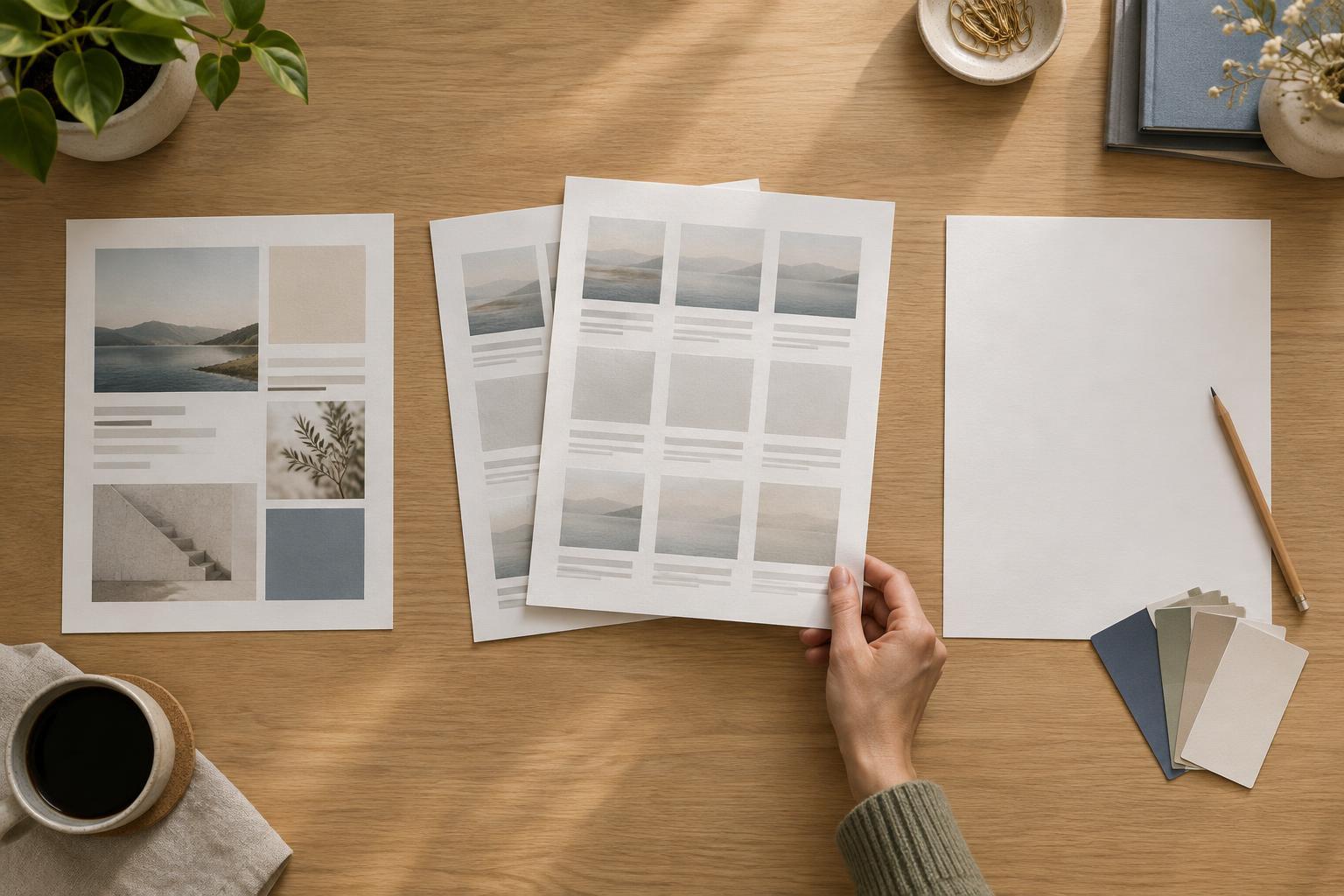
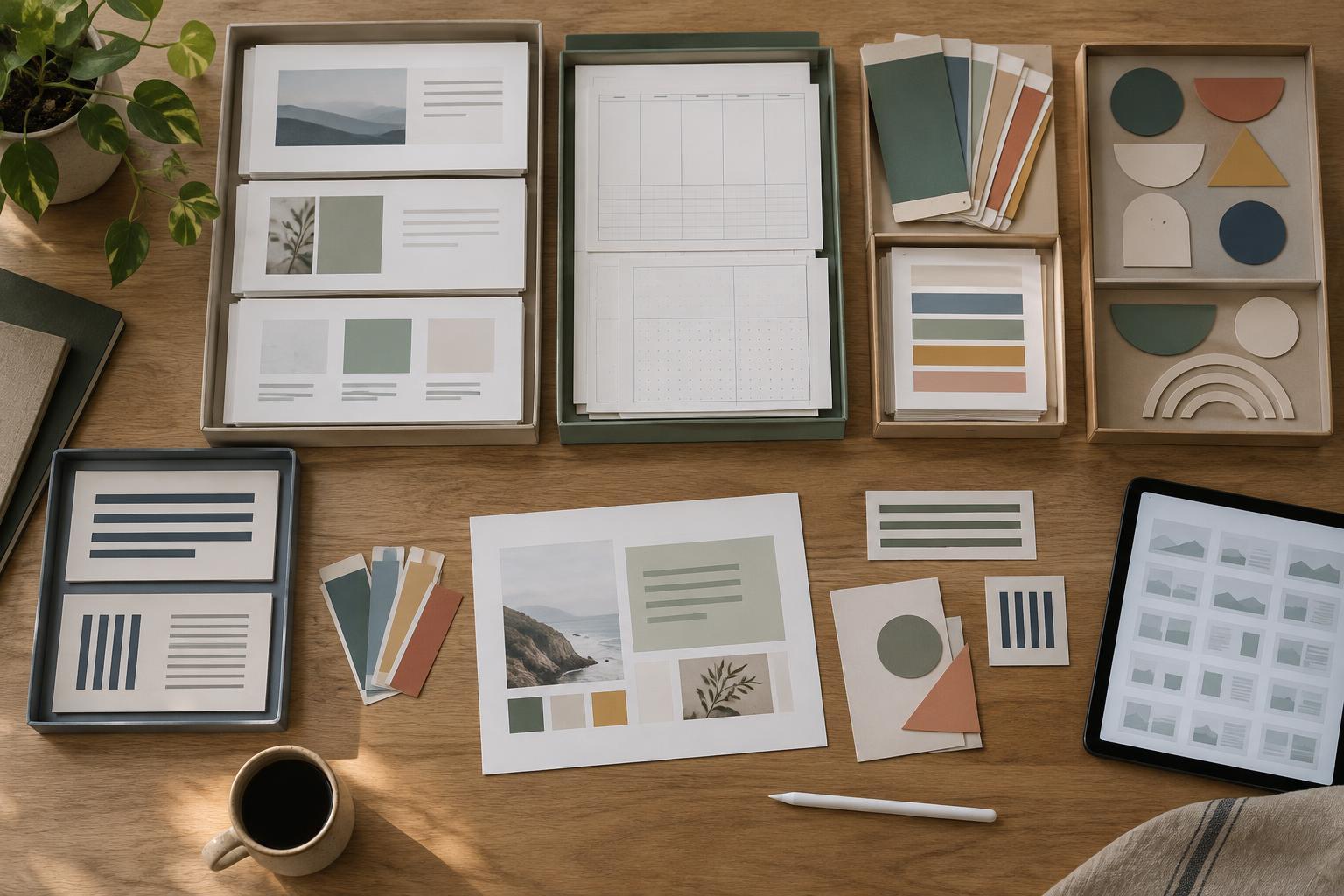
An asset library is a home for design elements you expect to use again: logos, color palettes, type styles, icons, illustrations, page layouts and export settings. Its purpose is not to collect everything you have ever made. A useful library helps you find a suitable element quickly, understand where it belongs and adapt it for a new project.
Begin by reviewing a few recurring projects, such as monthly presentations, printable planners or a series of social graphics. Note which elements you repeatedly rebuild or search for. A presentation might need title slides, chart styles and a consistent footer. A planner might need page grids, date labels and print-friendly colors. Build the first version of your library around these real needs rather than an imagined set of future projects.
Separate reusable assets from finished projects
Give the library its own location instead of scattering files across project folders. A simple top-level structure might contain Brand Basics, Type and Color, Graphics, Layouts, and Examples. Within Graphics, you could group icons separately from photographs; within Layouts, you could separate presentation slides from printable pages. Keep the structure shallow enough that you can reach a file without opening a long chain of folders.
Store clean, reusable versions in the library and keep project-specific edits with the finished project. For example, the library might hold a blank weekly planner grid, while a client’s filled-in planner stays in that client’s folder. This distinction protects your starting files from accidental changes and makes it clearer which version to copy next time. If an edited version proves broadly useful, clean it up and add it to the library as a new asset.
Name files so they make sense out of context
A file named final-new-2 is difficult to trust six months later. Use names that describe what an asset is and, when helpful, its format or size. For example, presentation-title-slide-wide, planner-weekly-grid-letter and social-quote-square are easier to scan in a file list. Choose a naming pattern your team can follow consistently; an imperfect convention used every time is more helpful than an elaborate one nobody remembers.
Add brief notes where a filename cannot carry enough information. A small text document in each main folder can explain which fonts a template uses, which colors are intended for backgrounds, and whether an image has restrictions on reuse. When you add a third-party asset, keep its license or usage information with it and check that information before using it in a new context. The library should make decisions easier, not hide important details.
Create starter files that are easy to customize
The most valuable assets are often working files rather than isolated images. A slide deck starter can include a title slide, section divider and a few content layouts with type styles already applied. A planner starter can include margins, a page grid and sample headings. These files give each new project a consistent foundation while leaving room to change the message, imagery and composition.
Make editable elements obvious. Use clear layer names, remove outdated sample content and distinguish placeholders from elements that should stay consistent. If a layout relies on a particular font or linked image, note that dependency near the starter file. Before adding a template to the library, copy it and complete a small test project. That test can reveal missing files, awkward spacing or instructions that only make sense to the original creator.
Keep the library small enough to maintain
A library becomes less useful when several nearly identical files compete for attention. Set aside a little time after recurring projects to decide what deserves to be saved. Keep an asset if it solves a repeatable problem, meets your current design standards and can be understood without retracing the entire project. Archive superseded versions rather than mixing them with active files.
It helps to assign a simple review habit: check the library when a project ends or before the next series begins. Remove broken links, update starter files when your design system changes and revise notes that caused confusion. The goal is not a perfect collection. It is a dependable set of building blocks that shortens setup time while still encouraging thoughtful choices for each new design.