Start with a design question
Collecting references is most useful when you know what you are trying to solve. Before saving images, write down the project, its audience, and one or two open questions. A presentation might need a clear way to compare three options. A printable planner might need space for handwriting without feeling empty. These questions give you a reason to keep an example beyond simply liking how it looks.
As you browse, save references that answer different parts of the problem. One may show a useful information hierarchy; another may handle spacing well; a third may make a complex page easy to scan. You do not need a large collection. A small set of varied examples is easier to examine than a folder of near-identical designs, which can quietly steer you toward recreating one particular style.
Record why each reference works
An image alone rarely preserves the insight you had when you saved it. Add a short note in your own words: “The heading is easy to find because it has generous space around it,” or “The weekly tasks are grouped by day rather than by priority.” If you know where you found the example, keep a link or identifying note so you can return to it for context. This also helps you avoid treating a cropped image as an asset you are free to reuse.
Describe relationships rather than isolated visual details. Notice which element attracts attention first, how the eye moves through the page, and where repeated rules create consistency. For a social graphic, you might note that the message remains readable at a small size because it uses one short headline and a restrained color palette. That observation is more transferable than the exact font, illustration, and color values.
Separate the principle from the execution
A useful design principle can often be applied in many ways. If a reference uses strong contrast to distinguish a title from supporting text, you could create contrast through size, weight, placement, or spacing. You do not have to copy its typeface and colors. Likewise, a planner that feels calm because it has consistent margins does not require you to reproduce its boxes, labels, or decorative marks.
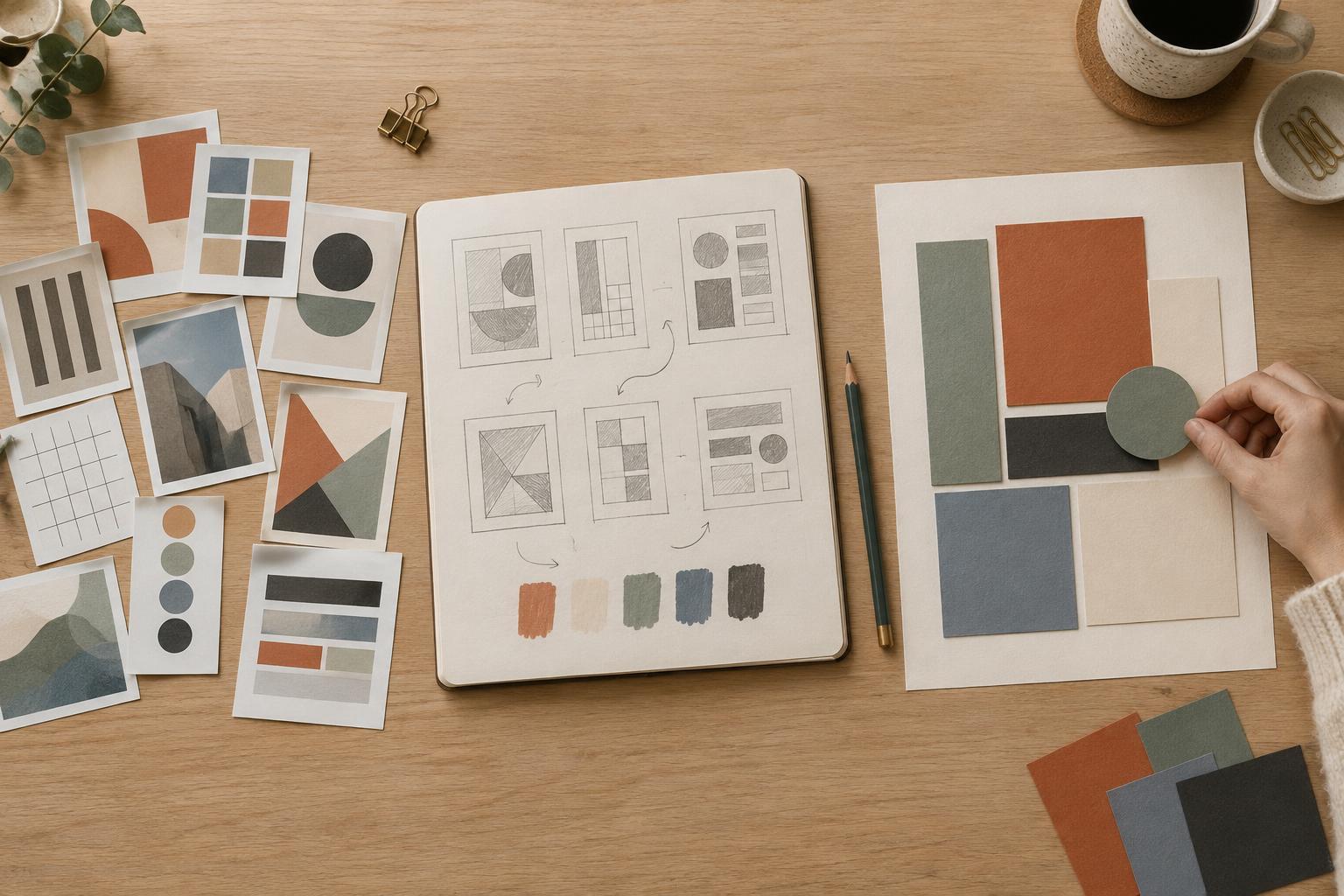
Try writing a one-sentence lesson for each reference before opening your design tool. Then set the reference aside and sketch two or three possible layouts from that lesson. For example, “Make the main action obvious” could lead to a large numbered step, a distinct callout panel, or a short checklist near the top. Exploring alternatives interrupts the impulse to trace a finished composition and gives you options suited to your own content.
Design around your content and constraints
Your project should shape the result more than the reference does. Place the real headings, labels, images, and body text into a rough layout early. A slide built for a single striking photograph may be a poor model for a slide that needs a chart and explanatory notes. A compact planner page may look elegant in a preview but leave too little room for someone to write. Testing with realistic content reveals which ideas actually help.
Set a few constraints of your own, such as a type scale, margin system, or limited set of colors. You can borrow the general idea of orderly alignment while choosing a grid that fits your page and information. If a design starts to resemble one reference closely, change more than a token detail: reconsider the structure, visual emphasis, typography, and supporting elements together. The goal is a solution to your brief, not a disguised version of someone else’s.
Review the result, then keep the useful lessons
Before finishing, compare your draft with its references. Ask what you learned from each one and whether any distinctive combination of layout, wording, imagery, and decoration has carried over. Be especially careful with recognizable illustrations, icons, photographs, and template elements. Seeing an asset in a reference does not mean you have permission to place it in your own work; use material you have created or are permitted to use.
Finally, check the design on its own terms. Can someone find the key message quickly? Is the text readable at its intended size? Does the printable have enough usable space, or does the slide work from a viewing distance? Save notes about the choices that succeeded, not just a screenshot of the finished page. Over time, your reference collection becomes a record of problems and solutions you understand, rather than a catalog of designs to imitate.