Start with the job of the series
Before choosing colors or fonts, define what the recurring series will do. A weekly tip, a short myth-versus-fact post, and a customer question series all need different amounts of space. Write a simple description: who the posts are for, what readers should learn, and what kind of content appears each time. This gives you a way to judge design choices beyond whether they look appealing.
Next, list the elements that will appear in nearly every installment. A series name, topic label, main message, image, and small account identifier might be enough. Decide which element should catch attention first. For a quick tip series, that may be the tip itself; for a numbered sequence, the number may help readers follow along. Keeping this hierarchy stable makes new posts feel related even when their subjects change.
Choose a few visual rules you can repeat
A consistent look does not require every graphic to be identical. Choose a limited set of decisions that viewers will see repeatedly: perhaps one background color family, two type styles, a particular shape around the headline, and a predictable position for the series label. Treat these as rules rather than decorations. If the label always sits in the upper-left corner, for example, readers can identify the series without searching the whole image.
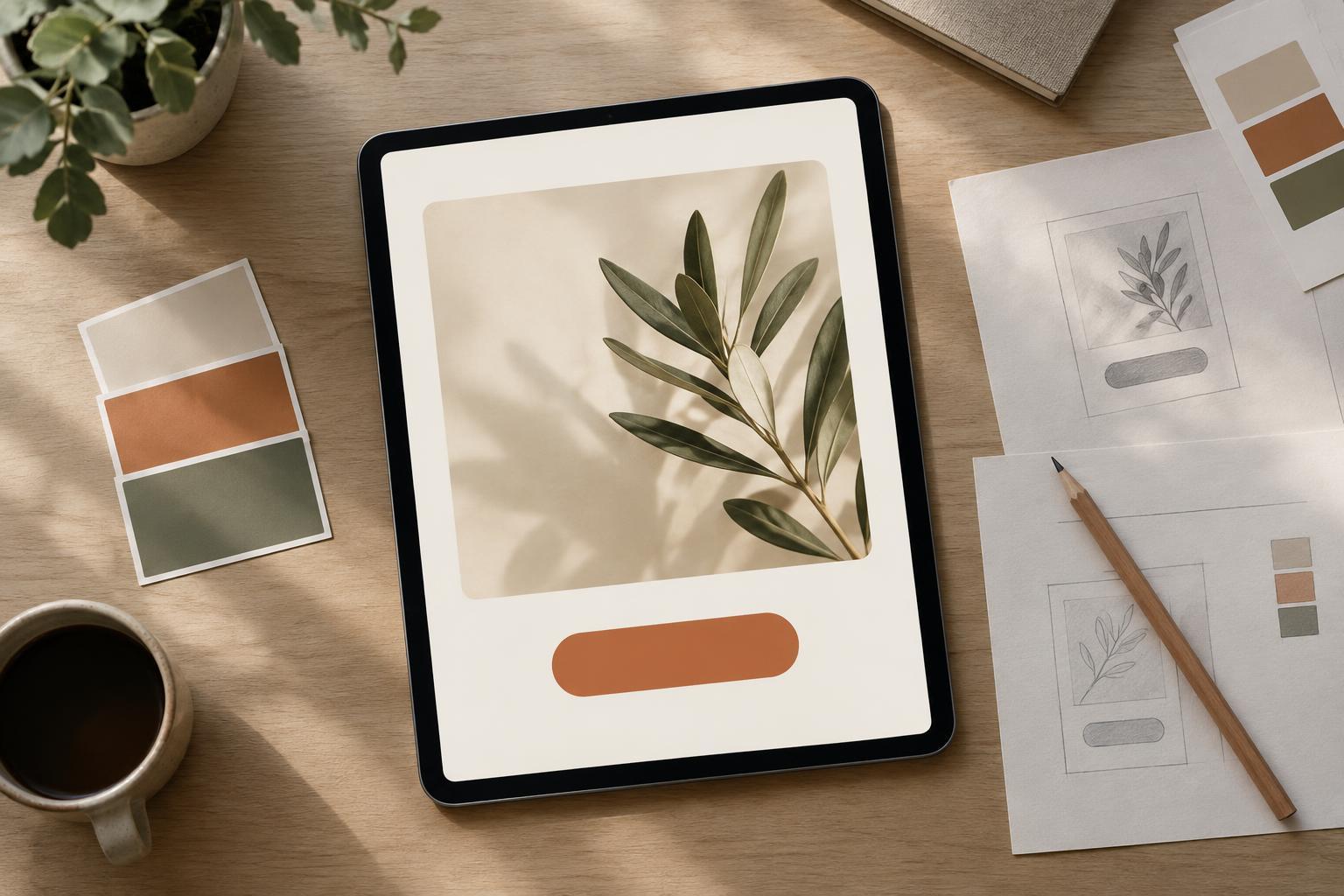
Give color and typography specific roles. One color can serve as the main background, another as an accent for numbers or key words, and a neutral color can support longer text. Use a clear display style for short headlines and a highly readable style for supporting copy. Test both on a phone-sized preview; a combination that looks elegant on a large canvas may be hard to read at feed size. Check that text remains distinct from its background, especially when placed over photography.
Write these decisions down in a short series guide. Include color values, font names or available substitutes, typical text sizes, spacing rules, and examples of where each element belongs. A small set of documented choices is more useful than a large collection of designs that must be reverse-engineered later.
Build a template with room for real content
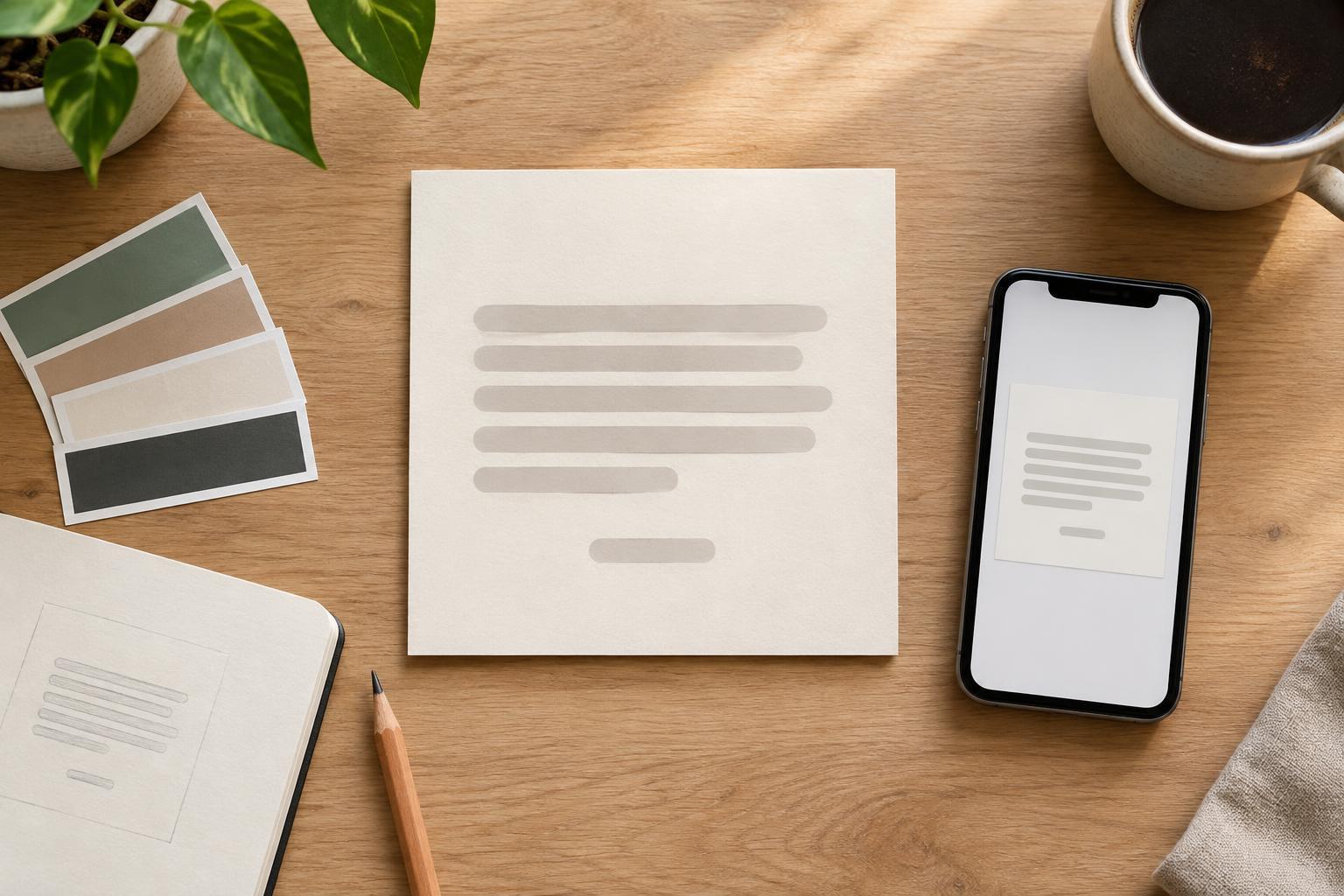
Design a base layout using an ordinary installment, not a perfectly short headline. Add the series label, a space for the main point, and any supporting information the format genuinely needs. Then test an installment with a longer title and another with less text. If either one breaks the layout, adjust the template before using it repeatedly. Text areas need room to grow without crowding the edges or shrinking type until it becomes difficult to read.
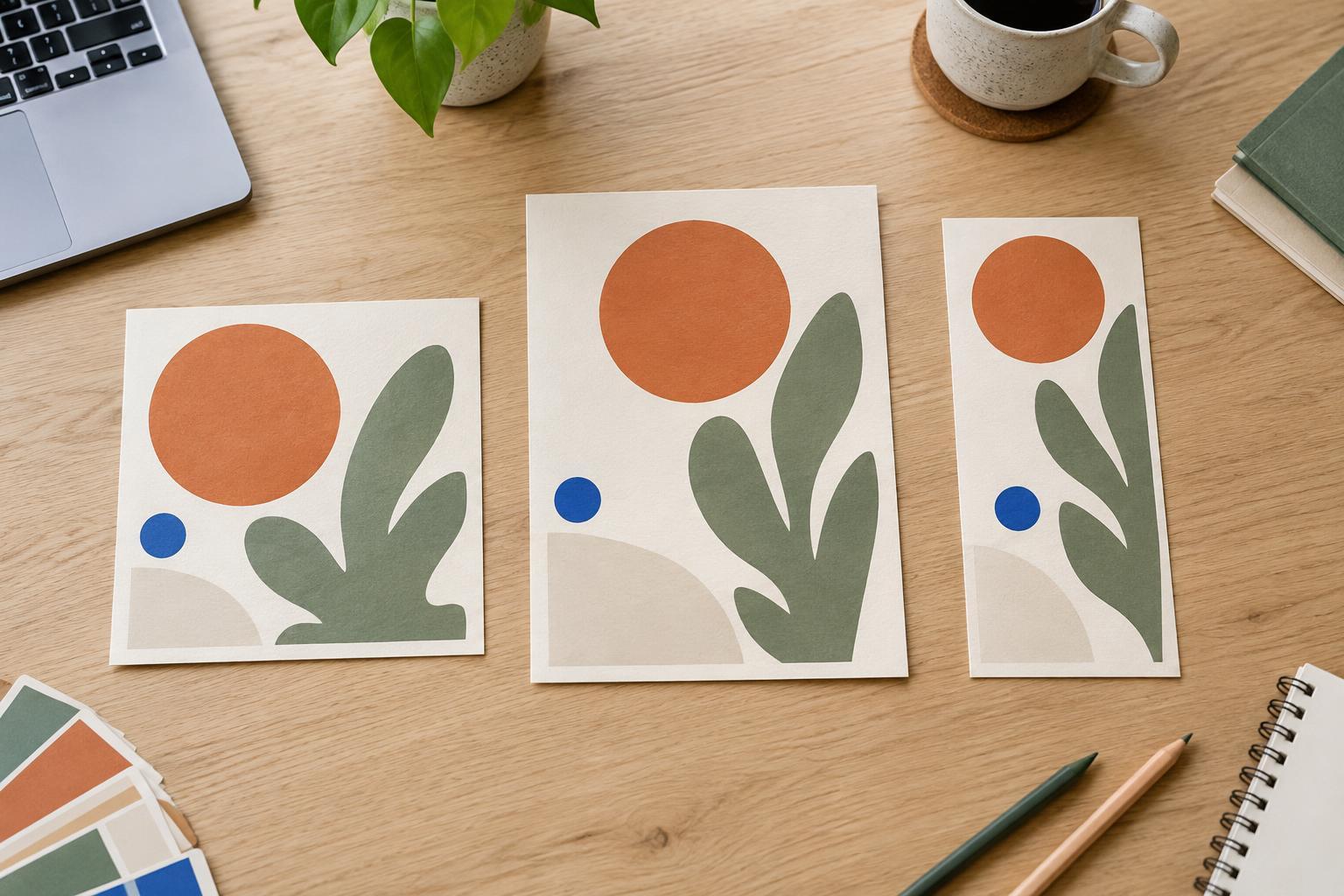
A useful template has fixed elements and flexible areas. Keep the series label, margins, and type hierarchy fixed; allow the headline, image, and supporting detail to change. You might create two approved variations: one led by text and one led by an image. Both can share the same label, colors, alignment, and spacing so they still read as part of one series. This is often more practical than forcing every topic into a single composition.
If a post contains several ideas, consider a sequence of graphics rather than squeezing everything onto one. Give the opening graphic a clear promise, let the middle graphics explain one point each, and use a consistent closing treatment when appropriate. Repeated structure helps readers move through the sequence while leaving enough space for each idea.
Make imagery feel related without making it repetitive
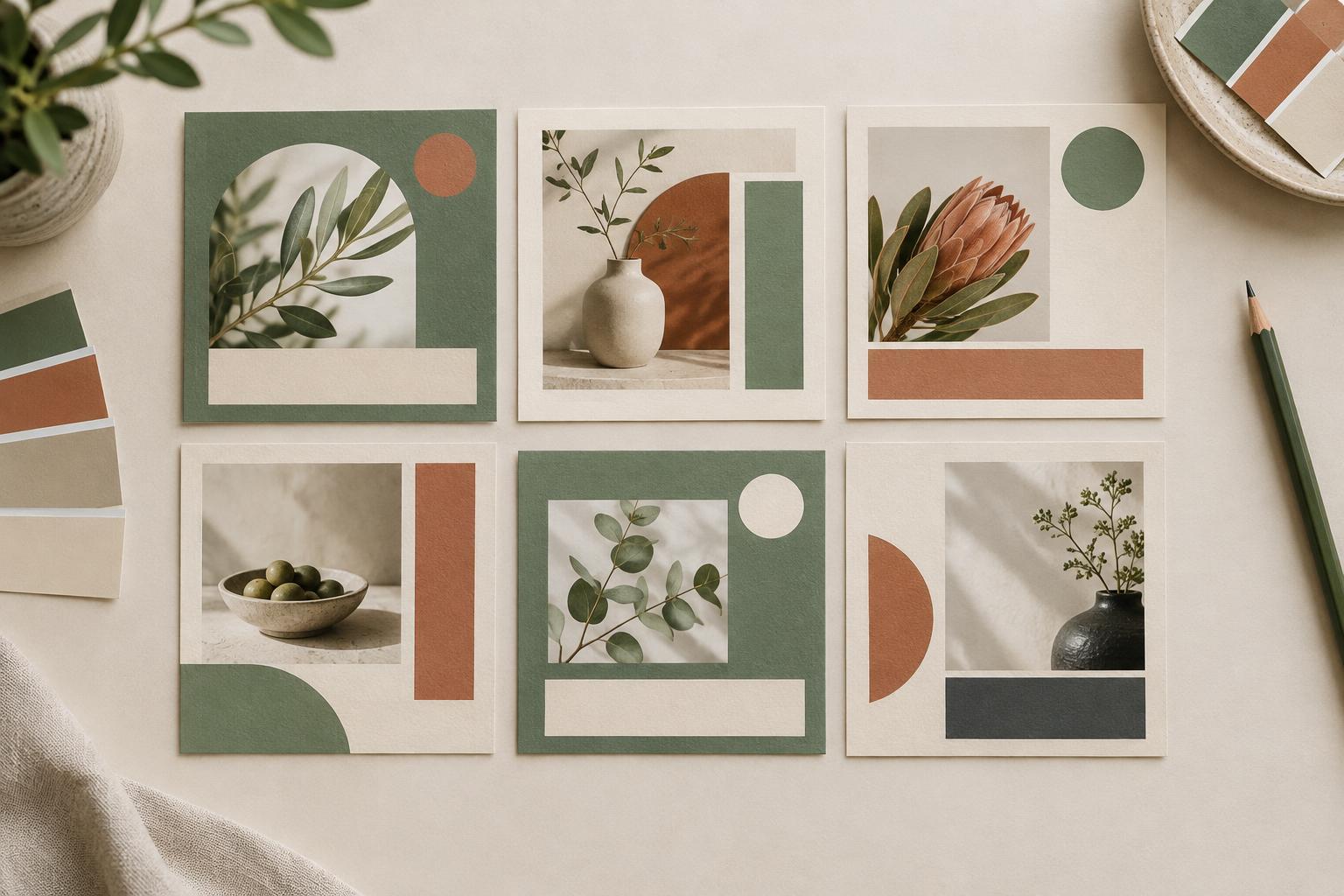
If the series uses photos or illustrations, decide what they have in common. That might be similar framing, a restrained palette, simple backgrounds, or one illustration style. Avoid relying on a heavy filter to fix unrelated images; it may reduce clarity without creating a meaningful connection. When an image contains important detail, give it enough space instead of covering it with a large text block.
Imagery can also be optional. A clear text-led design may suit explanations, prompts, or checklists better than an image added only to fill space. If you alternate between image-led and text-led posts, carry the same recognizable elements across both. A viewer should still be able to spot the series when the subject matter, photograph, or background color changes.
Use a repeatable production and review process
Keep the master template separate from finished posts, and duplicate it for each new installment. Name files consistently so drafts and final versions are easy to find. Draft the message before adjusting the design: this prevents a layout from pushing you toward vague wording simply because a shorter phrase fits better. If a post repeatedly needs more room, revise the layout rules rather than making a one-off exception every time.
Before publishing, review the series as a group and each graphic on its own. In a grid of recent posts, check whether the connection is visible without every graphic looking interchangeable. On an individual graphic, check reading order, spelling, alignment, edge spacing, and legibility at a small size. If the platform supports accompanying text or image descriptions, use them to provide context that the graphic alone may not convey. A consistent series is not a frozen design: keep the rules that aid recognition, and refine the ones that make posts harder to create or read.