Decide what readers should notice first
Visual hierarchy is the order in which a design invites people to notice and read its parts. Before changing fonts or moving boxes, identify the main message, the supporting information, and anything readers can find later. A presentation slide might need its conclusion noticed first, followed by a chart and a short explanation. A printable planner might need the date and task area to stand out, while instructions stay quieter.
Try writing those priorities as a short list. If two elements are equally important, decide whether they can share a visual level or whether one should lead. This step prevents a common problem: making every label, icon, and heading prominent. When everything asks for attention at once, readers have to work out the order for themselves.
Use size to establish clear levels
Size is an immediate way to signal importance. A large headline is usually seen before a smaller caption. You do not need a different size for every element, though. Start with a small set of levels, such as a headline, a section heading, body text, and a caption. Repeating those levels across pages or slides helps readers recognize the structure without relearning it each time.
The difference between levels should be noticeable at the intended viewing size. A title that is only slightly larger than the body may not read as a title, especially on a projected slide or a phone screen. At the same time, an oversized heading can crowd out the content it introduces. Check the whole layout, not just the text box: a headline should earn the space it takes.
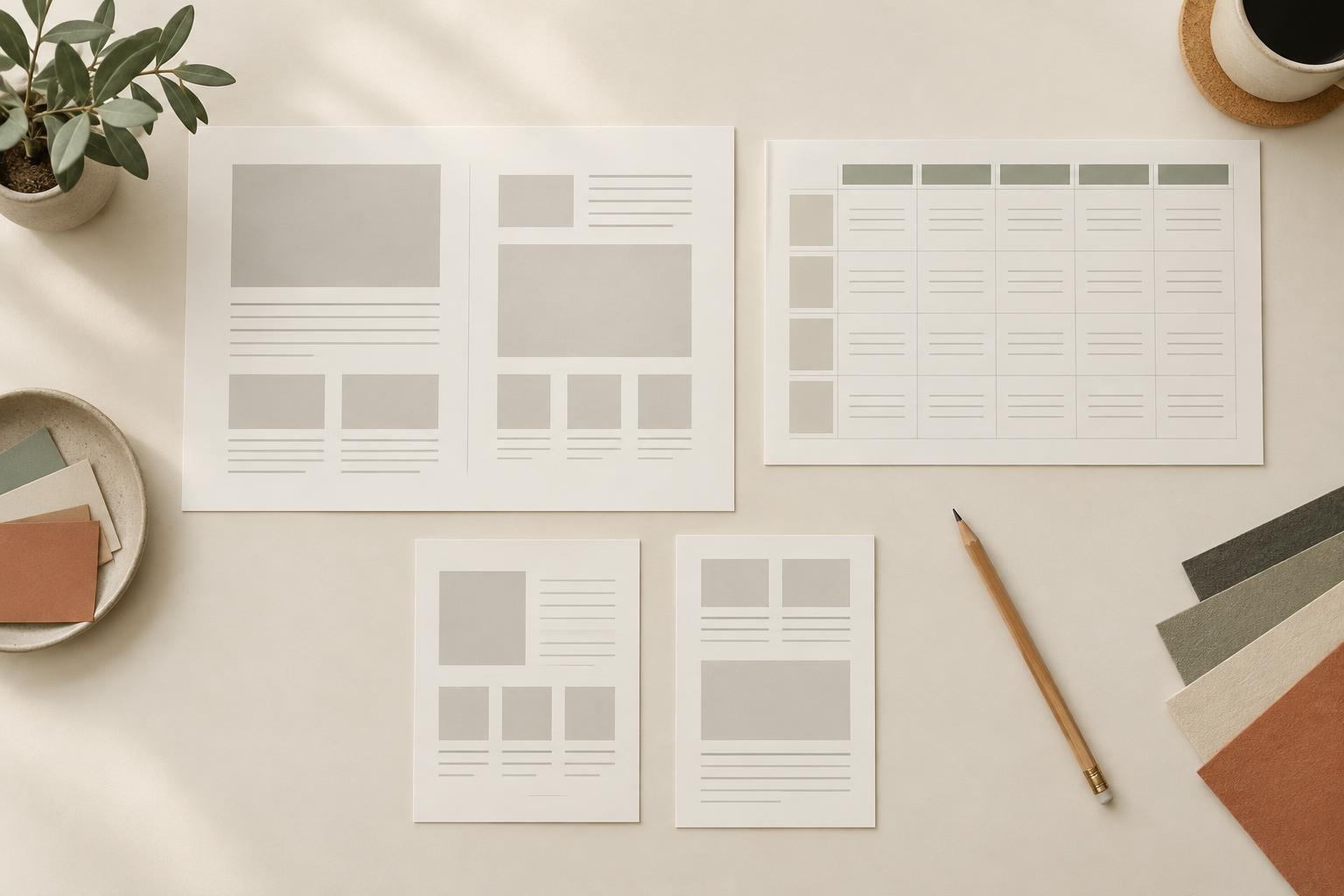
For example, on a weekly planner page, the week label can be the largest text, day names can form a consistent middle level, and notes or prompts can be smaller. That gives the page an entry point while leaving useful room to write.
Use weight for emphasis, not competition
Type weight describes how light or heavy letterforms appear. Bold text can help a heading or key phrase stand apart without making it much larger. It is especially useful when space is limited, such as in a social graphic or a compact planner column. Regular-weight text can then carry the details at a comfortable reading pace.
Be selective. If every line is bold, bold no longer tells the reader what matters most. In a slide with one takeaway and three supporting points, consider giving the takeaway a stronger weight and keeping the points regular. Within a paragraph, emphasize only the words readers need to locate quickly; too many emphasized phrases make the paragraph harder to scan.
Weight also needs to work with the typeface and background. Thin lettering may become difficult to read at small sizes or over a busy image, while a very heavy style may feel cramped in a long sentence. When emphasis is unclear, first try simplifying the text or adding space around it rather than stacking on more effects.
Use placement to create a reading path
Placement tells readers which elements belong together and where to go next. Put a heading close to the content it names, align related items along a shared edge, and leave more space between separate groups than within a group. This makes structure visible even before someone reads the words.
Consistent placement is valuable across a series. If every presentation slide puts its heading in the same area, viewers can quickly find it. If a planner uses the same position for dates on each page, people can orient themselves without searching. Consistency does not mean every design must be symmetrical; it means that positions have a purpose.
Consider a graphic announcing a workshop topic. The topic could sit near the top, the practical benefit directly beneath it, and the secondary details together at the bottom. Moving a small decorative shape away from that reading path may do more for clarity than enlarging every line of text.
Combine the cues, then test the result
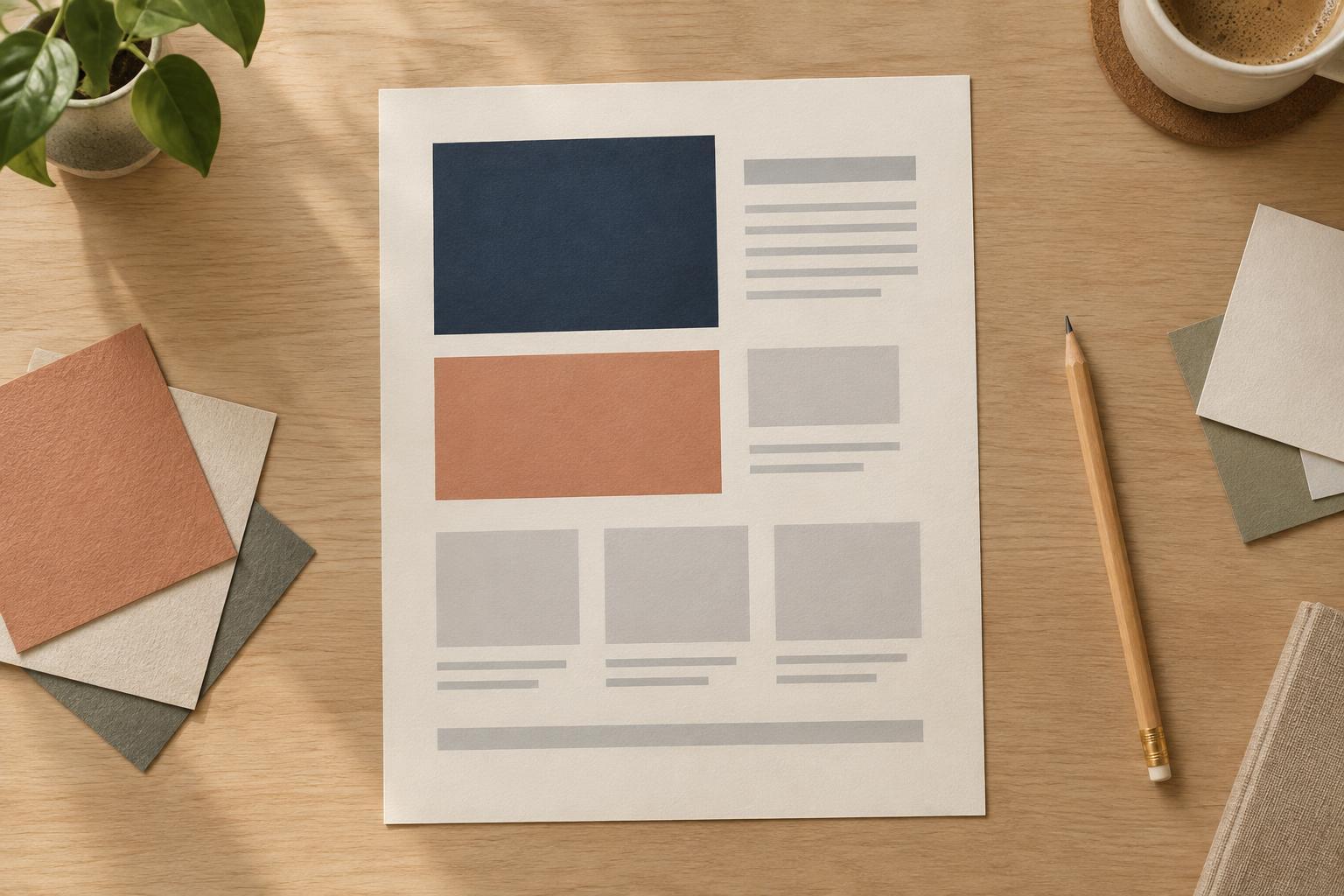
Size, weight, and placement work best as a coordinated system. Give the most important element a clear advantage, but avoid making it dominant in all three ways by default. A large, bold heading may need generous space around it, while a smaller bold label can be effective because it sits directly above its related content. Let each cue do a specific job.
To check a draft, look at it briefly and name the first three things you notice. Do they match the priorities you listed? Then view it at the size someone will actually use: a projected slide, a printed page, or a phone screen. If the order feels wrong, change one cue at a time. Clear hierarchy is less about making a design louder and more about making the next step obvious.