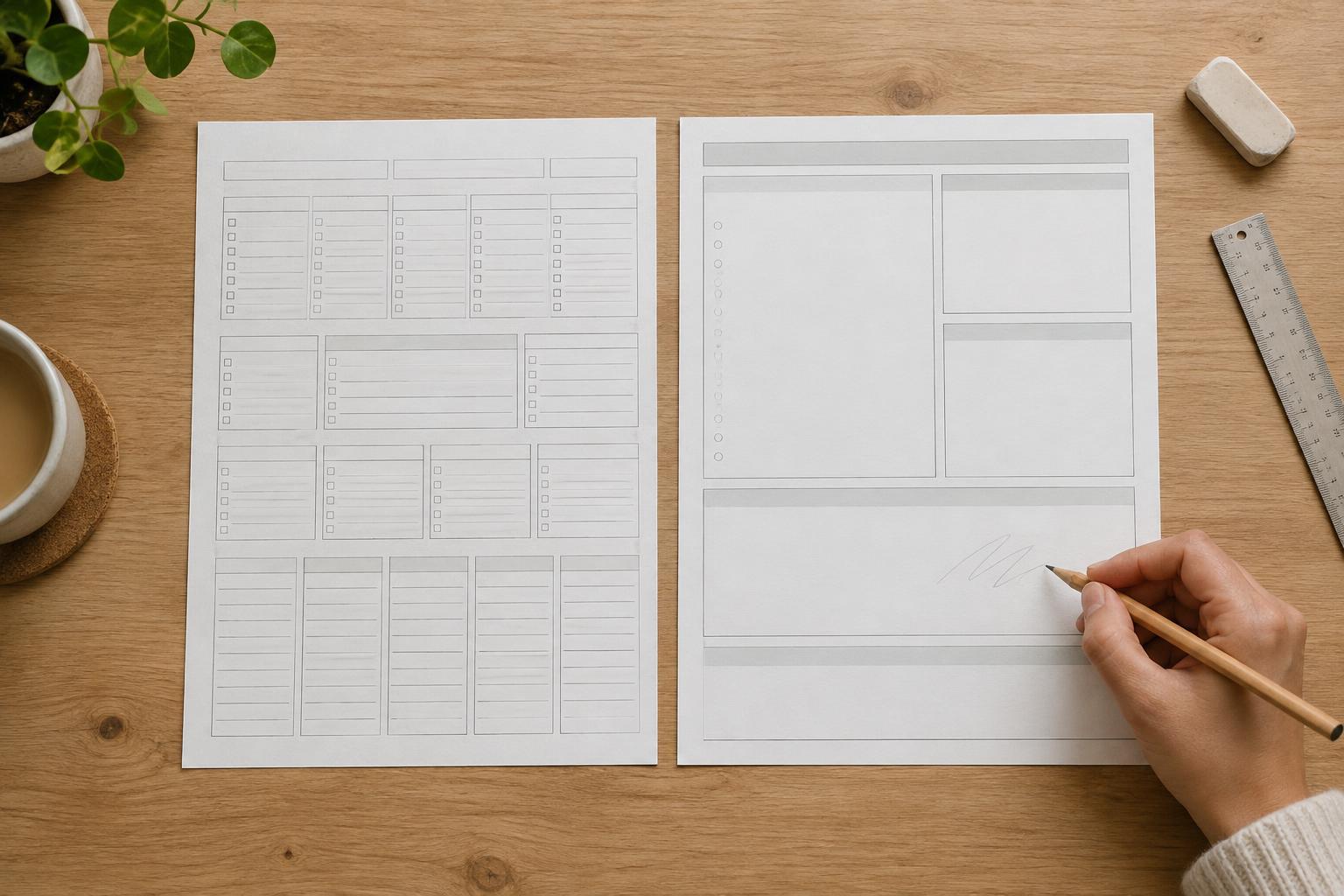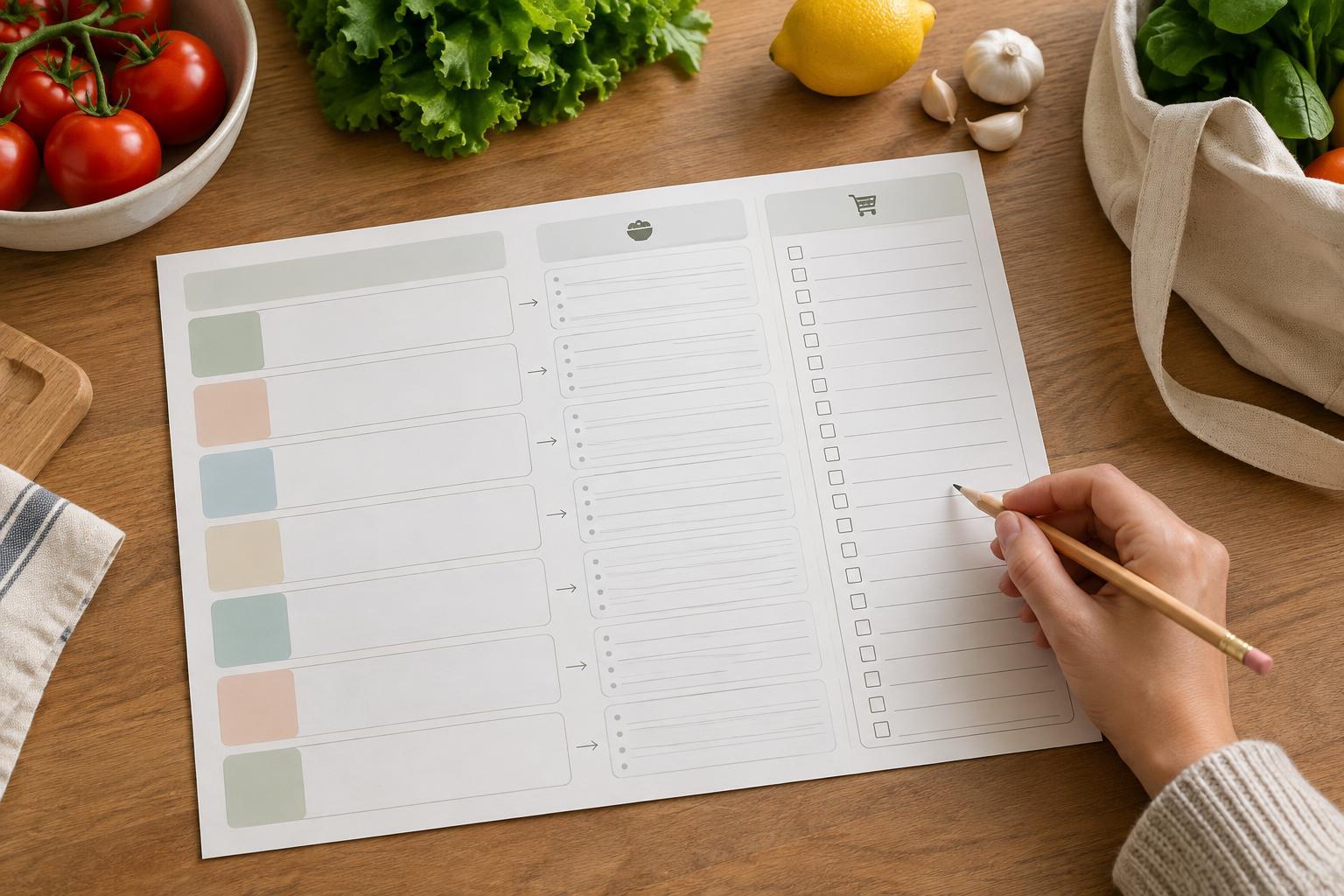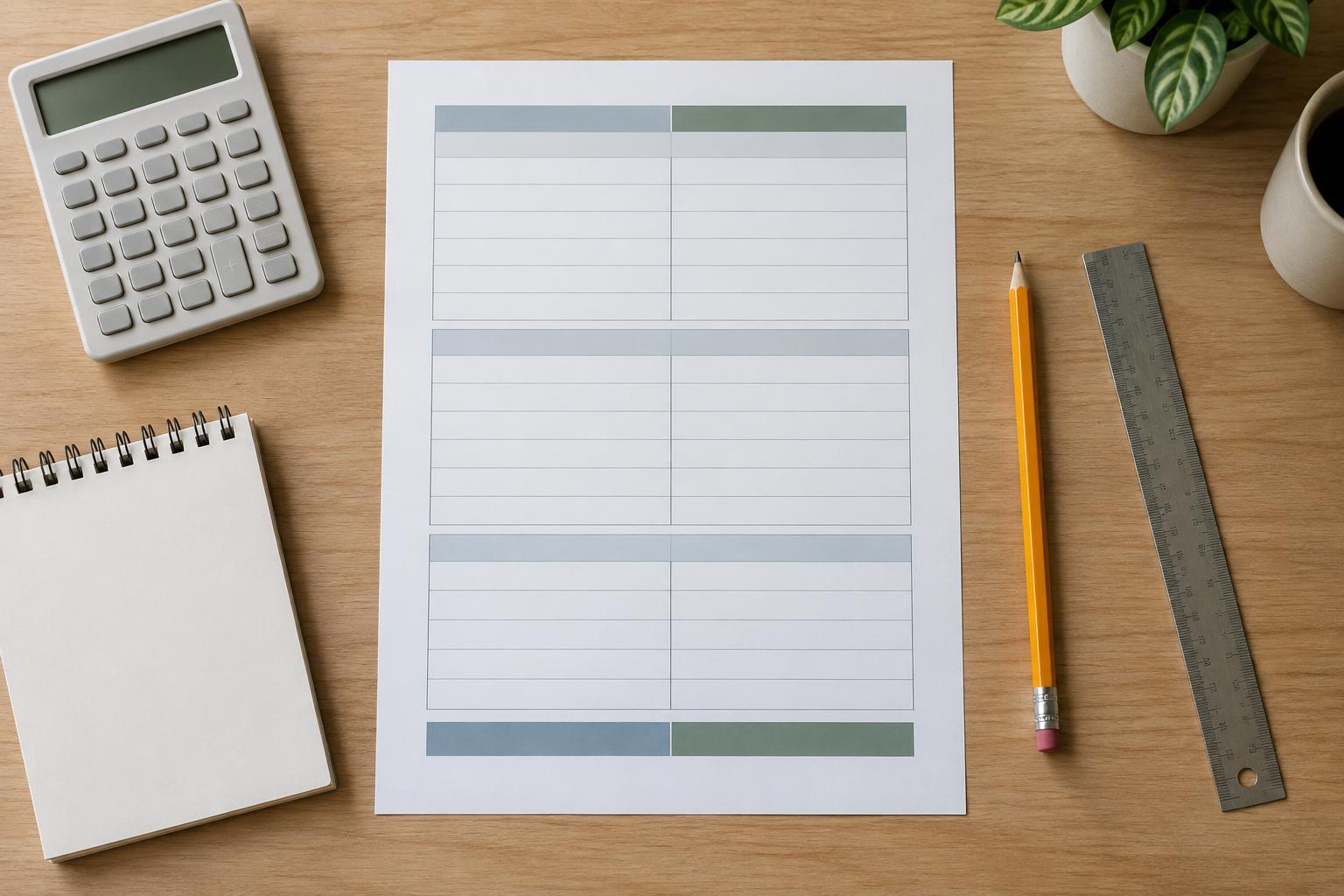
Start with the path through the page
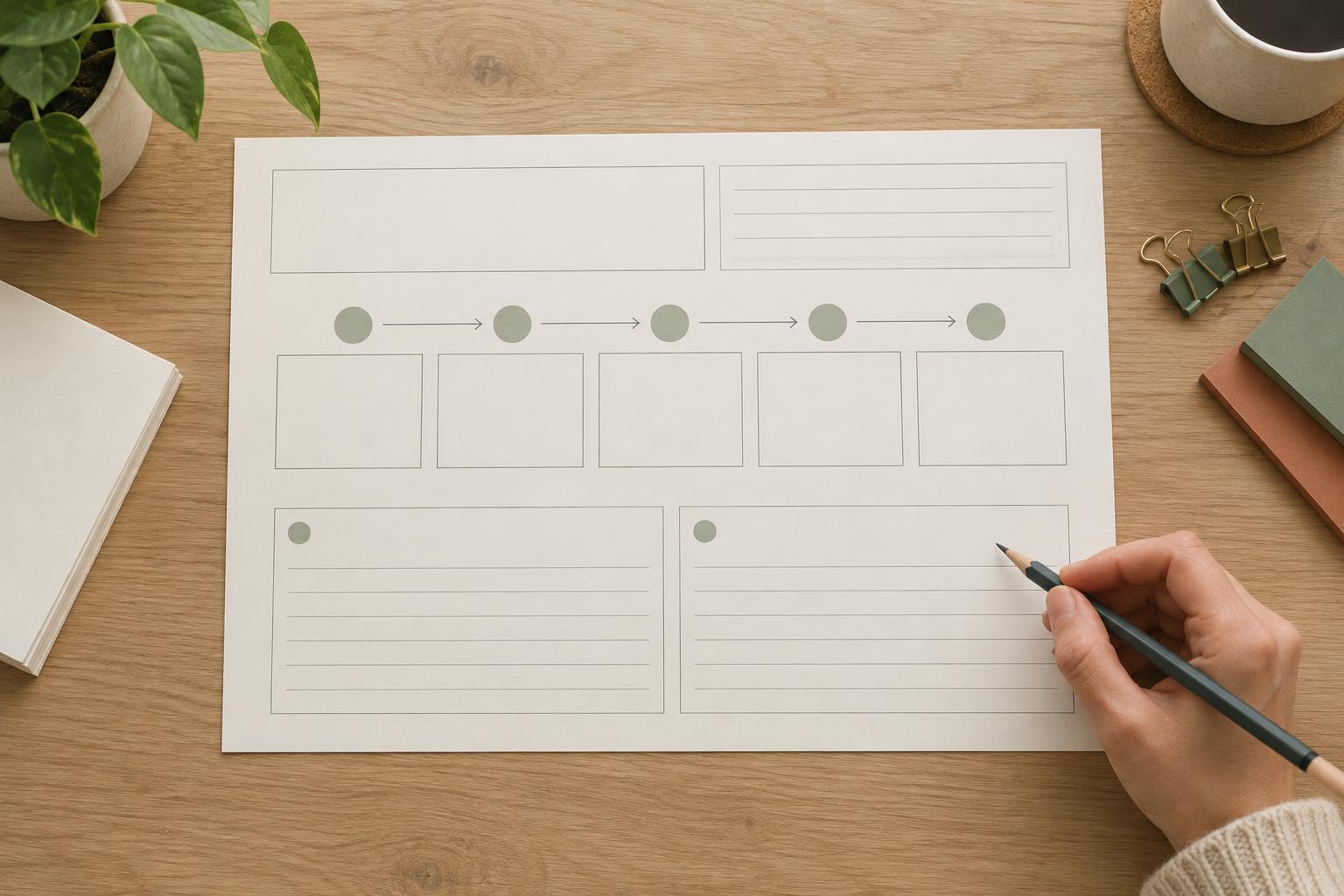
Before choosing fonts or drawing boxes, decide what someone should do as they move through the worksheet. A simple sequence is: name the goal, describe what completion would look like, break the work into milestones, choose a first action and return later to review progress. This order helps turn a broad intention into something a person can act on without making the page feel like a lengthy questionnaire.
Keep each field tied to a distinct decision. For example, “My goal” captures the aim, while “I’ll know I’ve reached it when…” asks for a more specific outcome. If both fields invite essentially the same answer, combine them and give the saved space to the milestone or review area. A worksheet works best when its prompts earn their place on the page.
Make milestones small enough to guide action
The milestone area should help someone see the route between starting and finishing. Three or four numbered rows are often easier to scan than a large, unstructured box. Give each row space for a milestone, a target date if useful, and a next action. A target date can be optional: some goals depend on available time or on other people, and an empty date field should not make the plan feel incomplete.
Use labels that distinguish an outcome from a task. For a goal such as “organize my family photos,” a milestone might be “photos sorted into folders,” while the next action could be “gather images from my phone and laptop.” The milestone marks a meaningful point of progress; the action tells the person what to do next. A short example like this can clarify the worksheet’s purpose, but keep it outside the writing fields so it does not crowd out personal answers.
If the worksheet is for a single goal, resist adding a second planning framework just to fill space. A compact section labeled “Possible obstacles and what I could try” may be more helpful than several extra tracking columns. It invites a practical response without assuming that every plan will unfold exactly as expected.
Write review prompts that invite useful reflection
A review section gives the worksheet a life beyond the day it is filled in. Include a place to record a review date and two or three prompts that lead to decisions, not just judgments. “What moved forward?” helps identify progress. “What got in the way?” leaves room for context. “What will I keep, change or do next?” connects the review back to action.
Allow more writing space for open-ended reflection than for dates or short labels. If the worksheet must fit on one page, a few generous lines beneath each prompt are usually more useful than many tiny answer boxes. Avoid framing a missed milestone as a failure; the page should make it easy to adjust a goal, revise a date or choose a smaller next step.
Use layout to show what matters most
Create a visible hierarchy so the page can be understood at a glance. Give the goal statement a prominent position near the top, group milestone rows in the middle, and separate the review area below with spacing or a light rule. Consistent alignment and repeated row heights make the worksheet feel orderly. Empty space is functional here: it gives handwriting room and keeps the prompts from competing with one another.
Choose readable type sizes and a restrained set of styles. One typeface with a clear heading weight and a regular body weight is enough for most worksheets. Use color to support navigation rather than to carry meaning on its own; headings can still be identified when the page is printed in grayscale. Light borders can organize fields, but check that they remain visible on an ordinary printer without becoming so dark that they dominate the page.
Test the worksheet by filling it in
Print a draft at its intended size and complete it with a realistic example goal. Notice where your handwriting runs out of room, whether the milestone labels make sense, and whether you can find the next-action field quickly. Then try it with a different kind of goal. A format that works for a short project may need more flexible wording to accommodate an ongoing habit.
Revise the page based on that use test rather than adding more decoration. You might shorten a prompt, widen a writing area or remove a column that rarely receives an answer. The finished worksheet should make three things easy to find after it has been put away and picked up again: the goal, the next step and the question that will help its owner decide what to do at the next review.