Design for the tiny version first
Profile pictures appear in many places: on a profile page, beside a post, and as a small mark in a list of comments. The smallest version is often the hardest one to design for. Fine lines, tiny lettering, and subtle color differences that look attractive on a large canvas can blend together when the image shrinks.
Start by deciding what someone should recognize in a quick glance. That might be a face, an illustrated character, a single initial, or a simple symbol. Give that subject most of the available space. A useful test is to describe the picture in one short phrase, such as “yellow flower on navy” or “portrait with red glasses.” If the description needs to account for several competing elements, the design may be too busy.
Choose a subject that suits the account
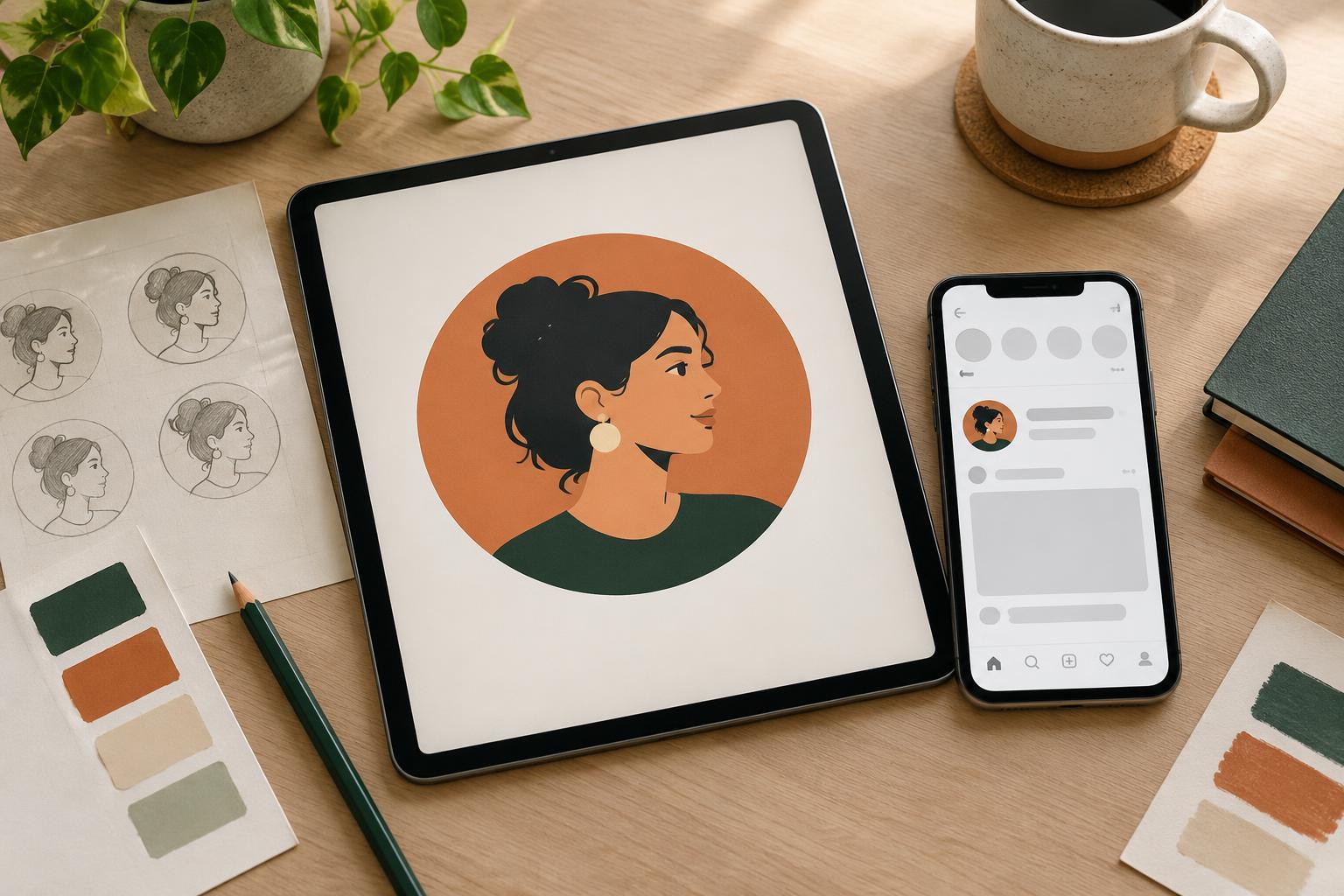
For a person-led account, a close portrait can be more recognizable than a distant full-body photograph. Crop around the head and shoulders, keep the face well lit, and choose an expression that fits the tone of the content. Check that important features remain visible after a circular crop; corners of a square image may not appear wherever the picture is used.
For a studio, project, or publication, a simplified mark may work better than a full logo. Long names and detailed illustrations rarely have enough room to remain clear. Consider using one distinctive part of an existing visual identity, such as its strongest shape or first letter. The profile picture does not need to explain everything about the account. Its job is to act as a visual cue that people can recognize again.
Build recognition with shape and contrast
A strong silhouette helps a picture survive reduction. Look at the subject without focusing on its internal details: is its outer shape distinct from the background? If you use an icon, favor a few generous shapes over narrow strokes and small cutouts. If you use a portrait, separate the person from a cluttered background. Leaving some clear space around the subject can also prevent the image from feeling cramped.
Color can make the picture easier to spot, but it should support the subject rather than carry the entire design. Choose a background and foreground with enough contrast to stay distinct at small sizes. For example, a dark symbol on a light background will usually hold its shape better than two similarly toned colors. If you use a bright accent, repeat it consistently across related graphics so it becomes a familiar part of the account’s appearance.
Avoid relying on tiny text. Even a short word can become difficult to read in a small circle, especially if the typeface has thin strokes or tightly spaced letters. If an initial is central to the design, make it large and give it room to breathe. Test whether it still looks like the intended letter when viewed quickly, rather than judging it only while zoomed in.
Test it where it will be seen
Create the image at a comfortable working size, then preview it much smaller before committing. Look at both square and circular crops. Check it against light and dark surrounding backgrounds, since the same picture may appear in different interfaces. You do not need to predict every platform layout; you are looking for obvious problems such as a clipped face, a disappearing border, or a symbol that turns into an unclear patch.
Compare two or three variations side by side at the same small size. Change one feature at a time: the crop, background color, subject size, or line weight. This makes it easier to tell which adjustment improves clarity. You can also glance away and look back for a moment. The version whose main subject registers first is often the stronger choice, even if another version has more detail when enlarged.
Keep the final design simple and consistent
Before exporting, remove details that do not help identify the account. Check that the subject is centered within the area likely to remain visible and that no essential feature touches the edge. Save a clean master copy so you can make future adjustments without rebuilding the design. When you export versions for different uses, review each one after resizing rather than assuming the original will look identical everywhere.
Recognition also comes from repetition. Use the same core portrait, mark, or color treatment across your social presence when it makes sense, instead of changing the picture for every post or campaign. A recognizable profile picture is not necessarily the most elaborate one. It is the one that remains clear, appropriate, and familiar when there is very little space to see it.