Start with the crop, not the decoration
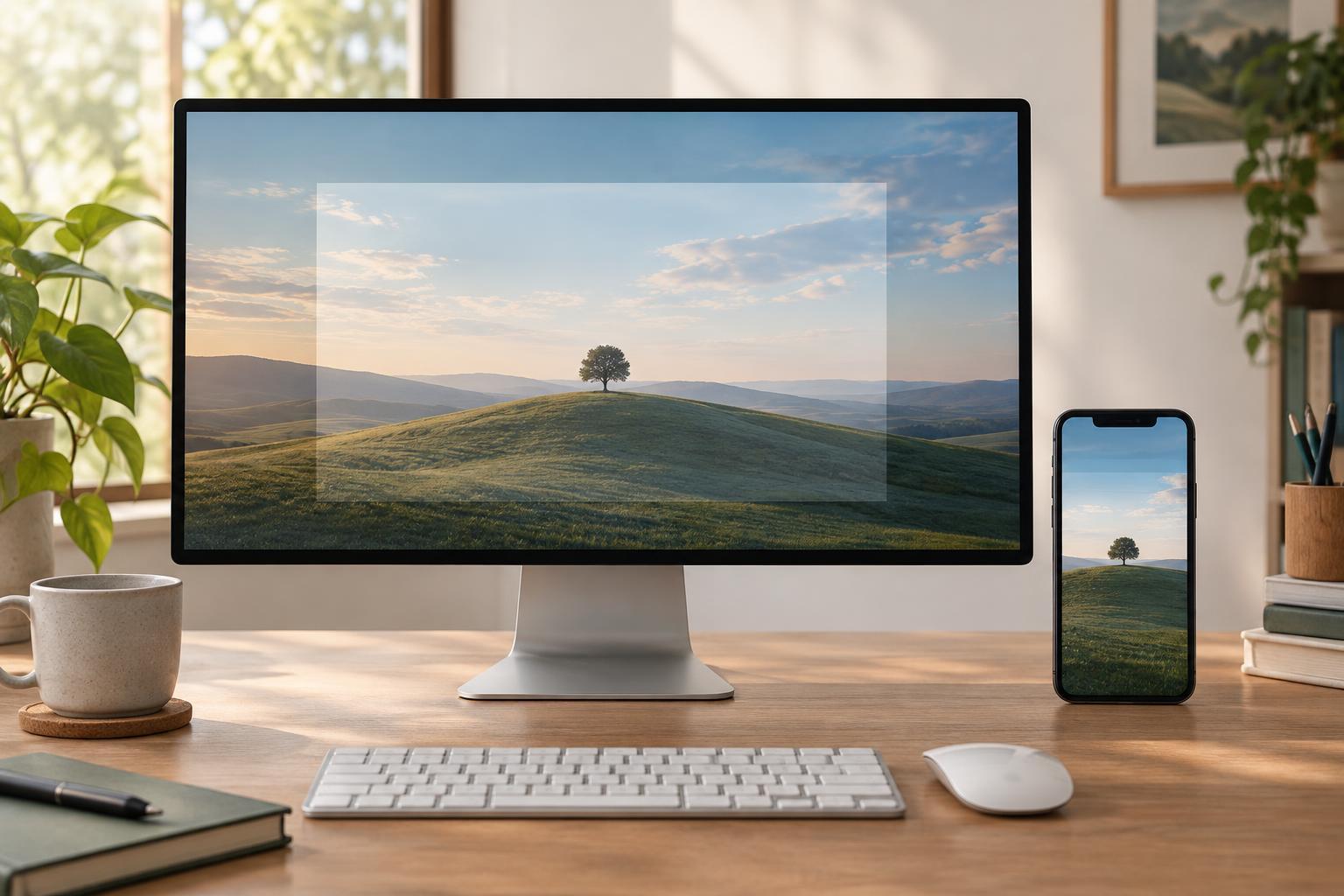
A social profile header is rarely seen in exactly the same shape in every setting. A desktop view may reveal a broad scene, while a mobile view may show a narrower portion of it. The profile photo, buttons, or interface labels may also cover parts of the image. A header that depends on every corner being visible is therefore fragile, even if it looks polished in the design file.
Before choosing type or imagery, open the platform’s current header guidance and note its recommended file size and format. Then look at the profile itself on a desktop screen and a phone. Notice what is cropped and which interface elements sit over the header. Treat those observations as layout constraints rather than trying to solve them with a single universal safe-area measurement; display behavior can vary by platform and view.
Build a flexible safe area
Create your document at the recommended size, then mark a central zone where essential content can live. Use guides or a temporary translucent rectangle to distinguish that zone from the outer edges. The edges can carry color, texture, or parts of a photograph, but they should not hold information the viewer needs to understand the profile.
If you include a name, short tagline, or other key text, place it where it remains readable in both wide and narrow previews. Check whether the profile photo overlaps one side and whether controls cover another. There is no need to fill every bit of open space: generous room around the message makes small changes in crop less likely to damage the composition. Keep your guides on a separate layer so you can revise them without rebuilding the artwork.
Choose imagery that can lose its edges
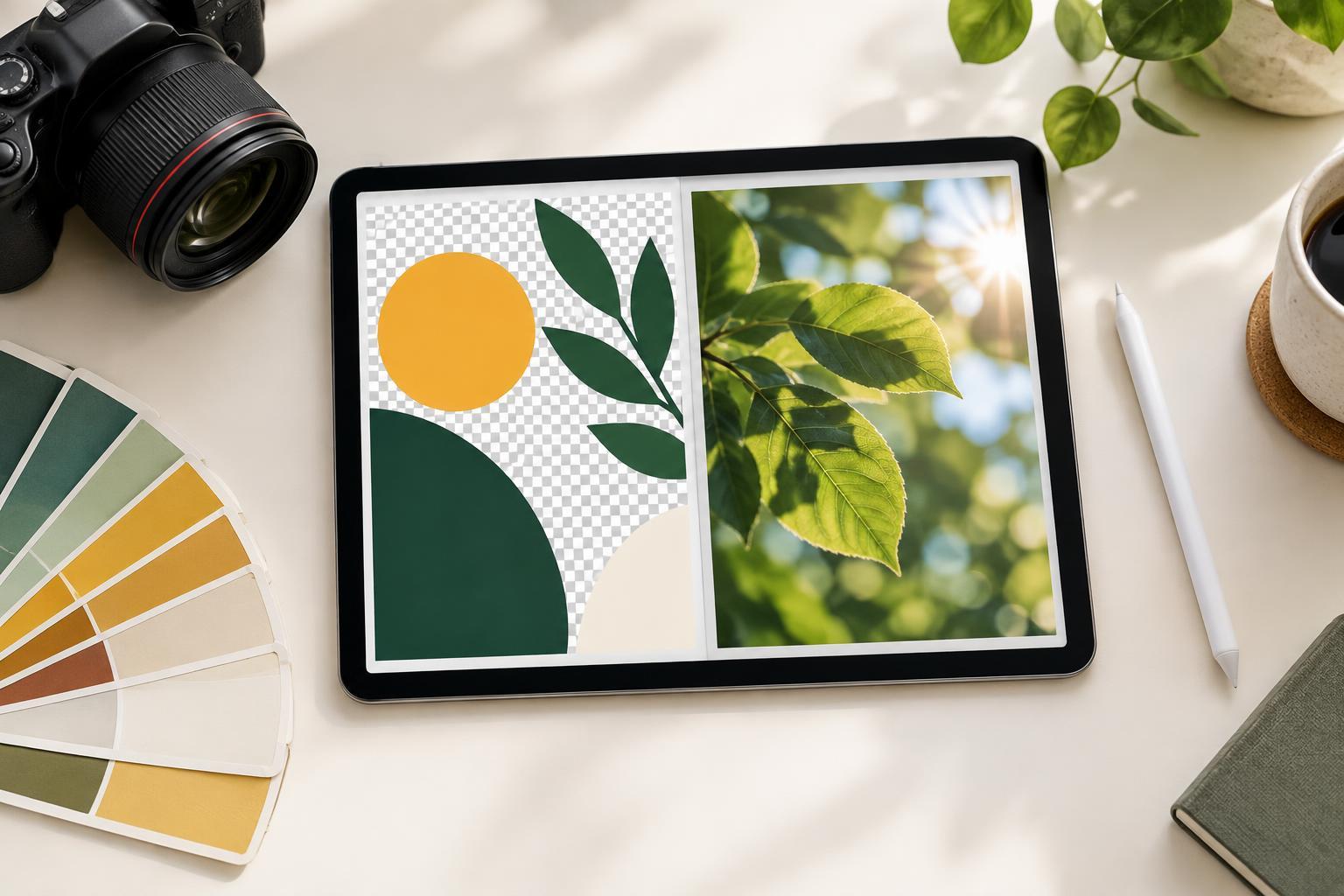
Images with a clear focal point and some visual breathing room are easier to crop than tightly framed scenes. If a person, product, or illustration matters, avoid placing it at the far left or right of the canvas. Give it enough surrounding space to stay recognizable when the visible area narrows. Patterns, gradients, and simple shapes can extend toward the edges without carrying essential meaning.
Think of the wide view as an expanded version of the core composition, not a separate design squeezed into the same file. Secondary details can reward someone viewing the full header, but the central message should still make sense without them. If your chosen photo cannot survive a narrow crop, try repositioning it, extending the background, or selecting a different image rather than shrinking everything until nothing has emphasis.
Keep text short and give it contrast
A profile header has limited viewing time and may be displayed smaller than expected. Use one brief message rather than a paragraph, and let the profile name or bio handle details already visible elsewhere on the page. Establish a clear hierarchy: one primary line, with a secondary line only if it adds useful context. Check that the type remains legible at the size it appears on a phone, not just at full size in your editor.
Place text over a quiet part of the background. If the image is busy, a subtle solid panel or soft overlay may provide more dependable contrast than a shadow alone. Pay attention to line breaks as you adjust the layout: a phrase that works as one line on a wide canvas may become awkward when you move it into the central zone. Leave space between text and nearby faces, objects, or interface elements so each has room to register.
Test the finished file in context
Export a draft and preview it where the header will actually appear. Check at least one wide view and one narrow view, looking for clipped words, obscured subjects, weak contrast, and unintended empty areas. If the platform offers a placement preview, use it, but inspect the published profile too when possible. An editor preview cannot always show every interface element or screen variation.
Make revisions in order of importance. First protect the key message and focal point; then refine balance in the wide view. Save the editable source with its guides and keep a copy of the exported file, so future updates do not require starting over. The goal is not to make every crop identical. It is to give each viewer a complete, readable impression of the profile, whether the header appears broad or narrow.