Give the image one job
A video title can explain the details, but it may not always appear beside the cover image. Someone might see the cover in a grid, a recommendation panel, or a small preview where the title is cut off. The image does not have to tell the whole story. It should give a viewer one accurate clue about what they will see.
Before opening a design tool, finish this sentence: “At a glance, this cover should show that the video is about ___.” Keep the answer specific enough to guide an image choice. “A weekly planner being filled in” is more useful than “productivity.” If the video compares two slide layouts, showing both layouts side by side communicates more than an unrelated photo of a laptop. A clear clue helps you decide what belongs on the cover and what can be left out.
Choose a subject that carries the meaning
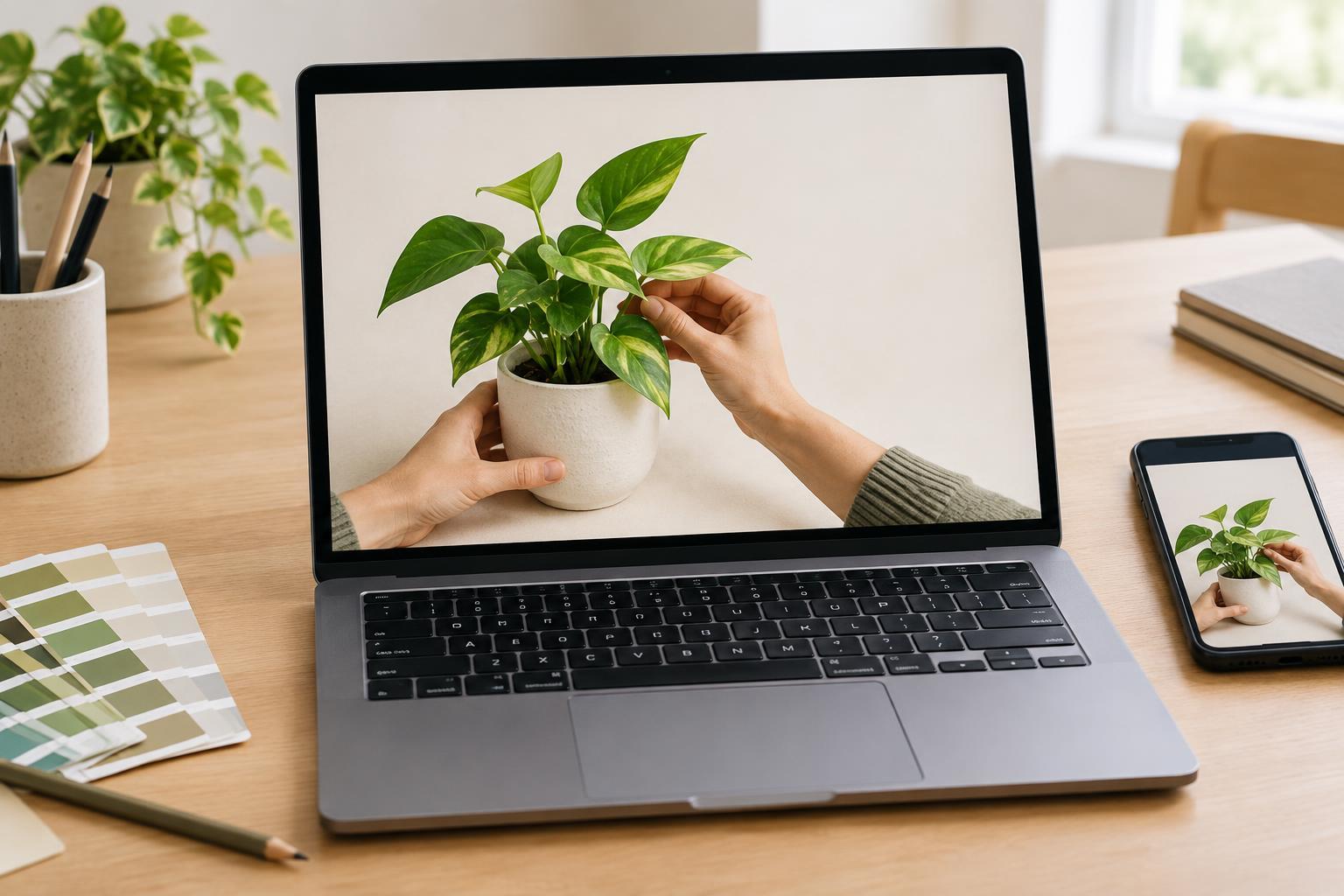
Start with the most recognizable object, action, or result from the video. For a tutorial, that might be a hand arranging paper pieces, a close view of a design interface, or a before-and-after example. For a demonstration, it might be the finished item with enough surrounding detail to show what it is. Use imagery that reflects the actual content rather than suggesting a result the video does not deliver.
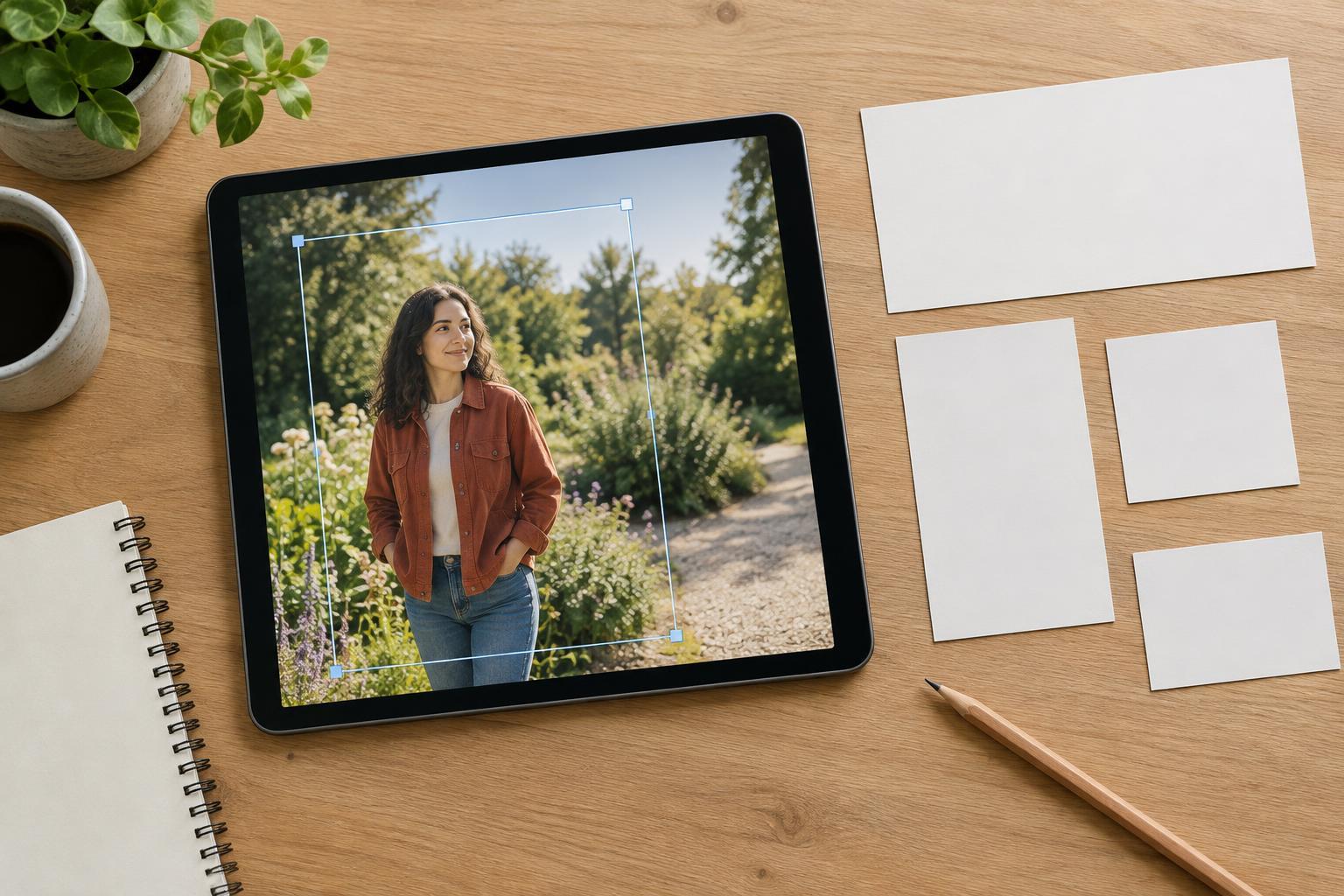
Give the subject enough space to be identified at small sizes. A full workspace can look appealing on a large canvas yet turn into a collection of tiny shapes in a feed. Try cropping closer or removing props that do not explain the topic. If you need several elements to express a comparison, make their relationship obvious: align them, separate them with consistent spacing, and avoid adding a third focal point that competes for attention.
Build a hierarchy that survives a small preview
A strong cover has a first thing to notice and a second thing to notice. Size, contrast, placement, and empty space establish that order. Make the main subject prominent, then use a quieter background to support it. If every element is equally bright, detailed, or large, viewers must work harder to find the point. A simple background can also make a screenshot or photographed object easier to understand.
Check the composition in the shapes and sizes where you expect to use it. Platforms may display covers in different crops, so keep essential details away from the outer edges and leave room for interface elements that might overlap the image. Do not rely on a tiny icon or a subtle color difference to carry the meaning. If the subject disappears when you shrink the cover to roughly the size it will appear in a feed, enlarge it or simplify the scene.
Treat cover text as support, not a rescue plan
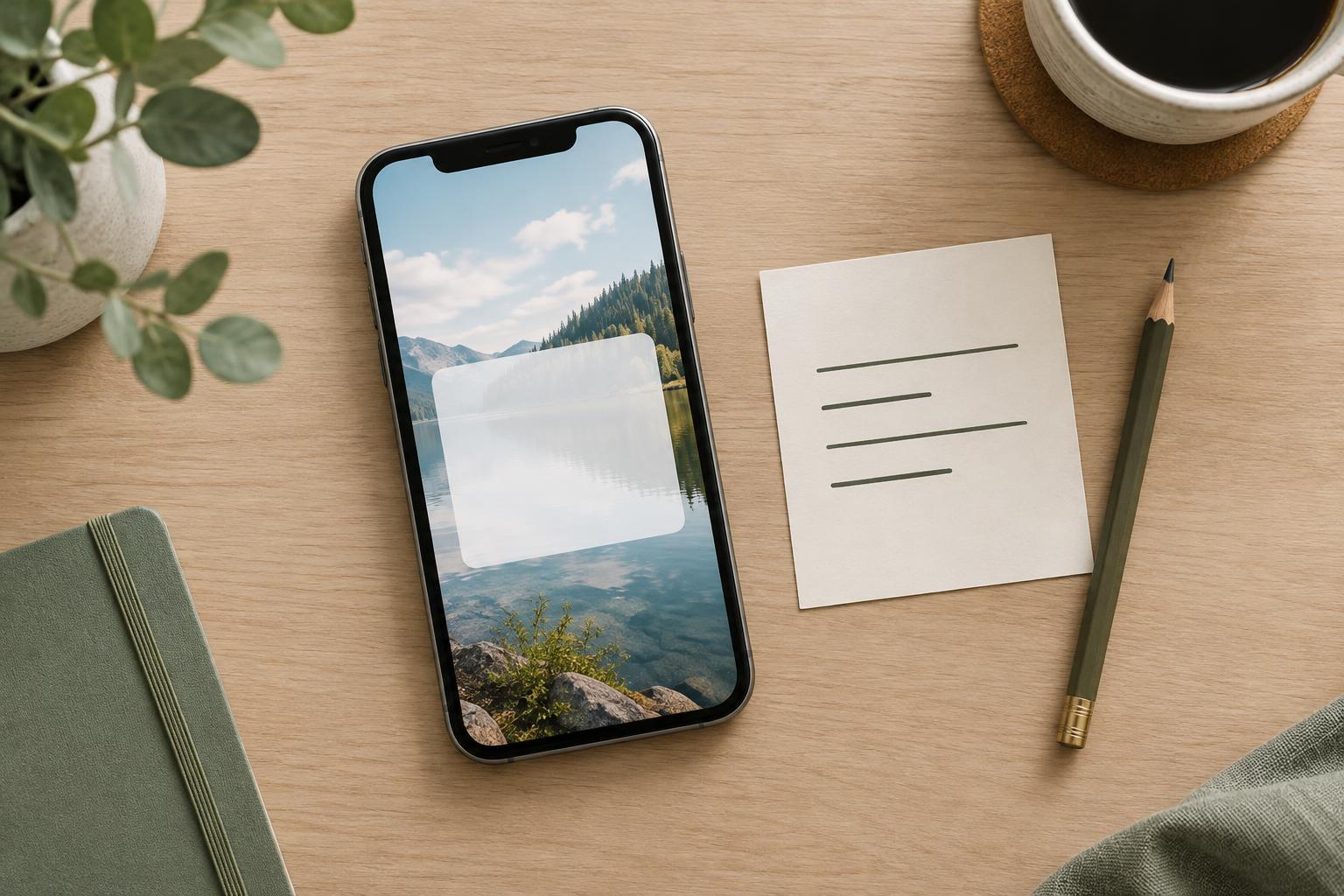
Text inside the image can be useful, but it should add information rather than repeat a long video title. A short label such as “Before / After” can clarify a comparison. A label like “Step 1” only helps if the visual makes clear what the step concerns. The test is whether a viewer could still make a reasonable guess about the topic with the cover text hidden.
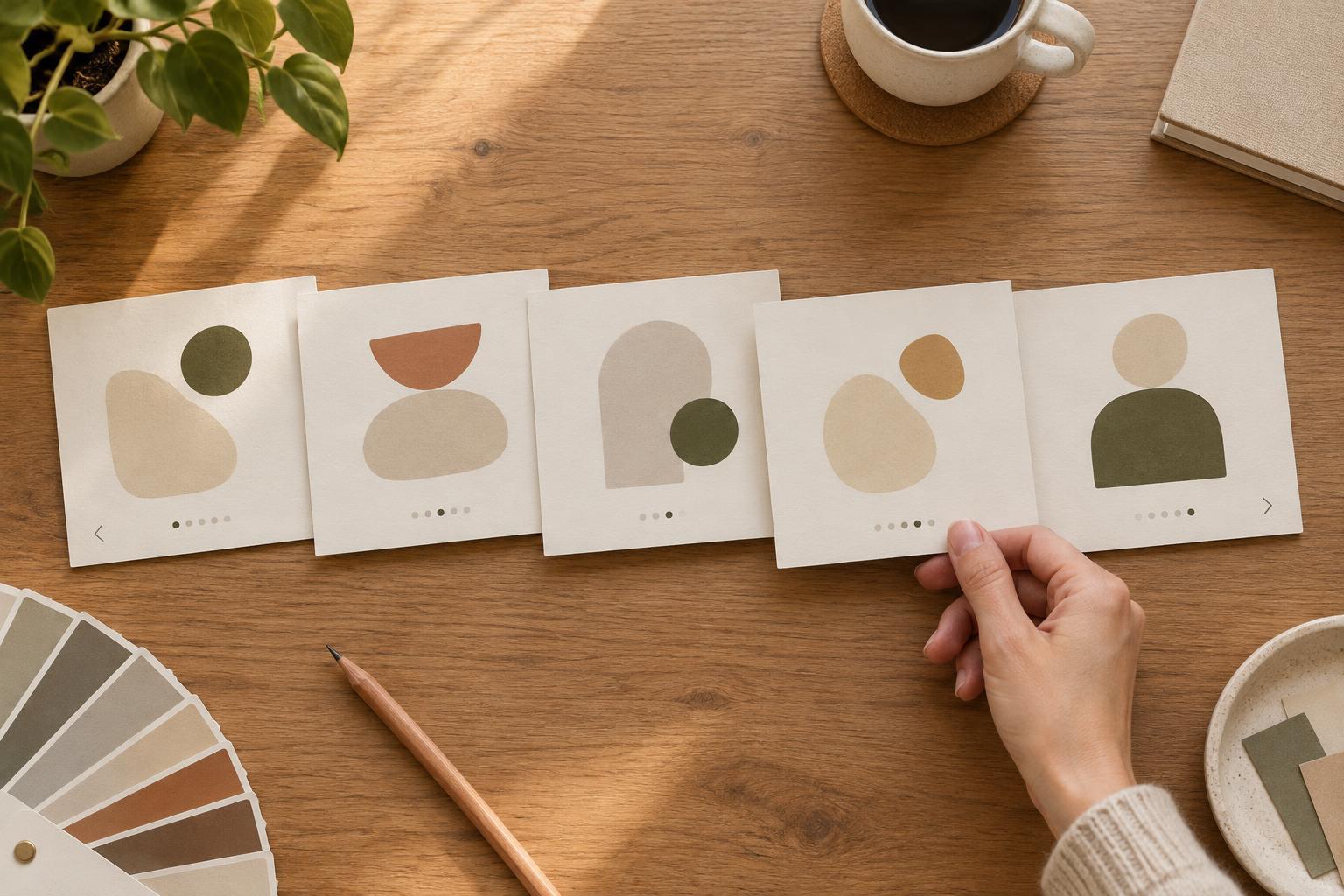
If you do add words, use a readable typeface, strong contrast, and enough space around the letters. Avoid placing text over a busy part of a photo. Keep the wording brief so it remains legible when the cover is reduced. You can also establish a consistent style across a series through color, type, or a small recurring mark, but the series styling should not take more attention than the subject of each video.
Run a title-free check before publishing
Export a draft, hide the video title, and look at the cover for a few seconds at a small size. Ask: What is this probably about? What did I notice first? Is any important object hard to recognize? If possible, ask someone who has not seen the video to describe what they expect from the image. Their answer does not need to match the full title, but a wildly different expectation is a sign to revise.
Make one change at a time. A tighter crop may solve a weak focal point; a calmer background may improve clarity; replacing a generic image may do more than adding another line of text. Then check the cover at full size and small size again. The goal is not to explain every detail without a title. It is to make the cover an honest, useful introduction wherever it appears.