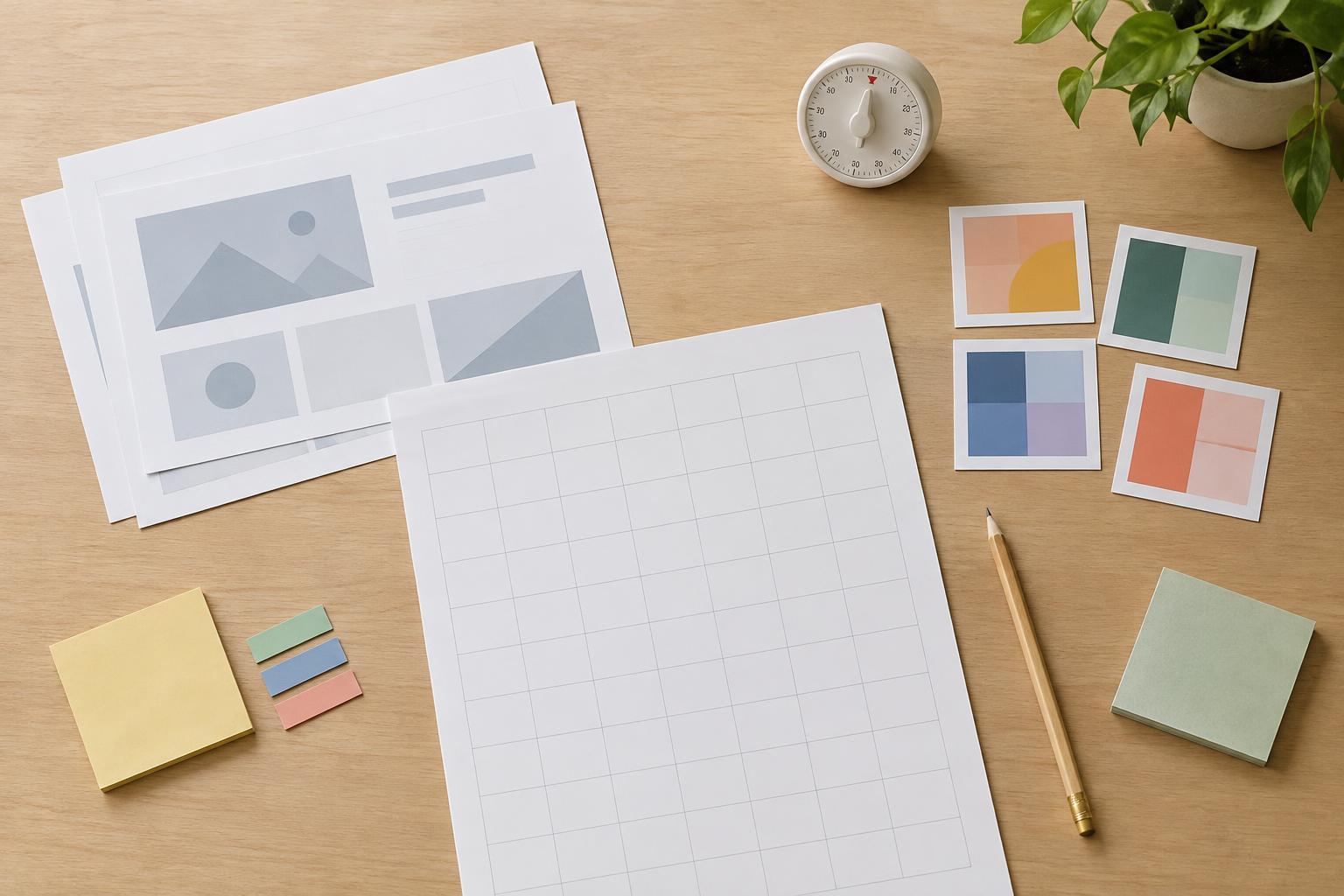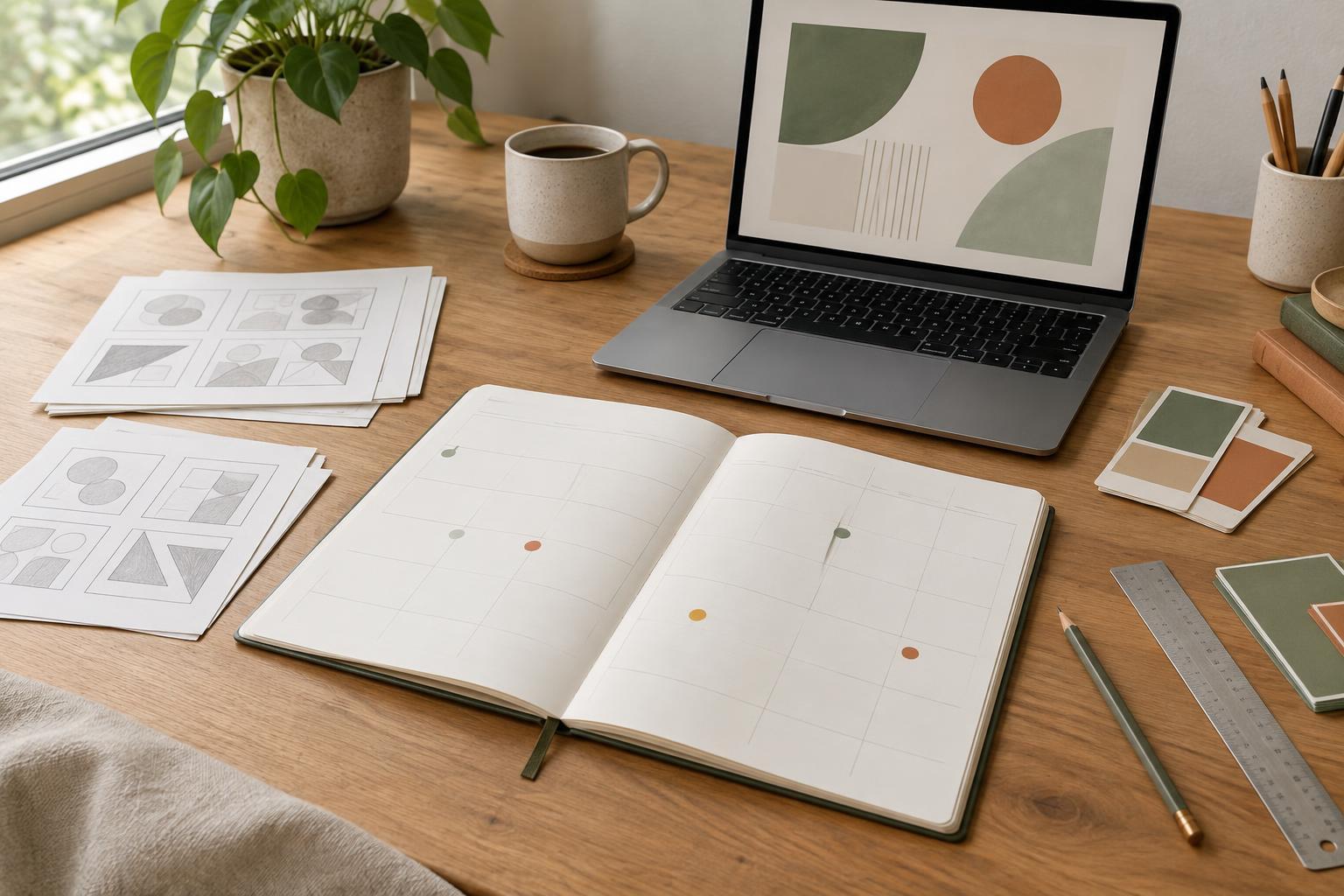
Define what “finished” means
Before estimating a design project, write down what you are making and what must be true when it is complete. “Create a presentation” is too broad to schedule confidently. “Design a 12-slide presentation using supplied copy and images, then deliver an editable file and a PDF” gives you a clearer starting point. Note the format, number of pages or graphics, required sizes, and any existing brand rules or templates.
Separate the work you control from the materials you need from someone else. A printable planner cannot be finalized until its page content is approved; a social graphic may depend on a final headline or image. If those inputs are not ready, mark them as dependencies rather than assuming they will arrive exactly when you need them. Also agree on what counts as a revision: a color adjustment is different from replacing the content or changing the format.
Estimate tasks, not the whole project at once
Break the project into pieces that are small enough to picture. A typical sequence might include reviewing the brief, organizing content, gathering assets, sketching a layout, designing the first version, applying the design to remaining pages, checking details, handling revisions and exporting final files. Some steps take little hands-on time but still need a place in the schedule. Font substitution, image replacement and export checks are easy to overlook.
Estimate the effort for each task using a unit that fits the work, such as hours or half-days. If you have done similar projects, use your own past experience as a guide; otherwise, give each task a reasonable range. For example, adapting an established slide style may be quicker than deciding that style from scratch. A range helps you acknowledge uncertainty without pretending you can predict every adjustment.
Treat repeated pages or graphics carefully. The first page often takes longer because it establishes the system; later pages may be faster if they use the same components. But a deck with several different kinds of slides is not simply one slide multiplied by the total slide count. List distinct layout types so the estimate reflects the actual design decisions involved.
Build in review and contingency time
Design time and calendar time are not the same. You might need only a few hours to make revisions, but you cannot start them until feedback arrives. Put review windows on the schedule alongside production tasks, and state when feedback is needed to keep the next milestone on track. If several people will review the work, ask for one consolidated set of comments where possible to reduce conflicting directions.
Leave room for issues that are plausible but not yet known. A supplied image may not fit the chosen layout, text may run longer than expected, or a printable page may need another test export. A modest contingency block is more useful than filling every available hour with planned production. When the deadline is fixed, use that buffer to protect final checks rather than treating it as extra time for new features.
Make milestones visible and testable
A milestone should describe an outcome someone can check, not just an activity. “Work on slides” is vague; “approve the visual direction on two sample slides” is specific. Useful milestones for a presentation might be brief and content confirmed, sample layouts approved, full draft ready for review, revisions complete, and final files checked. For a planner, the equivalent checkpoints might focus on page structure, a sample spread, the complete set of pages and a print-ready check.
Set milestone dates by working backward from delivery. Reserve time for the final export and review first, then place the revision window, draft handoff and initial design work before it. Check whether each stage has the input it needs. If content approval falls after the planned layout stage, the schedule needs to change. Milestones work best when each one has a clear deliverable, a reviewer if needed, and an agreed next step.
Update the estimate as the project becomes clearer
An estimate is a planning tool, not a promise that every task will take exactly the predicted time. Compare your plan with actual progress at each milestone. If the first sample layout takes longer than expected, ask why: was the brief incomplete, was the visual direction harder to establish, or did the scope grow? That information can improve the remaining estimate before the delay spreads across the whole project.
When a change affects the schedule, explain the trade-off plainly. Adding a new page type may require more design and checking time; keeping the delivery date may mean reducing another part of the scope. After the project, record which tasks took longer or shorter than expected. Over time, those notes will make future estimates more grounded in the way you actually work.