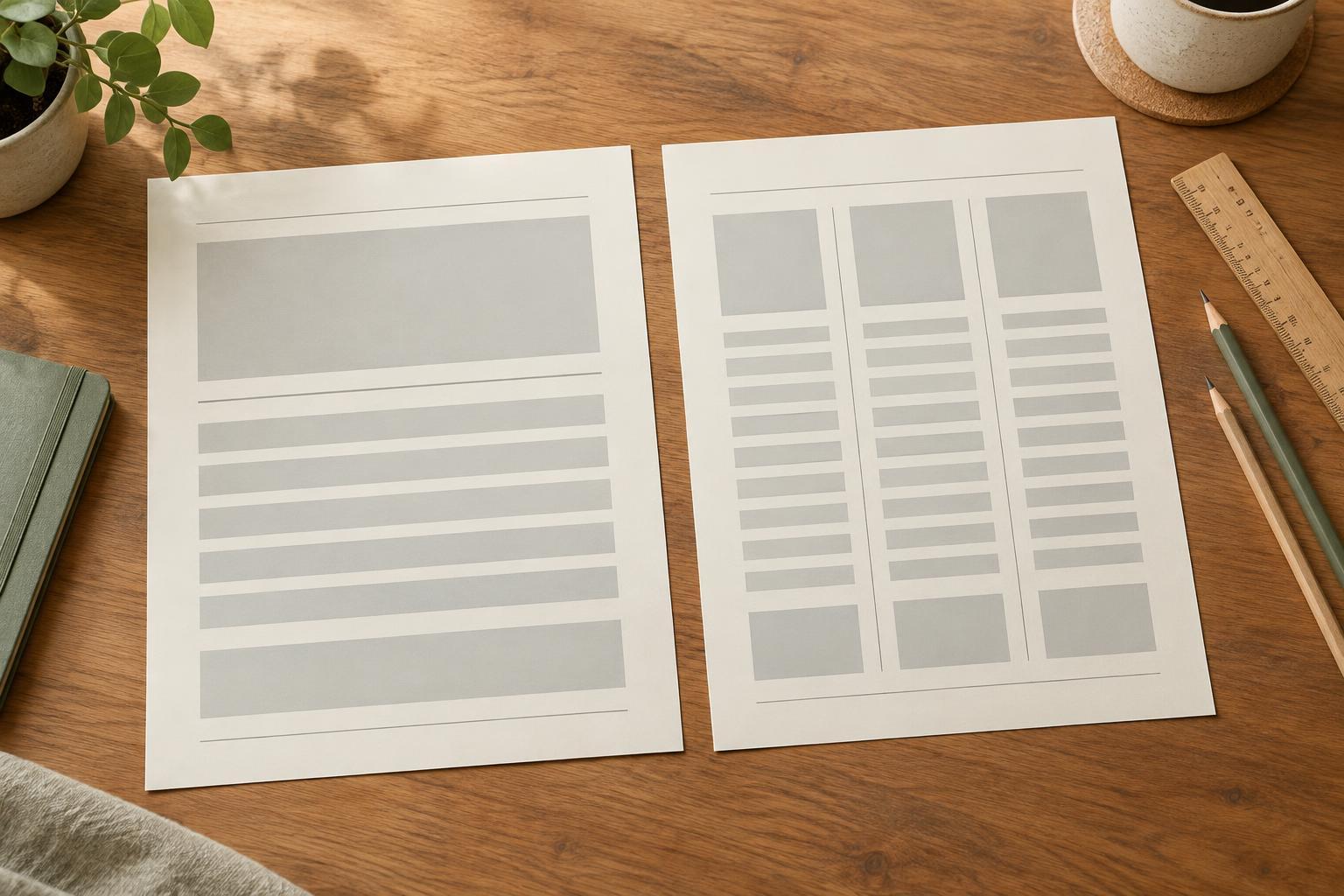
Start by giving each element a job
A consistent layout does not make every piece of text look alike. It makes each type of content recognizable. A list breaks related points into scannable items. A caption identifies or explains an image, chart, or example. A callout draws attention to a takeaway, reminder, or action. Decide which job a piece of text performs before choosing its font size, color, or container.
This distinction helps prevent visual competition. If every caption sits in a bright box, it may look as important as the main message. If a callout is formatted like an ordinary list item, readers may miss it. Write a short role description for each element in your project, such as “captions provide context” and “callouts highlight one useful point.” Use those descriptions when deciding what deserves emphasis.
Set a small group of shared rules
Begin with the body text style, then make modest adjustments for supporting elements. Use the same typeface family where possible, and choose a limited set of sizes and weights. For example, list text might match body text, captions might be slightly smaller, and callouts might use body size with a stronger weight or a distinct background. Size alone does not need to carry the entire hierarchy.
Choose alignment and spacing rules as deliberately as type rules. Left-aligning lists, captions, and callout text gives readers a predictable starting edge. Establish a consistent gap before and after each element, then keep related text closer together than unrelated content. A caption should visually belong to its image; a callout should have enough space around it to stand apart without appearing detached from the section it supports.
Color can reinforce these roles, but it should not be the only cue. A muted caption can also use smaller type; a callout can pair an accent color with a border or label. Check that text remains easy to read against its background, especially in print or on a projected slide.
Make lists easy to follow
Use bullets for items that have no necessary order and numbers for steps that must be followed in sequence. Keep the marker style, indentation, and space between items consistent throughout the document. If a list wraps onto a second line, align that line with the text above it rather than with the bullet or number. This small detail makes longer items easier to scan.
Edit list wording alongside its formatting. Items in one list are easier to compare when they begin in a similar way, such as all starting with verbs or all naming objects. Avoid mixing a single word with a long paragraph unless the difference is useful. If an item needs several sentences of explanation, consider moving that detail below the list. In a narrow planner column or social graphic, fewer, shorter items will usually be more legible than shrinking the type to fit.
Keep captions connected and callouts selective
Place a caption close to the visual it explains and use the same position for comparable visuals. If one chart has a caption below it, placing the next chart’s caption above it can make the page harder to navigate. Keep captions concise: identify what readers are looking at, then add only the context needed to interpret it. A label such as “Example layout” is useful when it removes ambiguity; repeating an obvious title is not.
Reserve callouts for points worth pausing over. Pick one repeatable treatment, such as a lightly shaded box with generous inner padding, and apply it consistently. The text inside should be direct enough to stand on its own while still relating to the nearby content. Avoid putting multiple competing callouts on a single slide or small page. When everything is highlighted, the highlight stops helping.
Captions and callouts also need different relationships to surrounding material. A caption should feel attached to one specific visual. A callout may summarize a nearby section, but it should not interrupt a numbered process in a way that makes the next step difficult to find.
Test the system on a real page
Create one representative page or slide containing a list, a visual with a caption, and a callout. View it at the size your audience will encounter: a presentation on a screen, a printable at its intended paper size, or a graphic on a phone. Look for clear reading order, comfortable spacing, and text that remains legible. If a callout attracts attention before the heading on every page, reduce its contrast or visual weight.
Finally, record your choices in a short style note or reusable template: list marker and indent, caption position and type style, callout treatment, and spacing around each. When customizing a template, update every instance rather than fixing only the first example you see. Consistency comes from repeating useful decisions, then making exceptions only when the content gives readers a reason for them.