Start with the content that is likely to vary
Sample text can make a layout look more dependable than it is. A presentation slide may look balanced with a three-word title but feel crowded with a longer one. A printable planner may have room for one short task and not enough for a full instruction. Before refining the visual details, identify which pieces of text will change when the design is reused.
Separate fixed content, such as a recurring section label, from variable content, such as a headline or event description. For each variable area, write down a realistic short version and a realistic long version. This gives you a practical range to design for. It does not mean every imaginable message must fit: a useful template has boundaries, and knowing them is better than discovering them after the page is finished.
Give text a flexible area, not an arbitrary box
Text needs room to grow in a direction that will not damage the rest of the layout. For a slide title, that may mean allowing an extra line above the body content. For a social graphic, it may mean placing the headline in a wider region rather than squeezing it between an image and a decorative shape. Decide what can move when the text grows and what must stay in place.
If a heading, description, and button-like label appear together, treat them as one group. Keep a consistent gap between the elements, but allow the group to take up more or less space as the description changes. A rigid box around each line may preserve the appearance of the sample copy while creating collisions later. Check the available space around the entire group, including its distance from page edges and nearby images.
Set clear limits before shrinking type
Making text smaller is tempting when a replacement headline does not fit. It can also create a template in which each version has a different visual hierarchy. Instead, decide how many lines the headline can reasonably occupy and what information belongs elsewhere. A long title might become a shorter title plus a subtitle; an overfull description might be edited to keep its main point.
Some content cannot be shortened without losing its meaning. In that case, prepare a second layout option rather than forcing one arrangement to handle everything. For example, a presentation may use one slide layout for a short statement and another for a detailed explanation. The two can share type styles, colors, and margins without requiring identical text placement. Flexibility often comes from a small set of related layouts, not one infinitely adjustable page.
Stress-test with realistic replacements
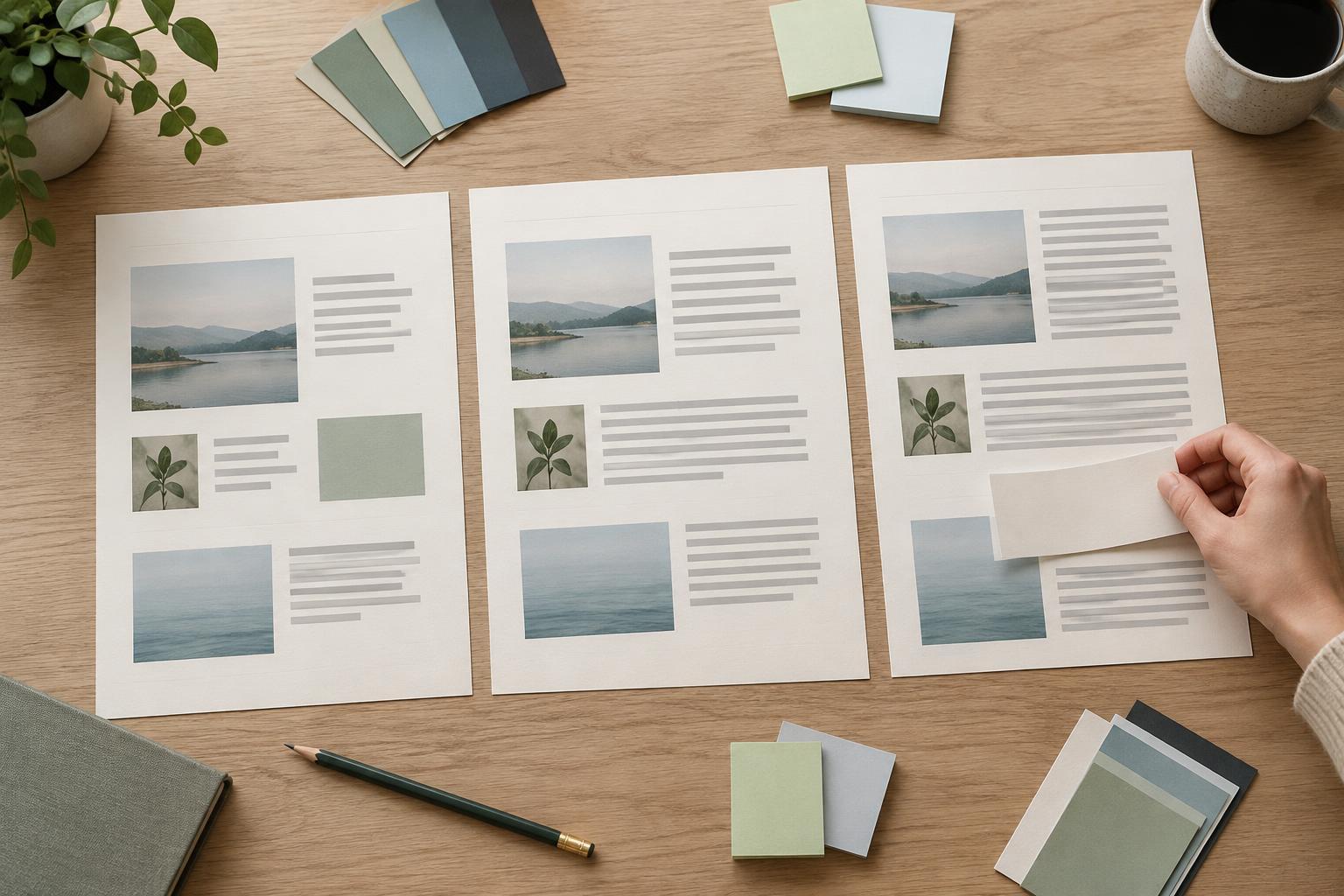
Test the design by replacing every variable text field, not just the headline. Try a short title with a long description, then a long title with a short description. Include words that are harder to wrap, such as a long project name. In a printable, check whether instructions still leave enough room for someone to write. In a graphic meant to be viewed at a small size, check whether the longest version remains easy to read.
Look for more than text spilling out of a box. A layout can technically fit while becoming visually lopsided: the image may seem too small beside a tall text block, or a label may drift too far from the item it describes. Make adjustments at the layout level first. Change the width of a text area, reduce a decorative element, or move a secondary detail before reducing the size of important text.
Document the rules for the next version
Once the layout works with several examples, record the decisions that made it work. A short note might specify that titles should stay within two lines, descriptions can occupy up to four, and the longer-content layout should be used beyond that. Also note which elements may move and which should remain aligned. These guidelines make the design easier to customize without relying on memory.
Finally, remove the test copy and review the design with the actual content intended for use. Stress tests reveal weak points, but the finished version still deserves its own check for spacing, readability, and balance. A resilient layout is not one that accepts unlimited text. It is one that makes ordinary changes manageable and gives you a clear alternative when the content exceeds its limits.