Start with a decision the board needs to support
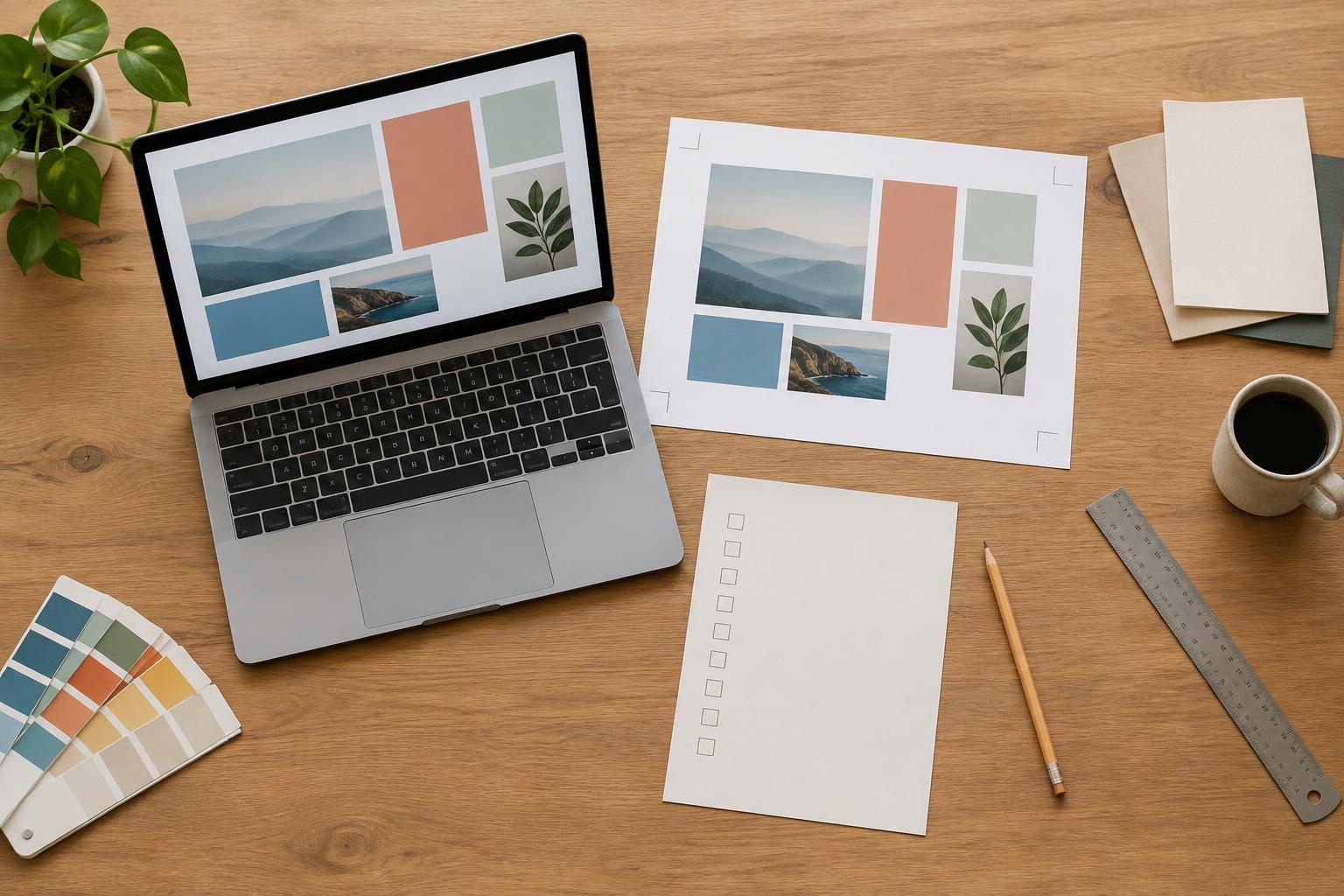
A mood board can help you find a visual direction, but it can also become an endless collection of things you like. Before gathering references, write one sentence about the project: what you are making, who will use it, and what it needs to feel like. For example: “A weekly printable planner for busy students should feel calm, easy to scan and practical.” This gives you a way to judge whether an image belongs on the board.
List the choices you need to make next. These might include a type style, a color palette, the amount of white space, the shape of boxes or the treatment of images. Leave out questions the board cannot answer. A photograph of a tidy desk may express “calm,” but it will not tell you whether a planner needs a wider notes column. The board should support design decisions, not replace thinking about the content.
Collect fewer references, with a reason for each
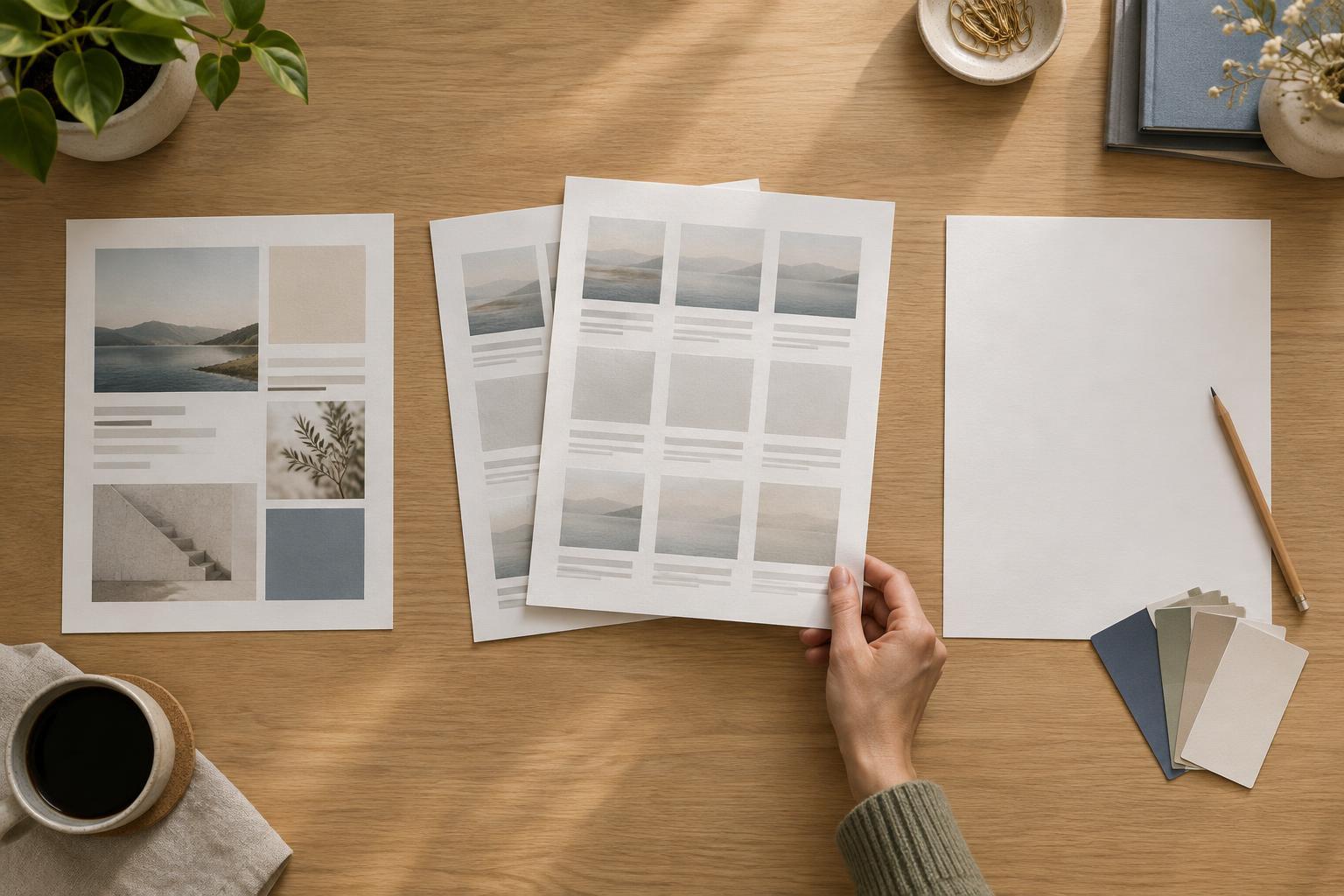
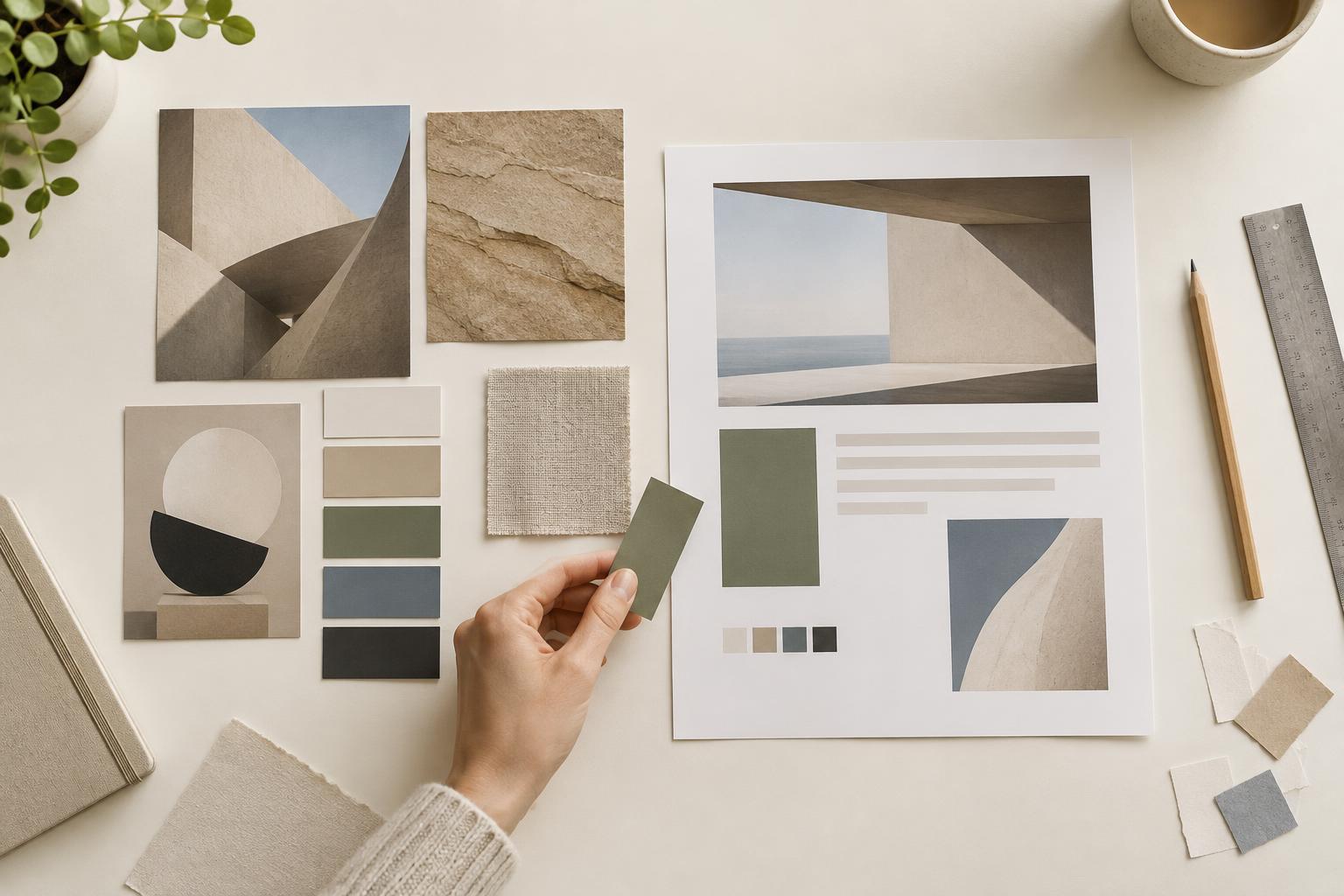
Gather a small set of examples that show specific qualities you may want to use. Look beyond finished designs in your exact format: a book cover might suggest a type pairing, while packaging might suggest a restrained palette. Include examples of layout, type, color and imagery, rather than filling the board with many versions of the same look. A board is easier to use when every item contributes a different observation.
Add a short note beside each reference explaining what you noticed. “Large heading above compact details” is more useful than “love this.” If two references conflict, name the conflict. Perhaps one has playful illustrations while another has a formal grid. You do not need to resolve every tension immediately, but you should avoid treating both as instructions for the same page. Set a collection limit or a short working session, then stop searching and review what you have.
Turn visual impressions into design rules
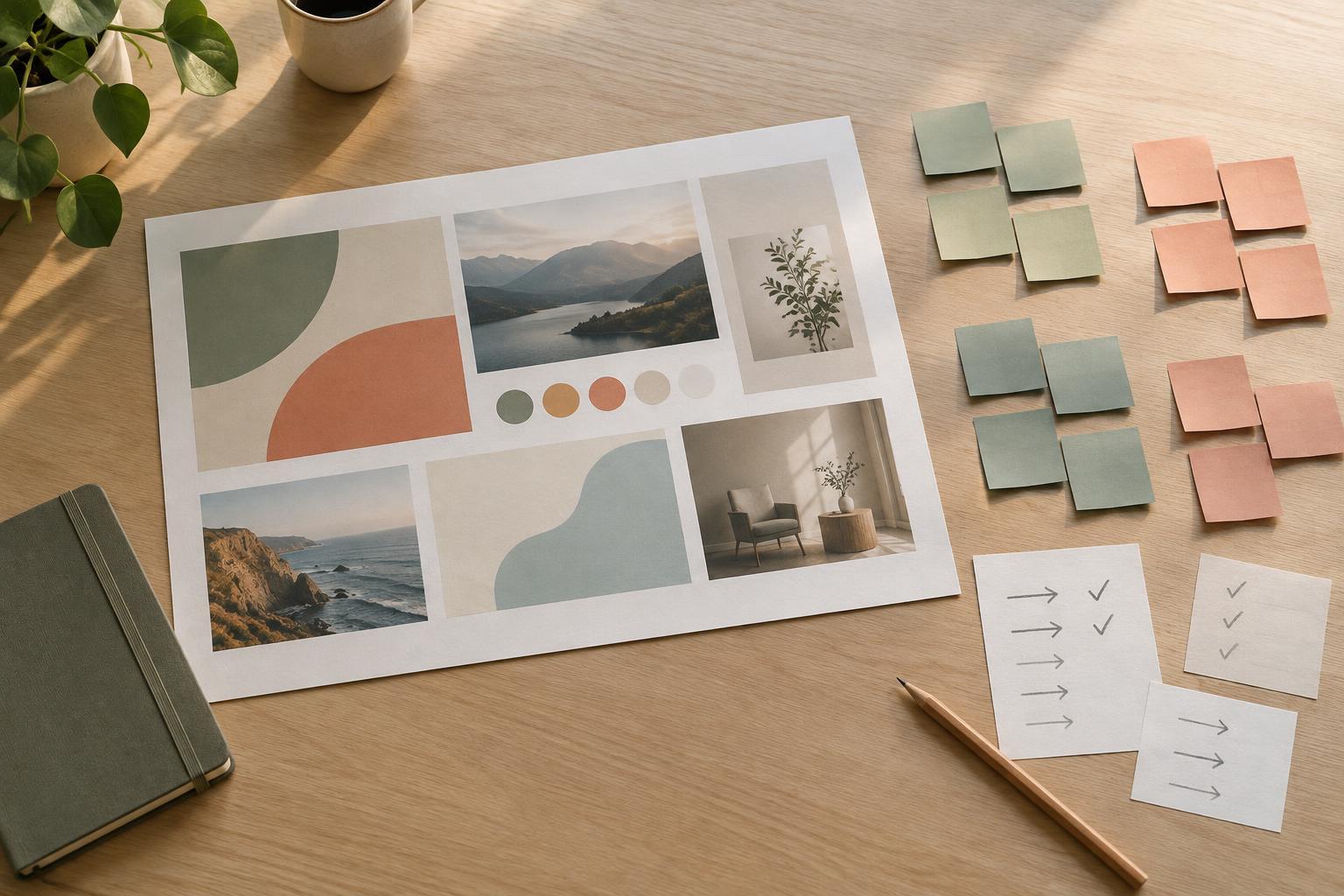
Group your references by the decisions they inform, then write a brief rule for each group. A rule should be specific enough to test: “Use one strong heading size and quiet labels,” “Keep the main palette to two colors plus neutrals,” or “Give each section a clear boundary without heavy decoration.” These statements turn a mood into choices you can apply consistently. They also make it easier to customize a template without changing every element at once.
Separate essential qualities from optional details. For a presentation described as confident and approachable, clear hierarchy may be essential; rounded corners may be optional. This distinction matters when a reference looks appealing but does not suit your content. Also write one or two things to avoid, such as low-contrast text or decorative shapes behind important information. A mood board becomes more useful when it defines limits as well as possibilities.
Test the direction on one real piece of content
Before expanding the board, apply its rules to a representative page, slide or graphic. Use actual words if you have them. For a planner, try the busiest weekly page rather than an empty cover. For a presentation, choose a slide with a heading, an explanation and a visual. Real content reveals whether the proposed type sizes, spacing and colors can do the job. A polished collection of references cannot show you that on its own.
Compare the draft with your original project sentence. Is the important information easy to find? Does the style support the intended feeling without making the page harder to use? Check practical constraints too: a printable should remain legible at its intended paper size, and text on a screen should have enough contrast against its background. If a rule fails, revise it. The board is a starting hypothesis, not a contract you must defend.
Close the board and keep a short decision record
Once the test piece works, write down the choices you are keeping: type roles, colors, spacing habits, image treatment and any recurring layout pattern. You can record these in a few sentences beside the board. This gives you a reference when making the remaining pages or graphics, without requiring you to revisit every saved image. Archive references that no longer fit so they do not reopen settled decisions.
Return to the mood board only when you encounter a genuine design problem, such as a new content type that your rules do not cover. Otherwise, work from the draft and the decision record. The goal is not to produce a perfect board; it is to reach a visual direction quickly enough to make, evaluate and improve the actual design.