Start with one idea and one reader
A carousel is a sequence, not a collection of loosely related graphics. Before opening a design tool, write one sentence that describes what a reader should understand or be able to do by the final slide. For example: “A beginner can choose a simple color palette for a weekly planner.” If that sentence needs several “and” clauses, the topic may be too broad for one post.
Next, picture the reader’s starting point. What do they already know, and where are they likely to get stuck? A carousel for beginners might define a term before showing examples. A carousel for experienced designers can move straight to a comparison or a decision. This choice determines how much context the opening needs and how quickly the middle can progress.
Make a rough slide list in plain text. Give each slide a job, such as introduce the problem, explain a principle, show an example, or prompt an action. If two slides do the same job, combine them. If one slide must explain three separate ideas, split it or narrow the topic.
Give the beginning a specific promise
The first slide should help someone decide whether to continue. A specific headline is usually more useful than a broad label: “Three ways to make planner pages easier to scan” tells readers more than “Planner design tips.” A short supporting line can clarify who the post is for or what problem it addresses, but the headline should still make sense on its own.
Use the next slide, if needed, to establish the situation. You might show a crowded layout and identify why it feels difficult to read, or state the common decision the carousel will help with. Keep this setup brief. Readers should not have to move through several introductory slides before reaching the promised explanation.
Design the opening as an invitation rather than a summary of every point. Create a clear type hierarchy, leave space around the main message, and choose an image or simple visual only if it helps explain the topic. A small slide number or consistent visual cue can signal that the post continues without competing with the headline.
Build a middle that moves forward
The middle is where each slide should add something new. Choose a structure that fits the idea: a process moves from step to step, a comparison pairs alternatives, and a short lesson can move from principle to example to application. Avoid switching structures halfway through. If slide three says “Step 1” but slide four offers an unrelated tip, readers have to work out the connection themselves.
Write a one-line takeaway for each middle slide before polishing its design. Those takeaways should form a sensible outline when read in order. For a carousel about color, the progression might be: choose a dominant color, add one supporting color, reserve an accent for emphasis, then test the combination on a sample page. Each point prepares the reader for the next.
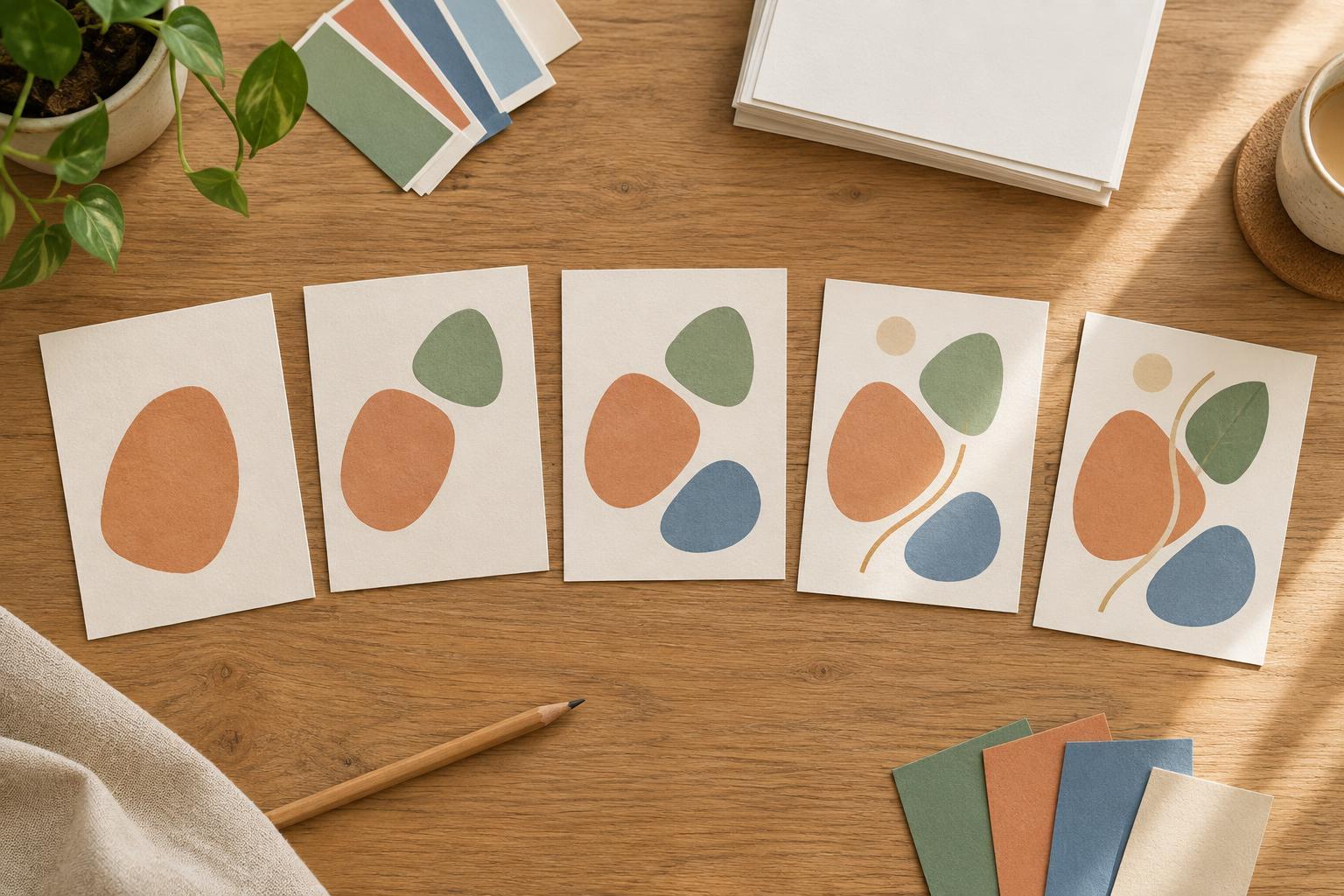
Make the layout reinforce that progression. Reuse heading placement, margins, type styles, and visual markers so readers can recognize the pattern. Within that system, vary the content: one slide might show an annotated example, while another presents a short before-and-after comparison. If a slide feels crowded, cut secondary detail rather than shrinking every line of text. Leave enough space for the main point to be read comfortably at the size people are likely to view it.
End with a useful landing point
A strong ending tells readers what to do with the information. Depending on the topic, the final slide could summarize a small checklist, show the completed example, or suggest one task to try. “Check your next design for a clear headline, consistent spacing, and one accent color” is more actionable than “Now you know the basics.”
Keep the closing connected to the opening promise. If the first slide offers a method for planning a post, the last should help readers apply that method, not introduce a new topic. A call to action can be appropriate, but it should not displace the conclusion. Readers who stop at the final slide should feel that the sequence has reached its point.
Review the sequence before you polish it
Once the draft slides are assembled, review them at a small viewing size and read only their headlines. Can you follow the beginning, middle, and end without relying on the body text? Then read each slide in full. Look for unexplained terms, repeated points, and transitions that require the reader to make a leap.
Finally, check practical consistency: text contrast, spacing, alignment, and the order of any numbered steps. Make sure important words are not pressed against the edges of the canvas, and preview the slides in the format where you intend to publish them. A simple sequence with one clear idea per slide is often easier to improve than an elaborate design whose story has not yet been settled.