Why start with one representative page?
A coordinated set of designs can look manageable when you view it as a list: twelve slides, six planner pages or a month of social graphics. The difficulty often appears after production begins. A heading style that works on a cover may crowd a detailed page. A color combination that looks clear on a large screen may be hard to distinguish in a small graphic. Fixing those choices across an entire set takes more work than changing one page.
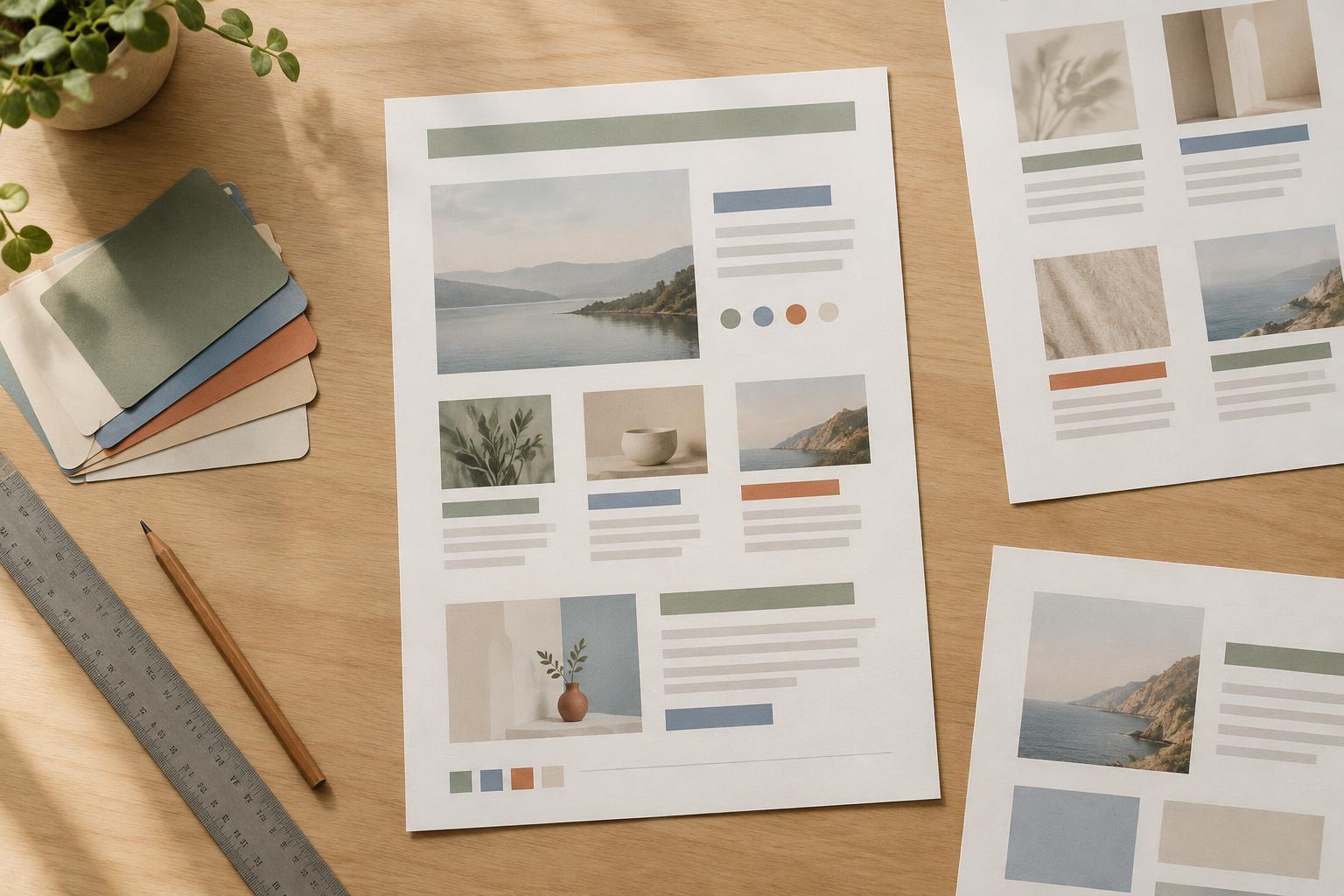
A pilot page is a small, realistic test of the rules you plan to reuse. It is not a polished sample made from the easiest content. Its job is to expose decisions you have not yet made: how much space text needs, what happens when a label is long, and which elements must stay consistent. Once those questions have workable answers, building the remaining pages becomes a more predictable task.
Choose a page that puts the rules under pressure
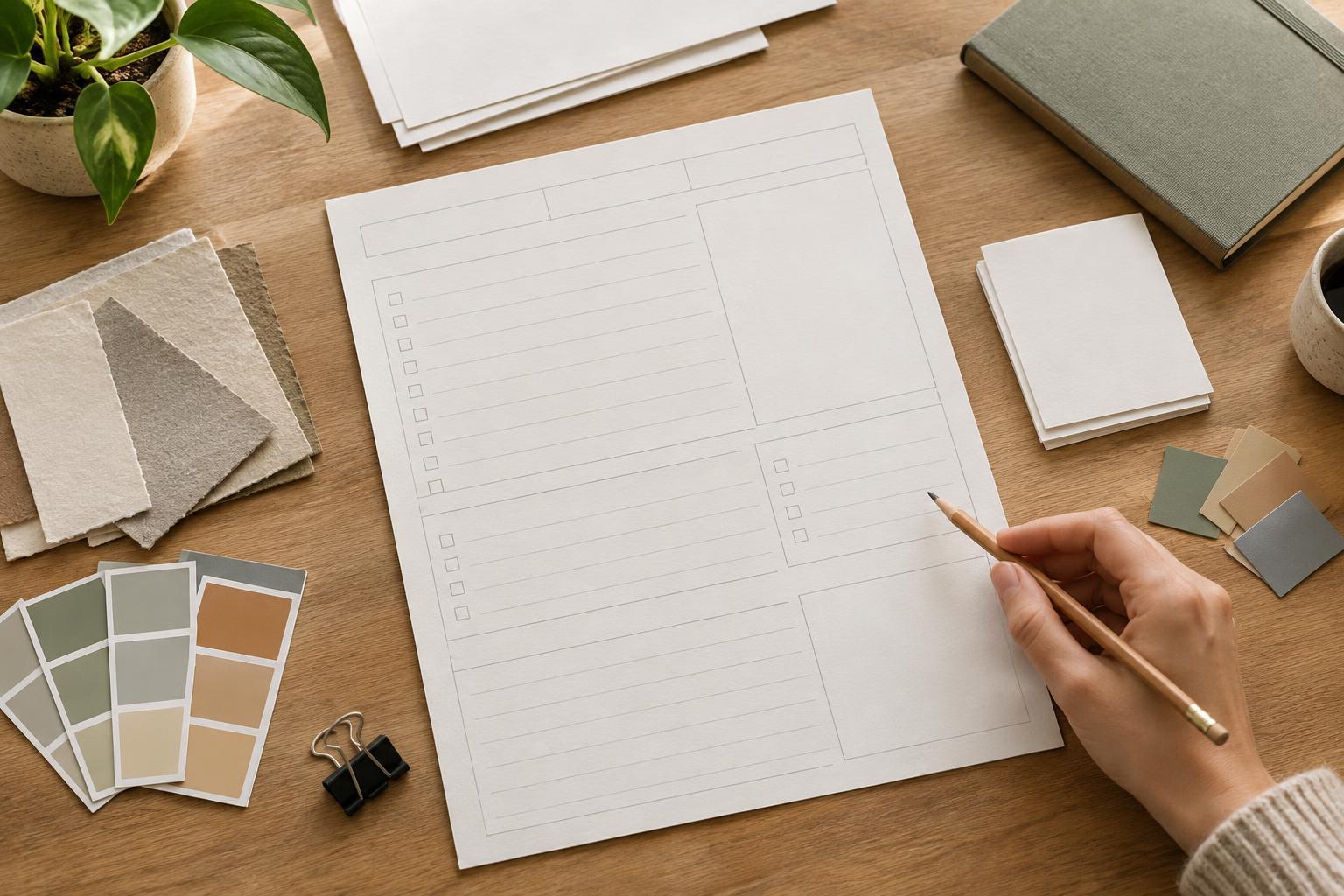
Pick a page that contains several common elements and at least one likely difficulty. For a presentation, that might be a slide with a heading, a chart or image, and a short explanation. For a planner, it could be a weekly spread with writing space, dates and repeated labels. For social graphics, try a post with a longer-than-usual headline rather than one with only a few words.
Use content close to what the final set will contain. Placeholder text can hide problems because it rarely has the same length or structure as real copy. If you do not have final wording, write a realistic approximation and mark it as provisional. Also note what the pilot cannot test. A dense planner page may help you assess spacing but tell you little about how a minimal cover should look.
Define a few rules before you decorate
Set the page size or canvas dimensions first, then establish margins and a simple alignment structure. Choose roles for type rather than styling every text box independently: for example, a page title, a section label, body text and a small note. Decide how much contrast those roles need and whether any information must remain readable when printed or viewed at a smaller size.
Keep the first pass restrained. One accent color and a limited set of text styles are usually enough to test the structure. Add decoration only after the content has a clear reading order. Record choices in plain language as you work, such as “section labels align with body text” or “notes never use the accent color alone to convey meaning.” These short rules give you something specific to apply or revise on the next page.
Test the page in the way people will use it
Review the pilot at its intended size, not only while zoomed in for editing. If it is a printable, inspect a print or a size-accurate preview to judge writing space and text size. If it is a slide, view it without editing guides and consider whether the main point is apparent at a glance. For a social graphic, check it at a smaller on-screen size, where fine details and long lines may become difficult to read.
Then stress-test the design with one or two content changes. Replace a short heading with a longer one. Add an item to a list, or try an image with a different shape. Notice whether the layout has a sensible way to adapt or whether each change requires moving everything by hand. The goal is not a page that accommodates every possible variation; it is a set of rules that handles the variations you expect to use.
Turn the pilot into a repeatable starting point
After testing, separate problems with the system from problems unique to the sample content. If every text block feels cramped, adjust the margins, type scale or amount of content allowed per page. If only one unusually long label causes trouble, define a fallback for long labels instead of redesigning the whole layout. Make those revisions in the pilot before duplicating it.
Finally, create one additional page with different content using the same rules. This second page is a useful check: if you can build it without inventing new styles for every element, the pilot has done its job. Keep a short note of the page types or edge cases still to test as the set grows. Starting small does not remove every later revision, but it gives you a clearer foundation for making them.