Decide what counts as a new version
A design version is a saved state you may want to compare with or return to later. You do not need a new file for every font adjustment or moved icon. Save a distinct version when you are about to make a substantial change: restructuring a presentation, replacing a planner layout, trying a different color direction, or applying a round of feedback.
Think of these saved states as checkpoints rather than a record of every click. Before a major experiment, duplicate the current working file and leave the earlier one untouched. If the experiment works, it becomes your new working version. If it does not, you can return to the checkpoint without trying to reconstruct the old design from memory or undo history.
Keep rough explorations separate from approved work. A promising alternate cover or slide layout is worth saving, but it should not be mistaken for the version you are preparing to deliver.
Use file names that explain the sequence
Choose one naming pattern and use it consistently. For example, a project might contain “WorkshopSlides_v01_working,” “WorkshopSlides_v02_new-layout,” and “WorkshopSlides_v03_feedback.” A short project name, a numbered version, and a brief description make files easier to sort and recognize. Add a date if it helps your workflow, but do not rely on dates alone: they rarely explain what changed.
Give experiments descriptive names, such as “v03_alt-type,” rather than labels like “final-new-2.” Reserve words such as “approved” or “delivered” for files that truly have that status. When another round of edits arrives, start the next numbered version instead of repeatedly renaming a file “final.”
The exact pattern matters less than its consistency. Use leading zeros if you expect many versions, and keep the same project name across the design file, exported PDF, and review copy. That makes related files easier to identify even when they are viewed outside their folder.
Keep a short record of why things changed
File names tell you which version is which; a change log tells you why it exists. A plain text document or note in the project folder is enough. For each meaningful version, record its number, what changed, why you changed it, and what still needs checking. An entry might read: “v04: widened planner writing areas after print review; check whether the labels still fit.”
Record decisions that would be hard to infer by opening the file. If you rejected a bright background because it reduced text contrast, note that. If you kept an alternate title slide for a possible future audience, say so. This prevents you from repeating the same exploration weeks later and helps you assess feedback against earlier decisions.
Keep the log brief enough that you will actually update it. Two or three sentences at each checkpoint are usually more useful than a detailed diary that stops after the first revision.
Organize source files, assets, and exports
A clear folder structure reduces confusion when several formats are involved. One workable setup has separate folders for editable design files, supporting assets, review exports, and delivered files. Store images, logos, and other materials the design depends on in predictable locations. If your software links to external files rather than embedding them, avoid moving those files casually; the design may no longer find them.
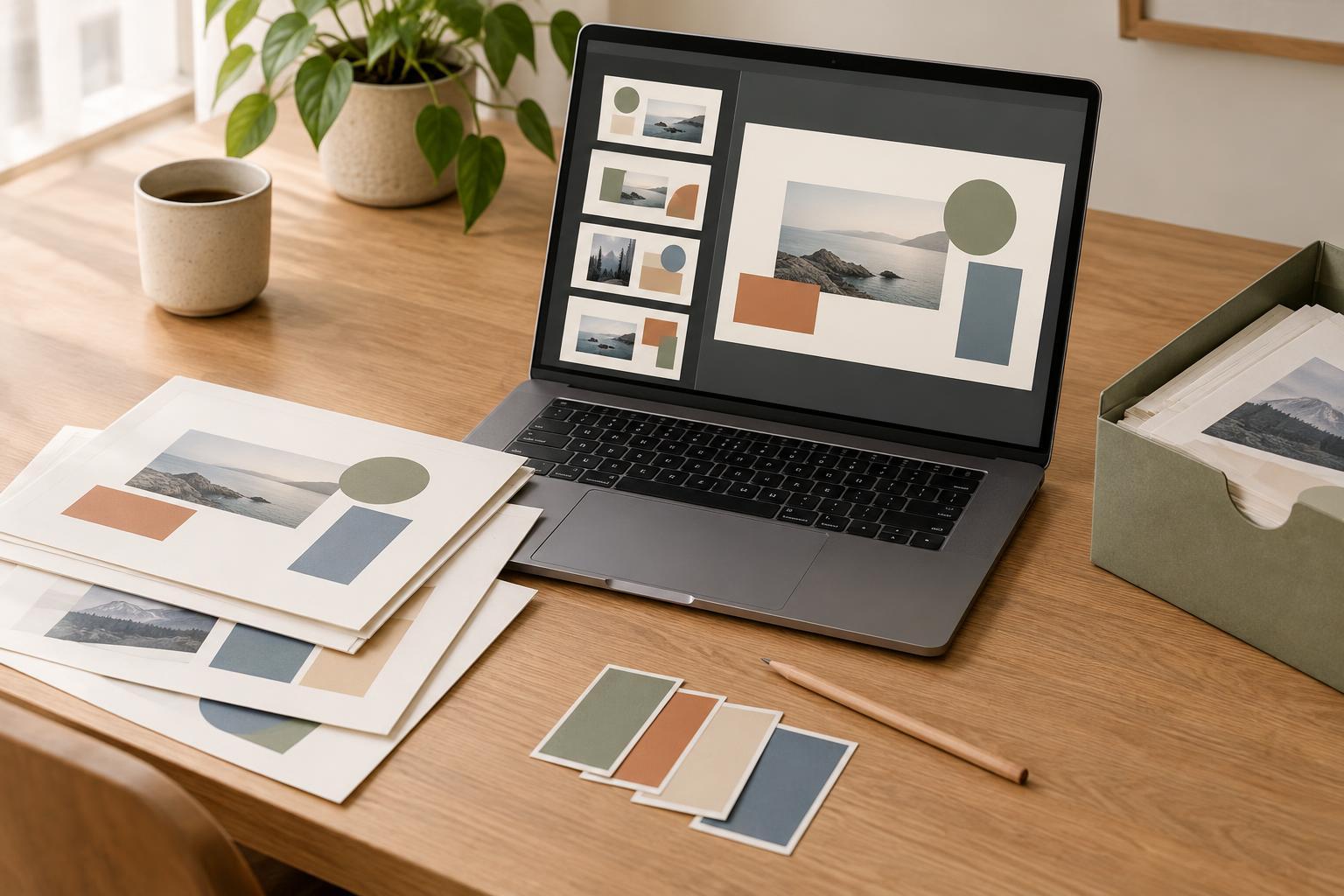
Keep editable source files distinct from exported PDFs or images. An export is useful for review, but it may not preserve the elements you need to revise. Name exports with the same version number as their source so you can tell which design produced each review copy.
Before cleaning up a project folder, check that an older version you intend to keep still opens and has its necessary assets. A backup in another storage location can offer additional protection against accidental deletion or device trouble. If you use automatic cloud history, treat it as a helpful extra rather than your only way to identify important milestones.
Make the current version obvious
Too many saved versions can create a new problem: no one knows which file to use. Keep only one active working version at a time and make its status clear in your folder or change log. Move abandoned experiments and superseded drafts into an archive folder instead of mixing them with current files. You can preserve the work without making it compete for attention.
When feedback arrives, first identify the version it refers to. Comments on an old PDF may not apply to a newer layout. If you work with others, share the version number along with the review copy and ask for feedback on that copy. Before delivery, open the intended source file, export from it, and confirm that the exported file matches what you expect.
Version tracking does not have to be elaborate. Save before major changes, name each checkpoint clearly, note the reason for it, and separate working files from exports and archives. Those small habits give you room to experiment while keeping earlier work within reach.