Start with one action the reader can take
A social infographic does not need to explain an entire subject. It works best when someone can understand the point quickly and leave with one useful action. Start by writing the tip as a plain sentence: “Name your files by project and version” or “Check your slide titles before choosing images.” If the sentence contains several separate recommendations, choose one for the graphic and save the others for another post.
Next, decide what the reader needs in order to use that tip. A file-naming suggestion might need a short pattern and one example. A slide-title suggestion might need a before-and-after pair. This decision gives the infographic a purpose beyond repeating the tip in large type. Put background information in the accompanying caption if it is helpful but not essential to understanding the graphic.
Build a reading path before decorating
Turn the tip into three parts: a headline that states the benefit or task, a small number of supporting points and a closing cue. For example, a graphic about clearer file names could lead with “Find the right file faster,” show a pattern such as “Project — Item — Version,” then end with “Use the same pattern every time.” The reader should be able to follow that sequence without guessing where to look next.
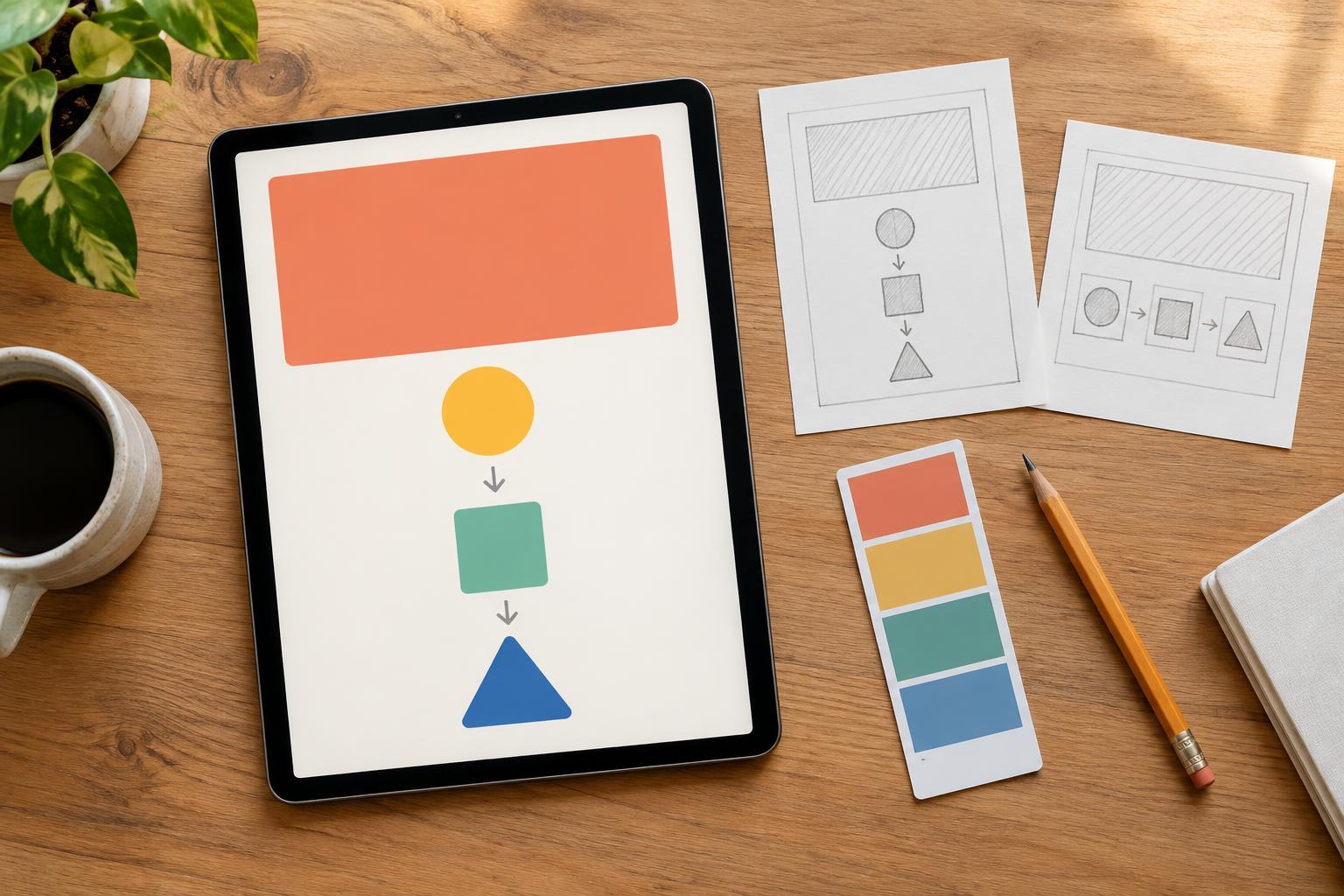
Sketch the arrangement as simple boxes before choosing colors or illustrations. A top-to-bottom stack is often a straightforward choice for a single graphic viewed on a phone. Make the headline the most prominent element, group related words together and leave visible space between groups. Numbers can help when order matters; separate labeled blocks may be better when the points are equally important. Avoid arrows unless they clarify a sequence that spacing alone cannot show.
Edit the words for quick scanning
Short text is useful, but removing too much can make a tip vague. Keep the specific nouns and verbs that tell people what to do. “Improve organization” is hard to act on; “Add a version number to each draft” is clearer. Read each line on its own. If a reader has to return to the headline to understand a supporting point, rewrite that point or bring the missing context closer.
Try to give each text block a distinct job. The headline introduces the idea, labels identify parts, examples demonstrate the action and a final line reinforces it. Repeating the same sentence in every block takes up room without adding clarity. If an example needs a long explanation, simplify it or choose a narrower tip. The goal is not the fewest possible words; it is the fewest words needed to make the action understandable.
Use type, color and visuals to support the message
Choose a type hierarchy that remains clear when the graphic is reduced on screen. A large headline, comfortably readable body text and modest labels are usually enough. Use a limited set of type styles, and give longer lines enough space to breathe. If a label or example only fits when its text becomes tiny, shorten the wording or make the layout less crowded rather than shrinking it further.
Use color to distinguish roles, not to decorate every phrase. One strong accent can highlight an action or important example, while a calm background keeps the text easy to read. Check that text stands out from its background and that meaning does not depend on color alone. An icon can help identify a step, but it should not replace a necessary word. When comparing a weak and strong example, label them clearly so the distinction survives without color cues.
Test the graphic as a reader would see it
Before publishing, view the infographic at a small size rather than judging it only in the design editor. Can you identify the topic, follow the order and read the example without zooming? Look for lines that break awkwardly, crowded edges and decorative elements that compete with the headline. If the graphic feels dense, remove a secondary detail or move it to the caption instead of squeezing every element closer together.
Finally, check the graphic and caption as a pair. The image should communicate its core tip on its own; the caption can add context, exceptions or a prompt to try the idea. Where the publishing platform allows it, provide a concise text description of the graphic’s useful content. Keep an editable copy with clearly named text and visual layers so you can revise the example or adapt the layout for a related tip without rebuilding it from scratch.