Give each paragraph one clear starting signal
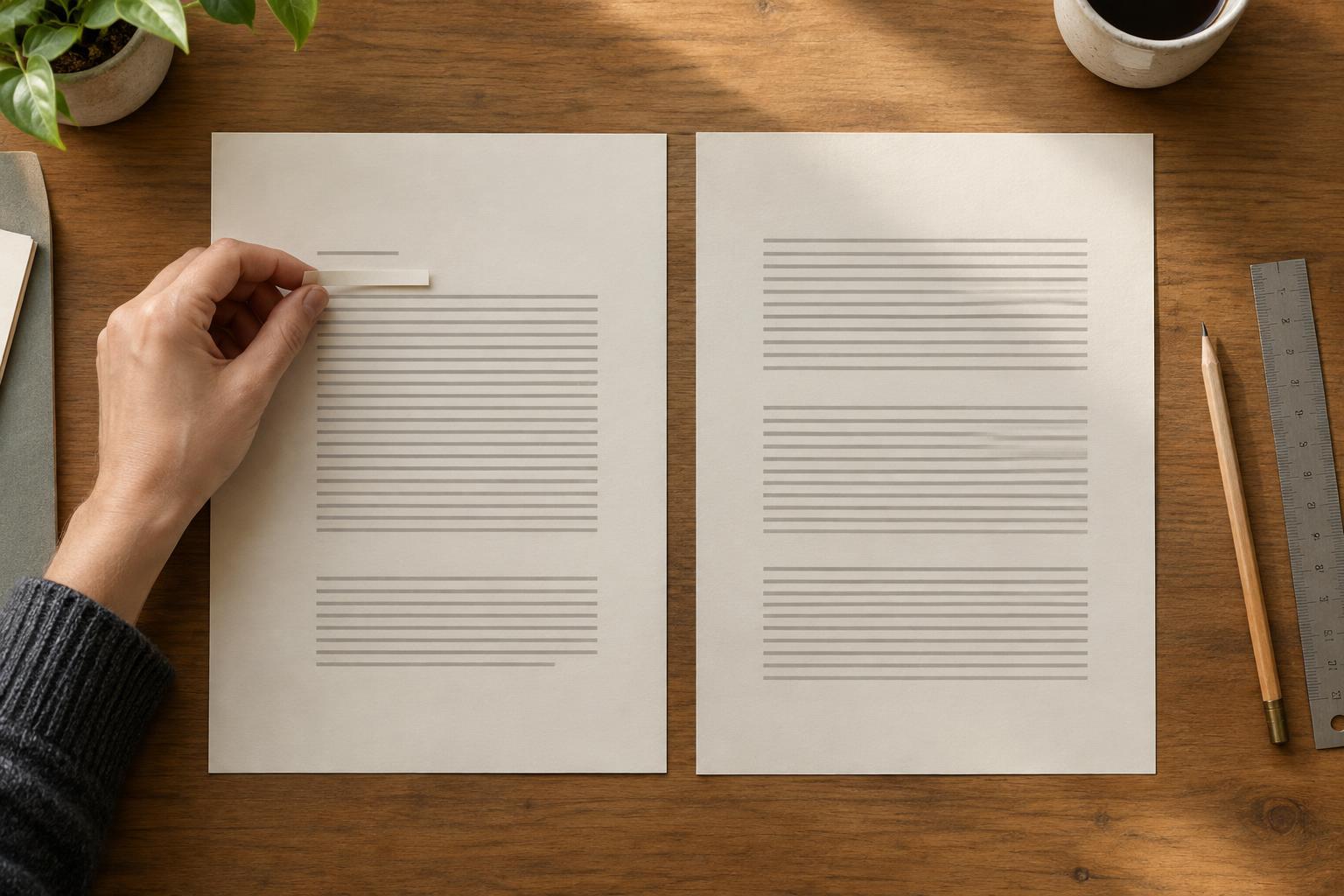
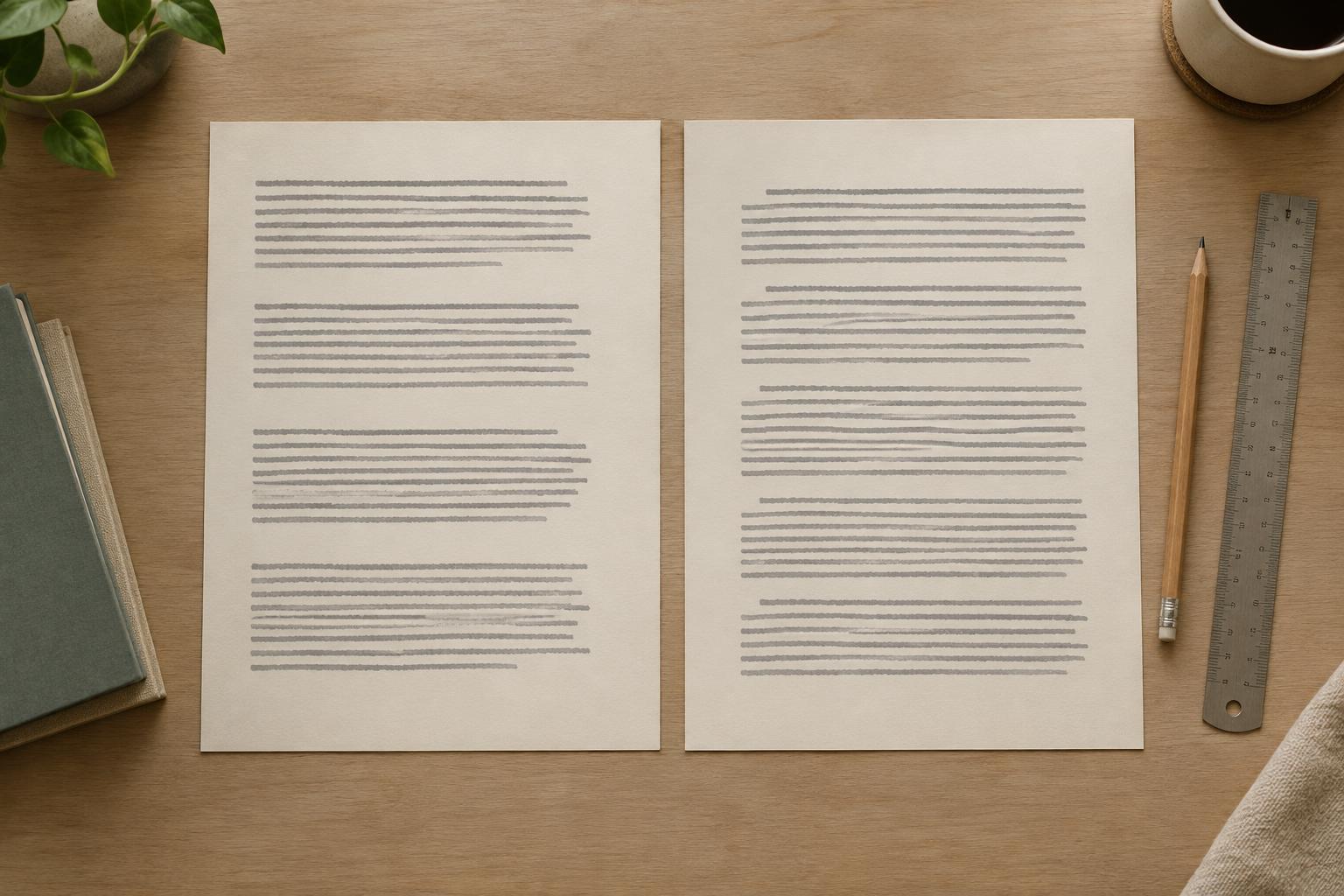
A reader needs to see where one paragraph ends and the next begins. Two common ways to provide that signal are a gap between paragraphs and an indent at the start of each new paragraph. Both work, but they solve the same basic problem. Using a noticeable gap and a first-line indent together can make every paragraph break look overemphasized.
Choose one method for ordinary body text in a given text block. Paragraph spacing creates separation vertically; a first-line indent marks the start of a paragraph horizontally. This choice does not mean every element on the page must follow the same rule. Headings, captions, lists and callouts have different jobs. The goal is to make paragraphs of the same kind behave consistently.
When paragraph spacing is the better fit
Paragraph spacing often suits presentations, digital content and printable worksheets with short blocks of text. The gap helps readers scan quickly, particularly when the text sits alongside headings, images or form fields. Set the gap with your software’s paragraph-spacing control rather than pressing Enter twice. A deliberate setting is easier to adjust across a template and less likely to leave unexpected blank lines when text is edited.
Start with a modest gap that is visible without making related thoughts seem disconnected. Judge it in context: the space between two body paragraphs should usually be smaller than the space before a new section heading. If the page feels choppy, reduce the paragraph gap before shrinking the type. Keep the first-line indent at zero for these paragraphs so the gap remains the single, clear signal.
When a first-line indent is the better fit
First-line indents can work well in longer, continuous reading passages where extra vertical space would interrupt the flow. They identify new paragraphs while keeping lines in a steady rhythm down the page. Use a small, consistent indent that is large enough to notice but not so large that it resembles a missing word or a tabbed column.
With this approach, keep the spacing between ordinary paragraphs the same as the spacing between lines, rather than adding a separate paragraph gap. The first paragraph after a heading often needs no indent because the heading already signals a new start. If you use that convention, apply it throughout the document. Avoid inserting spaces or tabs to imitate an indent; a paragraph setting will remain consistent when you revise text or change the font.
Keep exceptions intentional
Lists are a common source of confusion. A bullet or number already marks each item, so it does not need a first-line paragraph indent as well. If an item wraps onto another line, use a hanging indent so the continuation aligns with the text after the bullet, not with the bullet itself. Adjust the space between items according to how closely they belong together.
Captions, pull quotes and sidebar notes may need their own spacing rules because they are separate text styles. That is not the same as mixing two paragraph signals within one body-text style. In a printable planner, for example, an instruction block might use paragraph gaps while a longer reading passage elsewhere uses indents. Make the change clear through placement or styling, and keep each block internally consistent.
Set the rule once, then check it in use
Before formatting a whole page, choose a representative passage with several paragraphs, a heading and a list. Apply either paragraph spacing or first-line indents to the body text, then look at the passage at its intended viewing size. Check whether paragraph breaks are easy to find, whether the heading has enough separation, and whether a short final line creates an awkward-looking gap.
If your editor supports text styles, put the chosen settings in the body-text style instead of formatting each paragraph by hand. When customizing a template, inspect an existing body paragraph before adding new text; inherited spacing or indents can be easy to miss. Finally, scan the finished document for double paragraph breaks, stray tabs and one-off overrides. A simple rule applied reliably will usually look more polished than a complicated rule applied unevenly.