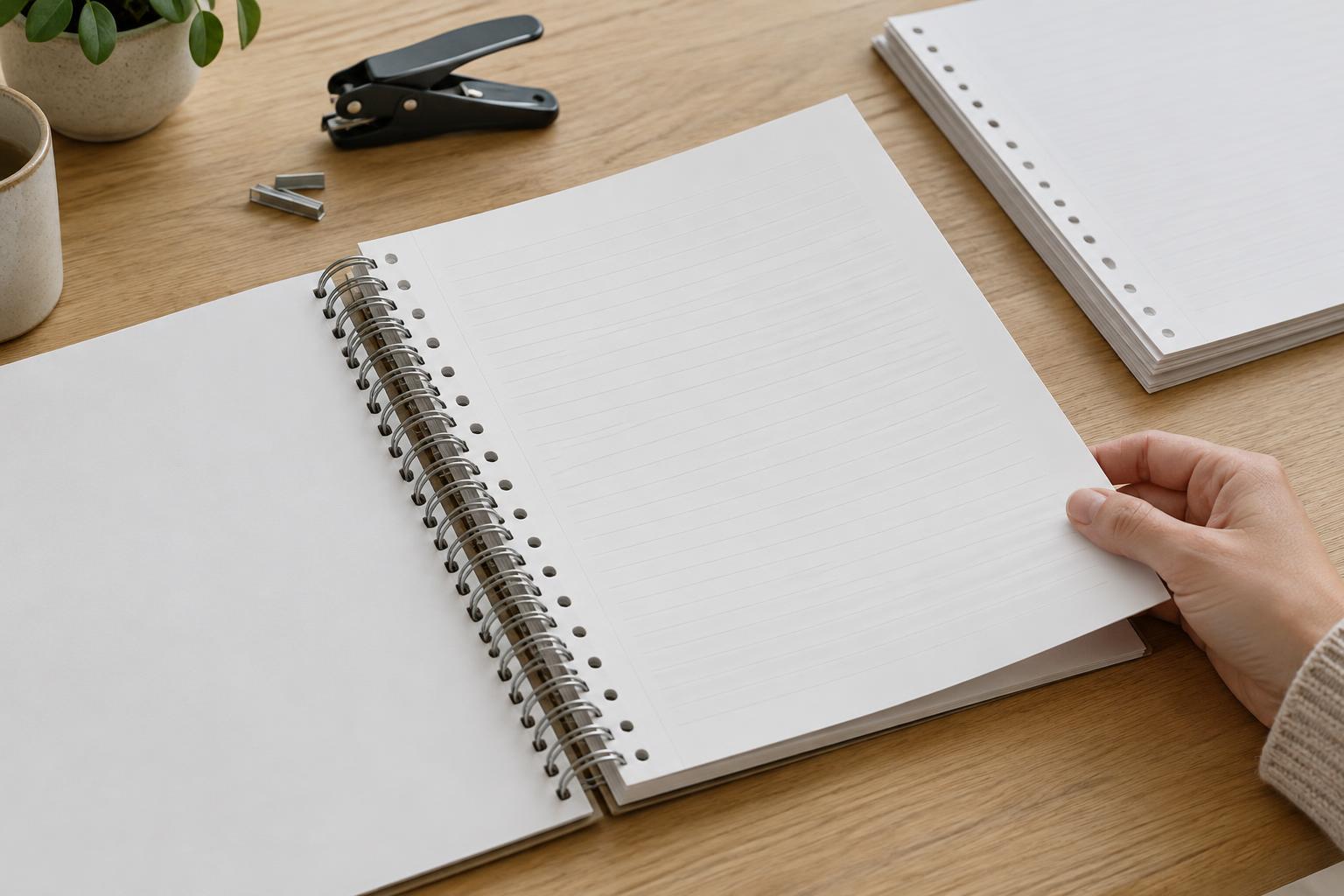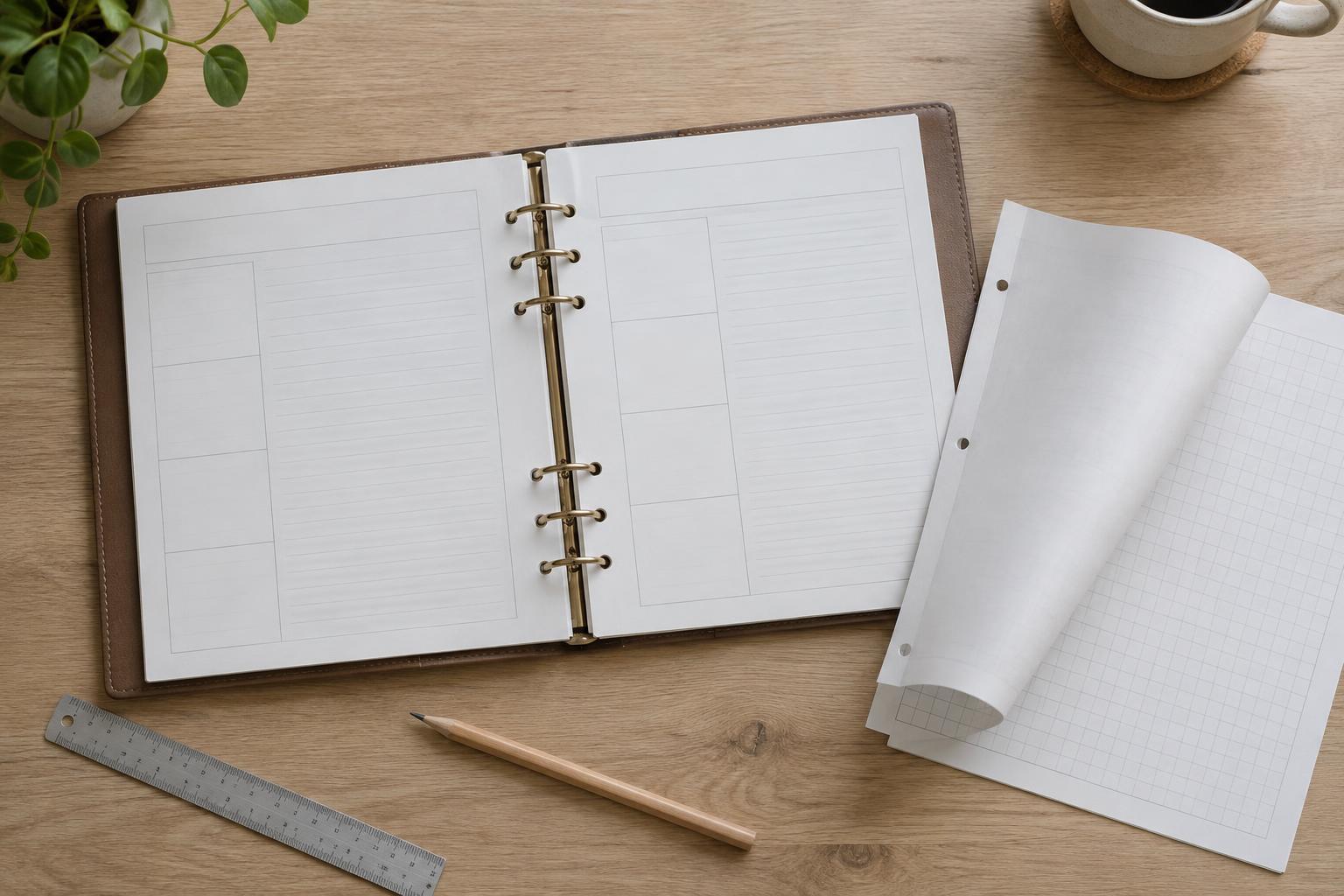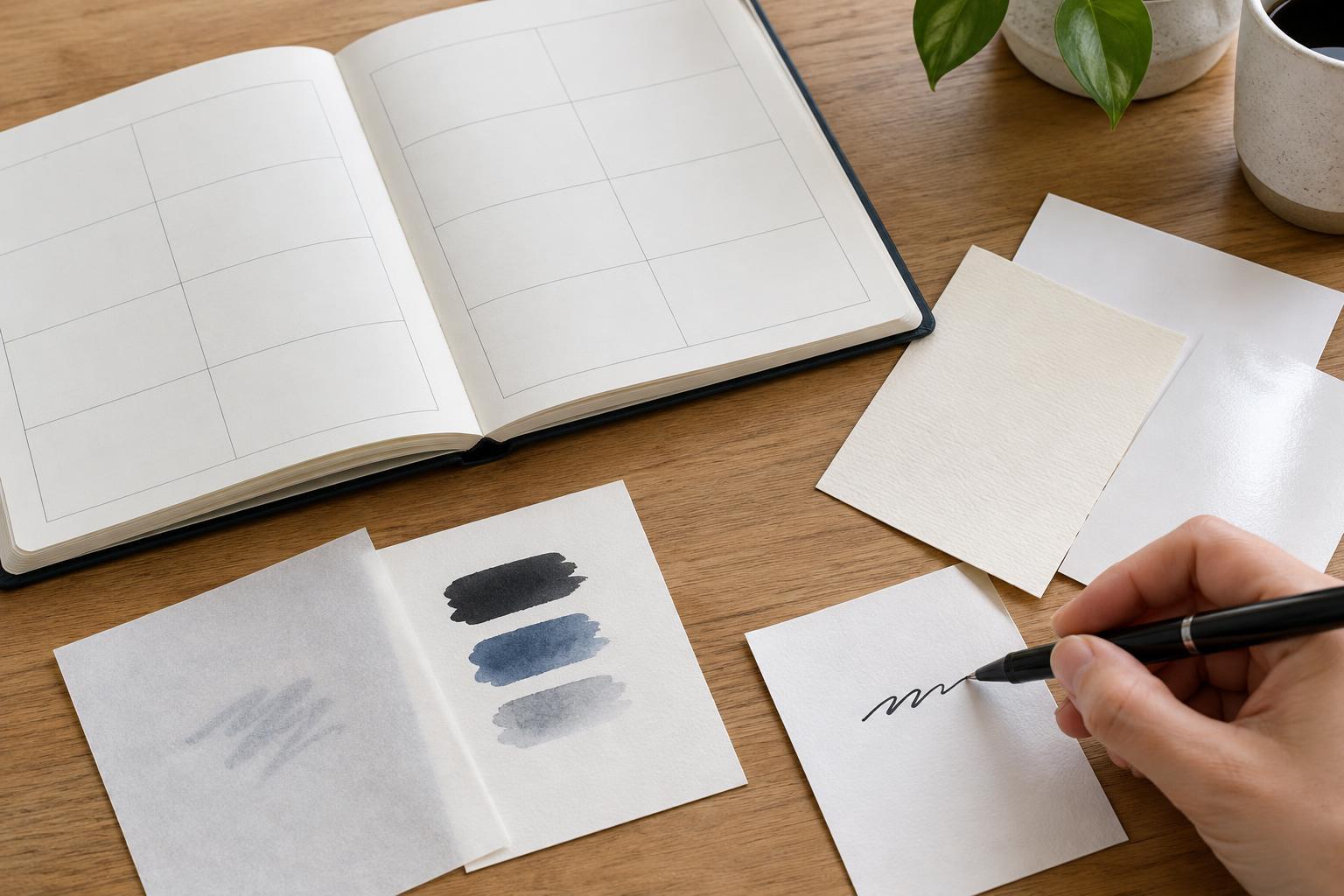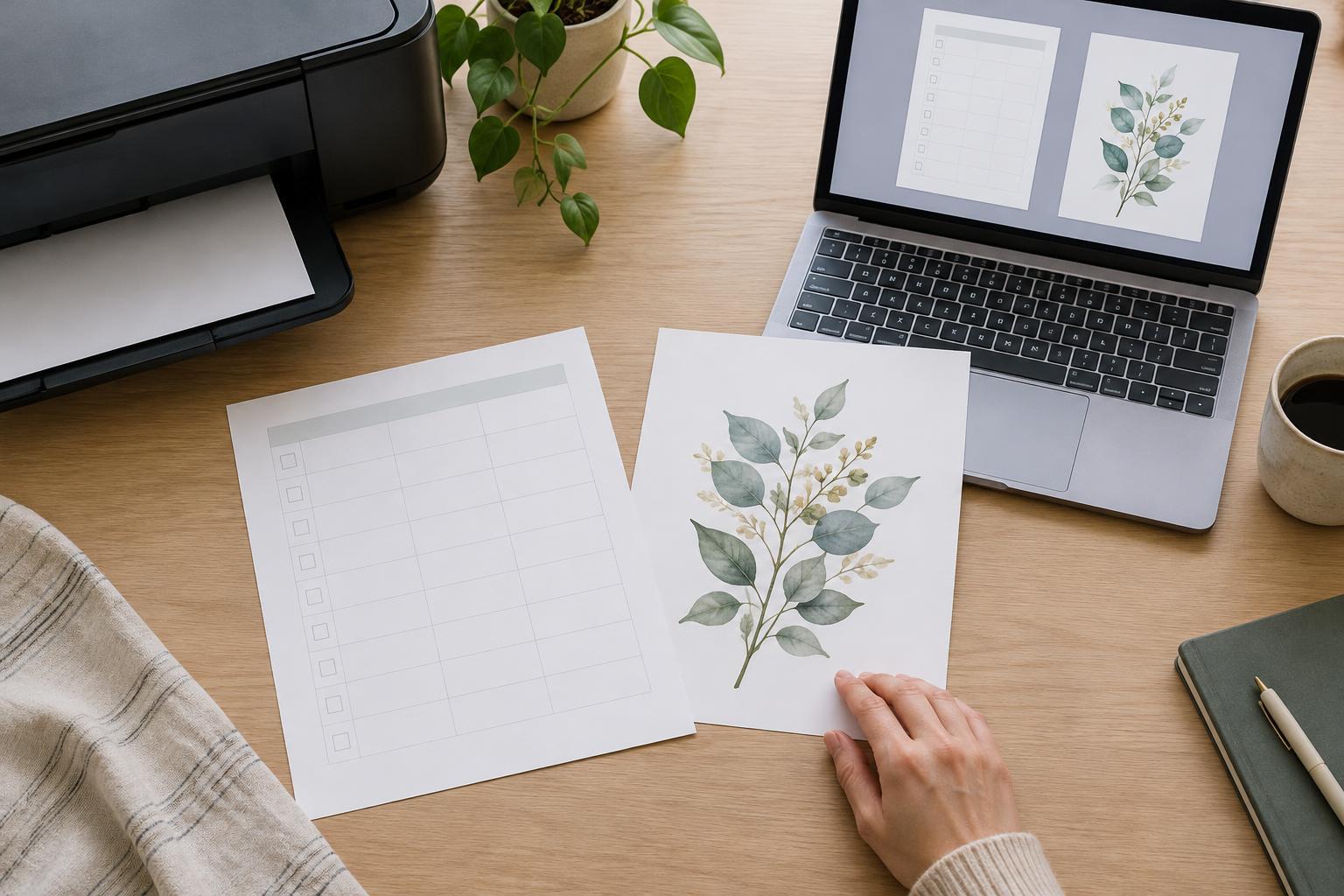
Start with how the printable will be used
A home printable might be a weekly planner, a checklist, a worksheet or a piece of wall art. The best file format depends less on the design itself than on what someone needs to do with it. If the goal is to open a finished page and print it at a predictable size, PDF is usually the simplest choice. If the goal is to place the design inside another project or edit it in an image-based app, PNG or JPEG may be more convenient.
It helps to separate the finished printable from the working file. A PDF or image can be an excellent file for sharing and printing without being easy to edit. Keep the original design file if you expect to change dates, colors or text later. You can then export a fresh printable rather than trying to revise a flattened copy.
Why PDF works well for planner pages and worksheets
A PDF can preserve a defined page size and bring text, lines and illustrations together in one file. That makes it a strong default for printables with precise margins, writing spaces, tables or small type. A multi-page planner can also stay in one document, in the intended order, instead of becoming a collection of separate images.
PDF does not guarantee a perfect print on every device. A print dialog may offer options such as “fit to page” or “actual size,” and choosing the wrong one can change the dimensions of boxes and margins. For a design where scale matters, include a small measurement mark or test one page at actual size. Also leave room near the edges: many home printers cannot print all the way to the edge of a sheet.
When exporting, check the PDF rather than assuming the design app handled everything correctly. Zoom in to inspect fine lines and text, and confirm that fonts display as intended on another device if possible. If your app offers a setting to embed fonts, it can help preserve their appearance; a PDF made from a low-resolution screenshot, however, may still look blurry.
When PNG or JPEG makes more sense
PNG is useful for a single-page graphic that someone may want to insert into a document, slide or digital notebook. It can also support transparency, which is handy for a decorative element without a solid rectangular background. JPEG is widely compatible and can produce smaller files for designs dominated by photographs, but its compression may introduce visible softness around small text, thin rules and sharp color boundaries.
Image files need extra attention to dimensions. They are made of pixels, so a small image enlarged to fill a sheet can look fuzzy even if it looks crisp on a screen. Export the artwork for its intended physical size at a suitable print resolution, then check the resulting pixel dimensions. A resolution label alone cannot add detail to an image that was exported too small.
An image can print nicely, but it does not manage page layout as explicitly as a PDF. The app used to open it may center it, add margins or scale it automatically. That is rarely a problem for a casual decorative print; it matters more for a habit tracker whose boxes need to be comfortable to write in or a page designed to line up with a binder.
Make the choice by design type
For a finished weekly planner, checklist or worksheet, export a PDF first. It keeps the page dimensions and any multiple pages together, and it is straightforward to print. For printable art with large illustrations or a photograph, either a properly sized PDF or a high-resolution image may work. Choose PNG when crisp graphic edges or transparency matter, and consider JPEG for photographic artwork where a smaller file is helpful.
If the printable will be customized by its recipient, decide what kind of customization you mean. Someone adding handwriting after printing only needs a print-ready file. Someone rearranging text or changing the layout needs an editable version in a compatible app; supplying a PNG instead of a PDF will not, by itself, make those elements editable.
Run a one-page print test before sharing
Export at the final paper size, then print one page using the settings you plan to recommend. Check whether headings are readable, writing areas have enough room, pale colors remain visible and borders sit safely inside the printable area. If you offer both a PDF and an image, test each separately because printing apps may scale them differently.
The practical rule is simple: use PDF as the default for a finished, page-based home printable; use PNG or JPEG when the image itself needs to be reused in another layout. Whatever format you choose, a quick print test will reveal more than an export setting alone.