Start with the reader’s task
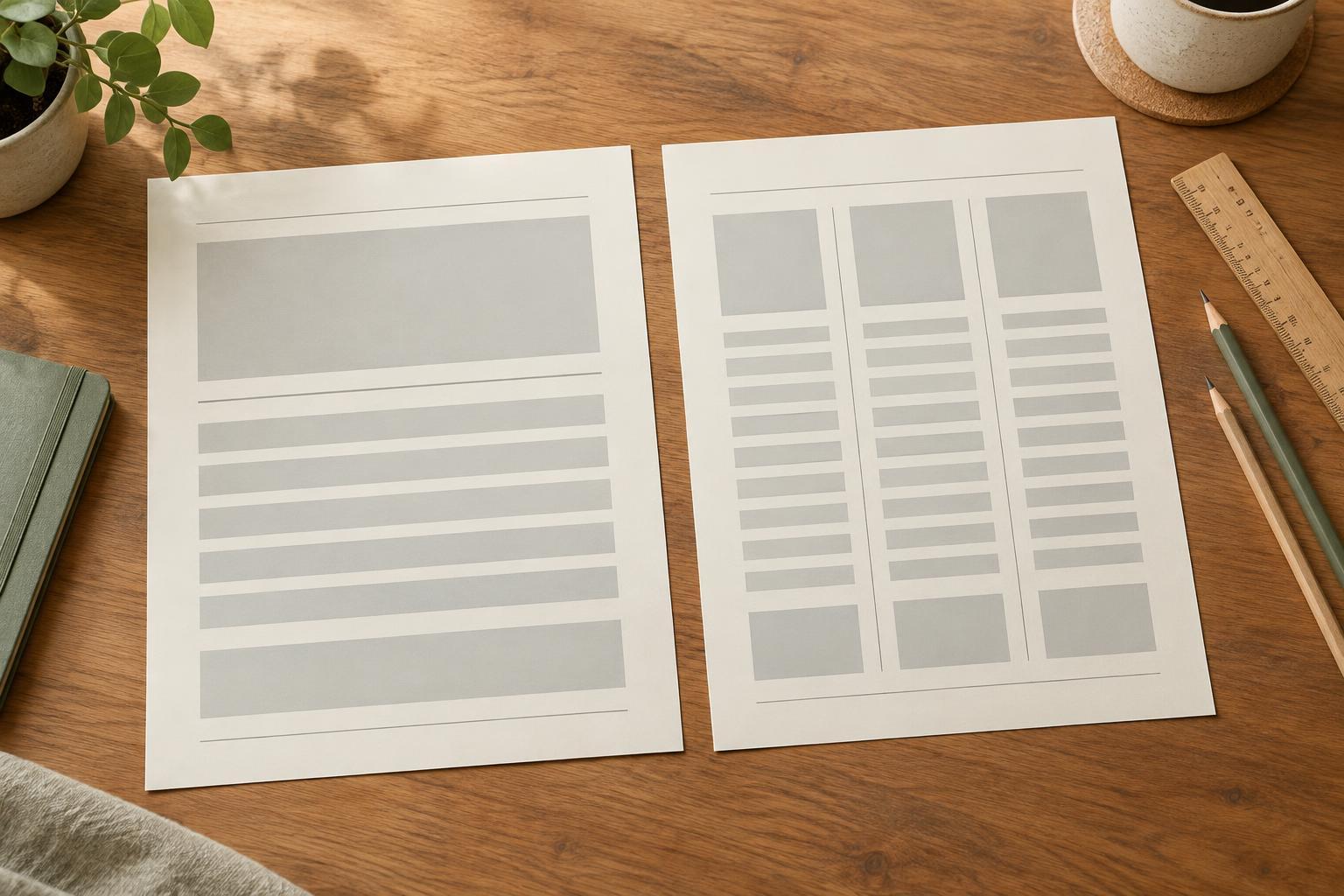
The best column count is not the one that fills every corner of a page. It is the one that helps someone understand or use the content. A single column creates one obvious route from top to bottom. A multi-column layout divides that route into parallel areas, which can help people compare, browse or complete separate tasks.
Before choosing a grid, ask what the reader will do first. Will they follow an explanation in order, scan several options, compare two ideas or write in designated spaces? A tutorial or short article usually benefits from a continuous reading path. A comparison chart, weekly planner or set of equally important cards may benefit from multiple columns. Decide on that purpose before adjusting font sizes or moving boxes around.
When one column works better
Choose a single column when order matters. Instructions, reflective prompts and text-heavy slides are easier to follow when each element leads naturally to the next. One column also gives headings, body text and images room to breathe without forcing paragraphs into narrow strips.
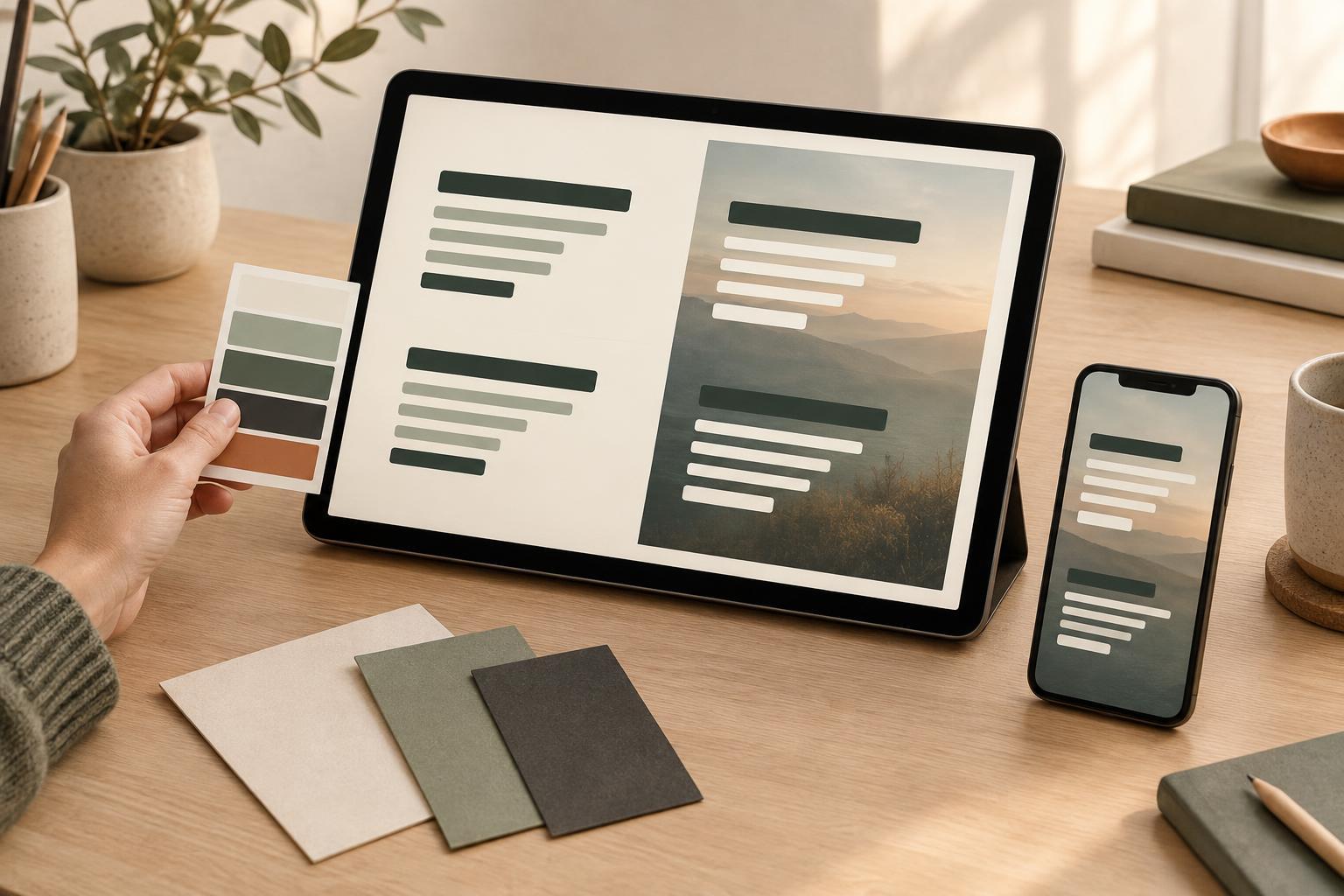
This approach is useful when content must work across screen sizes. A narrow digital graphic may have enough width for only one comfortable line of text at a time. Starting with a single-column structure can reduce the need to shrink type when adapting a design for a phone. It also makes the intended reading order clearer if someone views the content at a reduced size.
Single-column does not mean featureless. Use heading size, spacing, dividers or a restrained accent color to mark transitions. For example, a printable daily plan can stack priorities, appointments and notes in one column while giving each section a distinct label and enough writing space. The result can feel organized without requiring side-by-side panels.
When multiple columns earn their space
Multiple columns work well when items have a similar role or need to be seen together. Two columns can place a problem beside a solution, or put a planner’s schedule beside its task list. A grid of cards can present several social graphic ideas without implying that the reader must study each one in sequence.
The benefit depends on having enough room. If a column becomes so narrow that sentences break awkwardly, labels wrap unpredictably or writing areas become cramped, the layout is doing more harm than good. Check the longest heading and the densest item, not just the neatest example. Repeated elements should have consistent widths and spacing so the reader can recognize them as a set.
Be deliberate about reading order. On a presentation slide, a left-to-right pair is often easy to understand when each column has a clear heading. On a printable worksheet with several sections, however, the eye may jump between columns unless their boundaries and sequence are obvious. Number sections when completion order matters; otherwise, let their headings explain what each area is for.
Use typography and spacing as a reality check
A column decision is also a typography decision. Narrower columns create shorter lines, which can be pleasant for brief text but frustrating for long words, large type or detailed instructions. Rather than reducing the font until everything fits, try shortening the copy, widening the column or moving a secondary detail below the main content.
Keep gutters—the spaces between columns—wide enough that neighboring content does not appear connected by accident. Align related headings and content consistently, but avoid adding borders around every area just to make the grid visible. White space can separate groups more quietly. If two columns contain unequal amounts of content, do not force them to end at the same height by adding filler; a balanced layout does not have to be perfectly symmetrical.
Images need the same test as text. A small image beside a paragraph may support it, while a detailed diagram may need the full width to remain legible. Decide whether the image is an accent, an example or the main information, then give it space accordingly.
Make the choice, then test it
A useful starting rule is to choose one column for a sequence and multiple columns for a comparison or collection. Treat that as a starting point, not a restriction. A presentation might use two columns for a before-and-after example, then return to one column for the takeaway. A planner can use a full-width title and instructions above two practical writing areas.
Make a quick draft of both arrangements using real or realistic content. View each at the size people will actually use: a slide from a distance, a printable page on paper or a digital graphic on a small screen. Check whether the first point of attention is clear, whether text remains comfortable to read and whether any section feels squeezed. If the multi-column version needs tiny type or confusing arrows to explain its order, simplify it. If the single-column version makes related items hard to compare, try placing those items side by side.