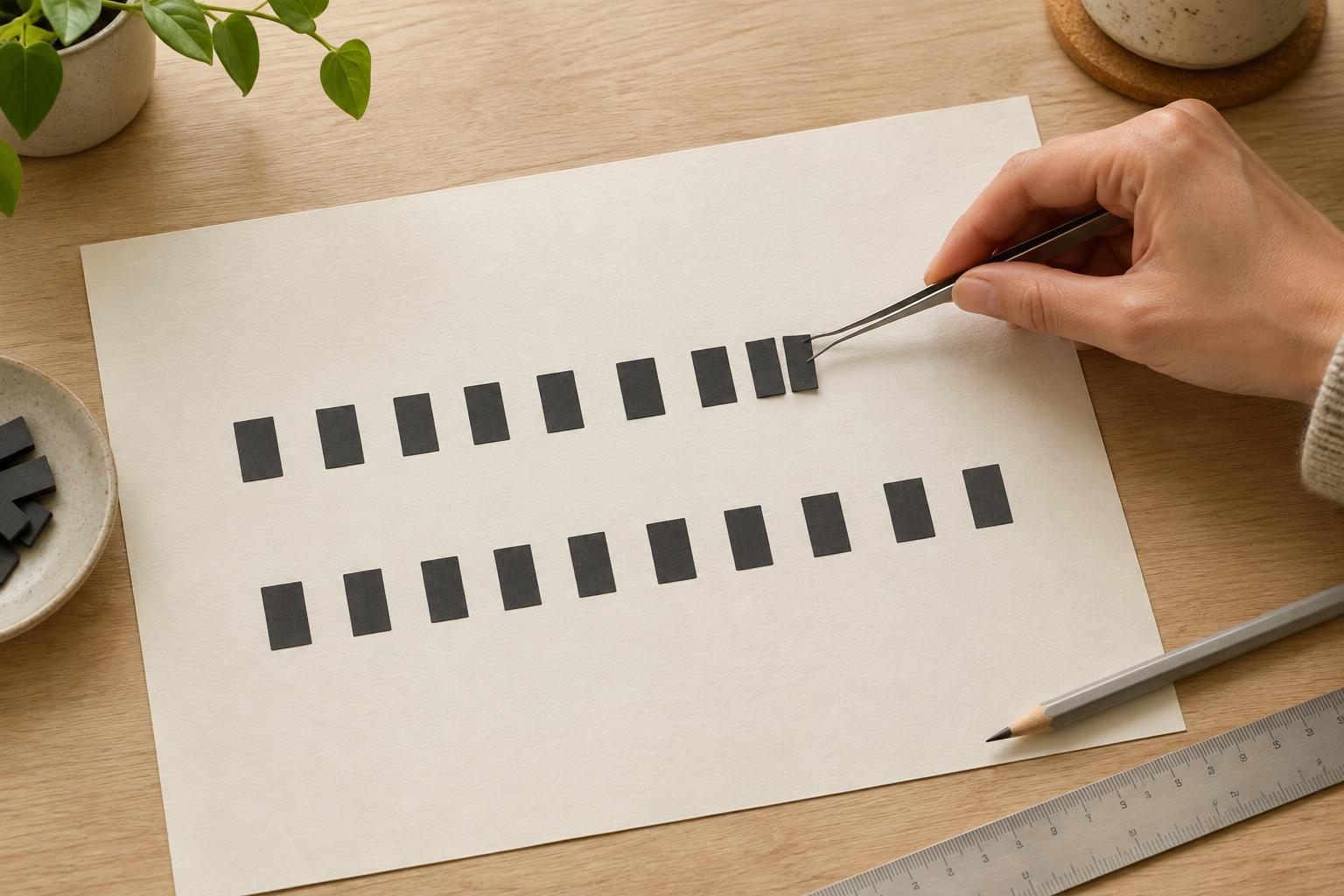
Layout and TypographyKerning fixes the space between particular pairs of letters; tracking changes spacing across a selected range of text. Learn when each adjustment helps, how to spot uneven spacing, and how to keep headings, slides, and printables readable.
Read article · 4 min↗
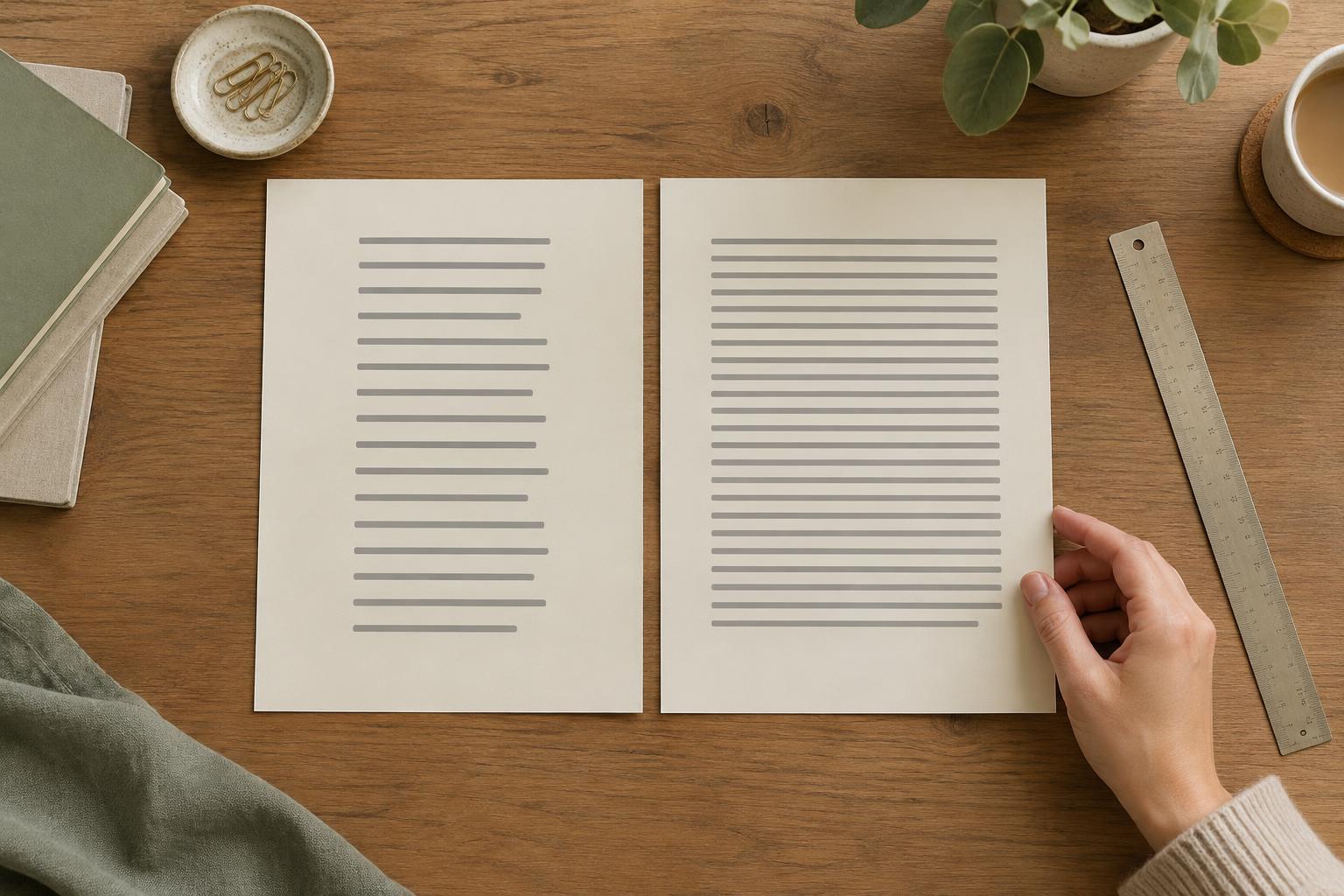
Layout and TypographyA readable paragraph depends on more than font choice. Learn how to adjust line length and line spacing together, then test the result in presentations, printables and digital layouts.
Read article · 4 min↗
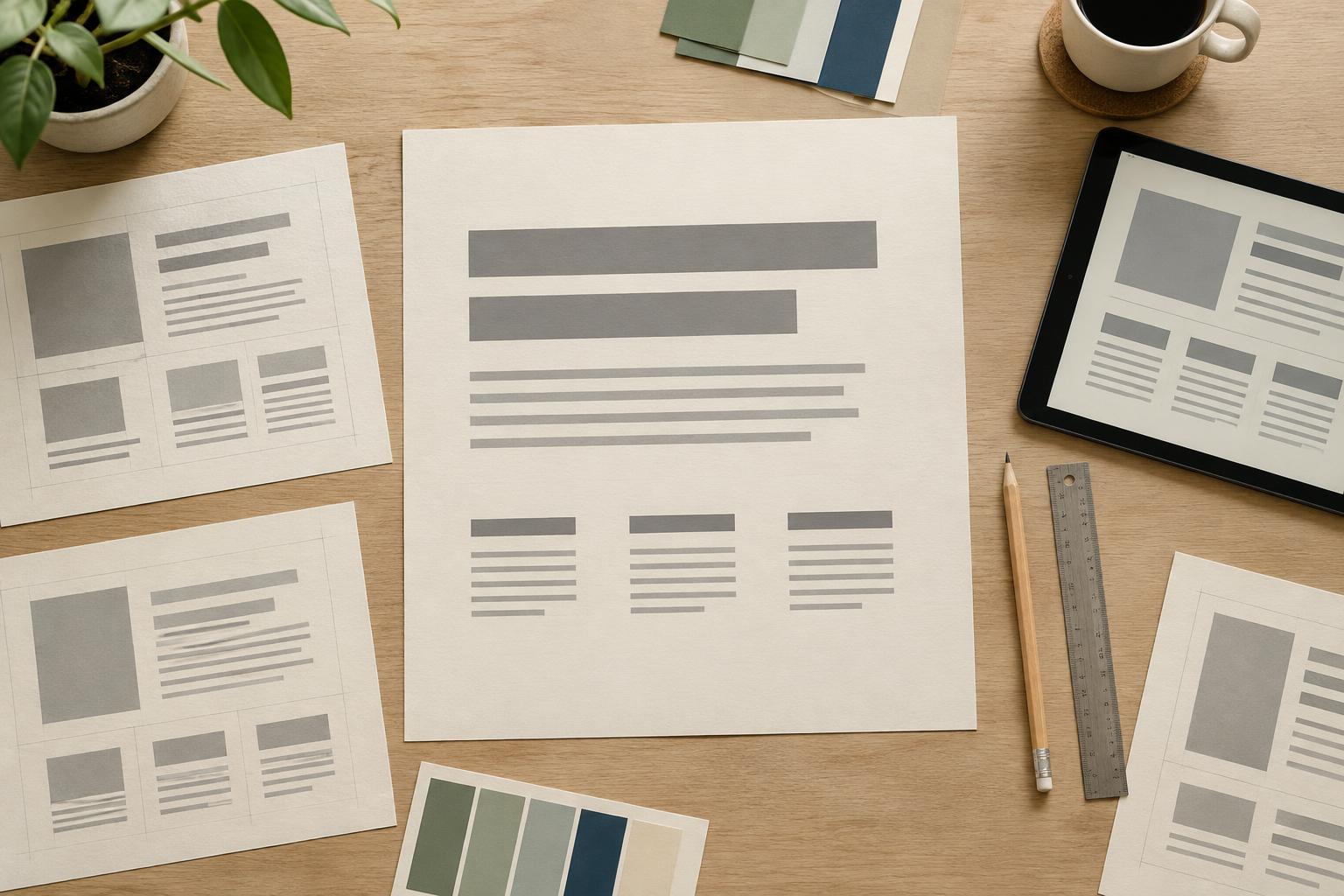
Layout and TypographyA type scale gives your text a clear hierarchy without making every line a different size. Learn how to choose a body size, build a small set of heading sizes, and test the result in presentations, planners, and digital layouts.
Read article · 4 min↗
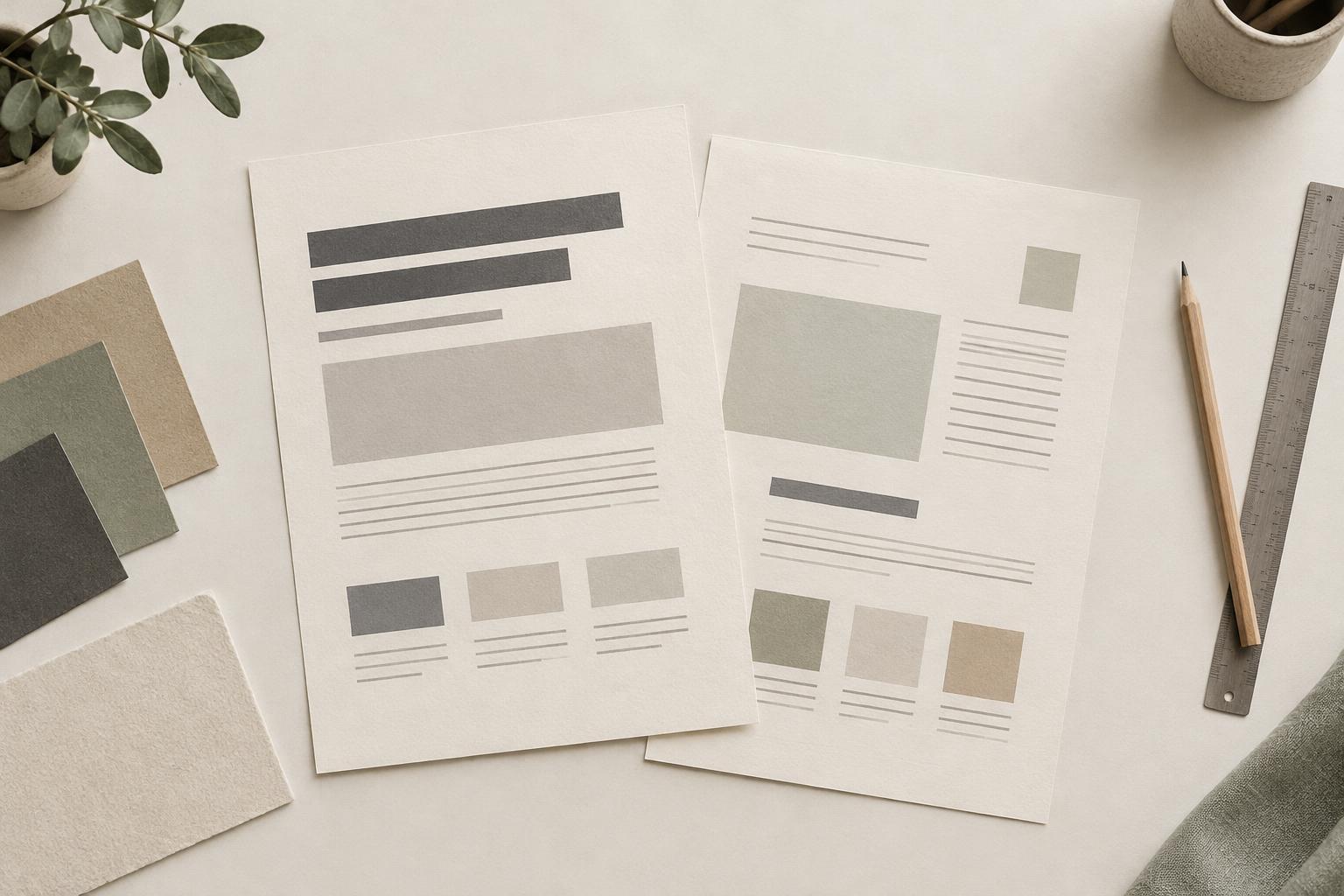
Layout and TypographyA good font pairing gives each typeface a clear job. Learn how to combine contrast, hierarchy and restraint so presentations, planners and social graphics feel easy to read rather than crowded.
Read article · 4 min↗
Layout and TypographyA readable typeface does more than look good in a font menu. Learn how to compare letter shapes, spacing and weight, then test your choice in real paragraphs, slides and printable pages.
Read article · 4 min↗
Layout and TypographyMargins separate an element from its surroundings; padding gives its contents room inside their container. Learn how to use both in presentations, planners and digital graphics without making a layout feel cramped or disconnected.
Read article · 4 min↗
Layout and TypographyWhite space gives text, images and controls room to work. Learn how to use margins, grouping and visual balance to make a layout feel calm and intentional rather than unfinished.
Read article · 4 min↗
Layout and TypographyThe space between design elements can clarify a page before anyone reads a word. Learn how to use proximity to group related content, separate different ideas, and make presentations, planners, and social graphics easier to scan.
Read article · 4 min↗
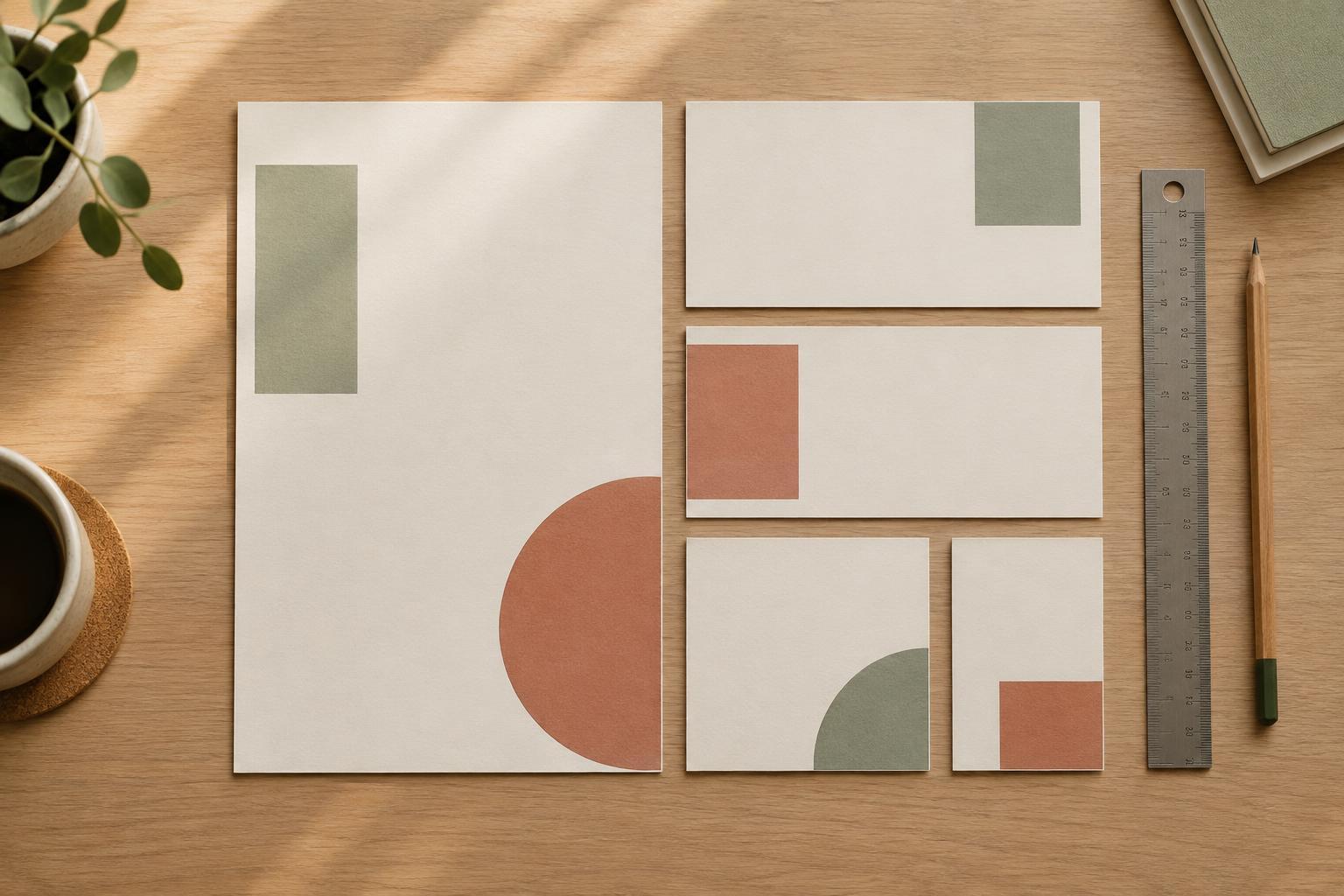
Layout and TypographyAlignment gives the eye a path through a design. Learn how to use shared edges, consistent spacing and a simple grid to make presentations, planners and social graphics easier to scan.
Read article · 4 min↗
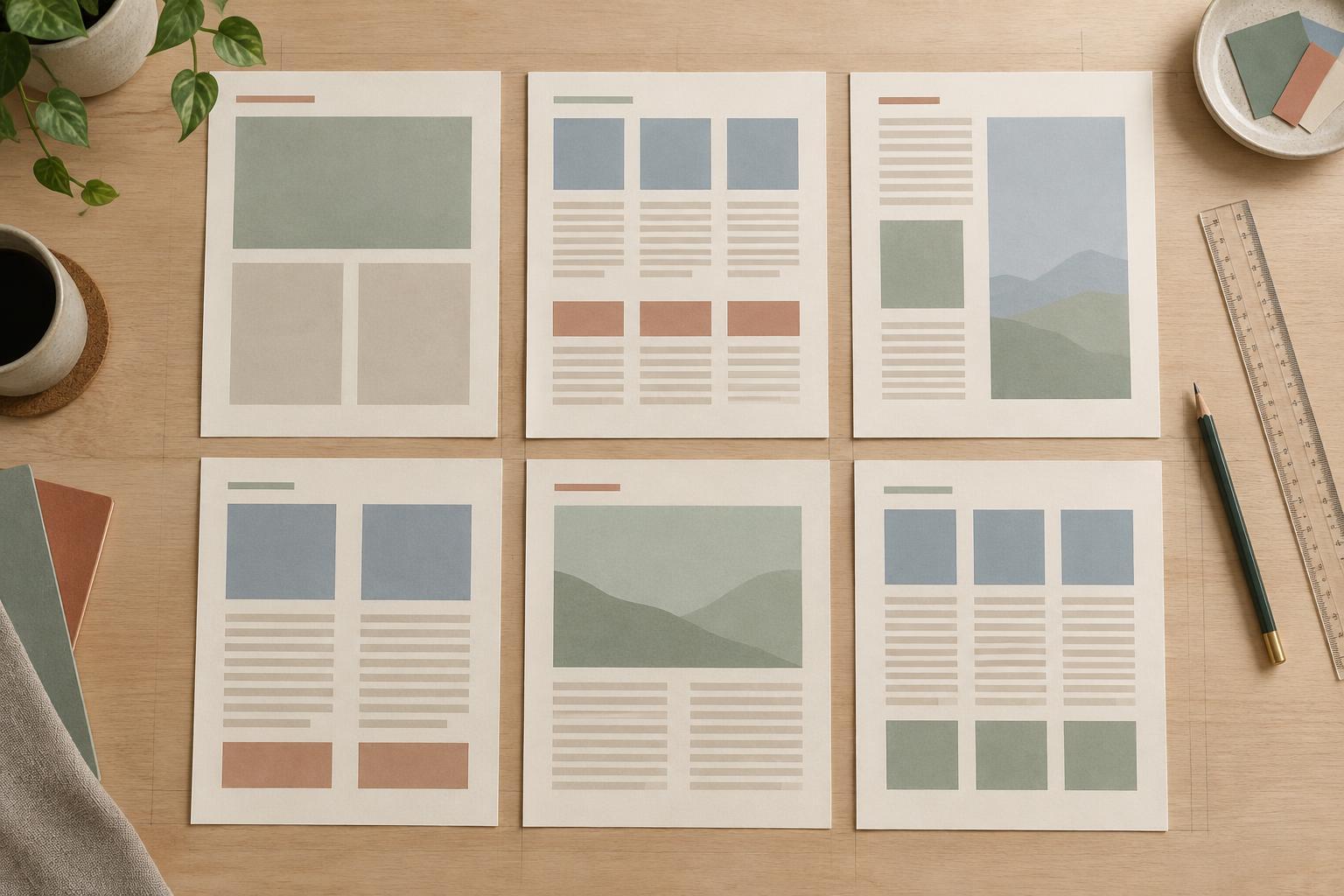
Layout and TypographyA grid gives text, images and other elements a shared structure. Learn how to set margins, columns and spacing, then use them to create pages that feel connected without making every page look the same.
Read article · 4 min↗
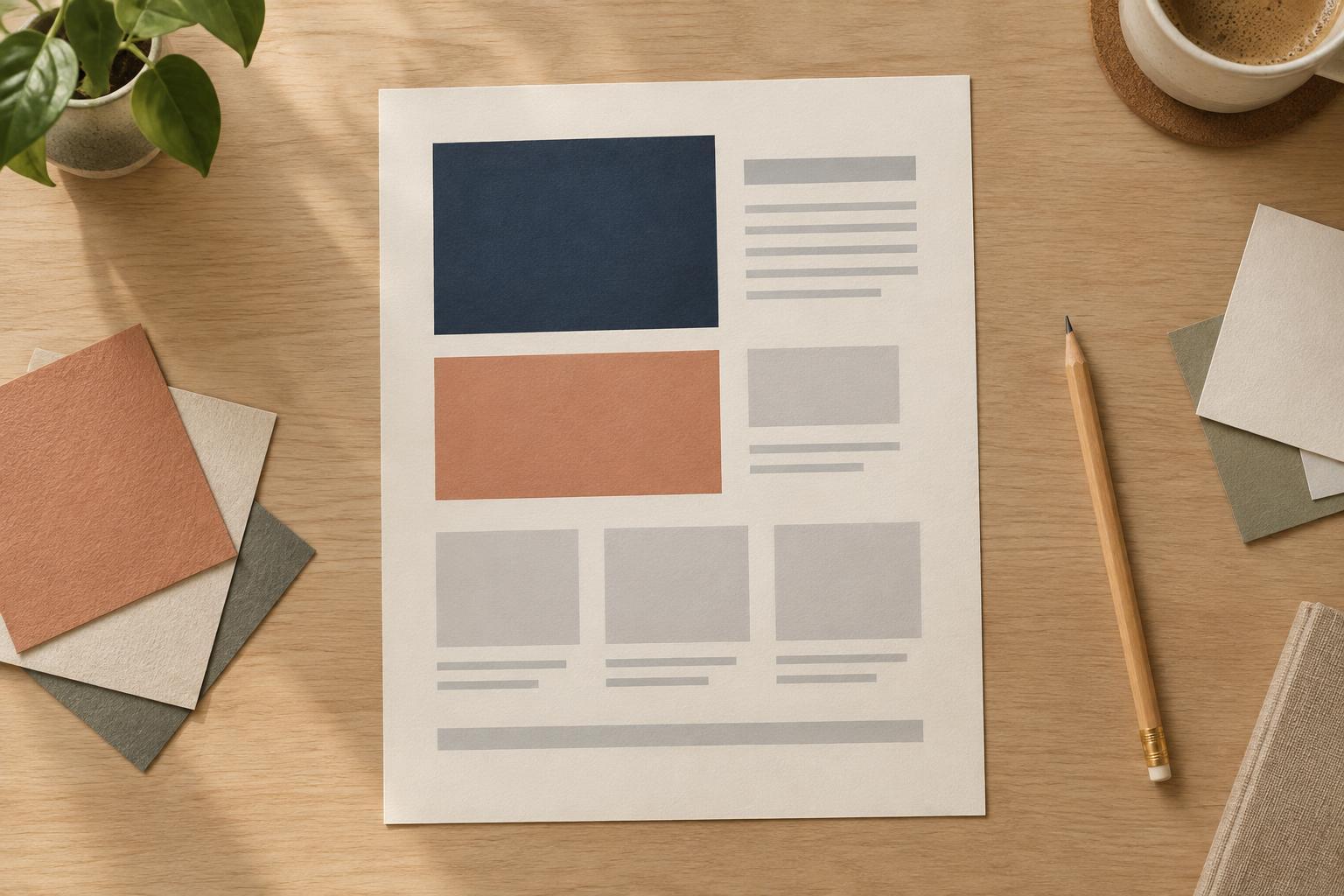
Layout and TypographyVisual hierarchy helps readers see what matters first and where to look next. Learn how to use size, type weight, and placement together to make presentations, planners, and digital graphics easier to scan.
Read article · 4 min↗
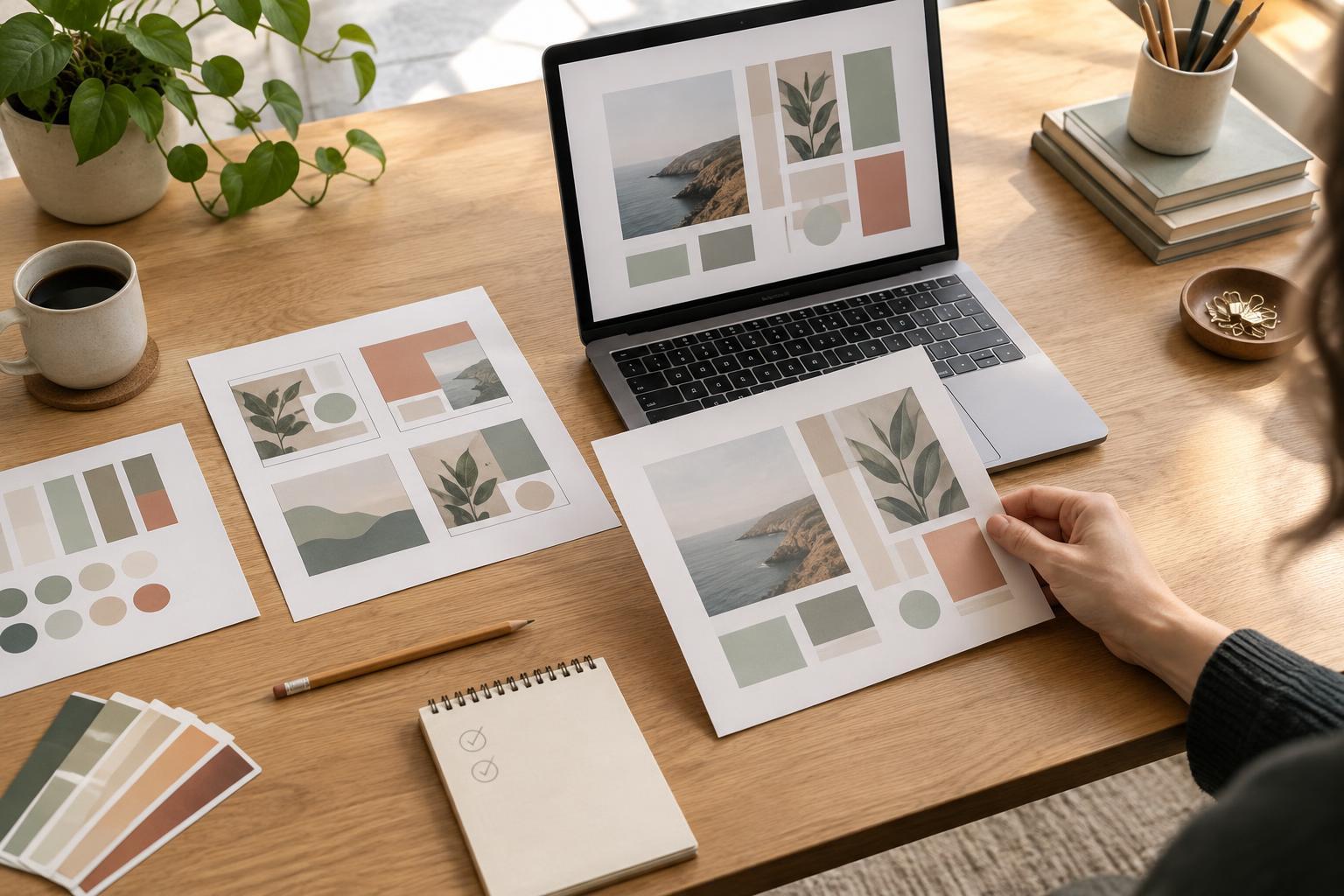
Design WorkflowsA finished presentation, planner or social graphic can teach you a great deal about your process. Use a short project review to identify what worked, find avoidable friction and make one or two practical changes before the next brief.
Read article · 4 min↗
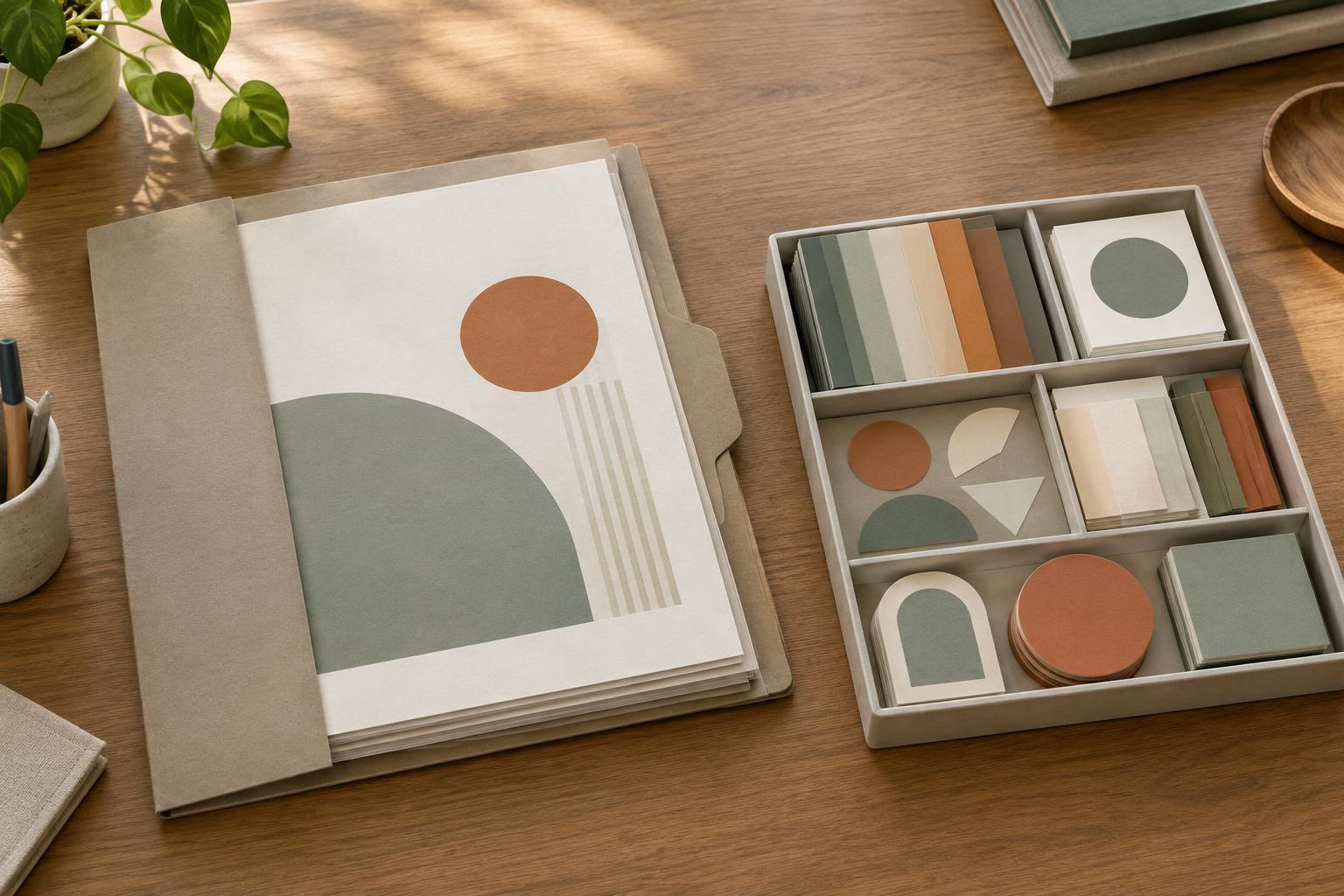
Design WorkflowsA finished presentation, planner or social graphic may contain useful layouts, color choices and components. Learn how to store the completed work separately from reusable materials so you can find both when you need them.
Read article · 4 min↗
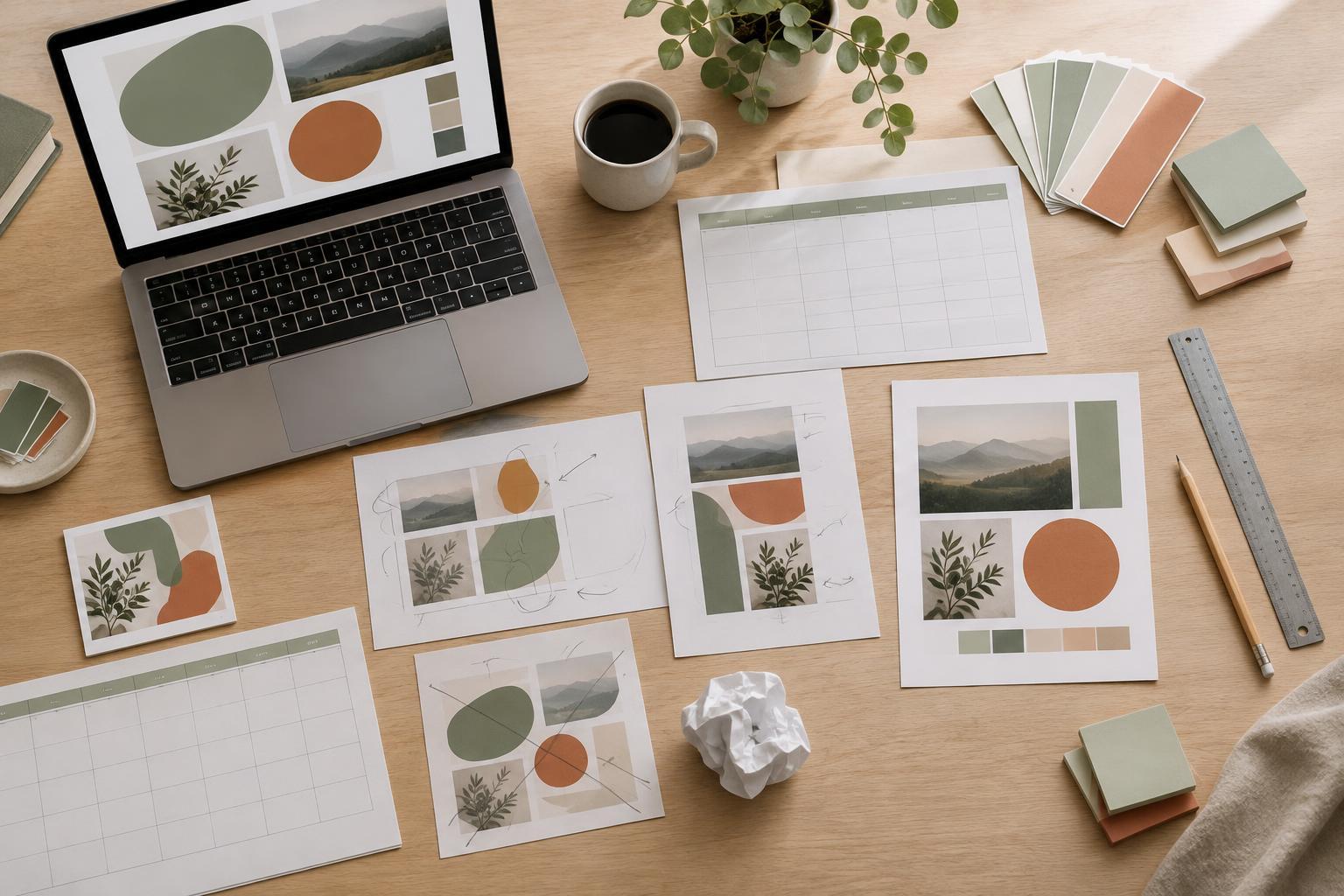
Design WorkflowsA design can look nearly finished and still need hours of avoidable revisions. Learn how clearer requirements, earlier content checks, reusable rules, and final-format testing can make presentations, planners, and social graphics easier to complete.
Read article · 4 min↗
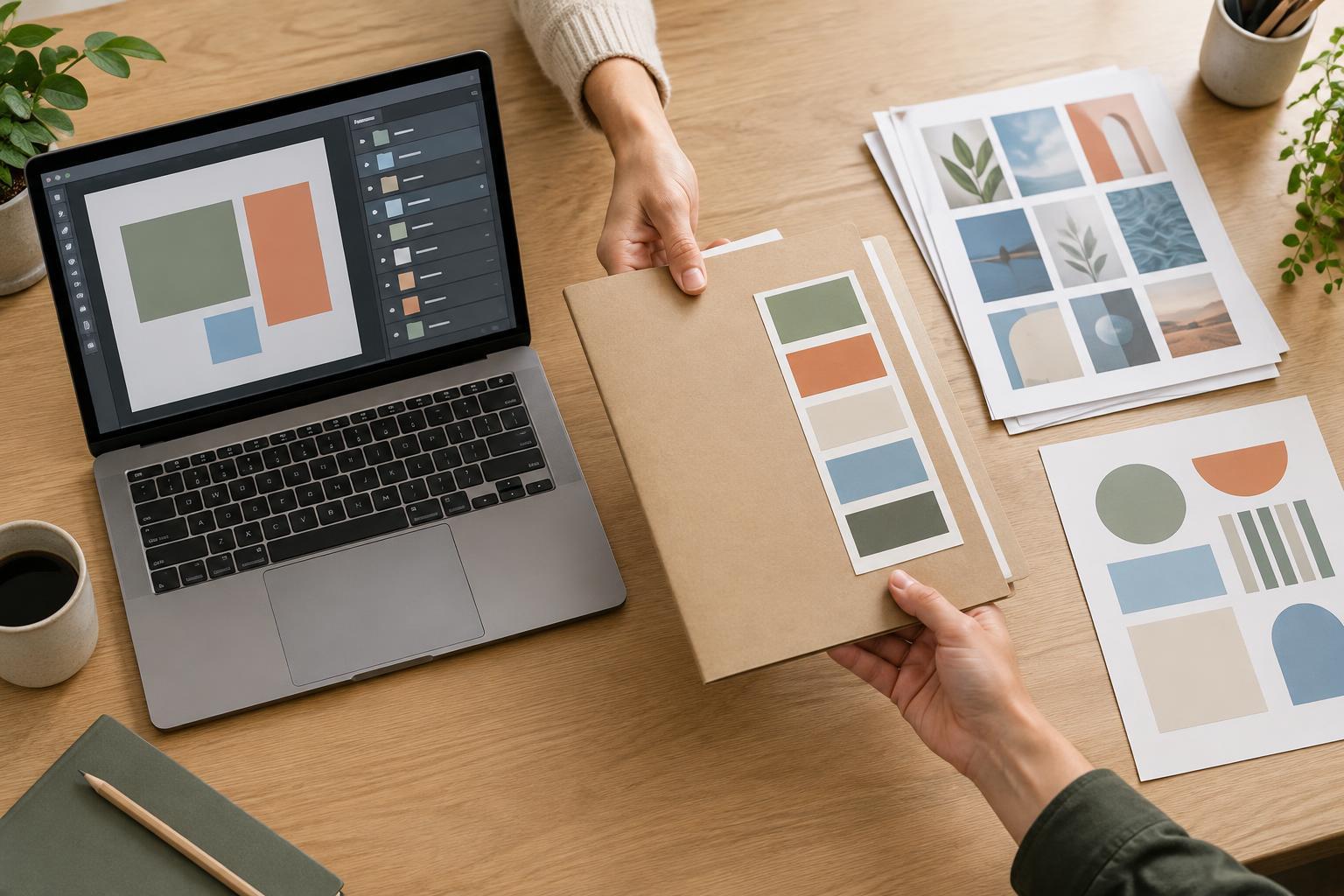
Design WorkflowsA useful design handoff is more than an editable file. Learn how to organize layers, prepare assets, explain what can change, and test the package before sending it.
Read article · 4 min↗

Design WorkflowsA finished design can change when it leaves the editor. Use this practical review process to check exported presentations, printables, and social graphics for missing content, layout shifts, readability, and file mix-ups before anyone else sees them.
Read article · 4 min↗
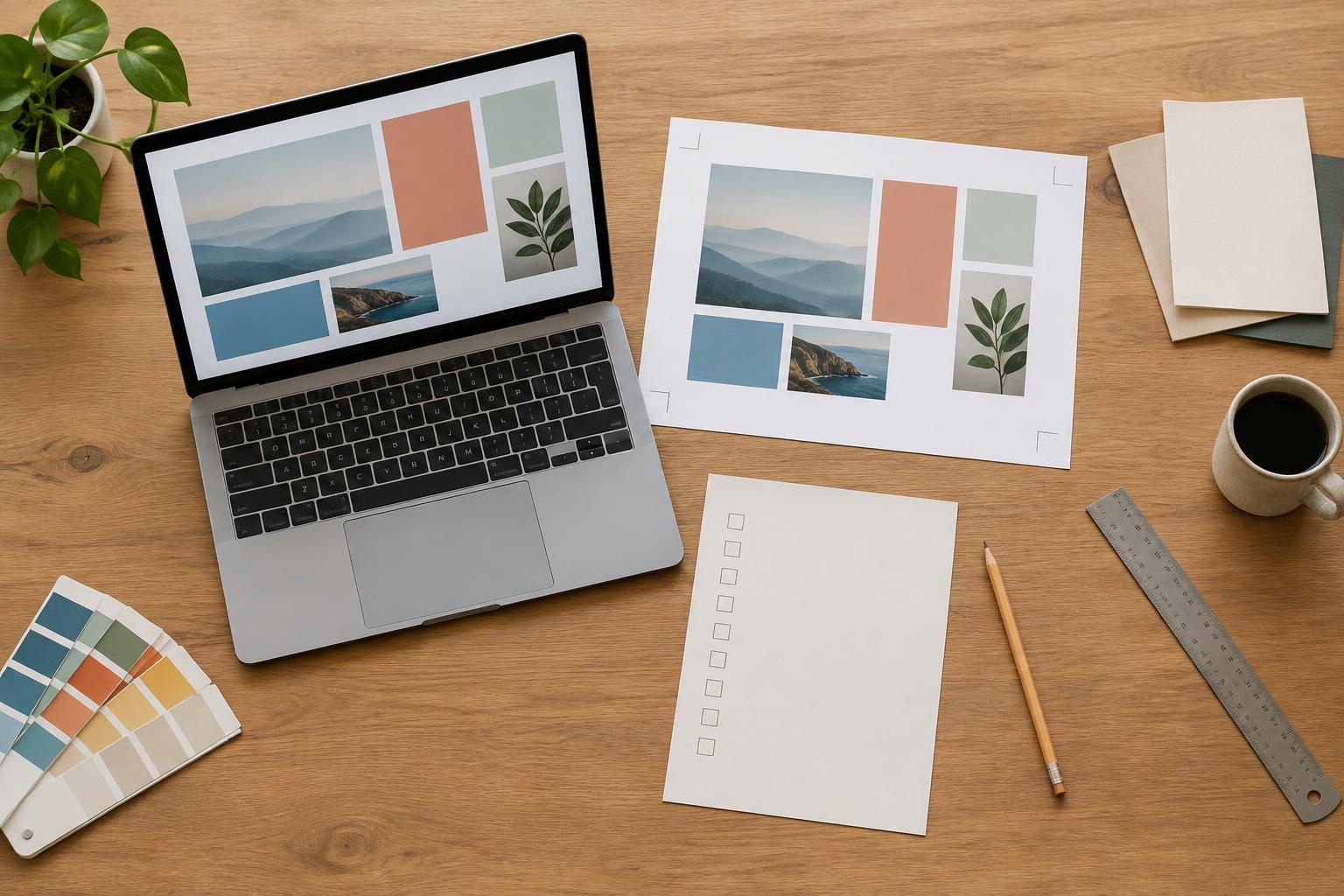
Design WorkflowsA pre-export checklist catches small mistakes before they become blurry graphics, awkward print margins or confusing file versions. Build a reusable process that covers content, layout, format-specific settings and a final check of the exported file.
Read article · 4 min↗
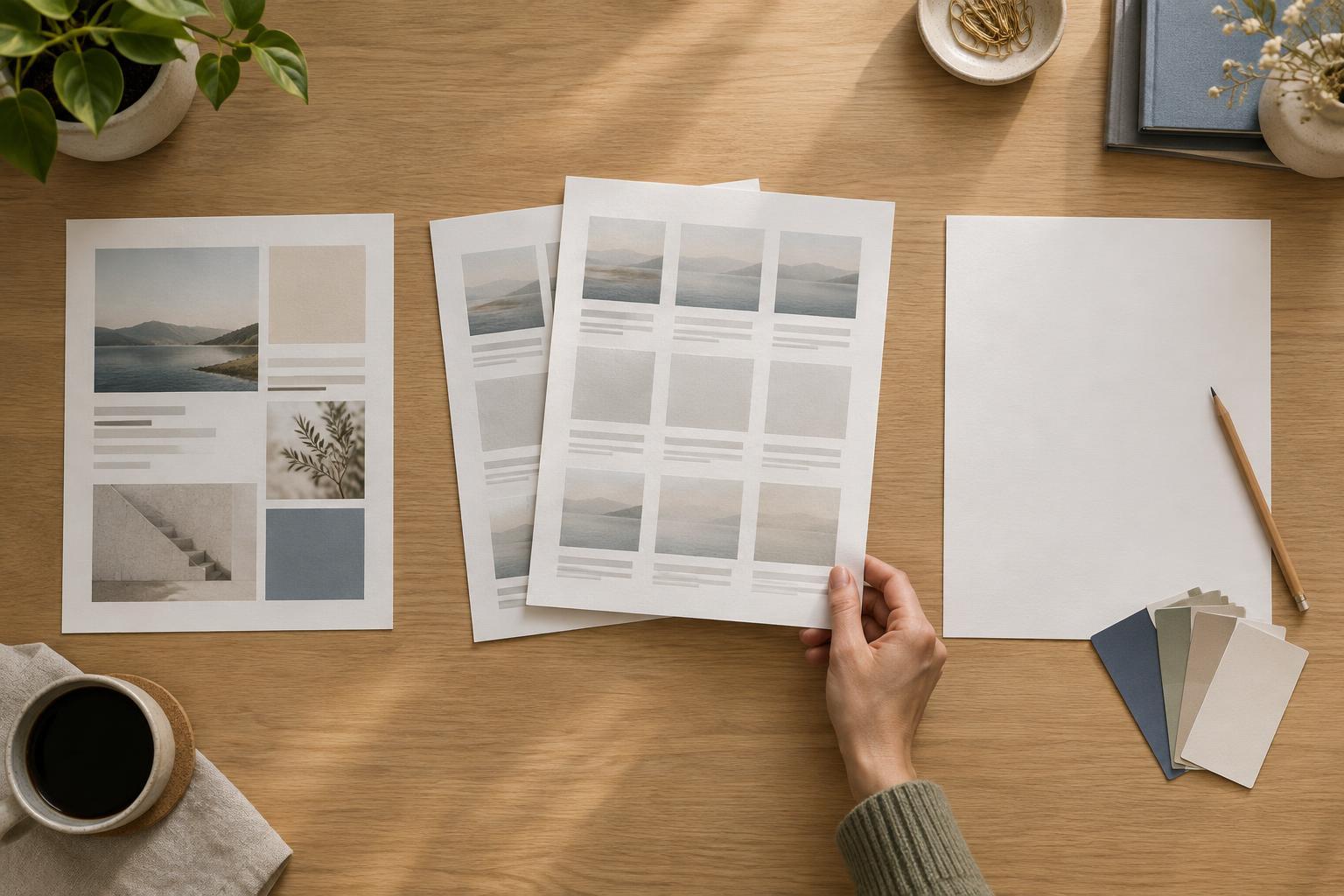
Design WorkflowsA template, an old project, and a blank canvas each solve a different problem. Learn how to choose a starting point for presentations, planners, and social graphics without carrying over a layout that no longer fits.
Read article · 4 min↗
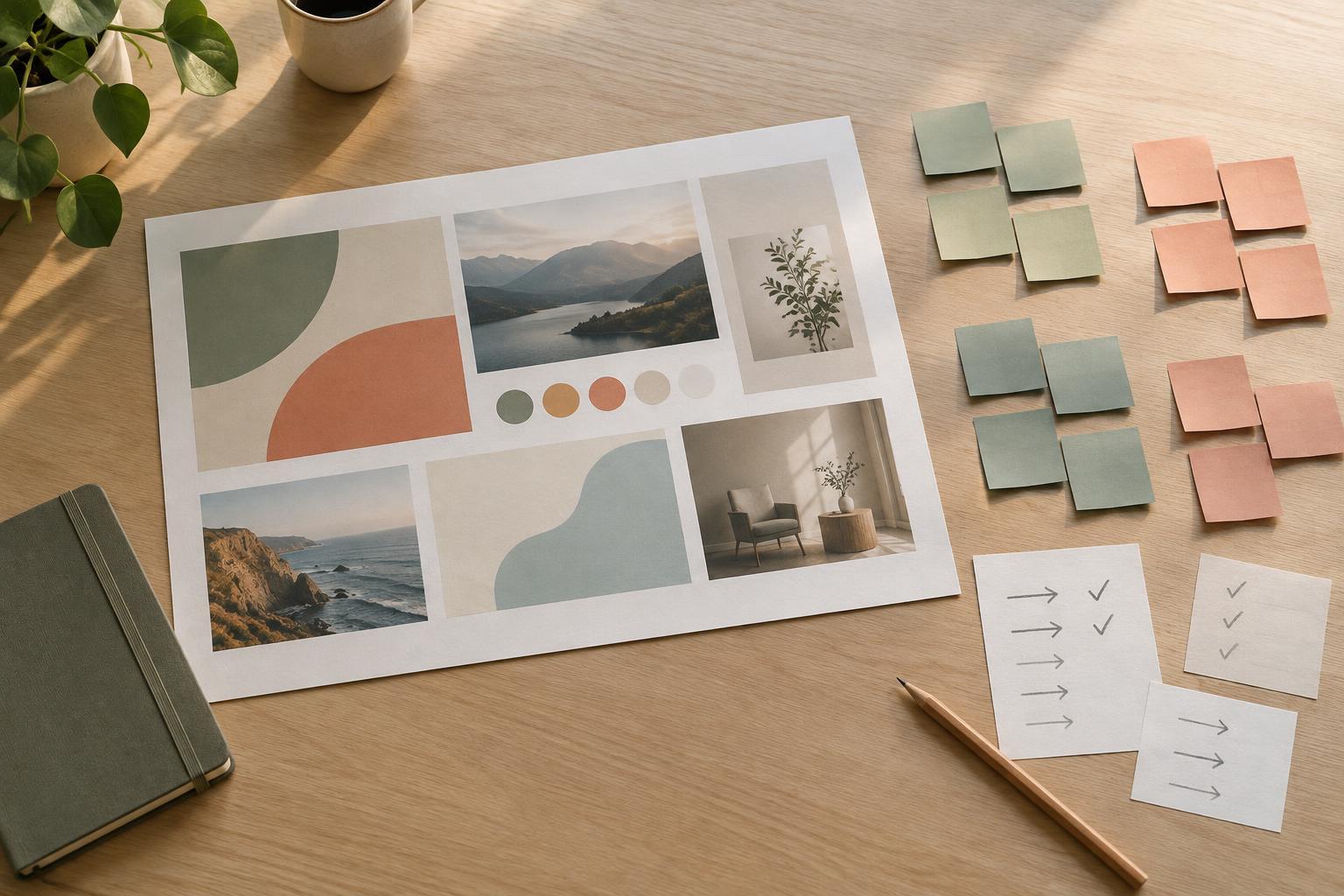
Design WorkflowsWhen reviewers disagree, editing immediately can create more confusion. Learn a simple workflow for grouping comments, checking them against the design’s purpose, resolving trade-offs and making revisions in a useful order.
Read article · 4 min↗
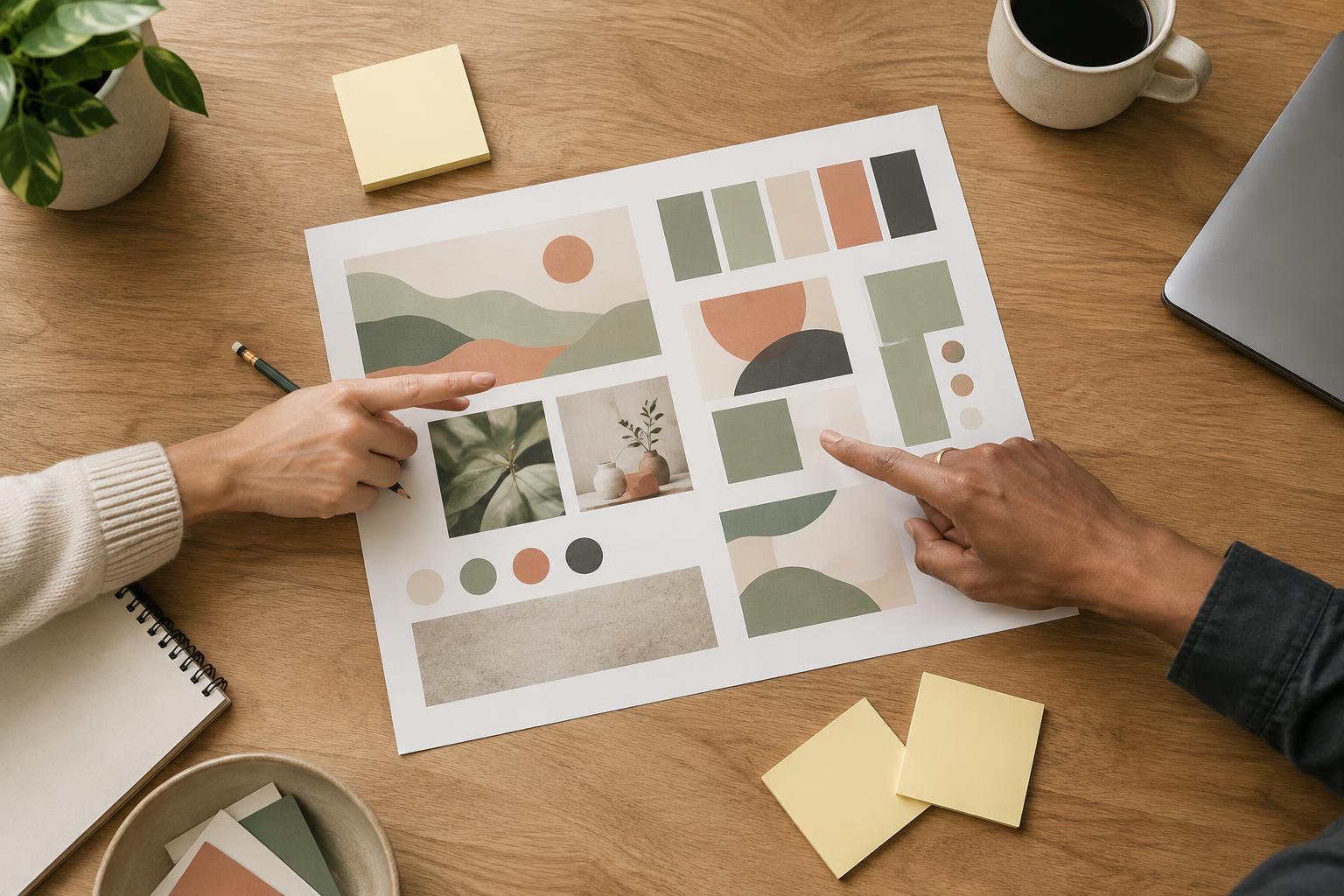
Design WorkflowsA useful design review starts before anyone comments on the draft. Learn how to share the right context, ask focused questions, and turn feedback on presentations, planners, and social graphics into clear next steps.
Read article · 4 min↗
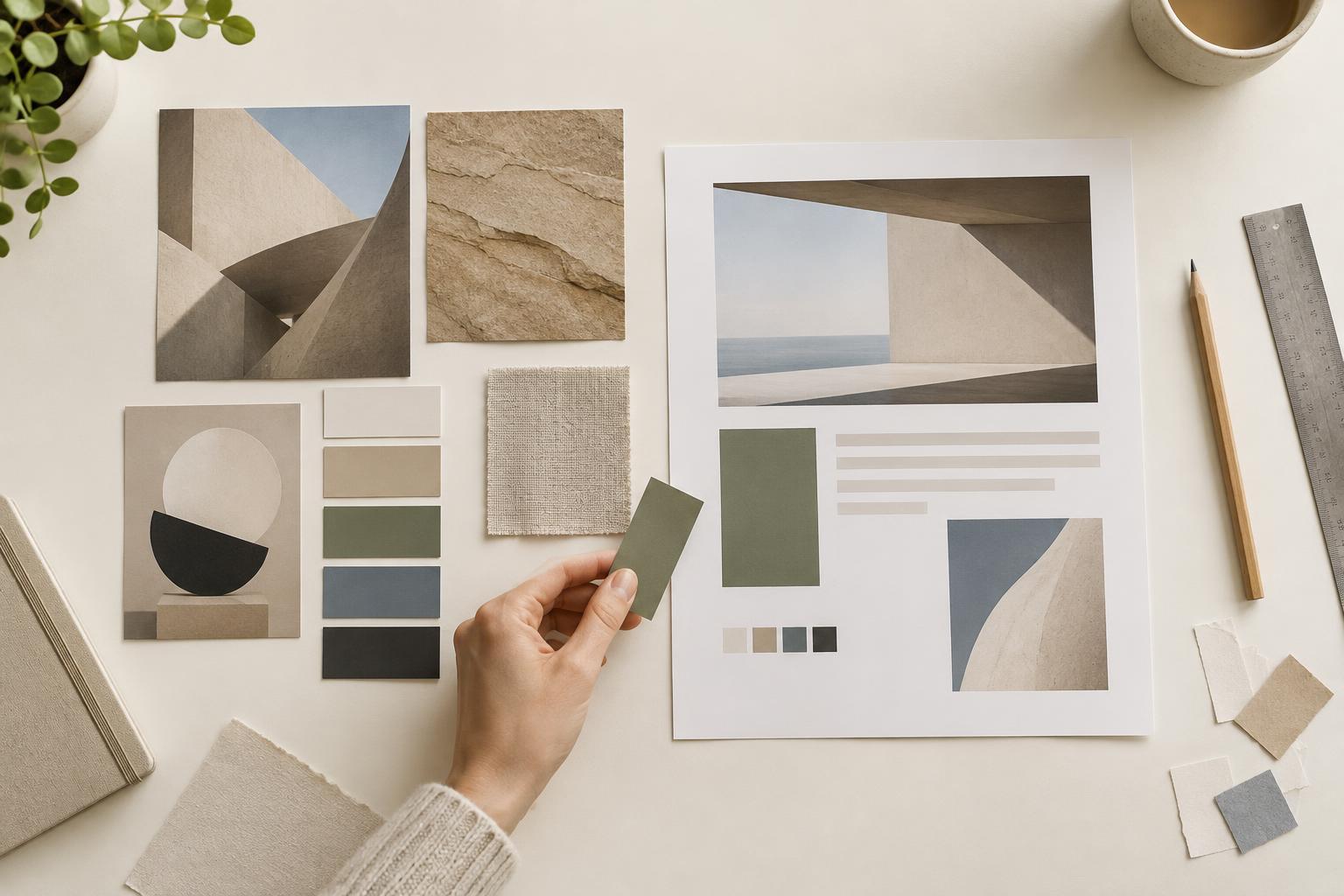
Design WorkflowsA useful mood board does more than collect attractive images. Learn how to build a small, purposeful board, translate it into design rules, and move from inspiration to a working layout.
Read article · 4 min↗
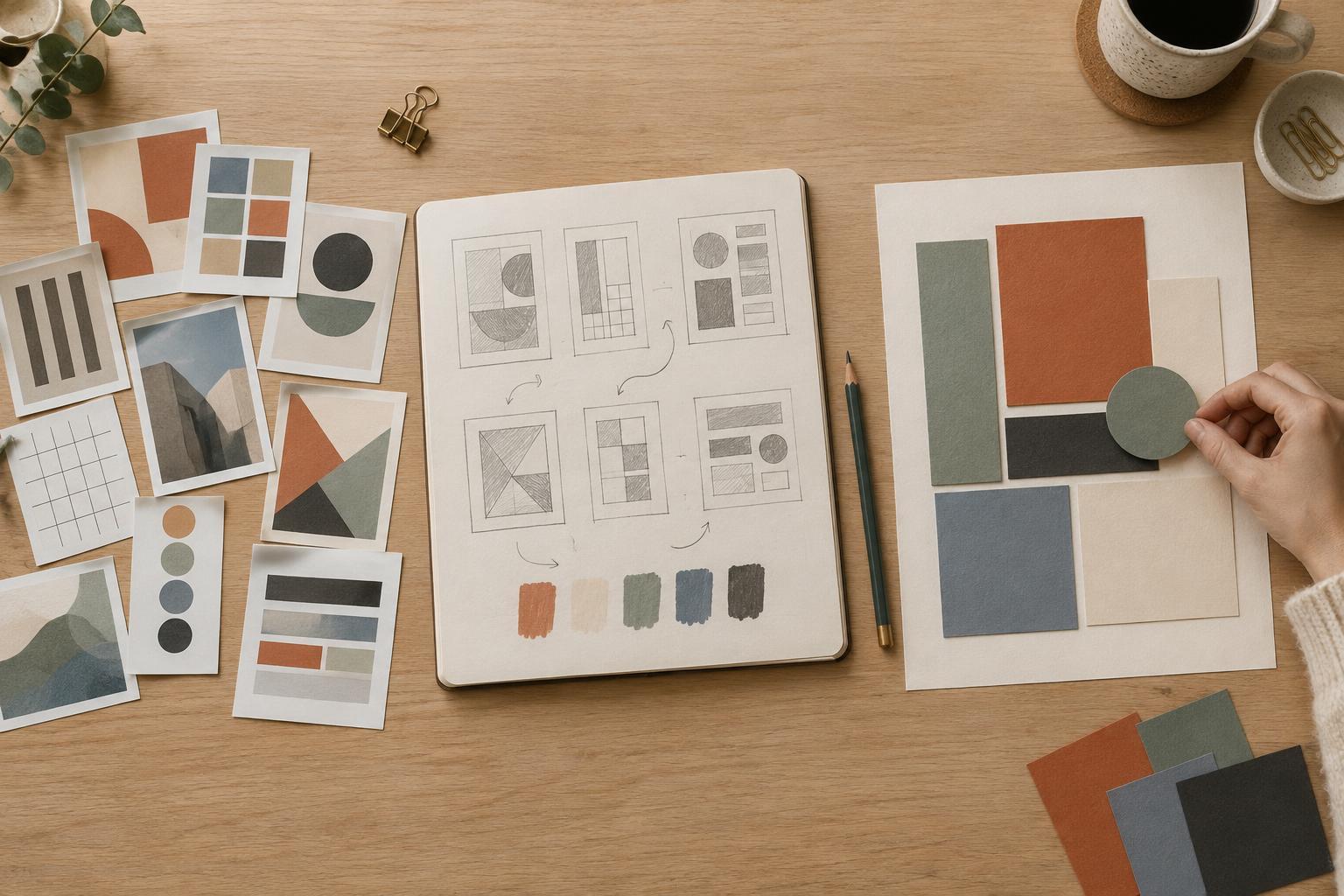
Design WorkflowsA good reference collection helps you make decisions, not reproduce someone else’s work. Learn how to save examples with a purpose, identify the design principles behind them, and turn those observations into original presentations, printables, and social graphics.
Read article · 4 min↗
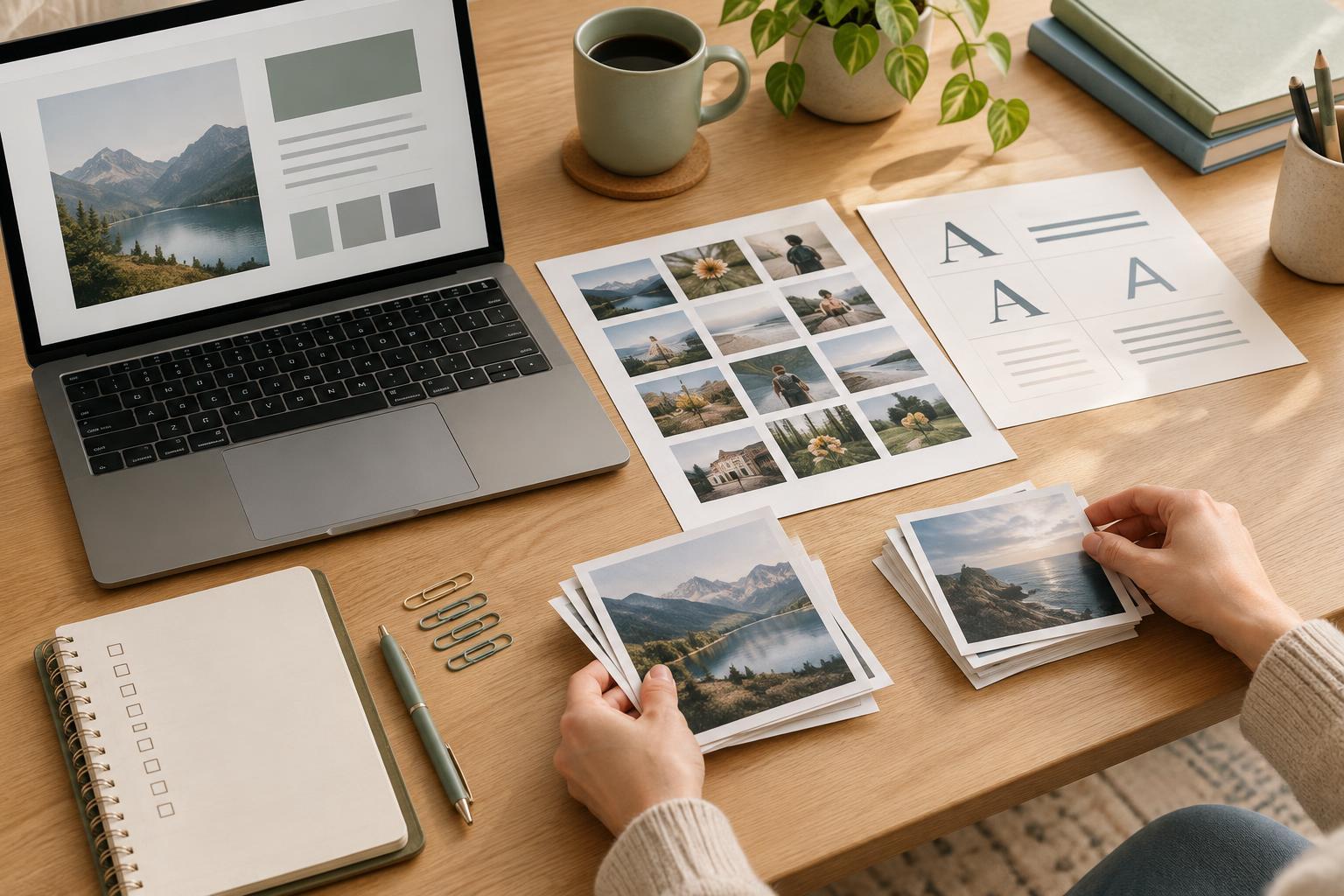
Design WorkflowsA polished design is easier to publish when you know where its images and fonts came from and what you are allowed to do with them. Use this repeatable workflow to check licenses, record decisions and catch usage questions before you share a presentation, printable or social graphic.
Read article · 4 min↗
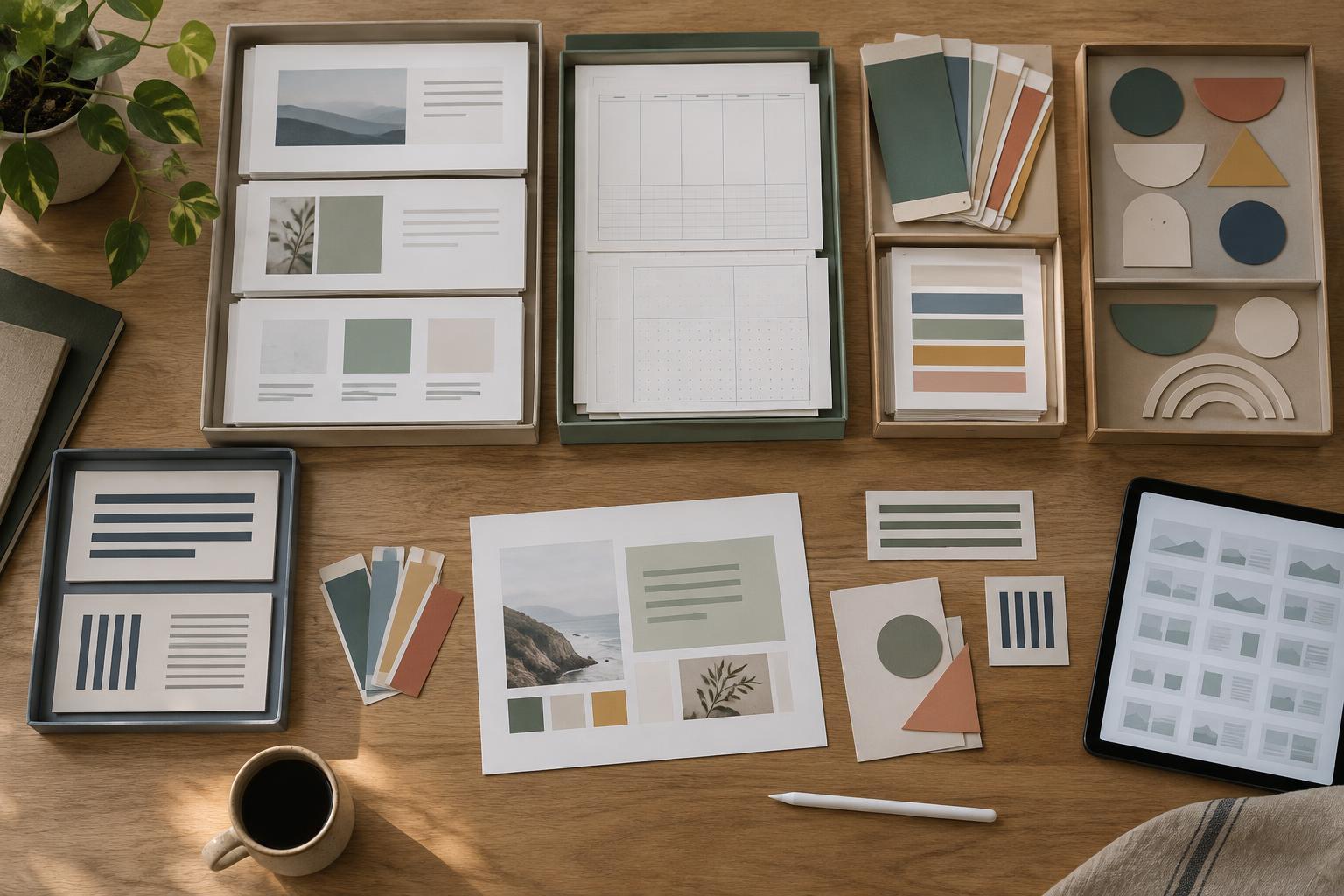
Design WorkflowsA reusable asset library can make recurring presentations, planners and social graphics easier to produce without making every project look identical. Learn how to collect, organize, document and maintain the design elements you use most.
Read article · 4 min↗
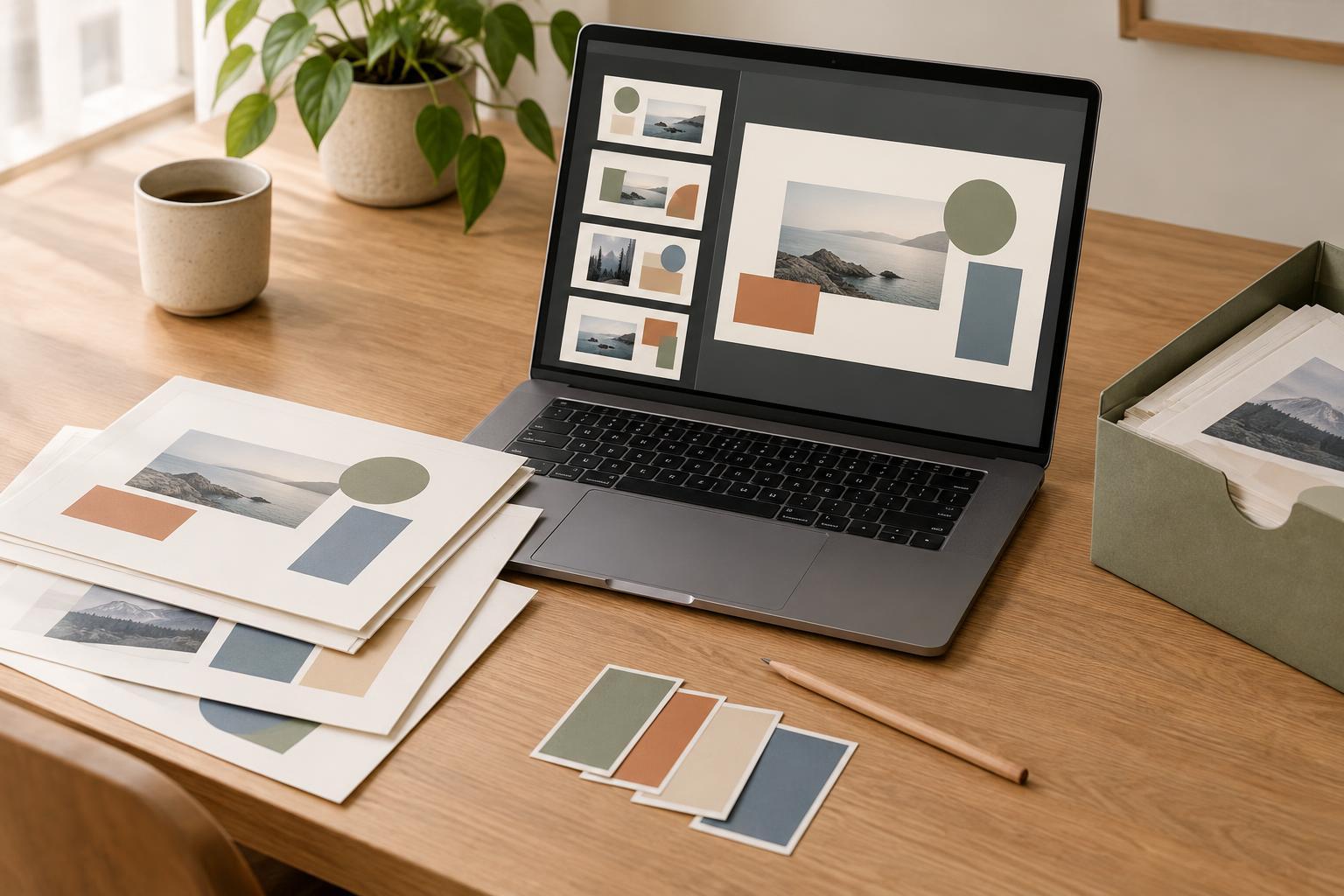
Design WorkflowsA simple versioning system helps you try new layouts, respond to feedback, and find an earlier design when you need it. Learn how to name files, save checkpoints, record decisions, and keep your project folder manageable.
Read article · 4 min↗
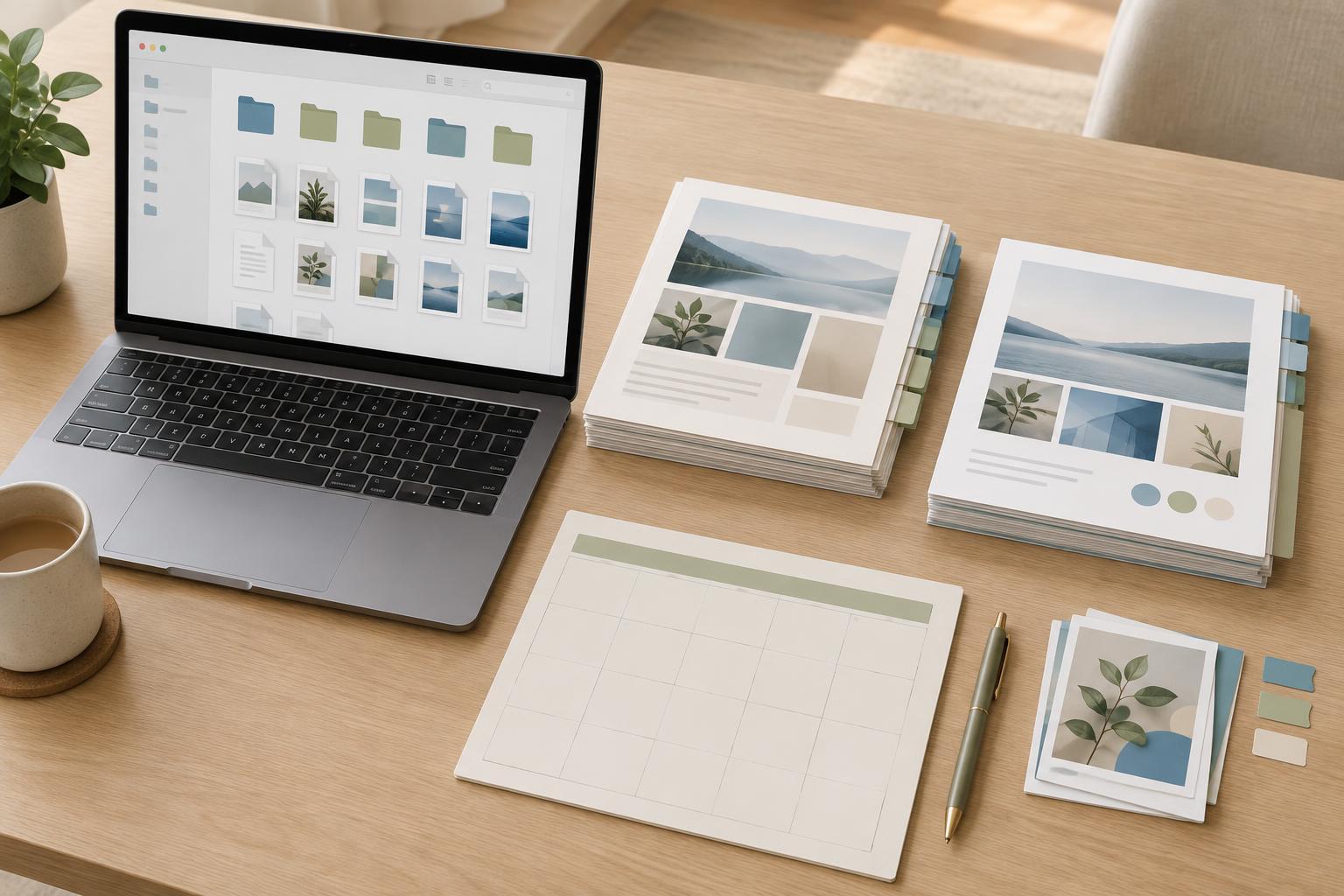
Design WorkflowsA consistent file name can tell you what a design contains, which version it is, and whether it is ready to share. Use these practical rules to keep presentation, planner, and social graphic projects searchable without building a complicated system.
Read article · 4 min↗
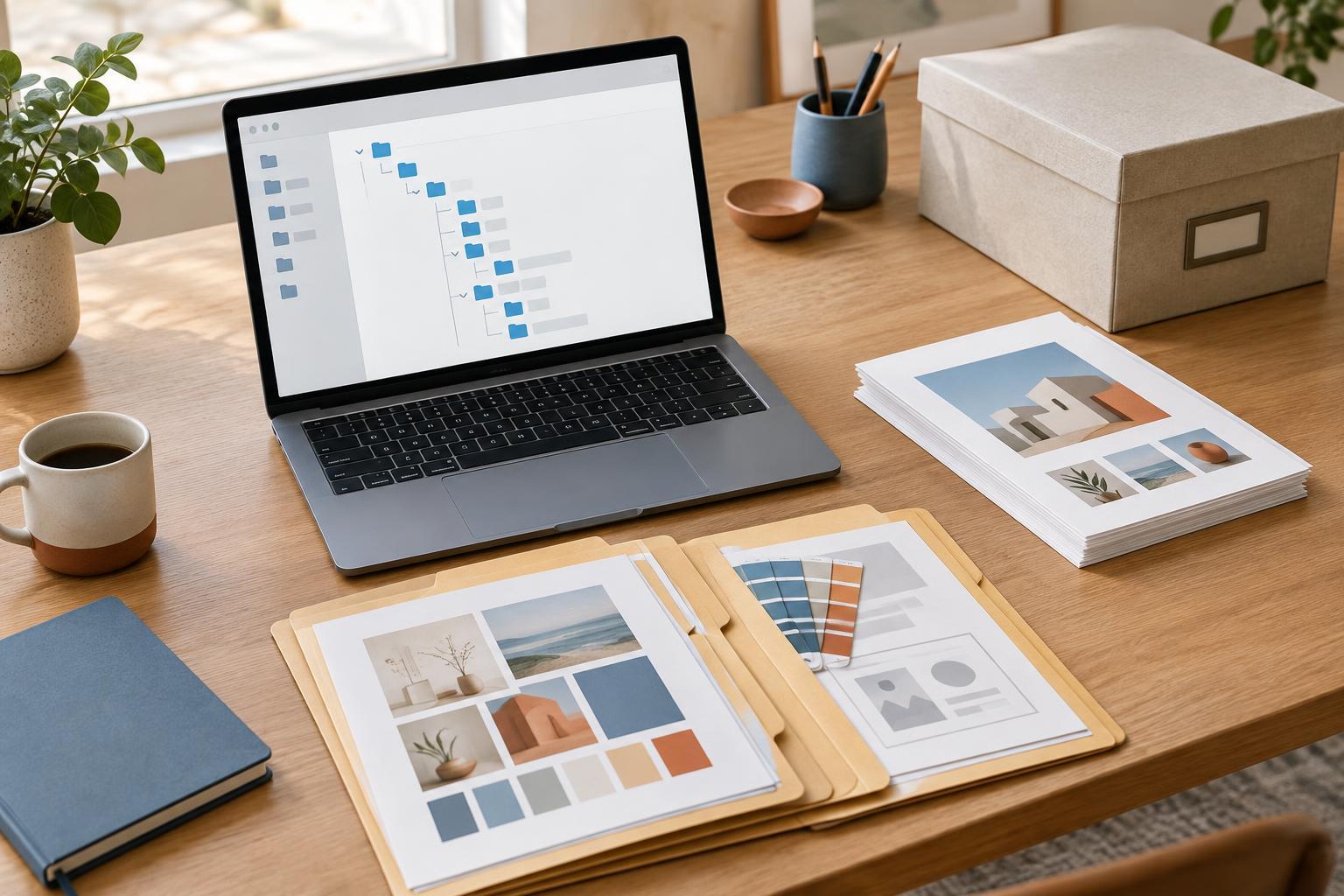
Design WorkflowsA practical folder system for presentations, printables and social graphics. Learn where to keep source files, assets, exports and older versions so you can find what you need without digging through a crowded desktop.
Read article · 4 min↗
Design WorkflowsWhen a presentation, printable planner and set of social graphics all need attention, the loudest request is not always the most important. A simple priority system can help you identify blockers, protect focused design time and keep each project moving.
Read article · 4 min↗
Design WorkflowsA useful design schedule accounts for more than the time spent arranging elements on a page. Learn how to break a project into stages, estimate each task, plan for feedback and set milestones that make progress easy to check.
Read article · 4 min↗
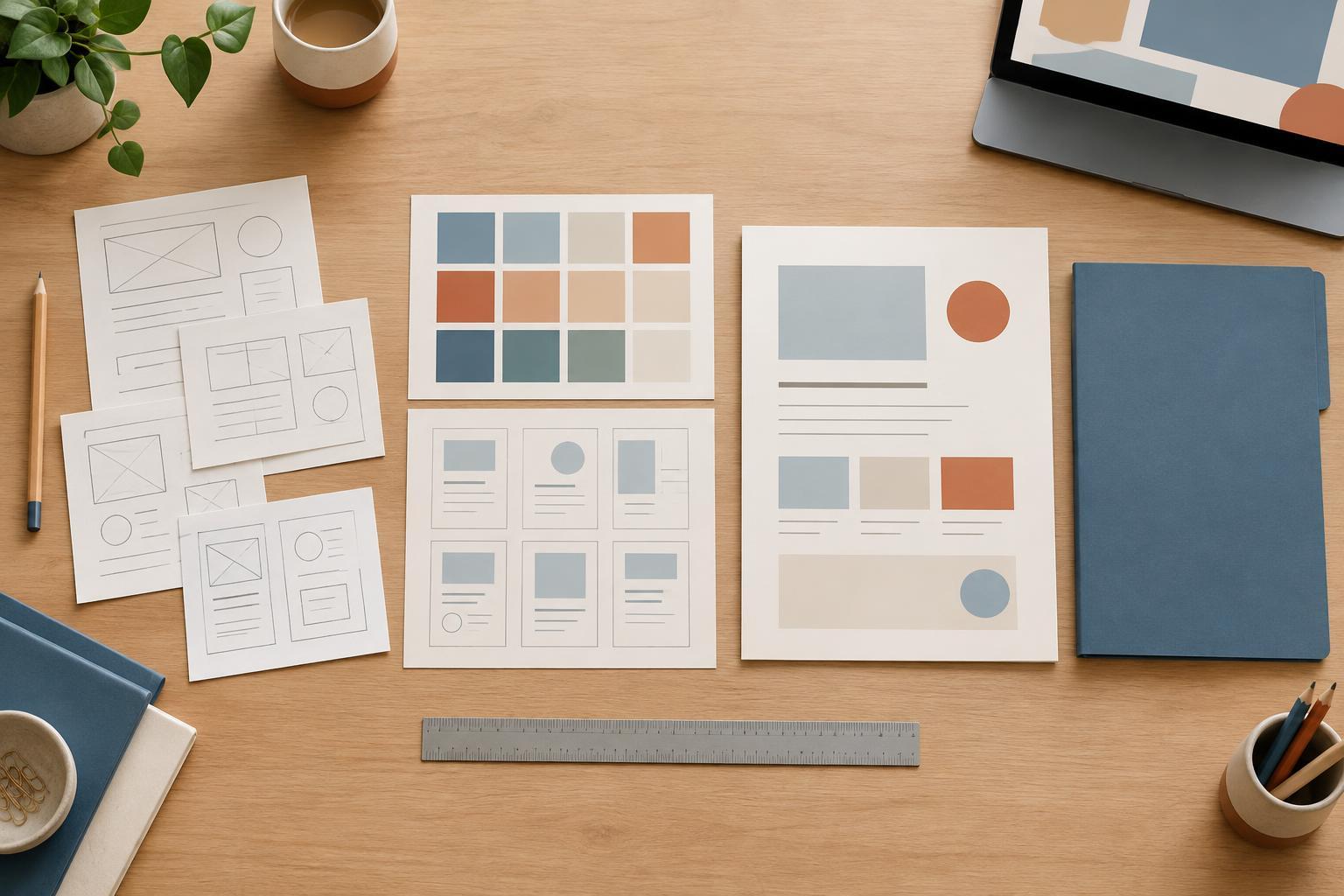
Design WorkflowsA simple design workflow can make presentations, planners and social graphics easier to create and revise. Learn how to define the job, build a rough layout, refine the details, check the finished design and prepare files for delivery.
Read article · 4 min↗
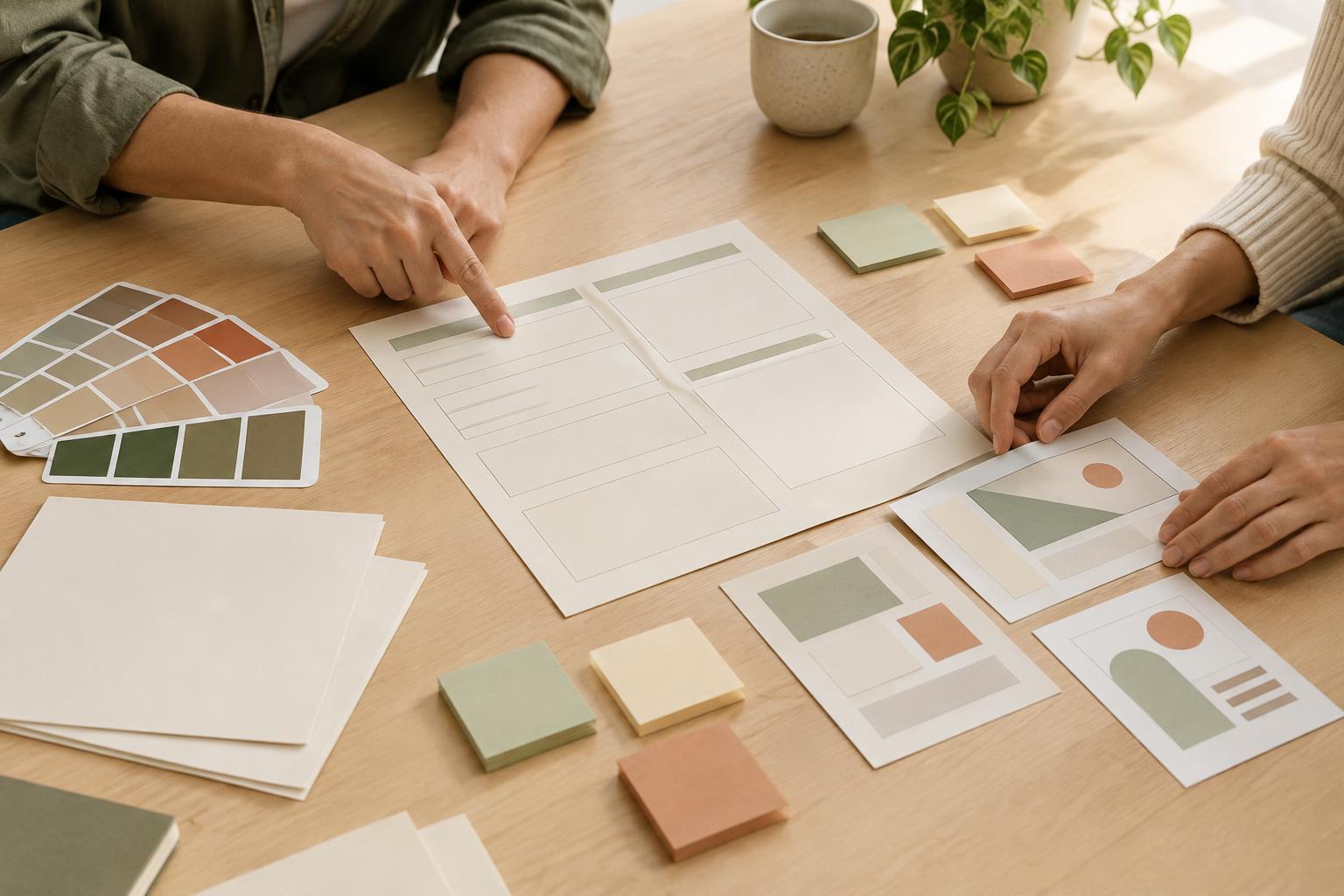
Design WorkflowsA request like “make it look polished” leaves too many decisions to guesswork. Learn how to turn loose feedback into a practical creative brief that defines the audience, message, deliverables, constraints and approval process before design work begins.
Read article · 5 min↗